Access & Setup Guide (Steam PC)
Step-by-Step Steam Account Activation:
01
Log Out: Open the official Steam desktop client on your PC and log out of your personal Steam profile.
02
Sign In: Enter the shared Steam username and password delivered to you immediately after purchase.
03
Verify Steam Guard: Contact the seller via order chat to receive your one-time Steam Guard security code immediately.
04
Download Game: Navigate to your Library tab, find Tunic, and start the installation.
05
First Launch: Run the game once online to initialize engine binaries and configure display presets.
06
Enable Offline Mode: Switch Steam to Offline Mode (Steam menu > Go Offline) to explore the mysterious wilderness privately with zero interruptions.
What You Get by Buying Tunic at a Cheap Price
Explore a Vast Isometric World
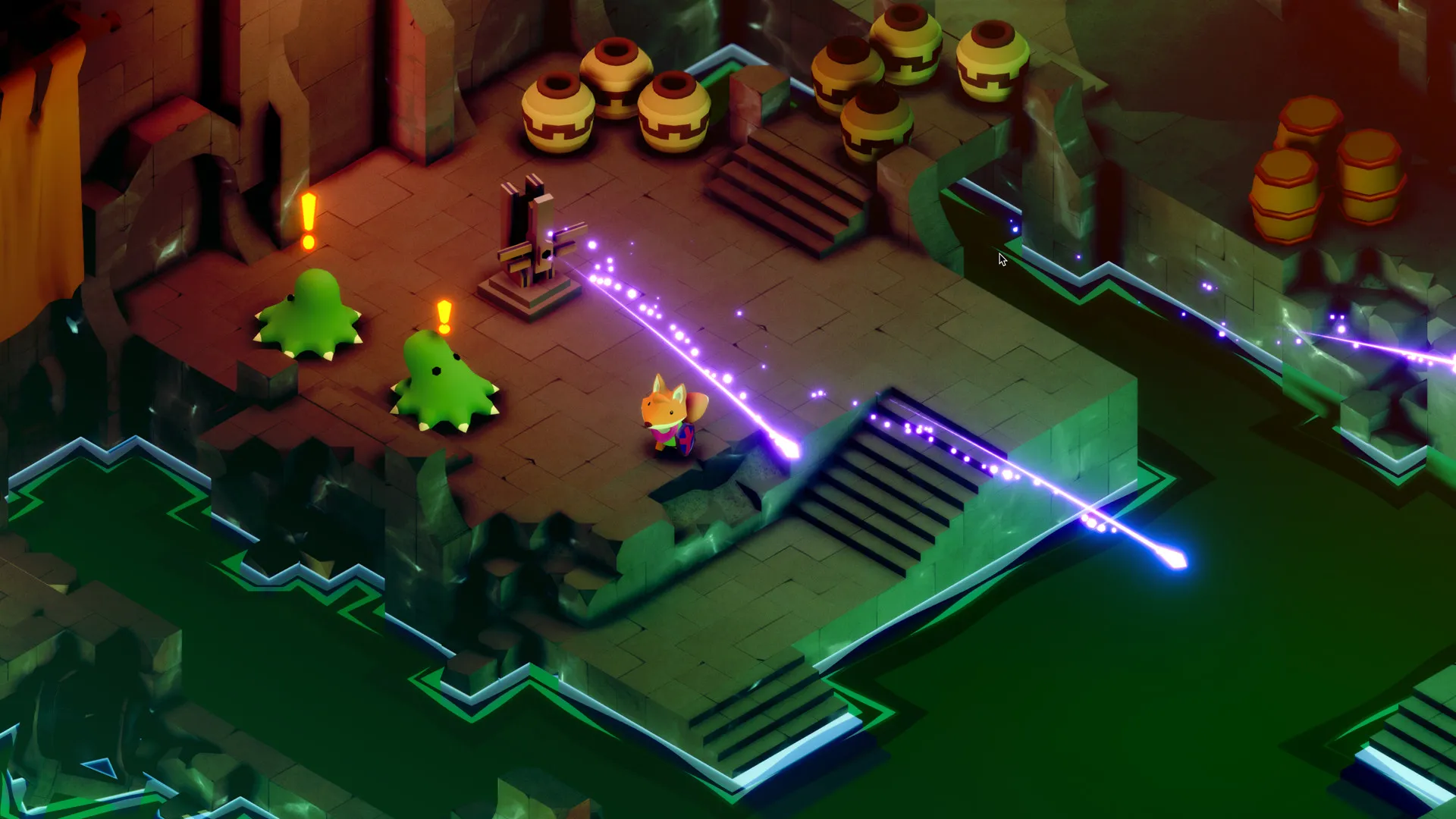
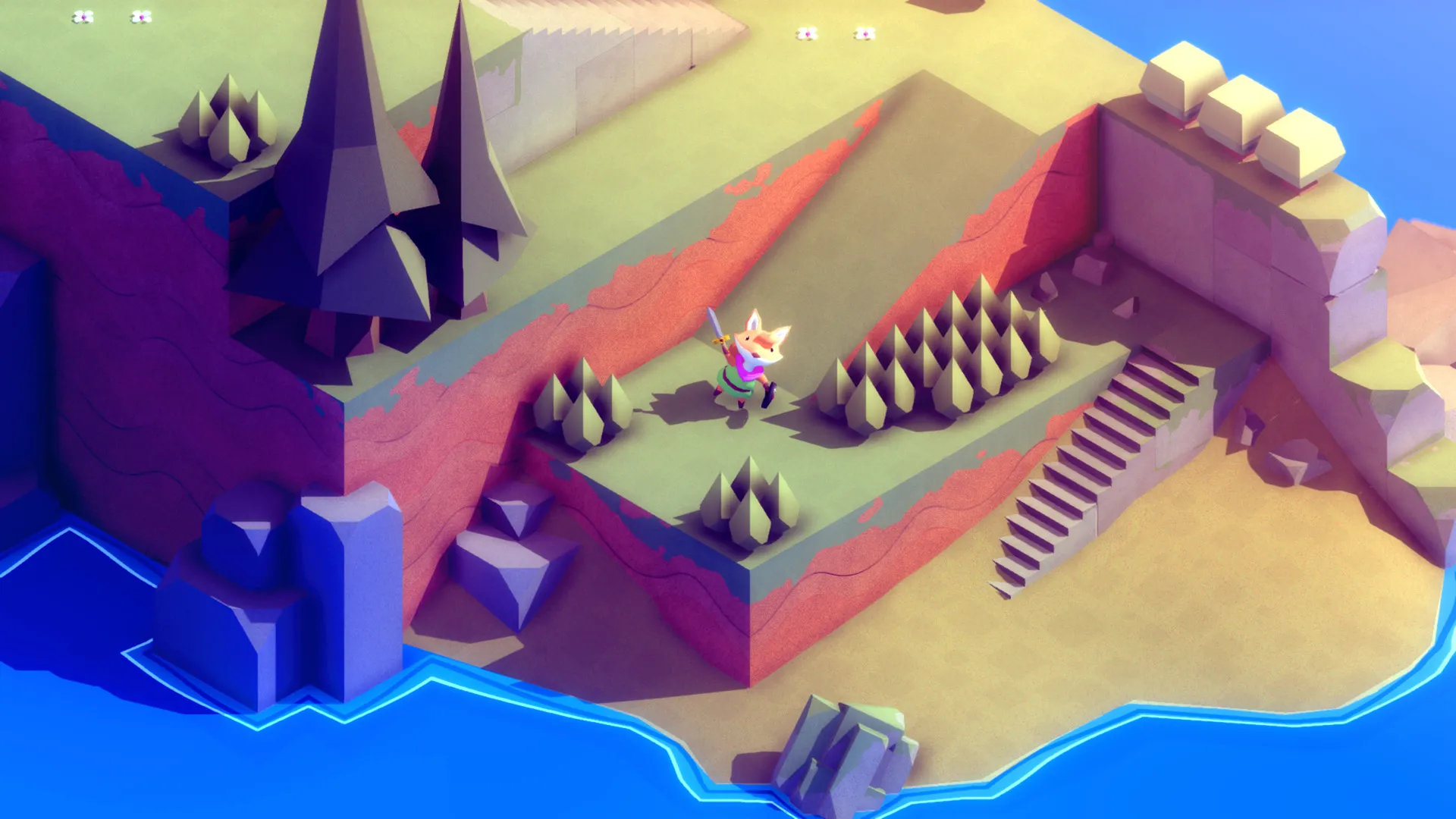
Embark on a grand adventure as a tiny fox exploring a hostile and intricate land filled with ruined legends, ancient powers, and ferocious monsters, all without paying full retail store prices.
Rebuild the In-Game Instruction Manual
Discover physical pages of a classic instruction booklet piece by piece, revealing tips, routing maps, hidden techniques, and deeply buried secrets.
Challenging Combat & Hidden Treasures
Wield a sword and shield in technical boss fights, dodge through dangerous attacks, uncover secret paths, and solve mind-bending puzzles.
An Immersive Ruined Realm Lore and Isometric Adventure Masterwork Odyssey
Immerse yourself in a critically acclaimed, brilliantly enigmatic action-adventure masterwork crafted by Andrew Shouldice and Finji. Step into the furry, courageous boots of a little fox exploring a mysterious isometric realm, where every instruction manual page collected, technical boss sword-clash survived, and secret golden path uncovered shapes an unforgettable journey of discovery and wonder.
Playtime and Campaign Duration
Prepare for an absorbing, intellectually rewarding adventure where completing the main exploration campaign and uncovering the core mysteries takes roughly 12 to 16 hours. When you factor in hunting down every hidden fairy, deciphering the game's secret language, and solving the ultimate endgame puzzles, your total playtime easily expands to 20 or over 30 hours.
Included Ruined Realm Systems & Advanced Isometric Adventure Mechanics
Instruction Manual Discovery, Technical Combat & Isometric Exploration (Fully Integrated)
Tunic pairs its acclaimed action-adventure campaign alongside a brilliantly innovative instruction manual discovery mechanic, soulslike technical combat, and deeply hidden environmental secrets.
Feature & Mechanic Highlights:
- Collectible Instruction Manual: Piece together a vintage-style paper booklet filled with handwritten notes, maps, and hints written in a cryptic language to guide your progress.
- Technical Action Combat: Engage in challenging sword-and-shield combat requiring precise dodges, stamina management, and clever item usage against fierce monsters and bosses.
- Interconnected Isometric World: Explore a sprawling 3D world viewed from a classic perspective, where shortcuts, hidden paths, and perspective shifts reveal new areas.
- Cryptic Endgame Puzzles: Uncover reality-bending secrets, audio clues, and hidden holy crosses that challenge your perception long after the credits roll.
Languages & Audio Support
Full Voiceover (Audio): Stylized / Fictional
Subtitles & Interface: English, French, German, Spanish (Spain), Japanese, Korean, Russian, Simplified Chinese, Traditional Chinese, Italian, Portuguese (Brazil)
System Requirements
| Requirement |
Minimum Specs (1080p 30 FPS Low) |
Recommended Specs (1080p 60 FPS High) |
| OS |
Windows 10 64-bit |
Windows 10 64-bit |
| Processor |
Intel i5 Quad-Core, 2.7 GHz |
Intel i5 Quad-Core, 3GHz+ |
| Memory |
8 GB RAM |
8 GB RAM |
| Graphics |
NVIDIA GeForce GTX 660 / AMD Radeon RX 460 (2GB) |
NVIDIA GeForce GTX 1060 / AMD Radeon RX 580 (4GB/6GB) |
| DirectX |
Version 11 |
Version 11 |
| Storage |
2 GB available space |
2 GB available space (SSD recommended) |
Frequently Asked Questions (FAQ)
Where can I buy Tunic cheap on PC?
You can purchase shared Steam account access directly from our digital store at a heavy discount. You get official game files, fast delivery, and full single-player action-adventure access without paying full retail price.
How to play Tunic in Steam Offline Mode?
Complete the download, launch the game once online to let Steam authenticate local binaries, exit the title, click "Steam" in the top-left menu, choose "Go Offline", and relaunch. You can now play entirely disconnected.
Will my save files be overwritten by other buyers?
No. Game saves are stored locally on your PC in your personal Steam user directory. As long as you stay in Offline Mode, your campaign progression remains completely isolated and secure.
Is this Tunic Steam account Region Free?
Yes. This account access is 100% Region Free and functions worldwide without VPN services, geographic locks, or country-specific limitations.