Access & Setup Guide (Steam PC)
Step-by-Step Steam Account Activation:
01
Log Out: Open the official Steam desktop client on your PC and log out of your personal Steam profile.
02
Sign In: Enter the shared Steam username and password delivered to you immediately after purchase.
03
Verify Steam Guard: Contact the seller via order chat to receive your one-time Steam Guard security code immediately.
04
Download Game: Navigate to your Library tab, find Age of Empires II: Definitive Edition, and start the installation.
05
First Launch: Run the game once online to initialize engine binaries and configure display presets.
06
Enable Offline Mode: Switch Steam to Offline Mode (Steam menu > Go Offline) to build your empire privately with zero interruptions.
What You Get by Buying Age of Empires II: DE at a Cheap Price
Stunning 4K Ultra HD Visuals & Remastered Audio
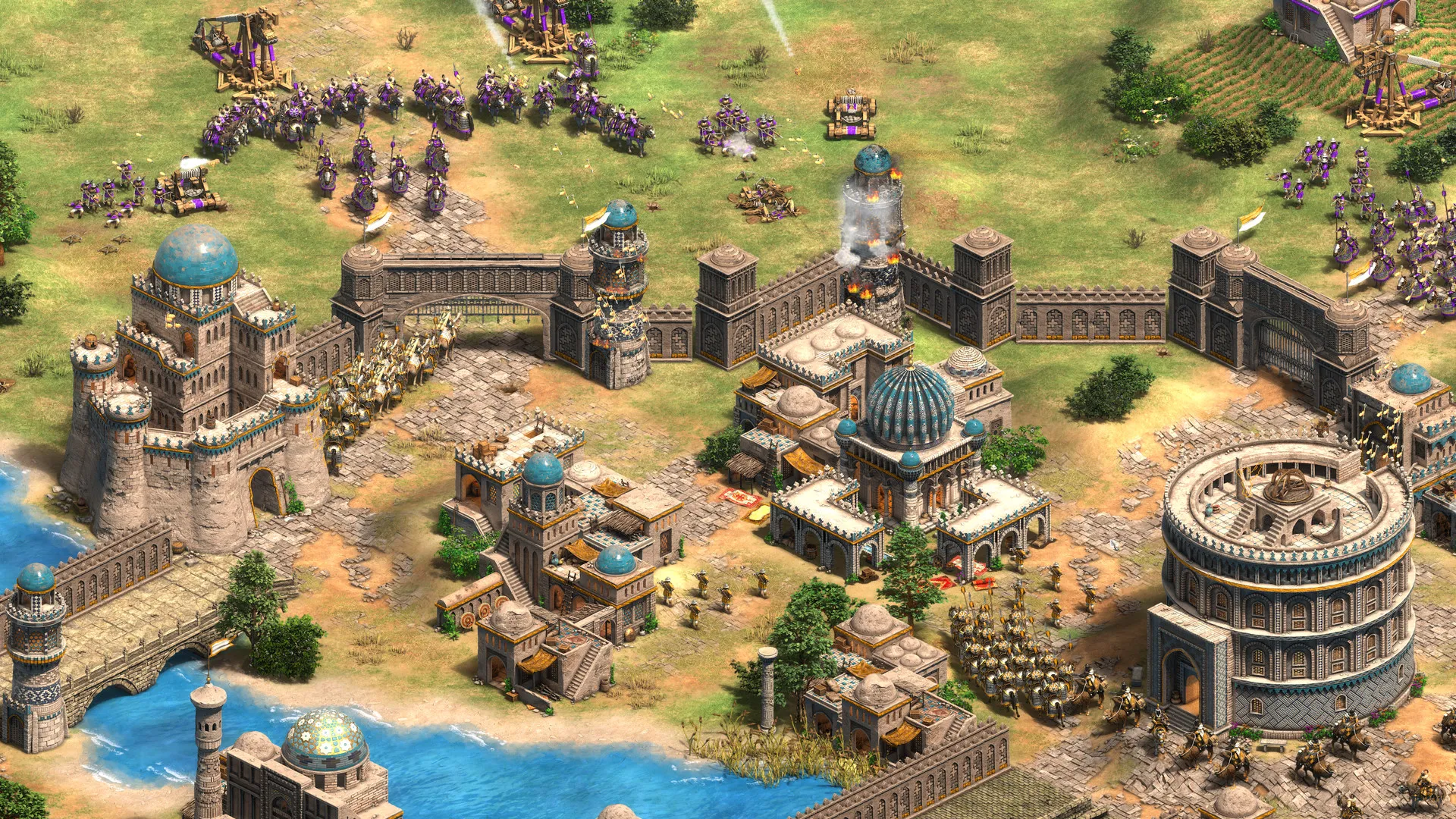
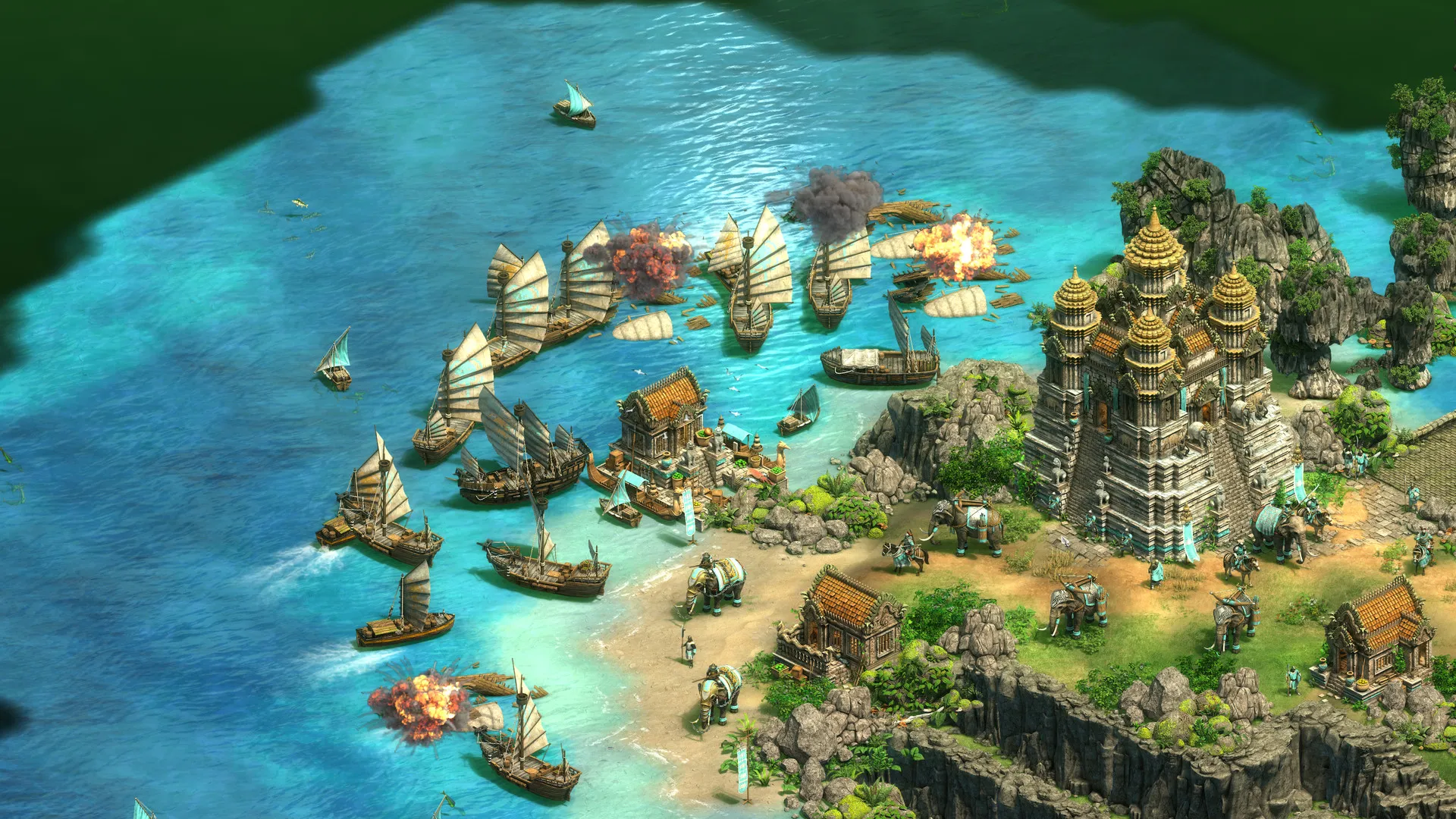
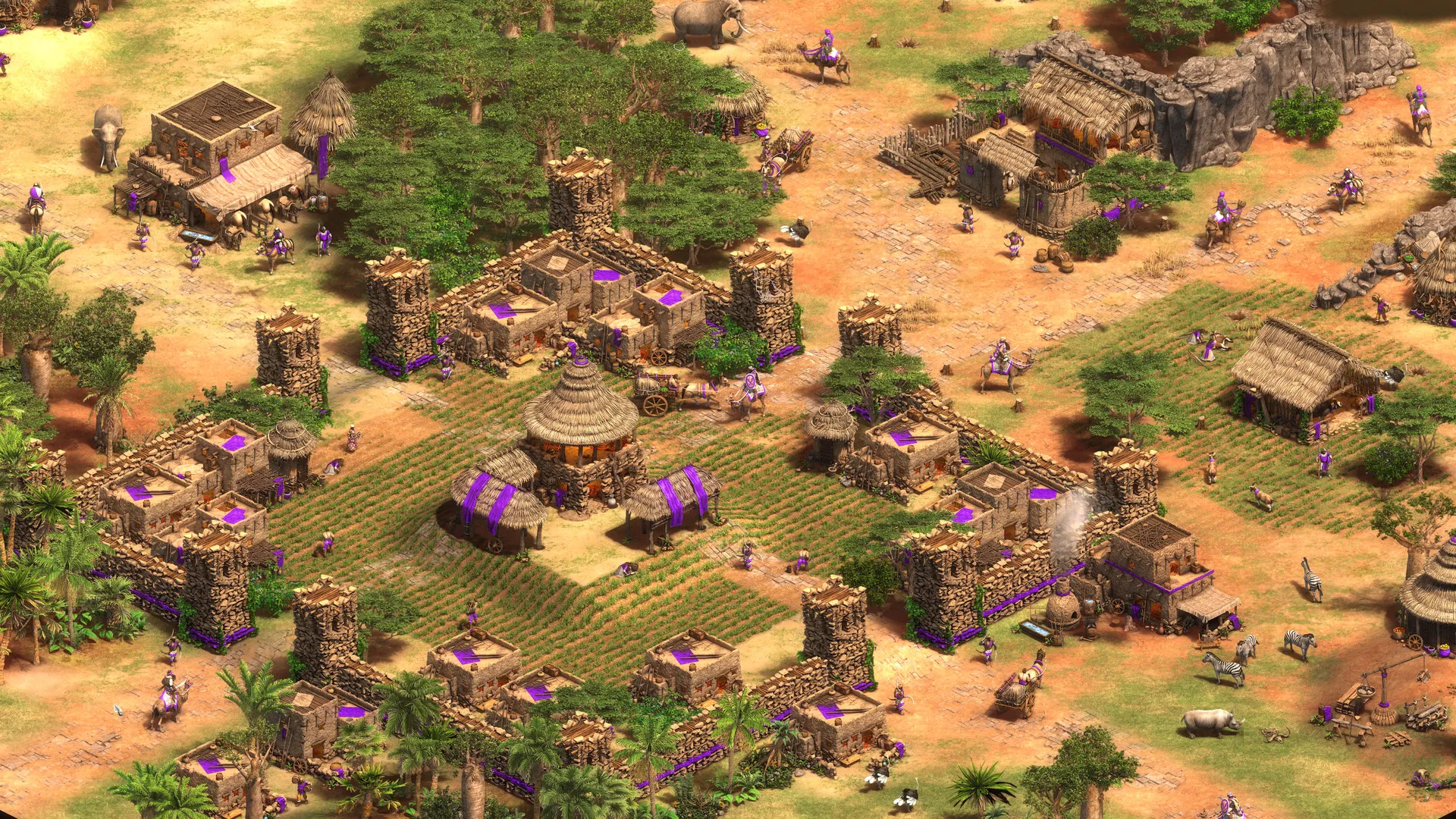
Experience the timeless classic completely overhauled with stunning 4K graphics, fully remastered animations, and a gorgeous new orchestral soundtrack, all without paying full retail store prices.
Massive Historical Campaigns
Immerse yourself in over 200 hours of gameplay spanning 1,000 years of human history across dozens of unique story-driven campaigns featuring legendary historical figures.
Dozens of Civilizations & Tactical Depth
Choose from a massive roster of unique civilizations, each with specialized units, technologies, and tech trees. Gather resources, build towering castles, and crush your enemies in tactical real-time warfare.
A Rich Historical Lore and Medieval Epochs
Step into the shoes of famous commanders like Joan of Arc, Saladin, and Genghis Khan across historically inspired campaigns. Relive sweeping medieval conflicts, political intrigues, and the rise and fall of empires through deeply researched narrative missions.
Playtime and Campaign Duration
Prepare for an astronomical amount of real-time strategy content where completing the base historical campaigns alone takes roughly 150 to 200 hours. When you factor in exploring expansion packs, mastering competitive multiplayer online ladders, and playing custom community scenarios, your total playtime easily expands to 500 or over 1,000 hours.
Included Definitive Content & Advanced Mechanics
The "The Last Khans" Expansion & Automated Economics (Fully Integrated)
Age of Empires II: Definitive Edition includes all previous expansions alongside brand-new civilizations, quality-of-life automation features, and cross-play matchmaking.
Edition & Feature Highlights:
- Expanded Civilization Roster: Command over 40 distinct civilizations, including new additions like the Bulgarians, Cumans, Lithuanians, and Tatars.
- Economic Automation: Utilize advanced queue systems, automatic villager re-seeding for farms, and tactical group attack-move commands to streamline empire management.
- Cooperative Campaign Mode: Team up with friends online to tackle entire historical campaigns together in fully cooperative multiplayer matches.
- Art of War Challenges: Master essential RTS tactics, fast-feudal build orders, and micro-management skills through specialized training tutorials and challenge scenarios.
Languages & Audio Support
Full Voiceover (Audio): English, French, German, Spanish (Spain), Italian, Russian, Hindi, Simplified Chinese
Subtitles & Interface: English, Spanish (Spain & Latin America), French, German, Italian, Polish, Russian, Brazilian Portuguese, Japanese, Korean, Simplified & Traditional Chinese
System Requirements
| Requirement |
Minimum Specs (1080p 30 FPS Low) |
Recommended Specs (1080p 60 FPS High) |
| OS |
Windows 10 64-bit |
Windows 10 / 11 64-bit |
| Processor |
Intel Core i3-2100 @ 3.1GHz / AMD FX-4100 |
Intel Core i5-2400 @ 3.1GHz / AMD FX-6300 |
| Memory |
4 GB RAM |
8 GB RAM |
| Graphics |
NVIDIA GeForce GT 420 / ATI Radeon HD 6850 / Intel HD 4000 (2GB VRAM) |
NVIDIA GeForce GTX 560 / AMD Radeon HD 6950 (2GB VRAM) |
| DirectX |
Version 11 |
Version 11 |
| Storage |
30 GB available space |
30 GB available space (SSD recommended) |
Frequently Asked Questions (FAQ)
Where can I buy Age of Empires II: DE cheap on PC?
You can purchase shared Steam account access directly from our digital store at a heavy discount. You get official game files, fast delivery, and full single-player campaign access without paying full retail price.
How to play Age of Empires II: DE in Steam Offline Mode?
Complete the download, launch the game once online to let Steam authenticate local binaries, exit the title, click "Steam" in the top-left menu, choose "Go Offline", and relaunch. You can now play entirely disconnected.
Will my save files be overwritten by other buyers?
No. Game saves are stored locally on your PC in your personal Steam user directory. As long as you stay in Offline Mode, your campaign progression remains completely isolated and secure.
Is this Age of Empires II: DE Steam account Region Free?
Yes. This account access is 100% Region Free and functions worldwide without VPN services, geographic locks, or country-specific limitations.