Access & Setup Guide (Steam PC)
Step-by-Step Steam Account Activation:
01
Log Out: Open the official Steam client on your PC and log out of your personal Steam profile.
02
Sign In: Enter the shared Steam username and password provided after your order.
03
Verify Steam Guard: Contact the seller via order chat to receive your one-time Steam Guard security code immediately.
04
Download Game: Navigate to your Library tab, find Onimusha: Way of the Sword, and click Install.
05
First Launch: Run the title once online to compile shaders and set initial graphic configurations.
06
Enable Offline Mode: Switch Steam to Offline Mode (Steam menu > Go Offline) to experience your samurai campaign privately with zero interruptions.
What You Get by Buying Onimusha: Way of the Sword at a Cheap Price
Feudal Japan Dark Fantasy & Sengoku Demon Wars
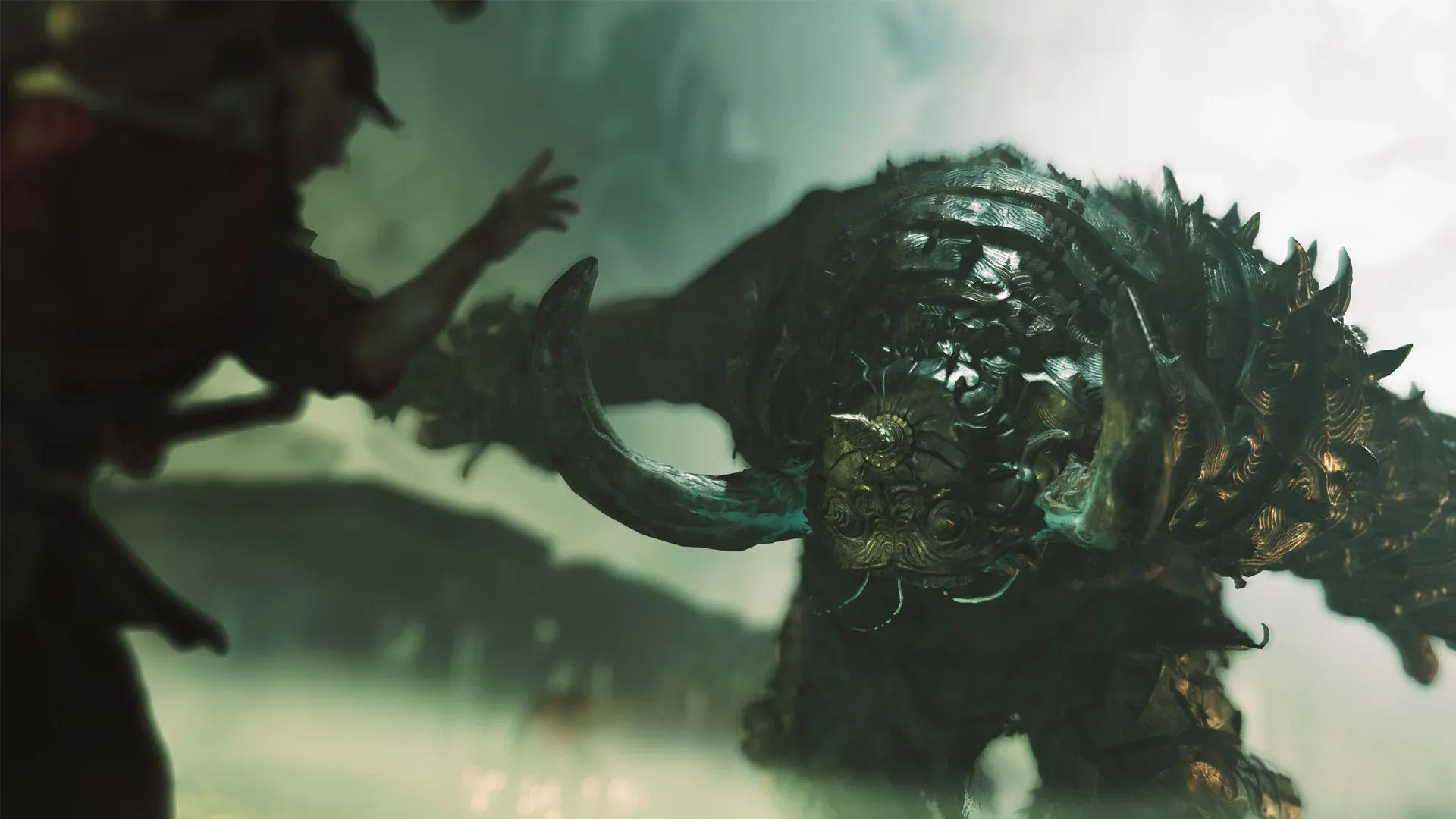
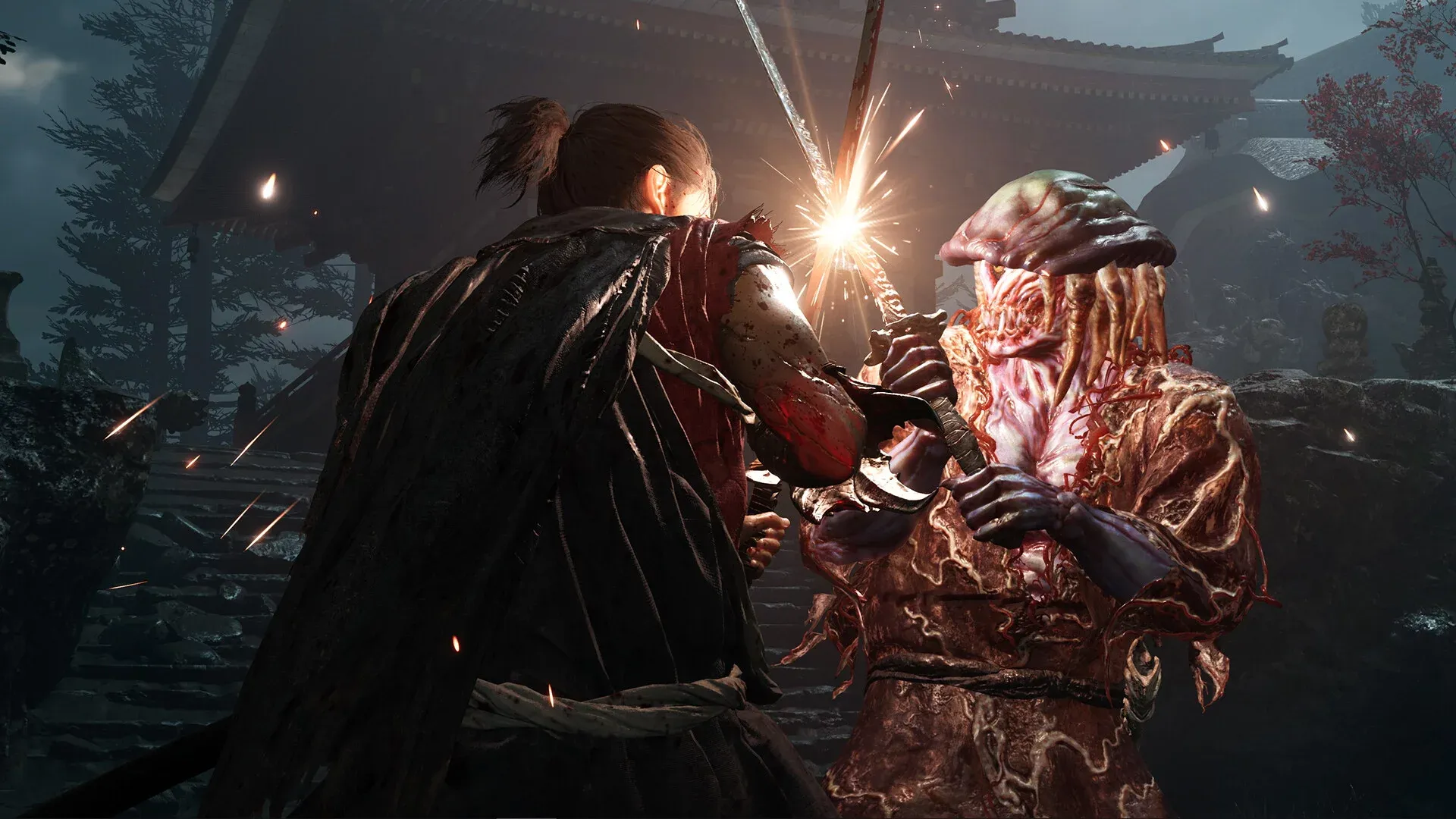
Step into a blood-soaked Sengoku era overrun by demonic Genma hordes. Wield the legendary Oni Gauntlet as a master swordsman, slicing through demonic warlords and unraveling supernatural feudal plots at an accessible discount price.
Precision Issen Counter Slashes & Sword Stances
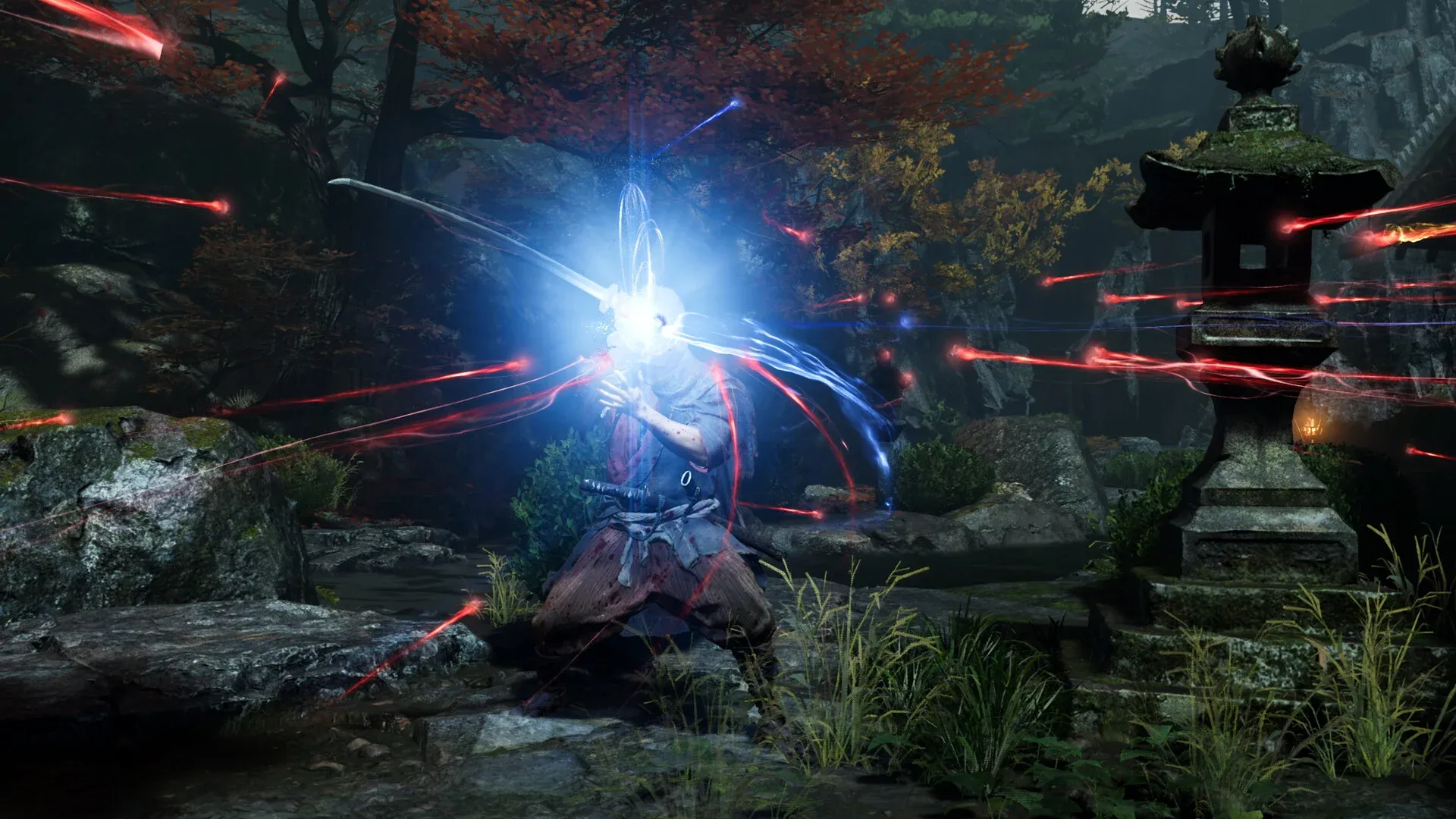
Master the iconic Issen timing mechanics to deliver instant fatal strikes right before enemy attacks land. Switch between distinct elemental blade stances (Thunder, Wind, Fire) to exploit enemy vulnerabilities and execute fluid sword duels.
Oni Gauntlet Soul Absorption & Weapon Evolution
Absorb green health orbs, blue magical essence, and red enhancement souls from defeated Genma fiends. Use collected energy to forge ancestral katanas, upgrade armor defensive properties, and awaken devastating Oni form transformations.
Modernized PC Performance & Full Gamepad Precision
Enjoy fluid high-refresh-rate action with uncapped framerates, crisp 4K visual clarity, temporal upscaling (DLSS/FSR), ultra-responsive gamepad deadzones, and native compatibility with Xbox and PlayStation controllers.
An Epic Historical Tale and Deep Lore
Immerse yourself in a gripping narrative that blends actual historical Sengoku period conflicts with dark mythical Japanese folklore. Uncover the secret plots of Lord Oda Nobunaga after his apparent demise, and learn about the ancient war between the divine Oni clan and the ruthless Genma invaders seeking to conquer humanity.
Playtime and Campaign Duration
Prepare for a fast-paced, action-packed adventure where completing the main campaign requires roughly 8 to 12 hours. If you take on hidden puzzle boxes, locate all secret Phantom Realm challenges, and unlock every weapon upgrade, your total playtime will extend to about 15 to 20 hours.
Intricate Puzzles and Level Exploration
Navigate treacherous feudal strongholds, underground temples, and burning fortresses filled with elaborate sliding-block puzzles and locked cipher boxes. Quick thinking and careful environmental observation are essential to finding hidden keys and vital survival items.
A Masterpiece of Classic Hack-and-Slash Action
Combining responsive swordplay, atmospheric period aesthetics, and thrilling boss encounters, Onimusha: Way of the Sword delivers a phenomenal revival of Capcom's legendary samurai action franchise for modern PC gamers.
Languages & Audio Support
Full Voiceover (Audio): Japanese, English
Subtitles & Interface: English, Spanish (Spain & Latin America), French, German, Italian, Portuguese (Brazil), Russian, Polish, Japanese, Korean, Simplified & Traditional Chinese
System Requirements
| Requirement |
Minimum Specs (1080p 30 FPS Low) |
Recommended Specs (1080p 60 FPS High) |
| OS |
Windows 10 64-bit |
Windows 10 / 11 64-bit |
| Processor |
Intel Core i5-7500 / AMD Ryzen 3 1200 |
Intel Core i7-8700K / AMD Ryzen 5 3600 |
| Memory |
8 GB RAM |
16 GB RAM |
| Graphics |
NVIDIA GeForce GTX 1060 (6GB) / AMD Radeon RX 580 (8GB) |
NVIDIA GeForce RTX 2060 (6GB) / AMD Radeon RX 5700 (8GB) |
| DirectX |
Version 12 |
Version 12 |
| Storage |
50 GB available space |
50 GB available space (Fast SSD recommended) |
Frequently Asked Questions (FAQ)
Where can I buy Onimusha: Way of the Sword cheap on PC?
You can purchase shared Steam account access directly from our digital store at a heavy discount. You get official game files, fast delivery, and full single-player story access without paying full retail price.
How to play Onimusha: Way of the Sword offline on Steam?
After the download completes, launch the game once with an active internet connection to let Steam initialize local game binaries. Exit the title, click "Steam" in the top-left menu, choose "Go Offline", and relaunch to enjoy the campaign with zero interruptions.
Are save files isolated from other users on this account?
Yes. Your single-player campaign progress is stored locally on your PC in your Windows user directory. Playing in Steam Offline Mode ensures your save files remain private and completely unaffected by other players.
Is this Onimusha Steam account Region Free?
Yes, this digital access is 100% Region Free. You can sign in, download the game files, and play from any country in the world without requiring a VPN or regional IP proxy.