Access & Setup Guide (Steam PC)
Step-by-Step Steam Account Activation:
01
Log Out: Open the official Steam desktop client on your PC and log out of your personal Steam profile.
02
Sign In: Enter the shared Steam username and password delivered to you immediately after purchase.
03
Verify Steam Guard: Contact the seller via order chat to receive your one-time Steam Guard security code immediately.
04
Download Game: Navigate to your Library tab, find The Planet Crafter, and start the installation.
05
First Launch: Run the game once online to initialize engine binaries and configure display presets.
06
Enable Offline Mode: Switch Steam to Offline Mode (Steam menu > Go Offline) to terraform the planet privately with zero interruptions.
What You Get by Buying The Planet Crafter at a Cheap Price
Transform a Hostile Alien World
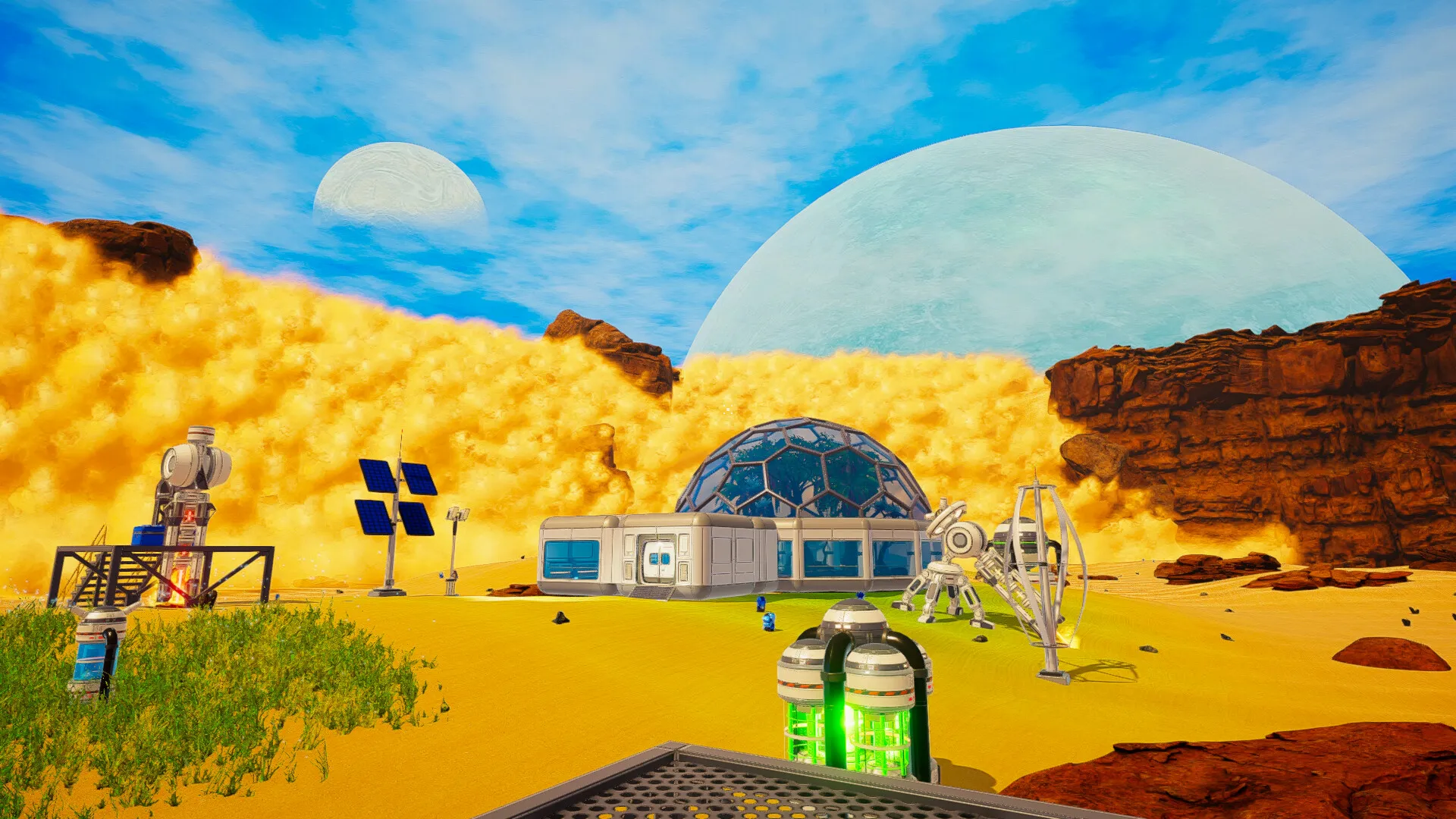
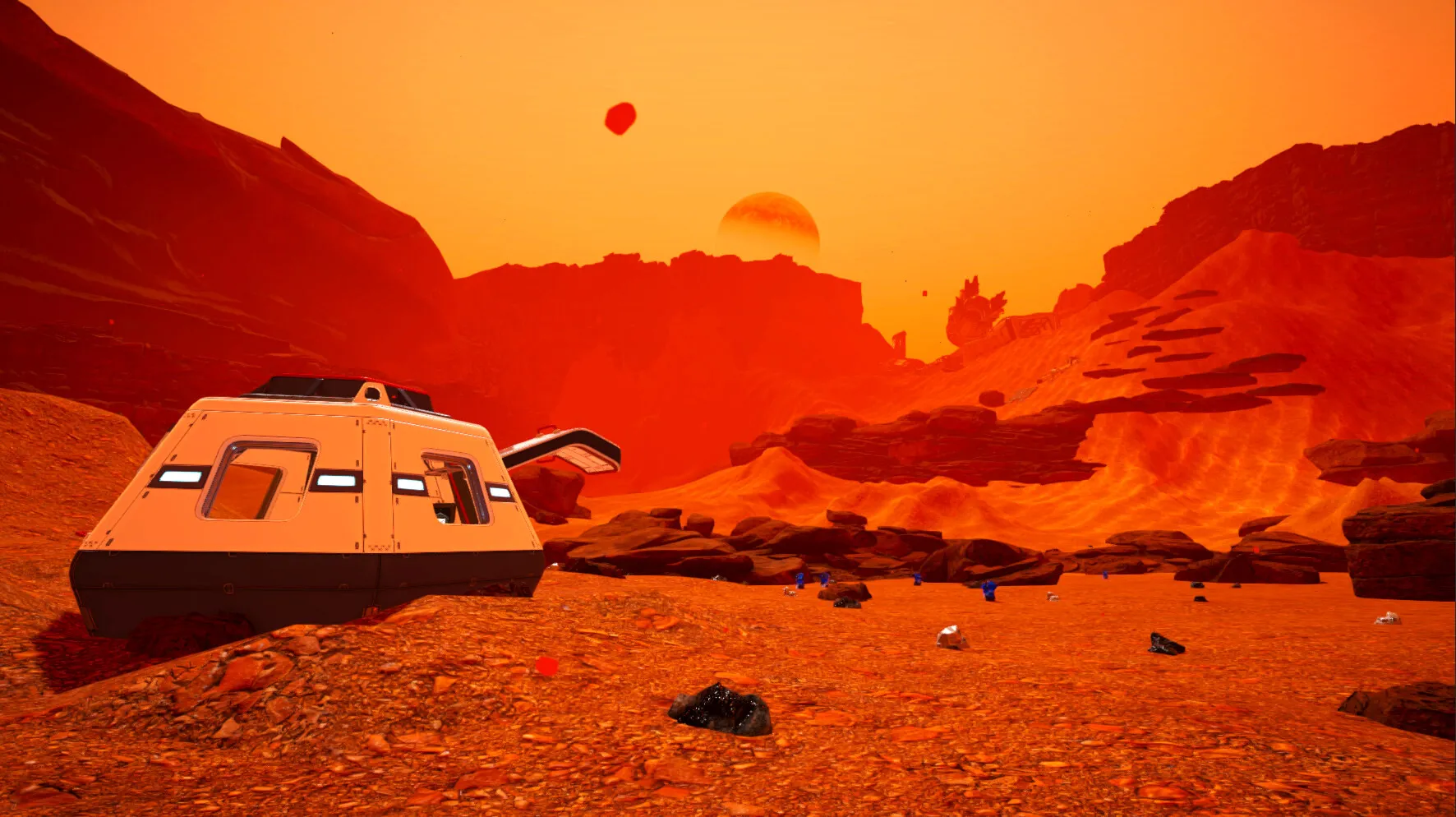
Take on the role of a convict sent to terraform a harsh, barren planet. Generate heat, pressure, oxygen, and plant life to turn a wasteland into a blue biosphere, all without paying full retail store prices.
Base Building & Crafting Automation
Build sprawling survival bases, habitats, mining drills, solar arrays, and automated production chains to scale up your terraforming progress.
Explore Wrecks and Ancient Secrets
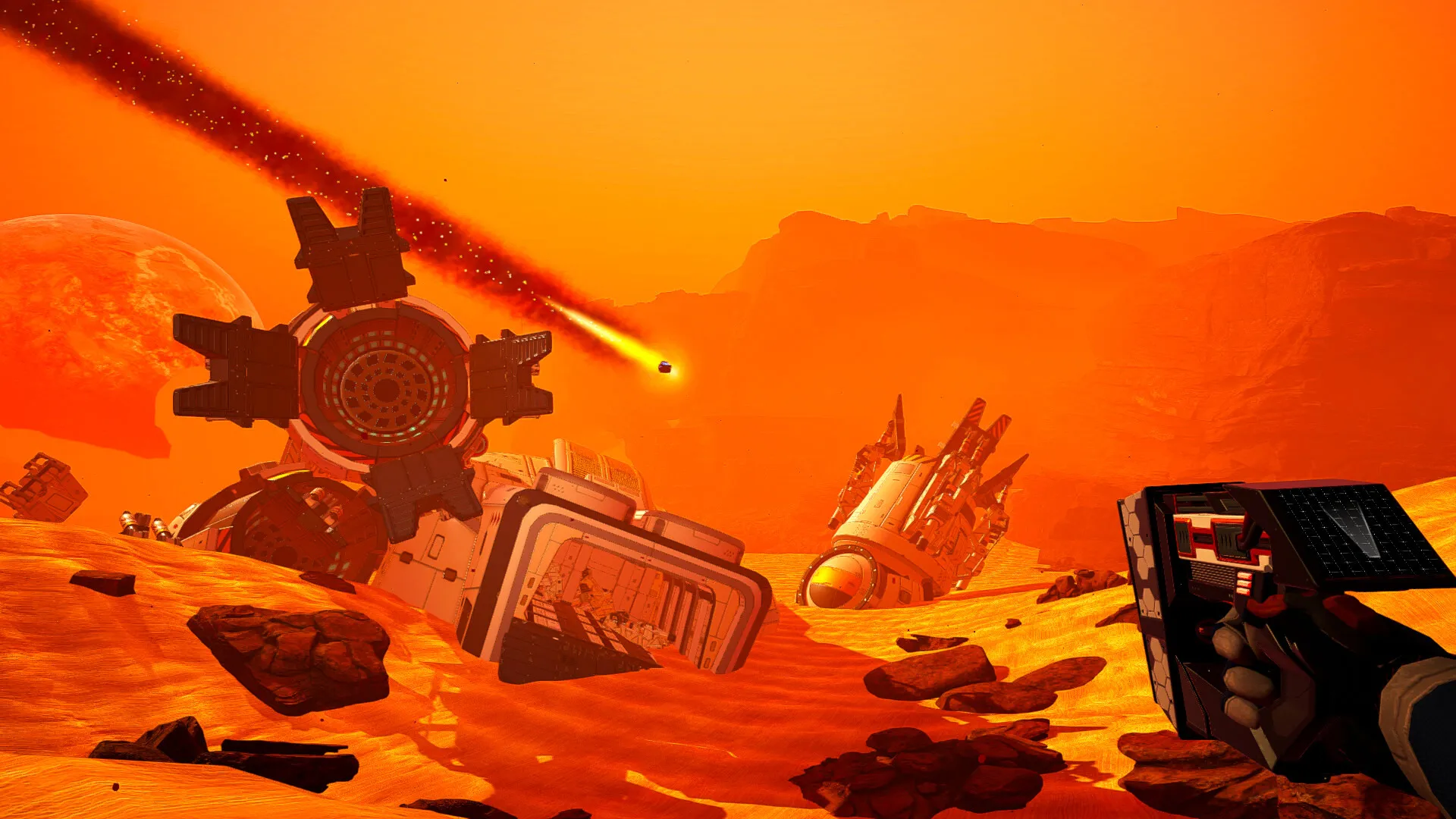
Scavenge crashed spaceship wrecks, explore deep caves, uncover ancient alien ruins, and piece together the mysteries of the planet.
An Immersive Barren Planet Lore and Survival Terraforming Masterwork Odyssey
Immerse yourself in a critically acclaimed, brilliantly addictive open-world survival crafting masterwork crafted by Miju Games and Freejam. Step into the shoes of a condemned space convict tasked with turning a dead, hostile planet into a living habitable biosphere, where every terraforming index milestone reached, spaceship wreck explored, and alien secret uncovered shapes an unforgettable journey of planetary rebirth and exploration.
Playtime and Campaign Duration
Prepare for an absorbing, highly satisfying survival simulation where reaching the final stages of planetary terraforming and unlocking all tech trees takes roughly 35 to 55 hours. When you factor in exploring every hidden biome change, automating advanced resource extraction networks, and playing cooperatively with friends, your total playtime easily expands to 60 or over 90 hours.
Included Planet Systems & Advanced Terraforming Mechanics
Planetary Terraforming, Crafting Automation & Wreck Exploration (Fully Integrated)
The Planet Crafter pairs its acclaimed open-world survival campaign alongside massive planetary transformation stages, deep automation production lines, and rewarding vertical exploration loops.
Feature & Mechanic Highlights:
- Dynamic Biosphere Evolution: Watch the dead world visibly transform in real time as your terraforming index increases, melting ice caps, generating blue skies, and blooming native plant life.
- Automated Production Networks: Scale up your manufacturing with miners, drones, and supply chains to eliminate manual grinding and manage massive industrial output.
- Immersive Wreck Scavenging: Dive deep into abandoned starship wrecks, dark caverns, and ancient alien structures to recover rare blueprints, lore, and high-tier equipment.
- Multiplayer & Solo Modes: Experience the planetary awakening journey entirely on your own or invite friends to build, automate, and terraform the world together.
Languages & Audio Support
Full Voiceover (Audio): Not applicable (Ambient sound effects)
Subtitles & Interface: English, French, German, Spanish (Spain), Japanese, Korean, Russian, Simplified Chinese, Traditional Chinese, Polish, Portuguese (Brazil), Italian
System Requirements
| Requirement |
Minimum Specs (1080p 30 FPS Low) |
Recommended Specs (1080p 60 FPS High) |
| OS |
Windows 10 64-bit |
Windows 10 / 11 64-bit |
| Processor |
Intel Core 2 Duo 2.4 GHz or AMD equivalent |
Intel Core i5 or AMD Ryzen 5 |
| Memory |
4 GB RAM |
8 GB RAM |
| Graphics |
NVIDIA GeForce GTX 660 / AMD Radeon HD 7870 (2GB) |
NVIDIA GeForce GTX 1060 / AMD Radeon RX 580 (6GB/8GB) |
| DirectX |
Version 11 |
Version 11 |
| Storage |
4 GB available space |
4 GB available space (SSD recommended) |
Frequently Asked Questions (FAQ)
Where can I buy The Planet Crafter cheap on PC?
You can purchase shared Steam account access directly from our digital store at a heavy discount. You get official game files, fast delivery, and full single-player survival crafting access without paying full retail price.
How to play The Planet Crafter in Steam Offline Mode?
Complete the download, launch the game once online to let Steam authenticate local binaries, exit the title, click "Steam" in the top-left menu, choose "Go Offline", and relaunch. You can now play entirely disconnected.
Will my save files be overwritten by other buyers?
No. Game saves are stored locally on your PC in your personal Steam user directory. As long as you stay in Offline Mode, your campaign progression remains completely isolated and secure.
Is this The Planet Crafter Steam account Region Free?
Yes. This account access is 100% Region Free and functions worldwide without VPN services, geographic locks, or country-specific limitations.