Access & Setup Guide (Steam PC)
Step-by-Step Steam Account Activation:
01
Log Out: Open the official Steam desktop client on your PC and log out of your personal Steam profile.
02
Sign In: Enter the shared Steam username and password delivered to you immediately after purchase.
03
Verify Steam Guard: Contact the seller via order chat to receive your one-time Steam Guard security code immediately.
04
Download Game: Navigate to your Library tab, find Kingdoms of Amalur: Re-Reckoning, and start the installation.
05
First Launch: Run the game once online to initialize engine binaries and configure display presets.
06
Enable Offline Mode: Switch Steam to Offline Mode (Steam menu > Go Offline) to explore Amalur privately with zero interruptions.
What You Get by Buying Kingdoms of Amalur: Re-Reckoning at a Cheap Price
Stunning Remastered Visuals & Expanded Content
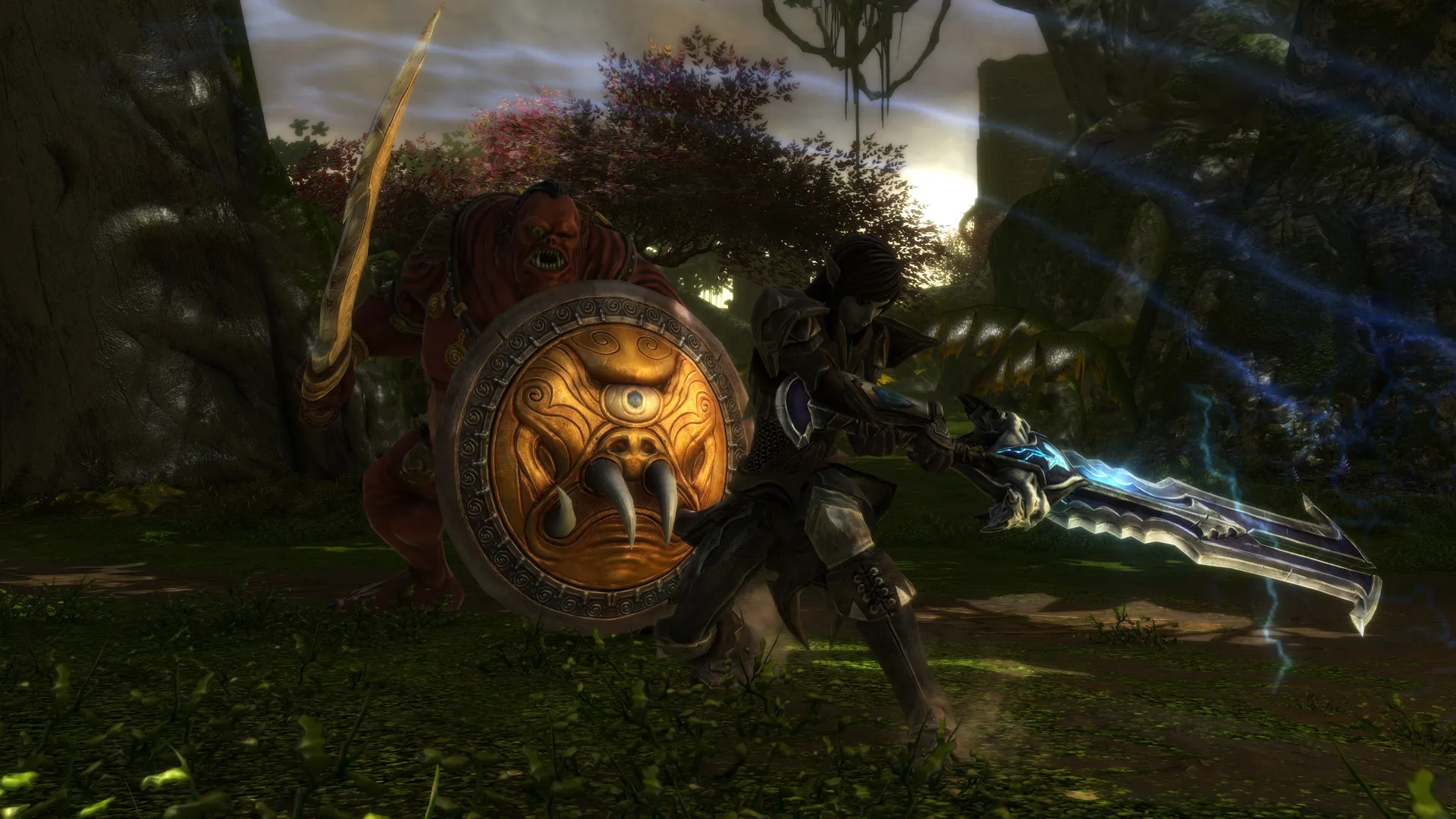
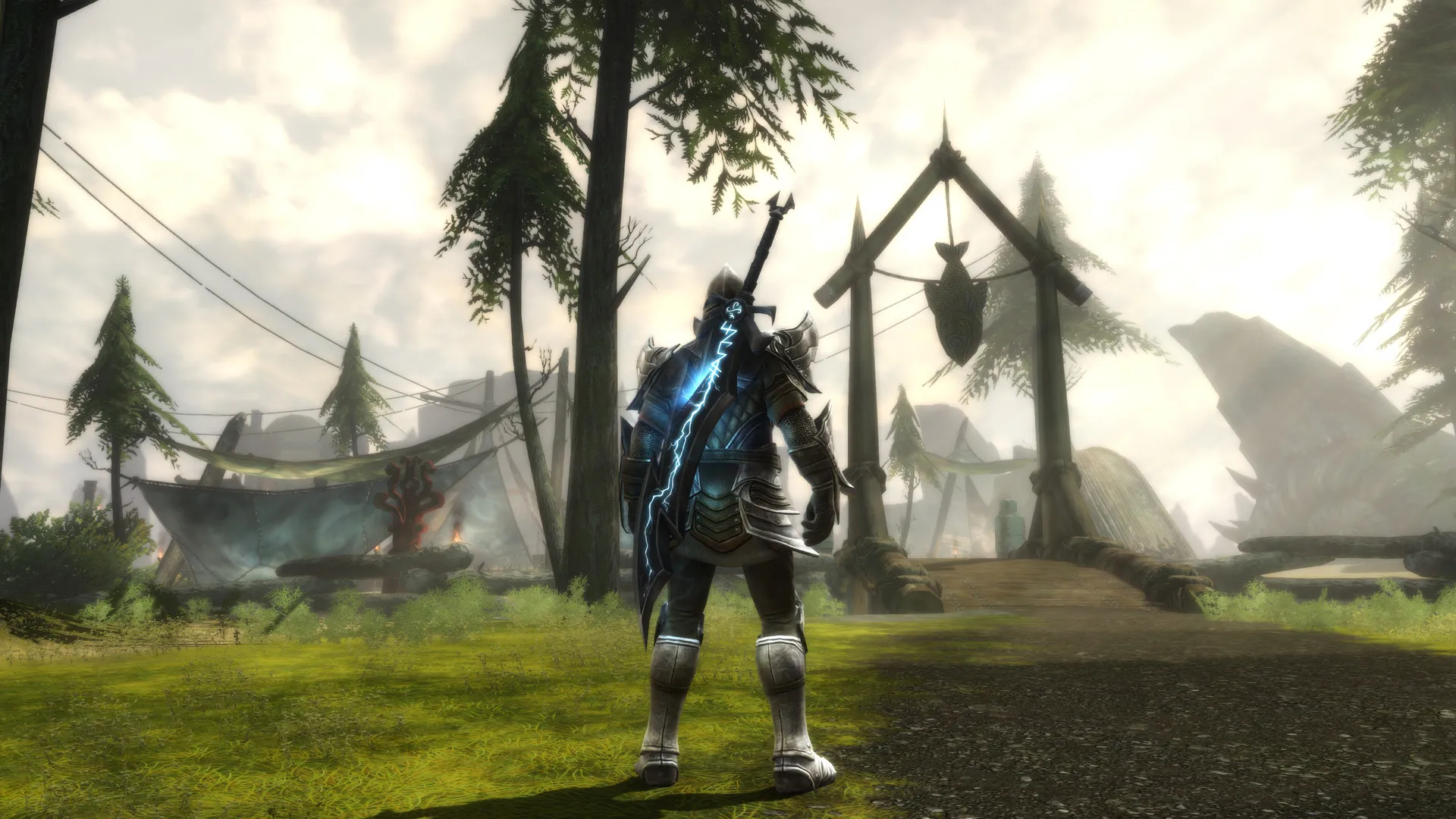
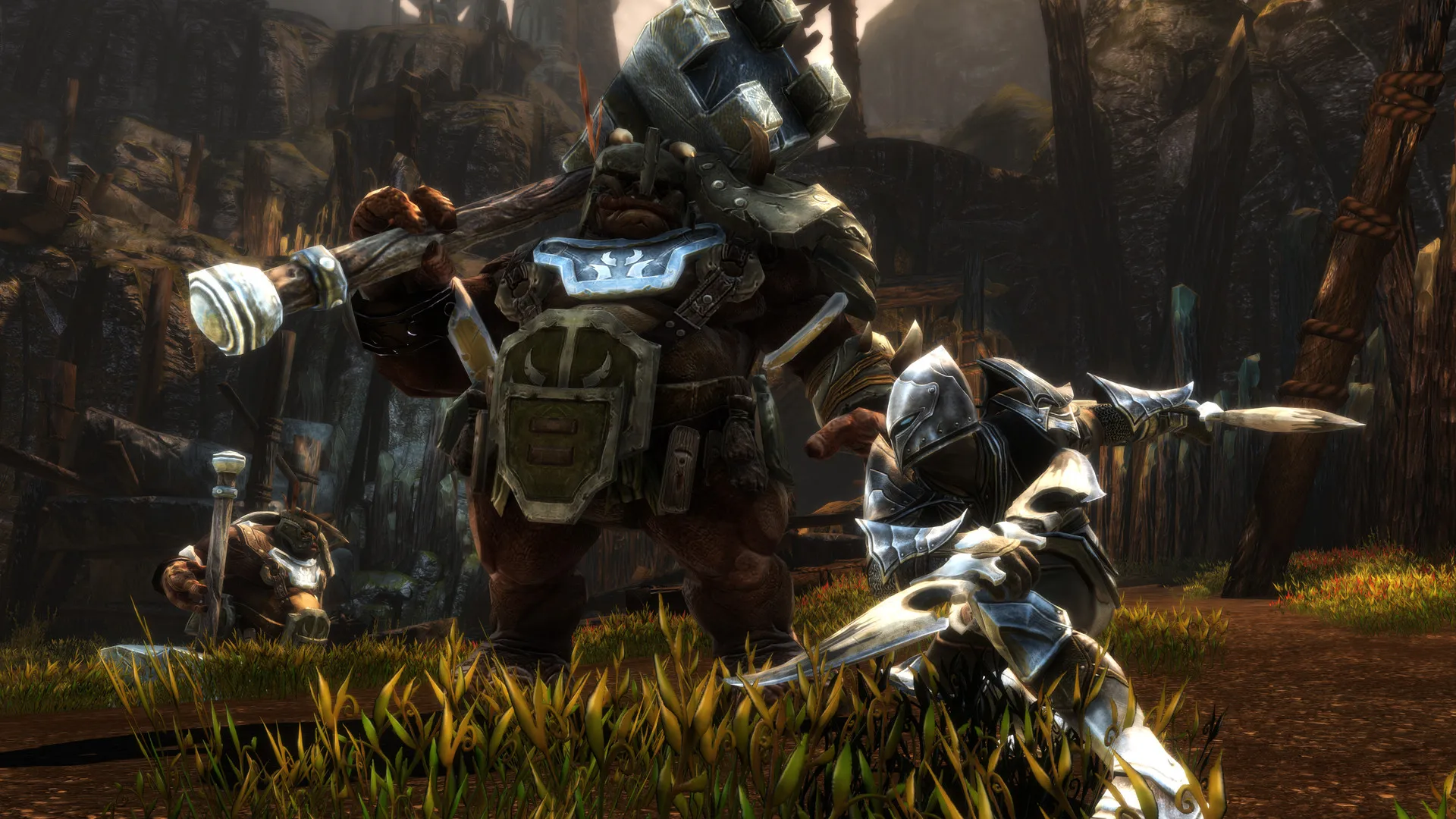
Return to the magical world of Amalur with overhauled graphics, refined gameplay, and all original DLC expansions included, all without paying full retail store prices.
Boundless Character Customization
Build your ultimate hero with the revolutionary Destiny system, seamlessly mixing magic, melee, and stealth classes as you level up.
Vast Open World & Deep Lore
Explore massive vibrant regions penned by New York Times best-selling author R.A. Salvatore, featuring hundreds of hours of immersive quests.
An Immersive Amalur Lore and Action RPG Masterwork Odyssey
Immerse yourself in a critically acclaimed, vibrant action-RPG remaster masterwork crafted by Kaiko and THQ Nordic. Step into the resurrected boots of the Fateless One in the magical world of Amalur, where every destiny class customized, epic faction quest completed, and mythical Fae beast vanquished shapes an unforgettable journey of open-world fantasy adventure.
Playtime and Campaign Duration
Prepare for an absorbing, expansive fantasy adventure where completing the main campaign and essential faction storylines takes roughly 30 to 50 hours. When you factor in exploring every massive open region, completing hundreds of side quests, and tackling major expansions like Teeth of Naros and Legend of Dead Kel, your total playtime easily expands to 60 or over 100 hours.
Included Amalur Systems & Advanced Action RPG Mechanics
Remastered Fantasy World, Destiny Class System & Action Combat (Fully Integrated)
Kingdoms of Amalur: Re-Reckoning pairs its acclaimed open-world fantasy campaign alongside fluid real-time action combat, the flexible Destiny character progression system, and all original DLC expansions.
Feature & Mechanic Highlights:
- Revolutionary Destiny System: Continuously evolve your character's classless build by mixing sorcery, finesse, and might abilities to match your preferred playstyle at any time.
- Visceral Action Combat: Execute fluid magic spells, devastating melee combos, and stealth takedowns in fast-paced real-time encounters against diverse fantasy enemies.
- Expansive Open Regions: Traverse vibrant, beautifully remastered provinces—from the lush forests of Dalentarth to the arid wastes of Detyre—penned by author R.A. Salvatore.
- All Original DLC Included: Access every major expansion, including Teeth of Naros and Legend of Dead Kel, offering hours of additional quests, weapons, and dungeons.
Languages & Audio Support
Full Voiceover (Audio): English, French, German
Subtitles & Interface: English, French, German, Spanish (Spain), Italian, Polish, Russian, Simplified Chinese
System Requirements
| Requirement |
Minimum Specs (1080p 30 FPS Low) |
Recommended Specs (1080p 60 FPS High) |
| OS |
Windows 7 / 8 / 10 64-bit |
Windows 10 64-bit |
| Processor |
Intel Core i5-750 / AMD Phenom II X4 965 |
Intel Core i7-3770 / AMD FX-8350 |
| Memory |
4 GB RAM |
8 GB RAM |
| Graphics |
NVIDIA GeForce GTX 560 / AMD Radeon HD 6870 (1GB) |
NVIDIA GeForce GTX 970 / AMD Radeon RX 480 (4GB) |
| DirectX |
Version 11 |
Version 11 |
| Storage |
40 GB available space |
40 GB available space (SSD recommended) |
Frequently Asked Questions (FAQ)
Where can I buy Kingdoms of Amalur: Re-Reckoning cheap on PC?
You can purchase shared Steam account access directly from our digital store at a heavy discount. You get official game files, fast delivery, and full single-player action RPG access without paying full retail price.
How to play Kingdoms of Amalur: Re-Reckoning in Steam Offline Mode?
Complete the download, launch the game once online to let Steam authenticate local binaries, exit the title, click "Steam" in the top-left menu, choose "Go Offline", and relaunch. You can now play entirely disconnected.
Will my save files be overwritten by other buyers?
No. Game saves are stored locally on your PC in your personal Steam user directory. As long as you stay in Offline Mode, your campaign progression remains completely isolated and secure.
Is this Kingdoms of Amalur: Re-Reckoning Steam account Region Free?
Yes. This account access is 100% Region Free and functions worldwide without VPN services, geographic locks, or country-specific limitations.