Access & Setup Guide (Steam PC)
Step-by-Step Steam Account Activation:
01
Log Out: Open the official Steam desktop client on your PC and log out of your personal Steam profile.
02
Sign In: Enter the shared Steam username and password delivered to you immediately after purchase.
03
Verify Steam Guard: Contact the seller via order chat to receive your one-time Steam Guard security code immediately.
04
Download Game: Navigate to your Library tab, find Two Worlds Epic Edition, and start the installation.
05
First Launch: Run the game once online to initialize engine binaries and configure display presets.
06
Enable Offline Mode: Switch Steam to Offline Mode (Steam menu > Go Offline) to explore Antaloor privately with zero interruptions.
What You Get by Buying Two Worlds Epic Edition at a Cheap Price
Vast Open-World Exploration
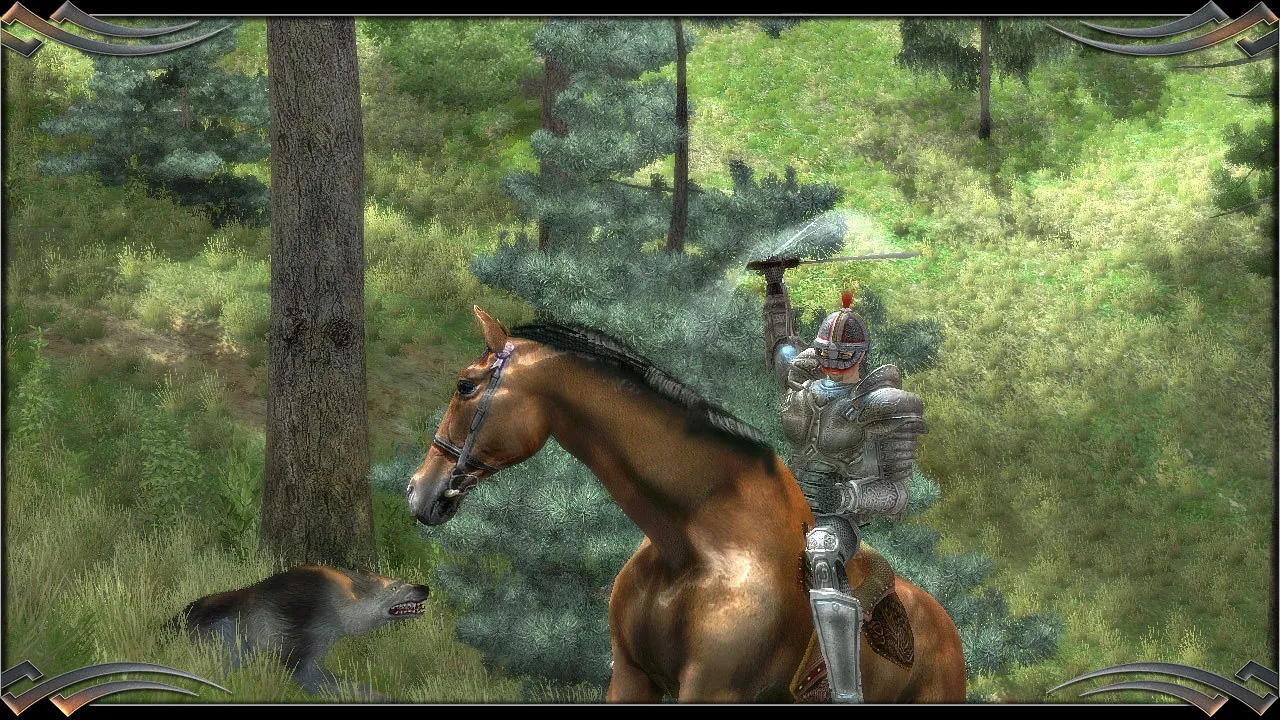
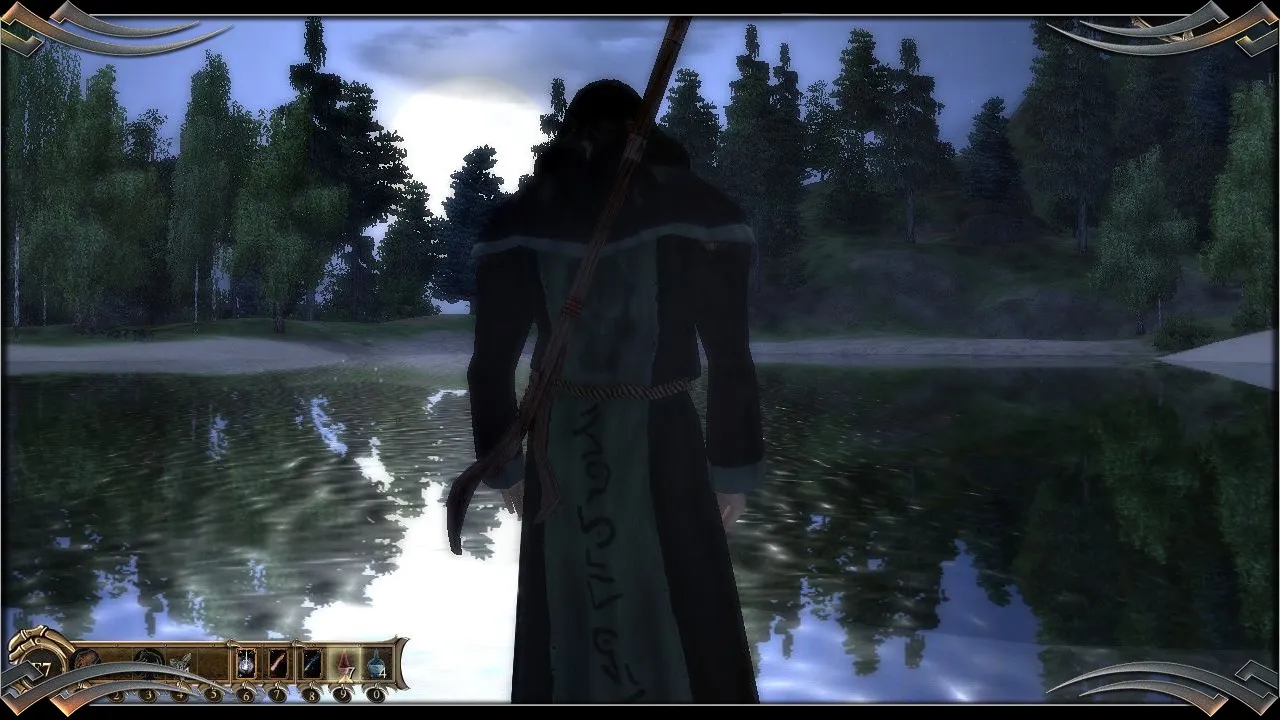
Roam freely across the expansive continent of Antaloor, navigating diverse climates, hostile wilderness, and mysterious dungeons without paying full retail store prices.
Unique Item Combination System
Stack duplicate weapons and armor pieces to upgrade stats, or combine different ingredients and magical elements to forge customized gear and powerful custom spells.
Includes Add-Ons and Updates
Experience the definitive version containing the base game along with official updates and extra content expansions that enrich the lore and expand the gameplay experience.
An Immersive Antaloor Lore and Open-World RPG Odyssey
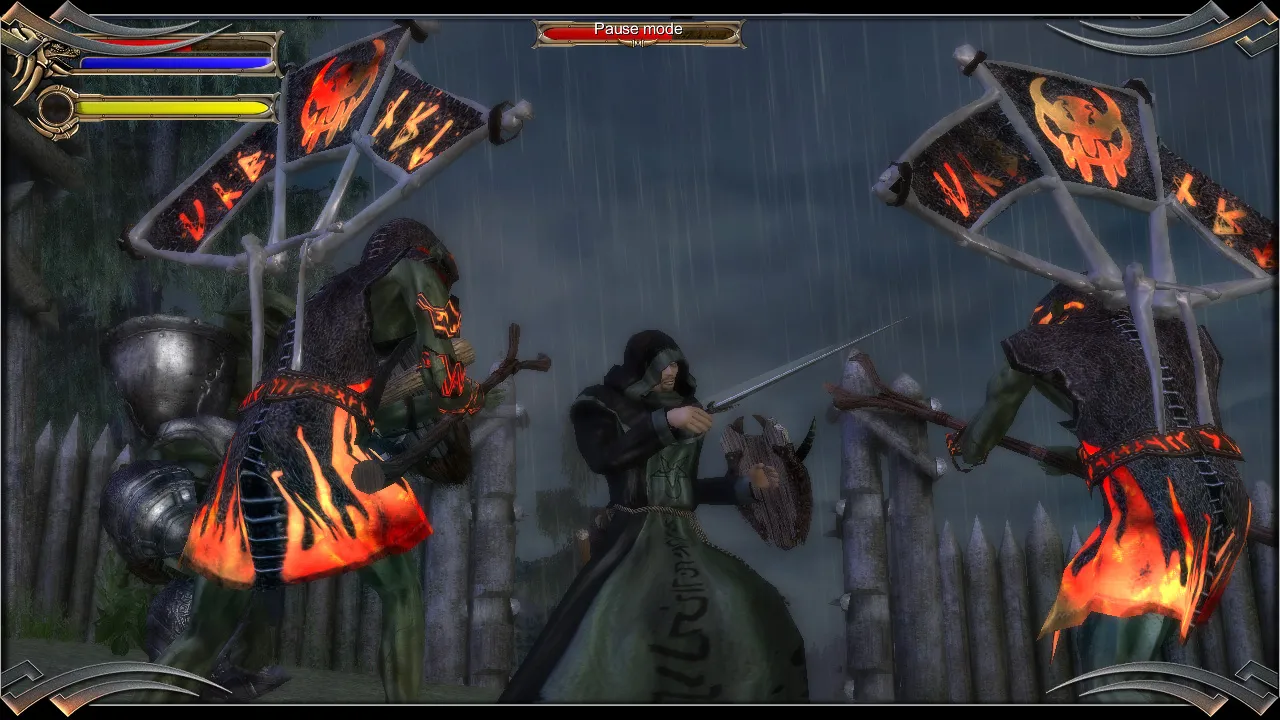
Immerse yourself in a massive, ambitious open-world action-RPG crafted by Reality Pump Studios. Step into the shoes of a mercenary searching for his kidnapped sister across the sprawling continent of Antaloor, navigating political intrigue between rival factions, ancient prophecies, and hordes of dark creatures threatening the realm.
Playtime and Campaign Duration
Prepare for an epic, open-world adventure where completing the main campaign takes roughly 30 to 45 hours. When you factor in exploring every corner of Antaloor, completing faction side quests, and experimenting with the deep item stacking and custom spell-crafting mechanics, your total playtime easily expands to 50 or over 80 hours.
Included Epic Edition Content & Advanced Item Crafting Mechanics
Epic Edition Add-Ons, Item Stacking & Custom Spell Creation (Fully Integrated)
Two Worlds Epic Edition pairs its acclaimed open-world fantasy campaign alongside official expansions, a groundbreaking item combination system, and versatile magic crafting.
Edition & Feature Highlights:
- Definitive Epic Edition Content: Enjoy the complete base game alongside official updates, bonus add-ons, and extra narrative expansions that deepen the lore of Antaloor.
- Unique Item Combination System: Stack duplicate weapons and armor pieces to exponentially upgrade stats, or combine ingredients to forge powerful customized gear.
- Custom Spell Crafting: Mix elemental magic cards and modifiers to design entirely custom spells tailored to your preferred combat playstyle.
- Vast Open-World Exploration: Roam freely across diverse climates, mount horses, navigate hostile wilderness, and plunder mysterious dungeons without loading screens.
Languages & Audio Support
Full Voiceover (Audio): English, German
Subtitles & Interface: English, German, French, Italian, Spanish (Spain), Polish, Russian
System Requirements
| Requirement |
Minimum Specs (1080p 30 FPS Low) |
Recommended Specs (1080p 60 FPS High) |
| OS |
Windows XP / Vista / 7 / 8 / 10 |
Windows 10 64-bit |
| Processor |
2.0 GHz Processor |
3.0 GHz Dual Core Processor or better |
| Memory |
1 GB RAM |
2 GB RAM or higher |
| Graphics |
DirectX 9 compatible card with 256MB VRAM (Shader Model 3.0) |
Dedicated GPU with 512MB+ VRAM |
| DirectX |
Version 9.0c |
Version 9.0c |
| Storage |
6 GB available space |
6 GB available space (SSD recommended) |
Frequently Asked Questions (FAQ)
Where can I buy Two Worlds Epic Edition cheap on PC?
You can purchase shared Steam account access directly from our digital store at a heavy discount. You get official game files, fast delivery, and full single-player open-world action RPG access without paying full retail price.
How to play Two Worlds Epic Edition in Steam Offline Mode?
Complete the download, launch the game once online to let Steam authenticate local binaries, exit the title, click "Steam" in the top-left menu, choose "Go Offline", and relaunch. You can now play entirely disconnected.
Will my save files be overwritten by other buyers?
No. Game saves are stored locally on your PC in your personal Steam user directory. As long as you stay in Offline Mode, your campaign progression remains completely isolated and secure.
Is this Two Worlds Epic Edition Steam account Region Free?
Yes. This account access is 100% Region Free and functions worldwide without VPN services, geographic locks, or country-specific limitations.