Access & Setup Guide (Steam PC)
Step-by-Step Steam Account Activation:
01
Log Out: Open the official Steam desktop client on your PC and log out of your personal Steam profile.
02
Sign In: Enter the shared Steam username and password delivered to you immediately after purchase.
03
Verify Steam Guard: Contact the seller via order chat to receive your one-time Steam Guard security code immediately.
04
Download Game: Navigate to your Library tab, find Titan Quest Anniversary Edition, and start the installation.
05
First Launch: Run the game once online to initialize engine binaries and configure display presets.
06
Enable Offline Mode: Switch Steam to Offline Mode (Steam menu > Go Offline) to explore the ancient mythologies privately with zero interruptions.
What You Get by Buying Titan Quest Anniversary Edition at a Cheap Price
The Ultimate Anniversary Package
Combines both Titan Quest and Titan Quest Immortal Throne into one definitive edition, featuring restored multiplayer functionality, balanced gameplay, performance upgrades, and expanded modding tools without paying full retail store prices.
Ancient Mythological Worlds
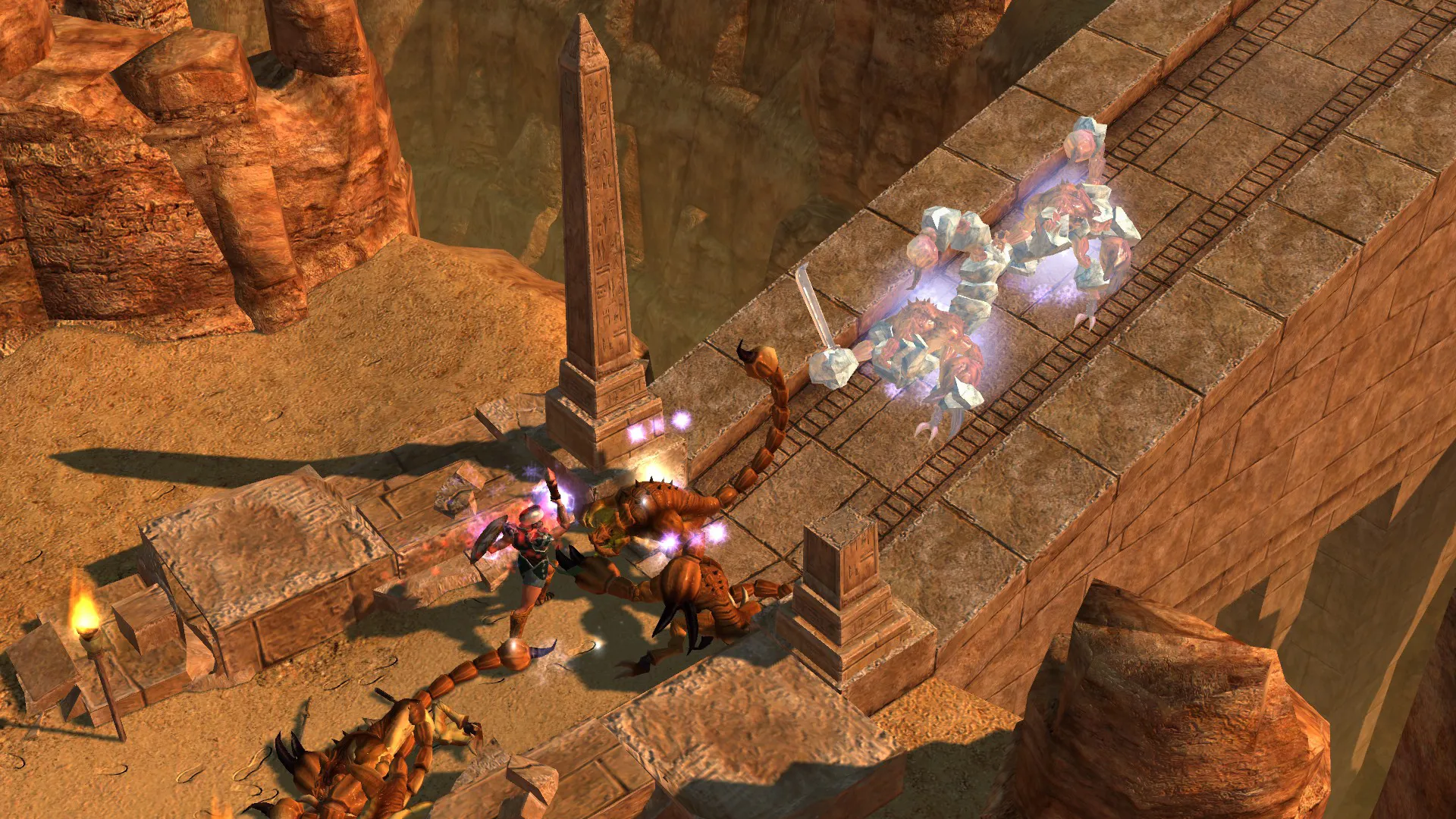
Unlock the mysteries of antiquity as you travel through legendary locations including the Parthenon, the Great Pyramids, the Hanging Gardens of Babylon, and the Great Wall.
Flexible Mastery System
Create your own custom hero by combining multiple mastery skill trees, allowing you to blend warfare, storm magic, nature, defense, and rogue tactics into a unique playstyle.
An Immersive Mythology Lore and Isometric ARPG Odyssey
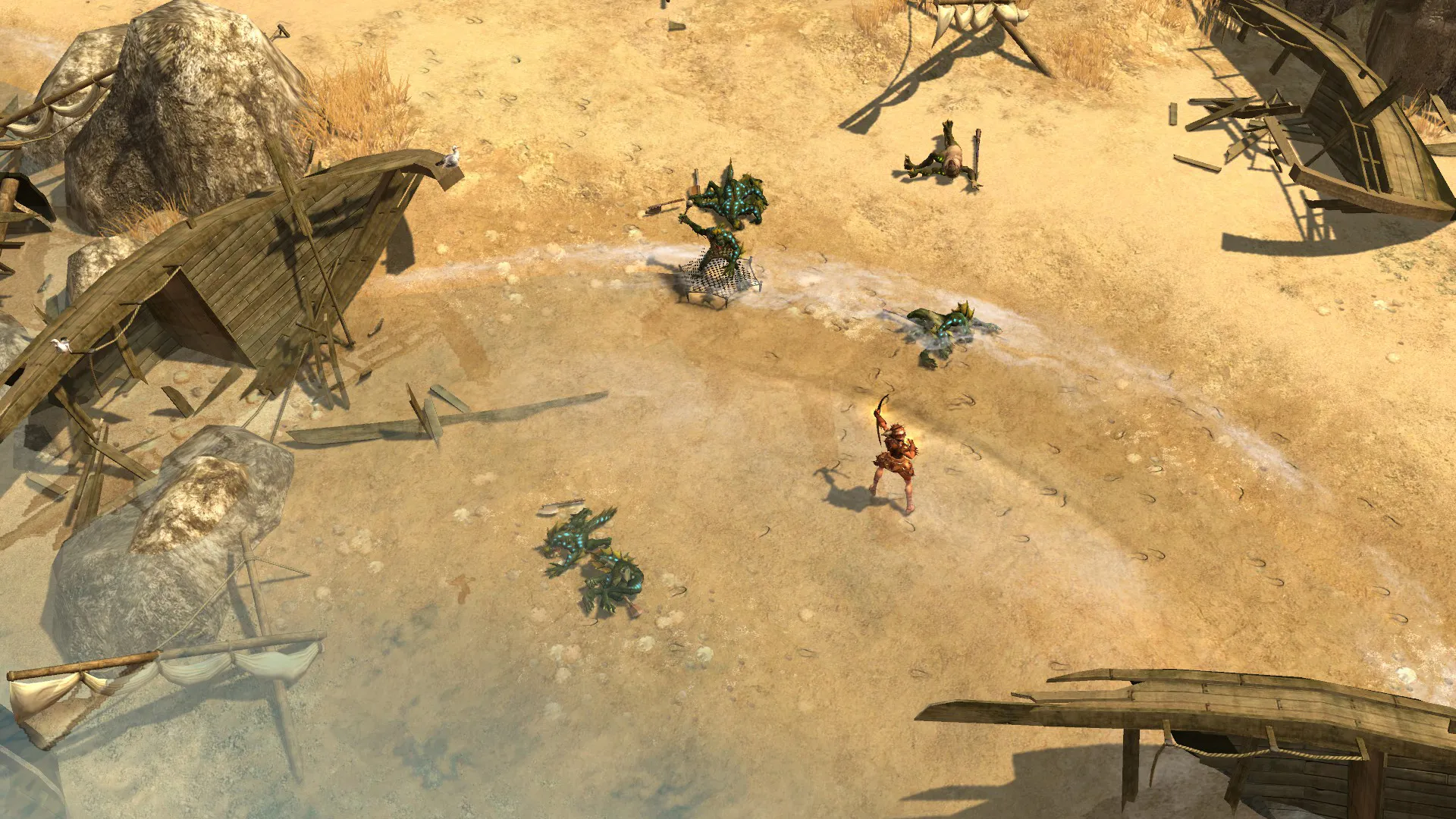
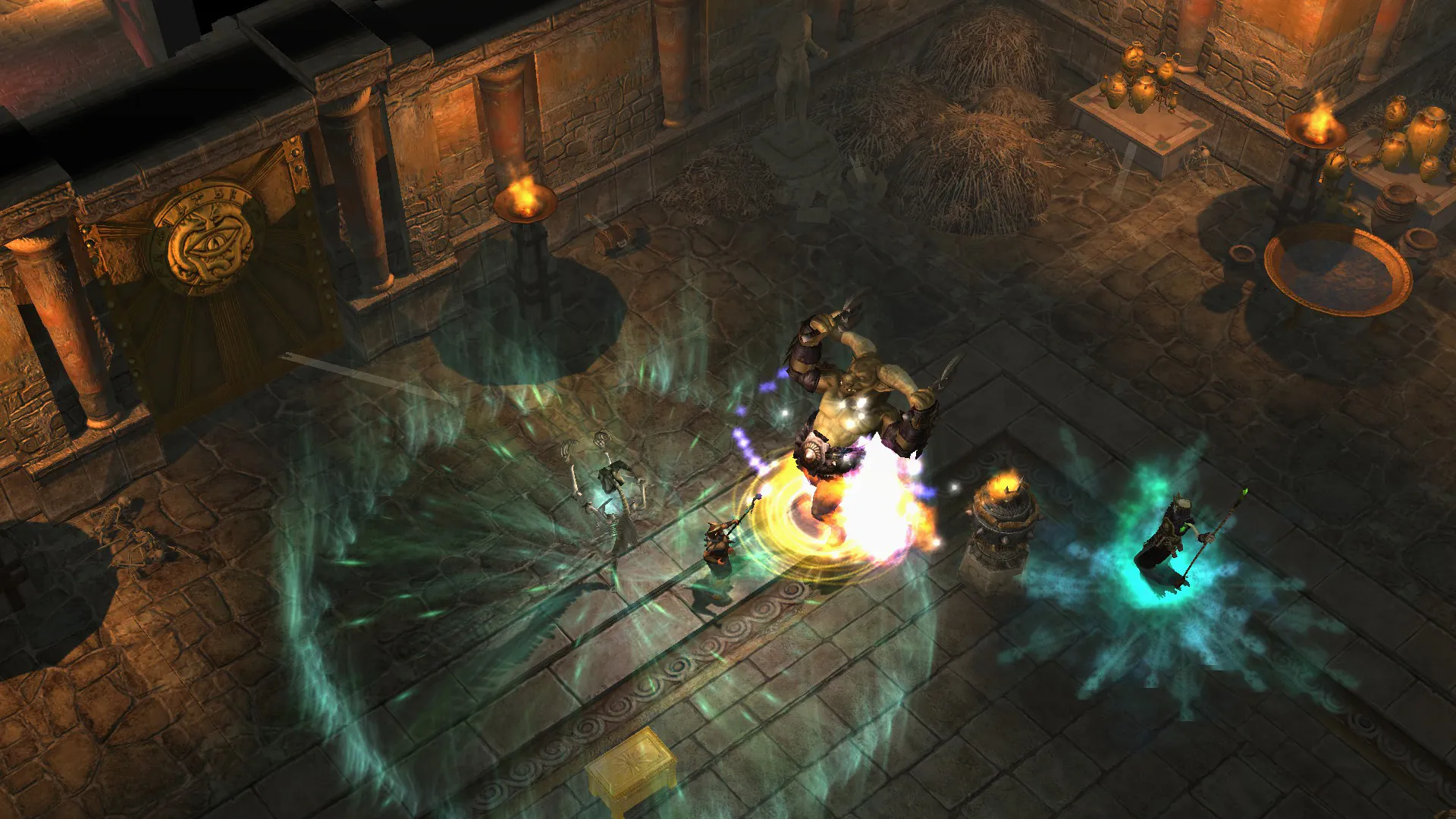
Immerse yourself in a legendary, critically acclaimed action-RPG masterpiece crafted by Iron Lore Entertainment and THQ Nordic. Step into the shoes of a brave hero journeying across ancient Greece, Egypt, Asia, and the Underworld to banish rogue Titans who have escaped their eternal prison, mastering dual mastery skill combinations and collecting legendary mythical loot along the way.
Playtime and Campaign Duration
Prepare for an immensely vast, highly replayable mythological journey where completing the base campaign and the Immortal Throne expansion takes roughly 40 to 60 hours. When you factor in exploring every secret dungeon, experimenting with endless dual mastery combinations across multiple difficulty acts, and tackling high-level legendary gear farming, your total playtime easily expands to 80 or over 150 hours.
Included Anniversary Enhancements & Advanced Dual Mastery Systems
Definitive Anniversary Edition, Immortal Throne Expansion & Dual Mastery System (Fully Integrated)
Titan Quest Anniversary Edition pairs its acclaimed mythological action-RPG campaign alongside the Immortal Throne expansion, restored multiplayer features, and versatile dual mastery character progression.
Enhancement & Feature Highlights:
- The Ultimate Anniversary Package: Enjoy restored multiplayer support with robust matchmaking, performance upgrades, rebalanced boss encounters, and expanded modding tools.
- Ancient Mythological Worlds: Journey through legendary historical lands including ancient Greece, Egypt, the Silk Road, and the mythological Underworld.
- Flexible Dual Mastery System: Combine two distinct mastery trees to create powerful custom class archetypes like the Spellbreaker, Harbinger, or Conqueror.
- Legendary Loot & Monster Infrequents: Collect thousands of unique weapons, armor sets, and magical relics dropped by mythological beasts and ancient gods.
Languages & Audio Support
Full Voiceover (Audio): English, German, French, Italian, Spanish (Spain)
Subtitles & Interface: English, German, French, Italian, Spanish (Spain), Polish, Russian, Czech, Simplified Chinese
System Requirements
| Requirement |
Minimum Specs (1080p 30 FPS Low) |
Recommended Specs (1080p 60 FPS High) |
| OS |
Windows XP / Vista / 7 / 8 / 10 |
Windows 10 64-bit |
| Processor |
2.0 GHz CPU |
3.0 GHz CPU or better |
| Memory |
1 GB RAM |
2 GB RAM or higher |
| Graphics |
128 MB NVIDIA or ATI equivalent with DirectX 9.0c |
Dedicated GPU with 512MB+ VRAM |
| DirectX |
Version 9.0c |
Version 9.0c |
| Storage |
5 GB available space |
5 GB available space (SSD recommended) |
Frequently Asked Questions (FAQ)
Where can I buy Titan Quest Anniversary Edition cheap on PC?
You can purchase shared Steam account access directly from our digital store at a heavy discount. You get official game files, fast delivery, and full single-player action RPG access without paying full retail price.
How to play Titan Quest Anniversary Edition in Steam Offline Mode?
Complete the download, launch the game once online to let Steam authenticate local binaries, exit the title, click "Steam" in the top-left menu, choose "Go Offline", and relaunch. You can now play entirely disconnected.
Will my save files be overwritten by other buyers?
No. Game saves are stored locally on your PC in your personal Steam user directory. As long as you stay in Offline Mode, your campaign progression remains completely isolated and secure.
Is this Titan Quest Anniversary Edition Steam account Region Free?
Yes. This account access is 100% Region Free and functions worldwide without VPN services, geographic locks, or country-specific limitations.