Access & Setup Guide (Steam PC)
Step-by-Step Steam Account Activation:
01
Log Out: Open the official Steam desktop client on your PC and log out of your personal Steam profile.
02
Sign In: Enter the shared Steam username and password delivered to you immediately after purchase.
03
Verify Steam Guard: Contact the seller via order chat to receive your one-time Steam Guard security code immediately.
04
Download Game: Navigate to your Library tab, find The Mortuary Assistant, and start the installation.
05
First Launch: Run the game once online to initialize engine binaries and configure display presets.
06
Enable Offline Mode: Switch Steam to Offline Mode (Steam menu > Go Offline) to survive the morgue shift privately with zero interruptions.
What You Get by Buying The Mortuary Assistant at a Cheap Price
Realistic Embalming Simulation
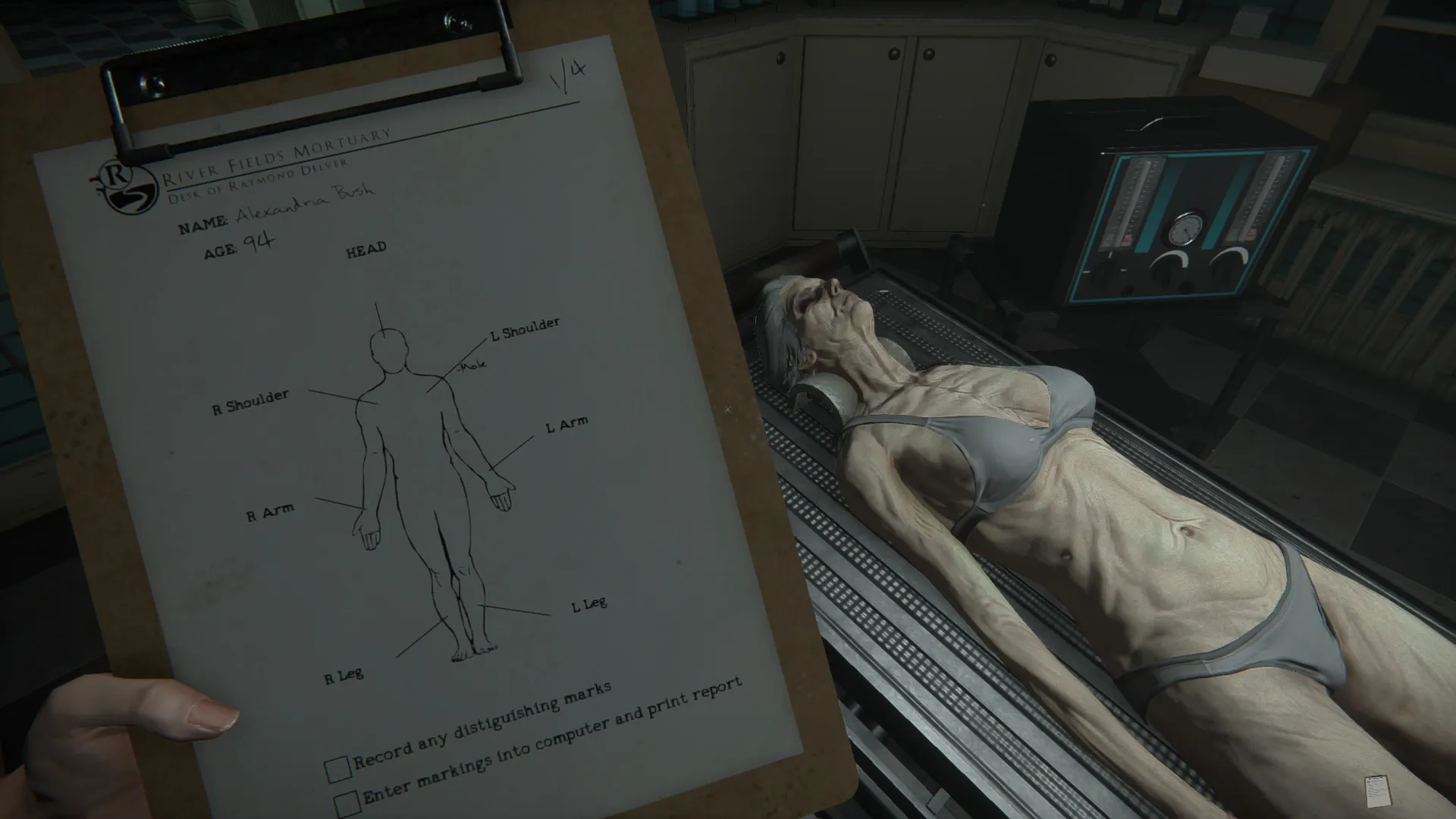
Perform authentic mortuary tasks step-by-step, utilizing professional tools to care for bodies while managing an eerie, highly atmospheric environment, all without paying full retail store prices.
Terrifying Supernatural Hauntings
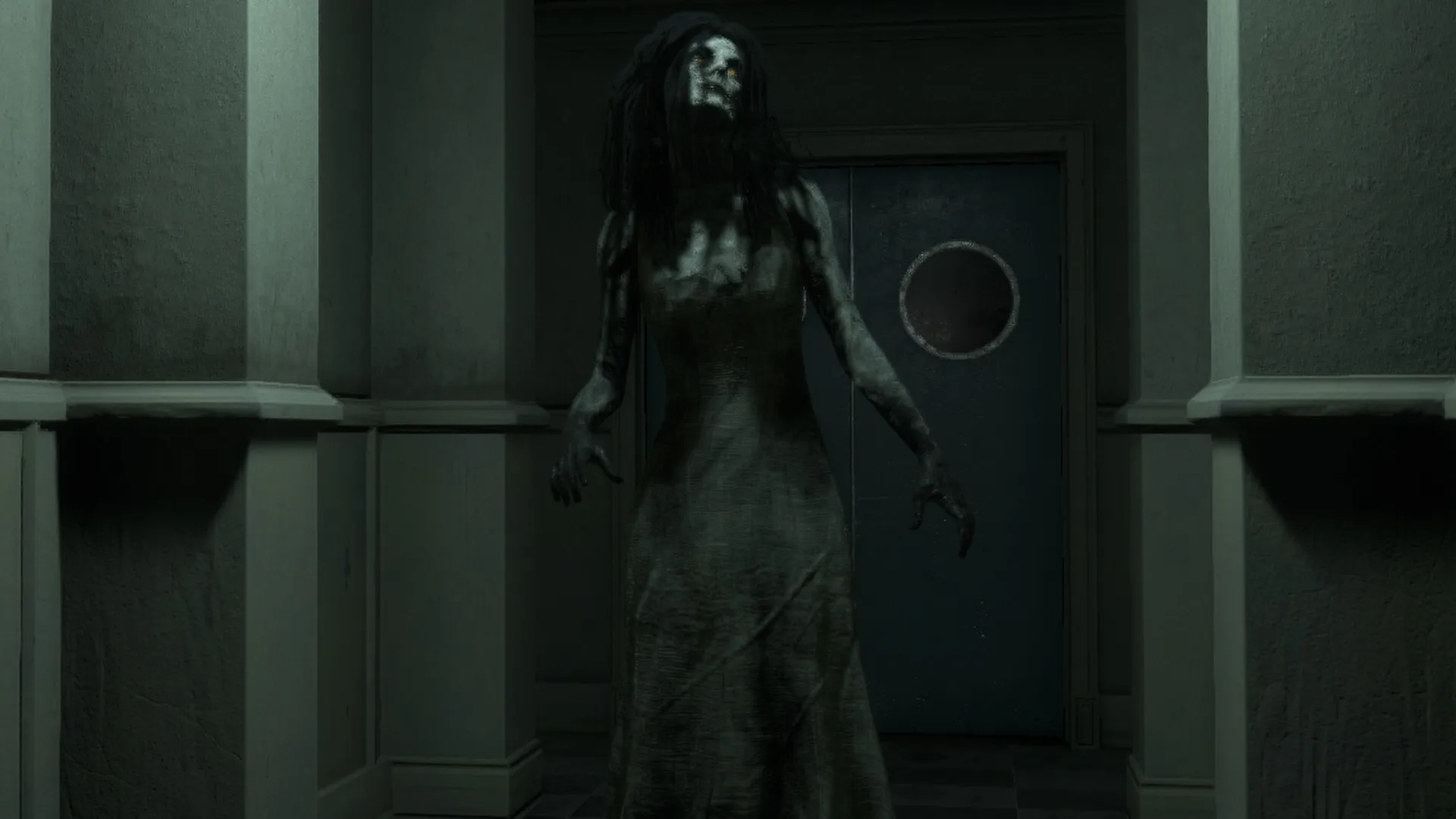
Experience unscripted paranormal events, hallucinations, and demonic forces attempting to break your sanity as you work the night shift alone.
Multiple Endings & Dark Lore
Unravel Rebecca Owens' grim past, identify which corpse is possessed by a malevolent entity, and discover multiple branching nightmare conclusions.
An Immersive River Fields Lore and Occult Horror Odyssey
Immerse yourself in a critically acclaimed, bone-chilling occult horror masterwork crafted by DarkStone Digital. Step into the shoes of mortuary intern Rebecca Owens as she pulls a terrifying graveyard shift at River Fields Mortuary, balancing precise cadaver embalming procedures with desperate demon-banishing investigations while paranormal entities torment her body and mind.
Playtime and Campaign Duration
Prepare for an intensely claustrophobic, psychological nightmare where completing a single standard embalming shift and story run takes roughly 2 to 3 hours. When you factor in replaying shifts to uncover all distinct demonic possession cases, hunting down hidden occult clues, and unlocking every alternate narrative ending, your total playtime easily expands to 8 or over 15 hours.
Included River Fields Systems & Advanced Occult Investigation Mechanics
Realistic Embalming, Terrifying Hauntings & Multiple Endings (Fully Integrated)
The Mortuary Assistant pairs its acclaimed occult horror campaign alongside hyper-realistic mortuary science procedures, unpredictable unscripted paranormal events, and deep demonic possession deductions.
Feature & Mechanic Highlights:
- Realistic Embalming Simulation: Execute authentic arterial embalming, cavity fluid purging, and cosmetic restoration tasks using professional mortuary instruments.
- Terrifying Supernatural Hauntings: Endure visceral hallucinations, auditory trickery, and sudden paranormal manifestations designed to break your sanity alone in the dark.
- Demonic Deduction & Clues: Investigate physical corpse markers, gather occult symbols, and correctly identify which body houses the malevolent entity before performing the banishment ritual.
- Multiple Branching Endings: Uncover Rebecca's traumatic past and shape your ultimate fate through crucial decisions that lead to several distinct narrative conclusions.
Languages & Audio Support
Full Voiceover (Audio): English
Subtitles & Interface: English, Spanish (Spain), French, German, Japanese, Simplified Chinese, Russian
System Requirements
| Requirement |
Minimum Specs (1080p 30 FPS Low) |
Recommended Specs (1080p 60 FPS High) |
| OS |
Windows 10 64-bit |
Windows 10 / 11 64-bit |
| Processor |
Intel Core i3 / AMD Ryzen 3 |
Intel Core i5 / AMD Ryzen 5 |
| Memory |
4 GB RAM |
8 GB RAM |
| Graphics |
NVIDIA GeForce GTX 750 Ti / AMD Radeon HD 7850 (2GB) |
NVIDIA GeForce GTX 1060 / AMD Radeon RX 580 (4GB/6GB) |
| DirectX |
Version 11 |
Version 11 |
| Storage |
4 GB available space |
4 GB available space (SSD recommended) |
Frequently Asked Questions (FAQ)
Where can I buy The Mortuary Assistant cheap on PC?
You can purchase shared Steam account access directly from our digital store at a heavy discount. You get official game files, fast delivery, and full single-player horror simulator access without paying full retail price.
How to play The Mortuary Assistant in Steam Offline Mode?
Complete the download, launch the game once online to let Steam authenticate local binaries, exit the title, click "Steam" in the top-left menu, choose "Go Offline", and relaunch. You can now play entirely disconnected.
Will my save files be overwritten by other buyers?
No. Game saves are stored locally on your PC in your personal Steam user directory. As long as you stay in Offline Mode, your campaign progression remains completely isolated and secure.
Is this The Mortuary Assistant Steam account Region Free?
Yes. This account access is 100% Region Free and functions worldwide without VPN services, geographic locks, or country-specific limitations.