Access & Setup Guide (Steam PC)
Step-by-Step Steam Account Activation:
01
Log Out: Open the official Steam desktop client on your PC and log out of your personal Steam profile.
02
Sign In: Enter the shared Steam username and password delivered to you immediately after purchase.
03
Verify Steam Guard: Contact the seller via order chat to receive your one-time Steam Guard security code immediately.
04
Download Game: Navigate to your Library tab, find The Messenger, and start the installation.
05
First Launch: Run the game once online to initialize engine binaries and configure display presets.
06
Enable Offline Mode: Switch Steam to Offline Mode (Steam menu > Go Offline) to embark on your ninja quest privately with zero interruptions.
What You Get by Buying The Messenger at a Cheap Price
Innovative 8-bit to 16-bit Time Travel
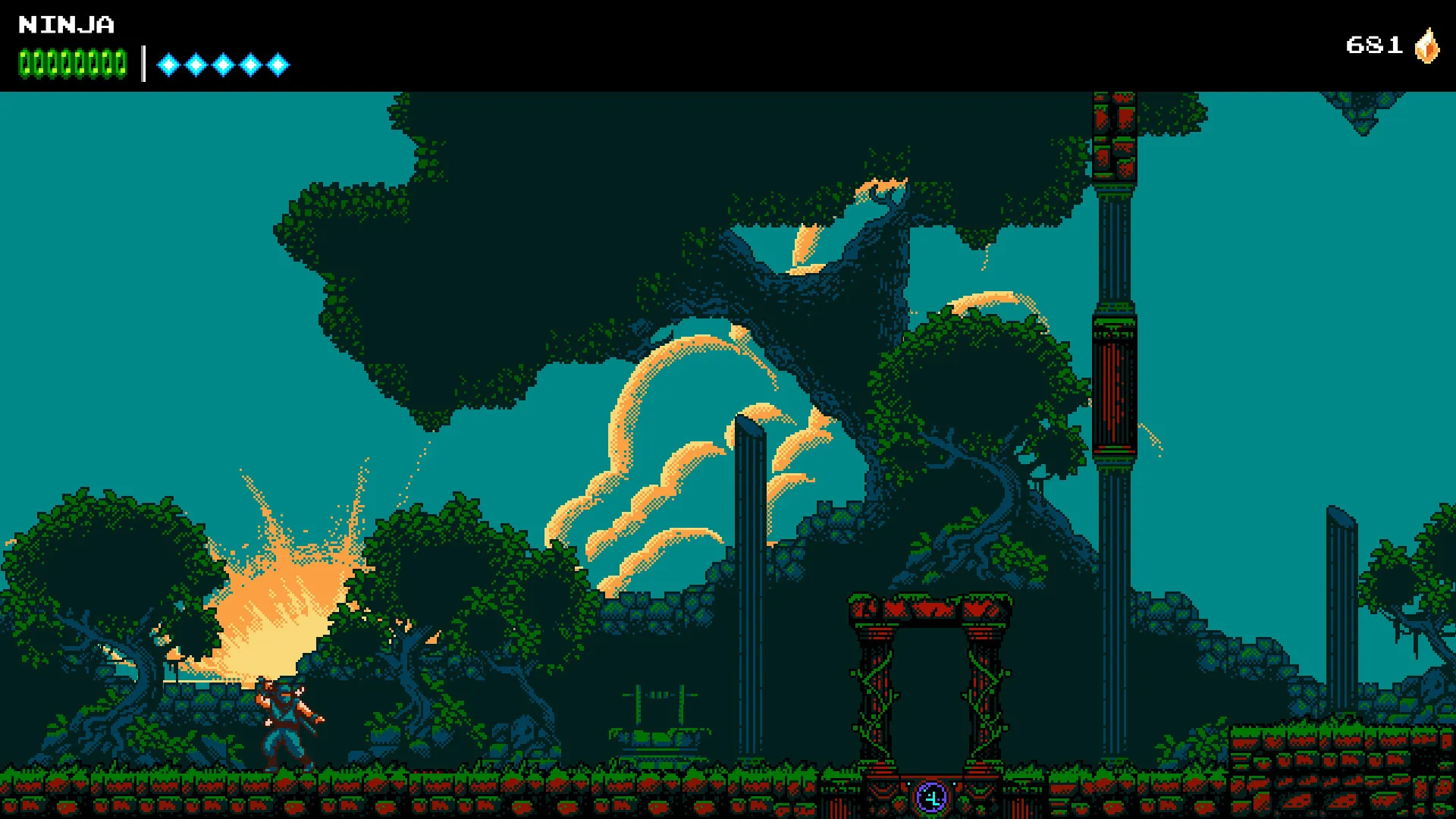
Experience a groundbreaking gameplay twist as the game seamlessly transitions from classic 8-bit retro visuals and chiptunes into magnificent 16-bit graphics and audio mid-campaign, all without paying full retail store prices.
Fluid Ninja Platforming & Combat
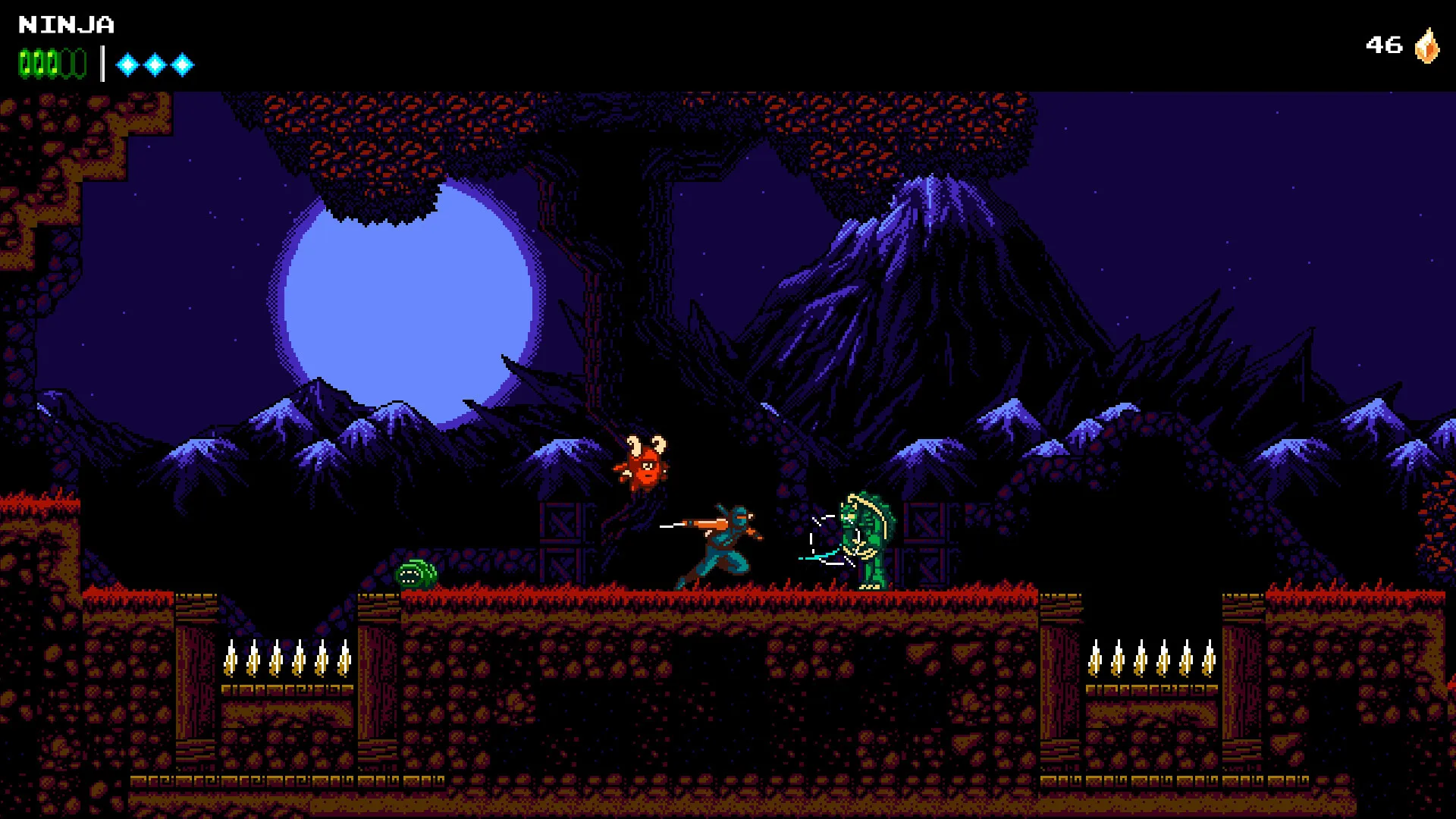
Master tight controls, rope climbing, wall jumping, and the signature cloudstep mechanic that lets you attack again after striking an object in mid-air.
Witty Humor & Epic Boss Fights
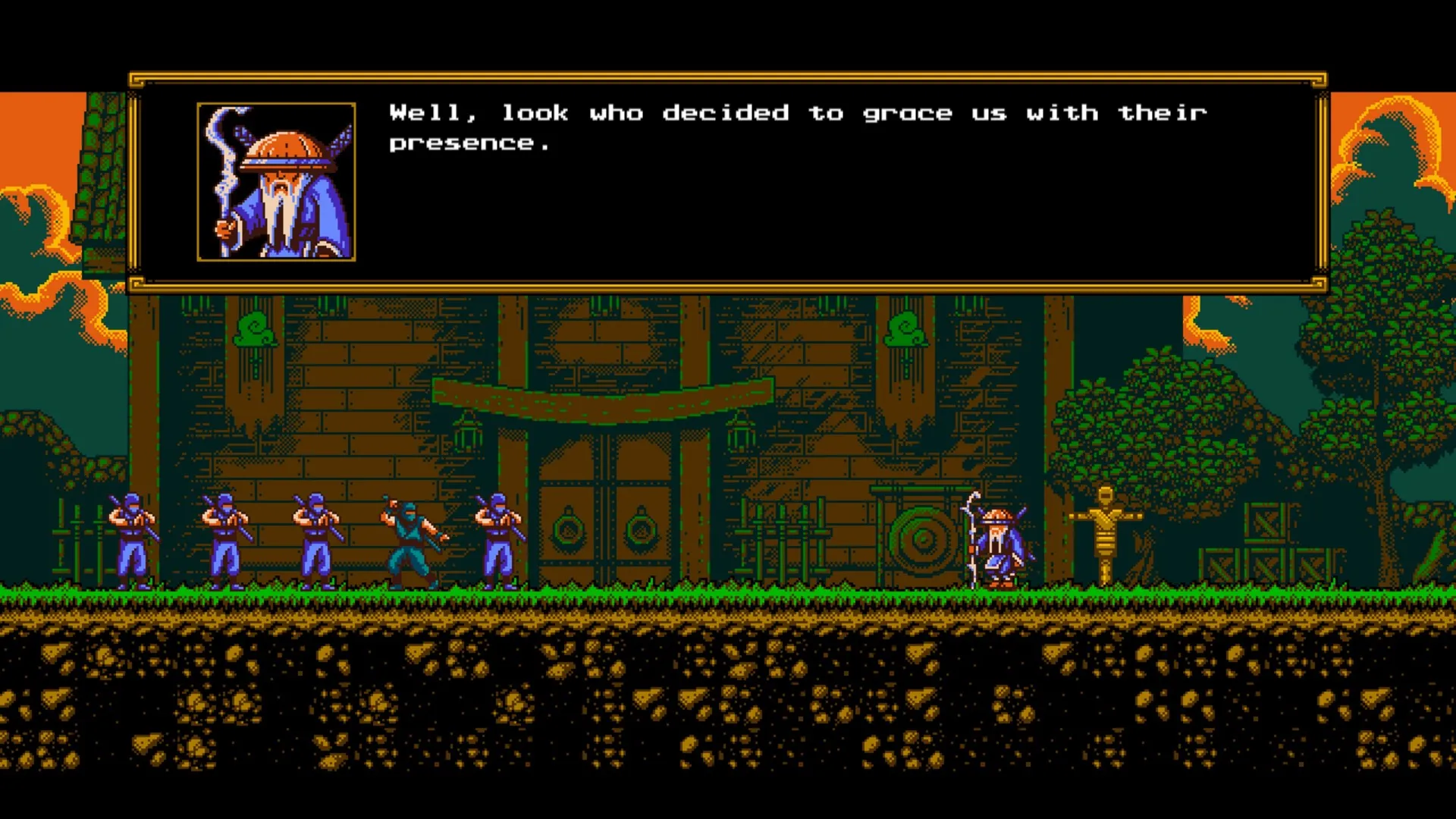
Engage in dialogue with a comical shopkeeper who shares bizarre stories, battle massive multi-stage bosses, and uncover hidden secrets throughout the world.
An Immersive Ninja Lore and Action-Platformer Masterwork Odyssey
Immerse yourself in a critically acclaimed, brilliantly witty action-platforming masterwork crafted by Sabotage Studio. Step into the tabi boots of a young ninja delivering a crucial scroll across a demon-infested world, where leaping across eras, unravelling time-travel paradoxes, and listening to the shopkeeper's hilarious tales transforms a classic platformer into an unforgettable epic.
Playtime and Campaign Duration
Prepare for an exhilarating, perfectly paced adventure where completing the main platforming campaign takes roughly 10 to 14 hours. When you factor in hunting down every hidden power seal, exploring the expansive Metroidvania-style open map in the second half, and conquering the Picnic Panic DLC, your total playtime easily expands to 16 or over 22 hours.
Included Time-Travel Systems & Advanced Ninja Platforming Mechanics
8-bit to 16-bit Time Travel, Fluid Platforming & Witty Humor (Fully Integrated)
The Messenger pairs its acclaimed action-platformer campaign alongside a revolutionary era-switching mechanic, precision cloudstep combat, and a delightfully sarcastic narrative tone.
Feature & Mechanic Highlights:
- 8-bit to 16-bit Era Shifting: Instantly time-travel between past and future versions of levels, altering platform layouts, music, and visual fidelity on the fly.
- Cloudstep Mobility Mechanic: Strike any object, projectile, or enemy mid-air to gain an extra jump, enabling incredible acrobatic maneuvers across hazardous gaps.
- Hilarious Shopkeeper Dialogue: Visit checkpoints to purchase useful upgrades from a charismatic shopkeeper who loves rambling on with funny stories and lore hints.
- Epic Boss Encounters: Battle against unforgettable, multi-phase bosses requiring lightning-fast reflexes and mastery of your growing ninja arsenal.
Languages & Audio Support
Full Voiceover (Audio): Not applicable (Chiptune soundtrack & sound effects)
Subtitles & Interface: English, Spanish (Spain), French, German, Japanese, Simplified Chinese, Traditional Chinese, Korean, Brazilian Portuguese
System Requirements
| Requirement |
Minimum Specs (1080p 30 FPS Low) |
Recommended Specs (1080p 60 FPS High) |
| OS |
Windows 7 64-bit |
Windows 10 64-bit |
| Processor |
Intel Core 2 Duo E6320 (2.18 GHz) |
Intel Core i3 or equivalent |
| Memory |
2 GB RAM |
4 GB RAM |
| Graphics |
GeForce 7600 GT (512 MB) |
GeForce GTX 560 or equivalent (1GB) |
| DirectX |
Version 11 |
Version 11 |
| Storage |
1 GB available space |
1 GB available space (SSD recommended) |
Frequently Asked Questions (FAQ)
Where can I buy The Messenger cheap on PC?
You can purchase shared Steam account access directly from our digital store at a heavy discount. You get official game files, fast delivery, and full single-player action platformer access without paying full retail price.
How to play The Messenger in Steam Offline Mode?
Complete the download, launch the game once online to let Steam authenticate local binaries, exit the title, click "Steam" in the top-left menu, choose "Go Offline", and relaunch. You can now play entirely disconnected.
Will my save files be overwritten by other buyers?
No. Game saves are stored locally on your PC in your personal Steam user directory. As long as you stay in Offline Mode, your campaign progression remains completely isolated and secure.
Is this The Messenger Steam account Region Free?
Yes. This account access is 100% Region Free and functions worldwide without VPN services, geographic locks, or country-specific limitations.