Access & Setup Guide (Steam PC)
Step-by-Step Steam Account Activation:
01
Log Out: Open the official Steam desktop client on your PC and log out of your personal Steam profile.
02
Sign In: Enter the shared Steam username and password delivered to you immediately after purchase.
03
Verify Steam Guard: Contact the seller via order chat to receive your one-time Steam Guard security code immediately.
04
Download Game: Navigate to your Library tab, find Superliminal, and start the installation.
05
First Launch: Run the game once online to initialize engine binaries and configure display presets.
06
Enable Offline Mode: Switch Steam to Offline Mode (Steam menu > Go Offline) to explore the dreamscape privately with zero interruptions.
What You Get by Buying Superliminal at a Cheap Price
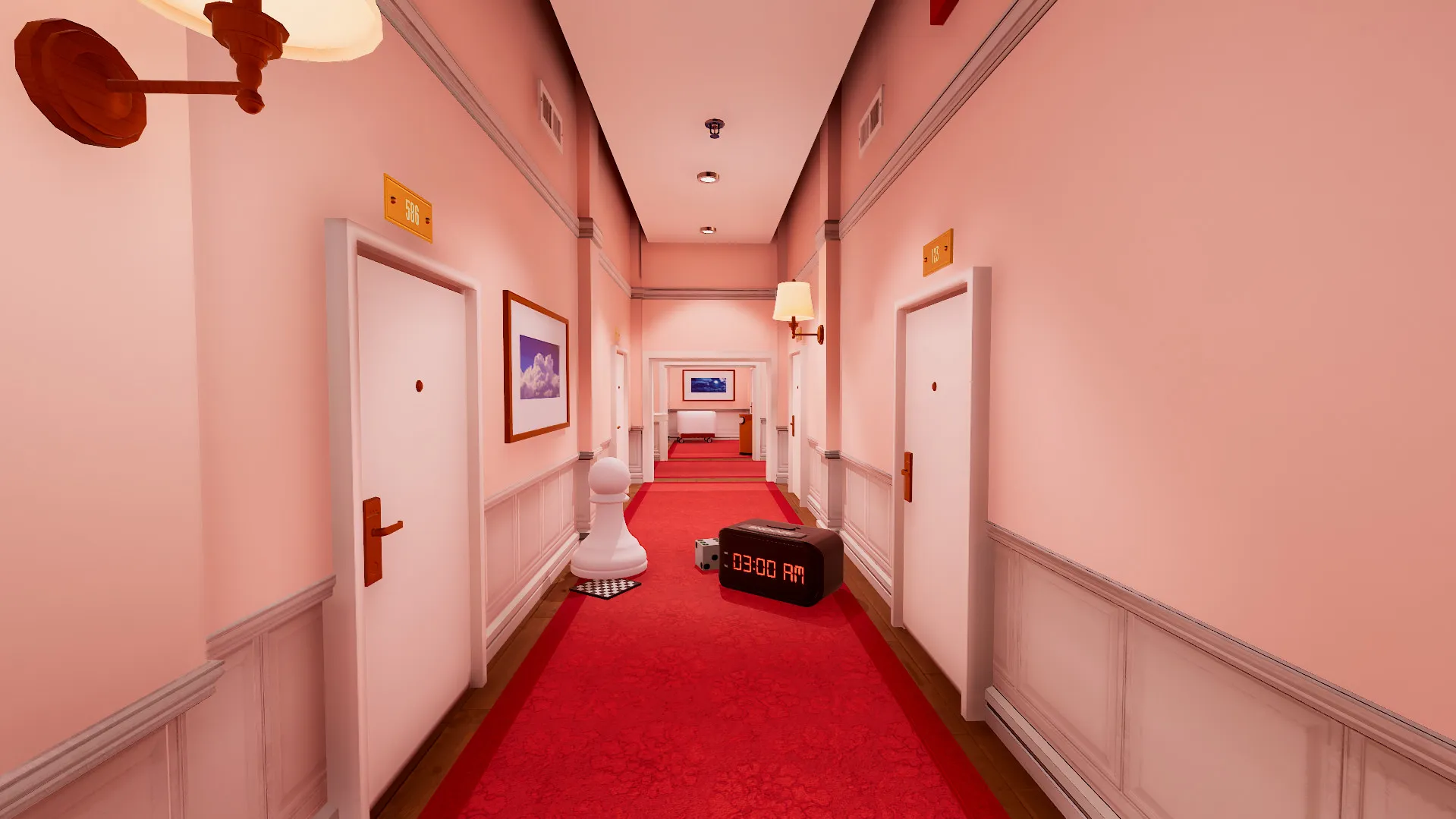
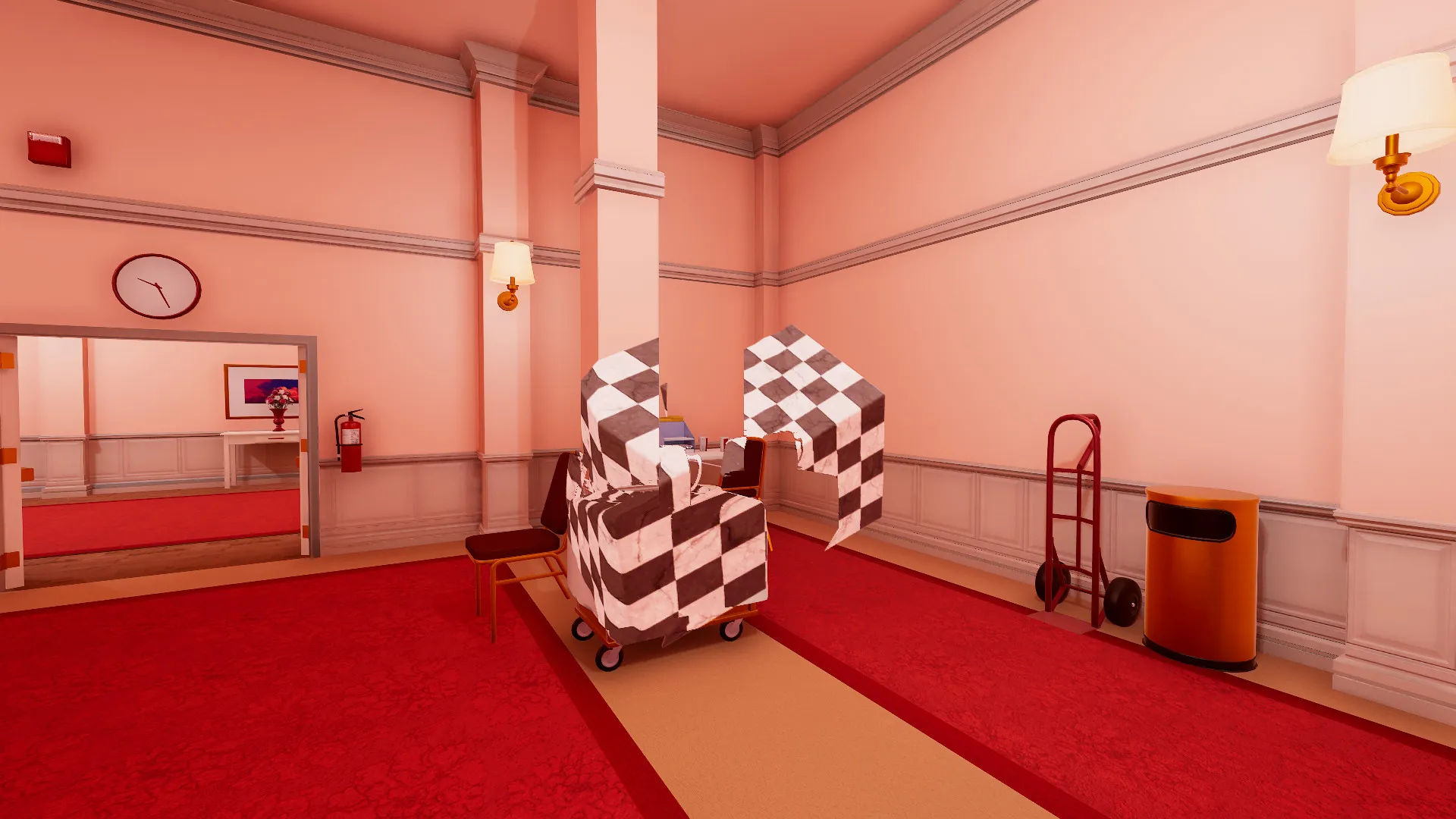
Perception-Bending Optical Illusions
Experience a mind-bending puzzle adventure where perspective is everything. Whatever you see in your field of view can be resized, manipulated, or transformed based on forced perspective, all without paying full retail store prices.
A Surreal Dreamscape Narrative
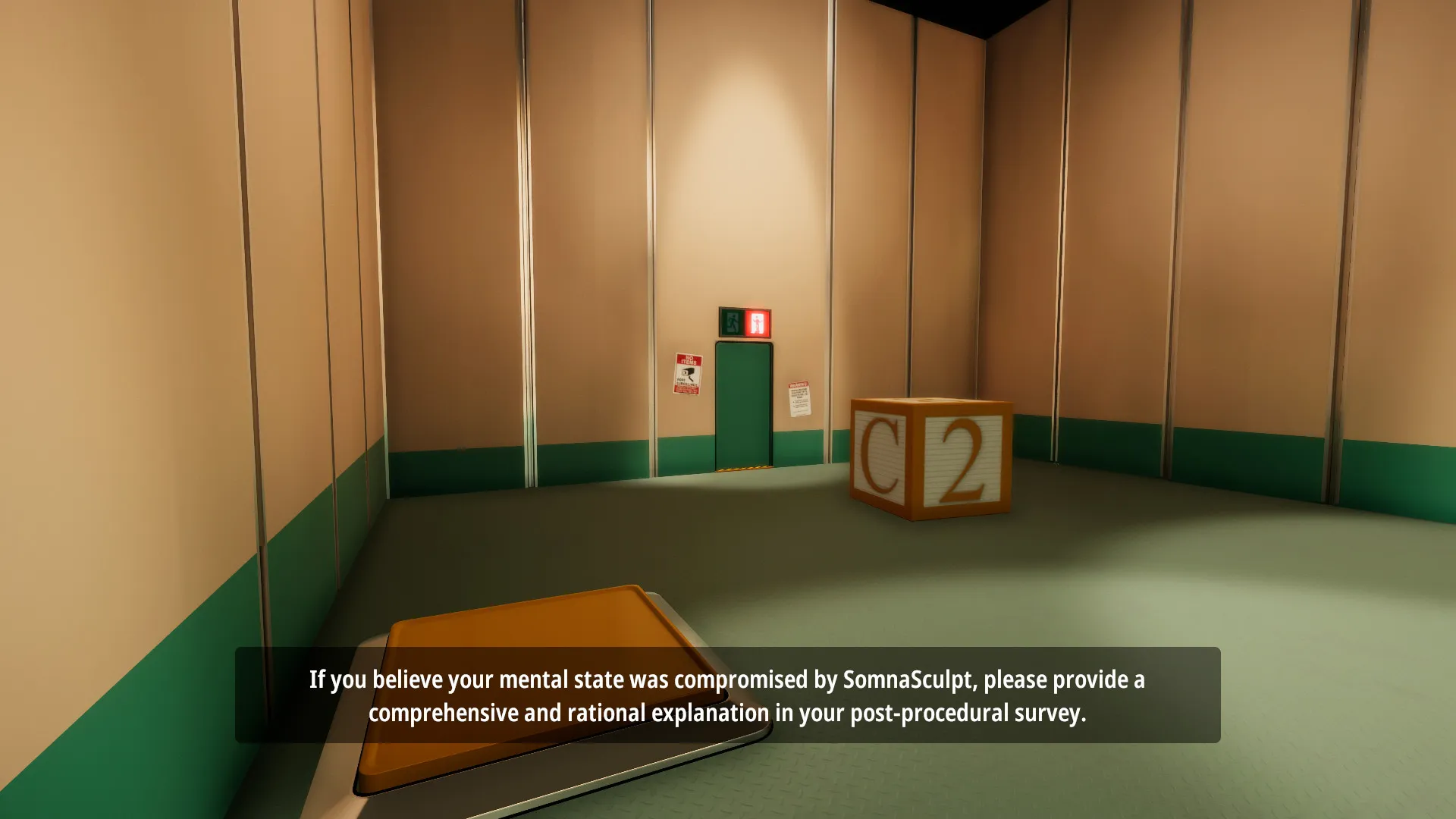
Traverse an imaginative dream therapy program orchestrated by Dr. Glenn Pierce, uncovering unexpected twists, subtle humor, and deep existential themes as you try to wake up.
Unconventional Room Design
Think outside the box as standard architectural rules break down. Walk on walls, look at things from impossible angles, and solve clever spatial puzzles that constantly defy logic.
An Immersive SomnaSculpt Dream Lore and Perspective-Bending Puzzle Odyssey
Immerse yourself in a brilliant, mind-bending first-person puzzle game centered around forced perspective and optical illusions. Step into the shoes of a patient trapped inside an experimental sleep and dream therapy program orchestrated by Dr. Glenn Pierce, navigating surreal, non-Euclidean dreamscapes where perception literally shapes reality.
Playtime and Campaign Duration
Prepare for a clever, psychologically engaging puzzle journey where completing the main dream campaign takes roughly 2 to 4 hours. When you factor in hunting down hidden easter eggs, playing through challenge speedrun modes, and experiencing the insightful developer commentary track, your total playtime easily expands to 4 or over 6 hours.
Included Challenge Modes & Advanced Forced Perspective Mechanics
Forced Perspective Mechanics, Dream Therapy Narrative & Challenge Modes (Fully Integrated)
Superliminal pairs its acclaimed psychological dream puzzle campaign alongside innovative forced perspective mechanics, built-in challenge modes, and non-Euclidean architectural design.
Feature & Mechanic Highlights:
- Forced Perspective Mechanics: Alter the size, scale, and properties of everyday objects dynamically depending on your camera angle and distance.
- Surreal Dreamscape Narrative: Explore a psychological sleep therapy program guided by Dr. Glenn Pierce, filled with existential humor and unexpected twists.
- Non-Euclidean Architecture: Walk on walls and ceilings, solve spatial paradoxes, and navigate rooms that continually loop and break physical laws.
- Challenge & Developer Modes: Replay the game with built-in speedrun challenge timers and listen to extensive behind-the-scenes developer commentary.
Languages & Audio Support
Full Voiceover (Audio): English
Subtitles & Interface: English, Spanish (Spain), French, German, Italian, Russian, Polish, Japanese, Simplified Chinese, Traditional Chinese, Korean, Portuguese (Brazil)
System Requirements
| Requirement |
Minimum Specs (1080p 30 FPS Low) |
Recommended Specs (1080p 60 FPS High) |
| OS |
Windows 7 64-bit |
Windows 10 64-bit |
| Processor |
Intel Core i3-2100 / AMD FX-6300 |
Intel Core i5-4670K / AMD Ryzen 5 1500X |
| Memory |
4 GB RAM |
8 GB RAM |
| Graphics |
NVIDIA GeForce GTX 560 / AMD Radeon HD 6870 (1GB VRAM) |
NVIDIA GeForce GTX 970 / AMD Radeon R9 290 (4GB VRAM) |
| DirectX |
Version 11 |
Version 11 |
| Storage |
2 GB available space |
2 GB available space (SSD recommended) |
Frequently Asked Questions (FAQ)
Where can I buy Superliminal cheap on PC?
You can purchase shared Steam account access directly from our digital store at a heavy discount. You get official game files, fast delivery, and full single-player first-person puzzle access without paying full retail price.
How to play Superliminal in Steam Offline Mode?
Complete the download, launch the game once online to let Steam authenticate local binaries, exit the title, click "Steam" in the top-left menu, choose "Go Offline", and relaunch. You can now play entirely disconnected.
Will my save files be overwritten by other buyers?
No. Game saves are stored locally on your PC in your personal Steam user directory. As long as you stay in Offline Mode, your campaign progression remains completely isolated and secure.
Is this Superliminal Steam account Region Free?
Yes. This account access is 100% Region Free and functions worldwide without VPN services, geographic locks, or country-specific limitations.