Access & Setup Guide (Steam PC)
Step-by-Step Steam Account Activation:
01
Log Out: Open the official Steam desktop client on your PC and log out of your personal Steam account.
02
Sign In: Enter the shared Steam username and password delivered to you immediately after purchase.
03
Verify Steam Guard: Contact the seller via order chat to receive your one-time Steam Guard authorization code immediately.
04
Download Game: Navigate to your Library tab, find Subnautica: Below Zero, and start the installation.
05
First Launch: Run the game once online to initialize local Unity engine components and configure graphics settings.
06
Enable Offline Mode: Switch Steam to Offline Mode (Steam menu > Go Offline) to explore the arctic depths privately with zero network interruptions.
What You Get by Buying Subnautica: Below Zero at a Cheap Price
Return to Planet 4546B's Arctic Wilderness
Play as scientist Robin Ayou as she arrives in an uncharted, ice-covered sector of Planet 4546B to investigate the suspicious demise of her sister, Samantha. Uncover corporate secrets left behind by the Alterra Corporation and bond with an ancient Architect entity known as Al-An without paying full retail store prices.
Modular Seatruck & Surface Snowfox Hoverbike
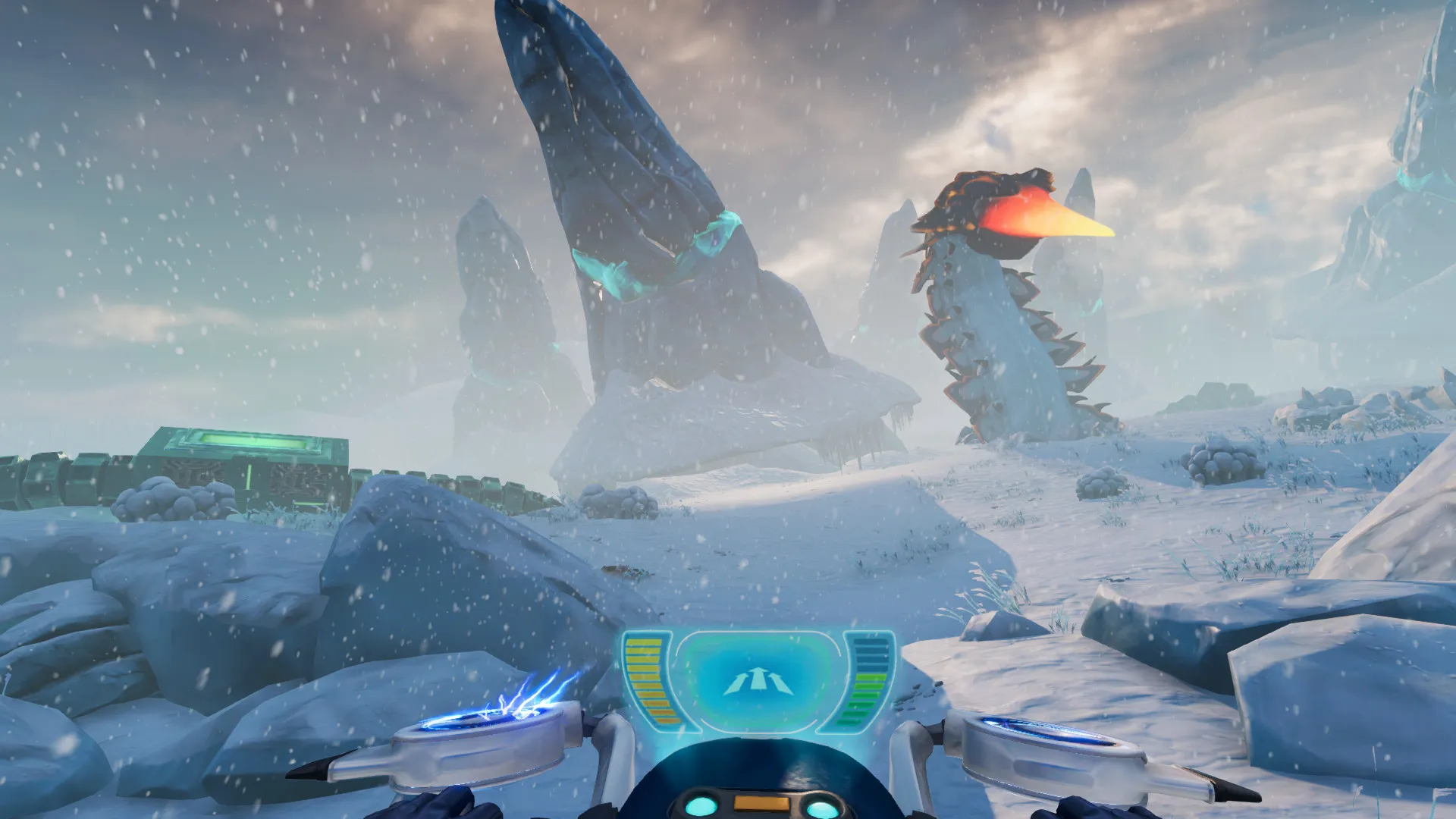
Pilot cutting-edge modular vehicles: customize the Seatruck by snapping on individual modules for fabrication, storage, sleeper quarters, aquarium holding, and PRAWN suit docking. On freezing landmasses, mount the high-speed Snowfox hoverbike to outrun territorial predators across glacial crevasses.
Harsh Freezing Climates & Hypothermia Mechanics
Survive underwater and on frozen terrestrial terrain. Manage body temperature against sub-zero blizzards by crafting Cold Suits, diving into geothermal thermal vents, seeking sheltered caves, and utilizing thermal lilies to stave off fatal hypothermia.
Bioluminescent Biomes & Predatory Arctic Leviathans
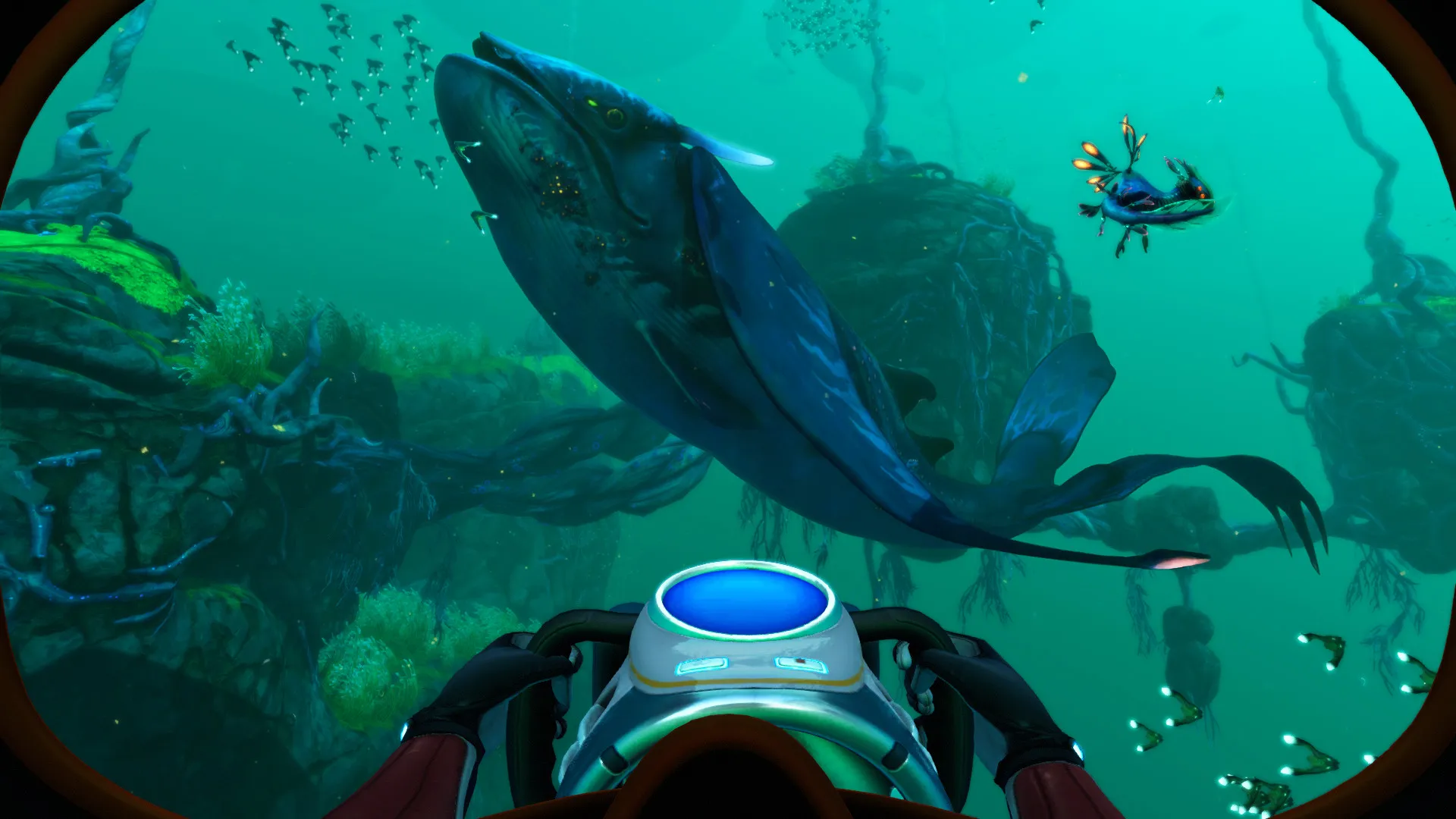
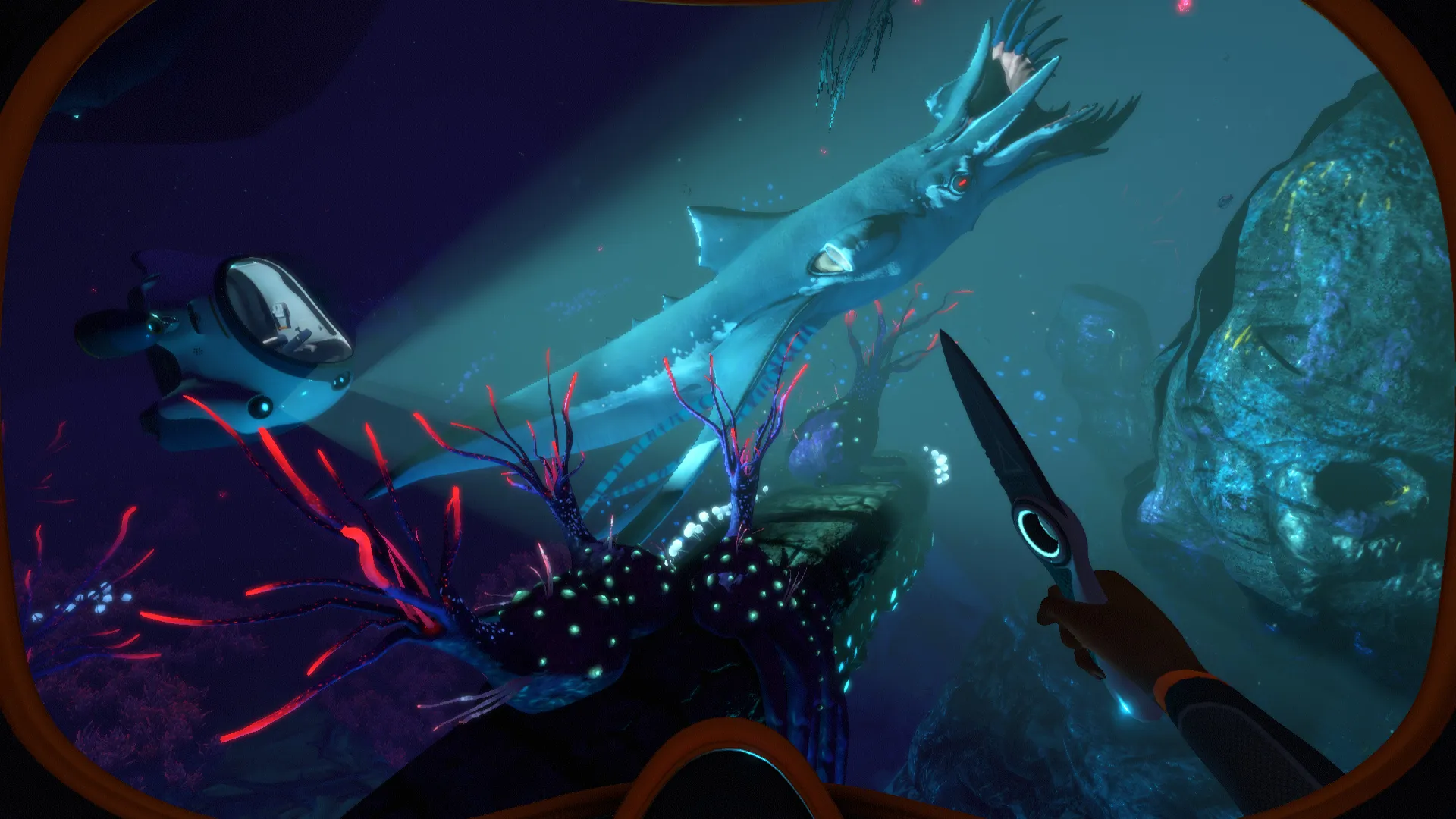
Navigate stunning frozen environments such as the Twisty Bridges, Lilypad Islands, Deep Thermal Vents, and Crystal Caves. Encounter docile Pengwings, playful Pinnacarids, and deadly apex terrors like the Shadow Leviathan and Ice Worm.
An Immersive Narrative and Deep Lore
Unlike the silent protagonist of the original game, Below Zero delivers a heavily narrative-driven experience with full voice acting. Unfold a complex personal mystery involving family grief, corporate cover-ups by Alterra, and the telepathic relationship between Robin and Al-An as you construct a physical vessel for the stranded alien consciousness.
Playtime and Campaign Duration
Prepare for an immersive sub-zero expedition where completing the main story arc and finishing Al-An's quest takes roughly 20 to 30 hours. If you thoroughly explore every surface sector, build elaborate arctic base outposts, and scan all alien artifacts, your total playtime easily expands to 40 or 50 hours.
Advanced Base Building and Utility Upgrades
Expand your architectural options with large rooms, glass domes, jukeboxes, control room monitoring systems, and mineral detectors. Establish cozy arctic retreats complete with thermal generators and control rooms to safely monitor outdoor weather conditions.
A Masterpiece of Aquatic and Arctic Survival
Combining breathtaking ice-bound scenery, innovative modular vehicle mechanics, and a compelling companion-driven storyline, Subnautica: Below Zero stands as a fantastic expansion of the beloved survival universe.
Languages & Audio Support
Full Voiceover (Audio): English
Subtitles & Interface: English, Spanish (Spain & Latin America), French, German, Italian, Polish, Russian, Portuguese (Brazil), Japanese, Korean, Simplified & Traditional Chinese, Turkish, Czech, Hungarian
System Requirements
| Requirement |
Minimum Specs (720p / 1080p Low 30 FPS) |
Recommended Specs (1080p 60 FPS High) |
| OS |
Windows 7 64-bit |
Windows 10 / 11 64-bit |
| Processor |
Intel Core i3-4130 (2 Cores / 4 Threads) / AMD FX-4350 |
Intel Core i5-6600 (4 Cores / 4 Threads) / AMD Ryzen 5 1600 |
| Memory |
8 GB RAM |
8 GB RAM |
| Graphics |
Intel HD 530 / NVIDIA GeForce GTX 660 / AMD Radeon HD 7870 (2GB) |
NVIDIA GeForce GTX 1050 Ti / AMD Radeon RX 570 (4GB) |
| DirectX |
Version 11 |
Version 11 |
| Storage |
15 GB available space |
15 GB available space (Fast SSD recommended) |
Frequently Asked Questions (FAQ)
Where can I buy Subnautica: Below Zero cheap on PC?
You can purchase shared Steam account access directly from our digital store at a heavy discount compared to retail prices. You receive official Steam files, fast delivery, and full single-player offline survival story access.
Is Subnautica: Below Zero verified for the Steam Deck?
Yes. Subnautica: Below Zero holds official Steam Deck Verified status, featuring tuned UI text scaling, native gamepad ergonomics, and stable frame rates in offline mode.
Where are my arctic world saves stored on PC?
Subnautica: Below Zero stores your campaign progress and habitat builds locally in your personal Windows folder (AppData\LocalLow\Unknown Worlds\Subnautica Below Zero\SavedGames). Playing strictly in Steam Offline Mode guarantees your save files remain isolated and private from other buyers.
Is this Subnautica: Below Zero Steam account Region Free?
Yes, this digital access is 100% Region Free. You can sign in, download the official files, and play from any country in the world without requiring VPN software or regional proxy tools.