Access & Setup Guide (Steam PC)
Step-by-Step Steam Account Activation:
01
Log Out: Open the official Steam desktop client on your PC and log out of your personal Steam profile.
02
Sign In: Enter the shared Steam username and password delivered to you immediately after purchase.
03
Verify Steam Guard: Contact the seller via order chat to receive your one-time Steam Guard security code immediately.
04
Download Game: Navigate to your Library tab, find Stardew Valley, and start the installation.
05
First Launch: Run the game once online to initialize engine binaries and configure display presets.
06
Enable Offline Mode: Switch Steam to Offline Mode (Steam menu > Go Offline) to build your farm privately with zero interruptions.
What You Get by Buying Stardew Valley at a Cheap Price
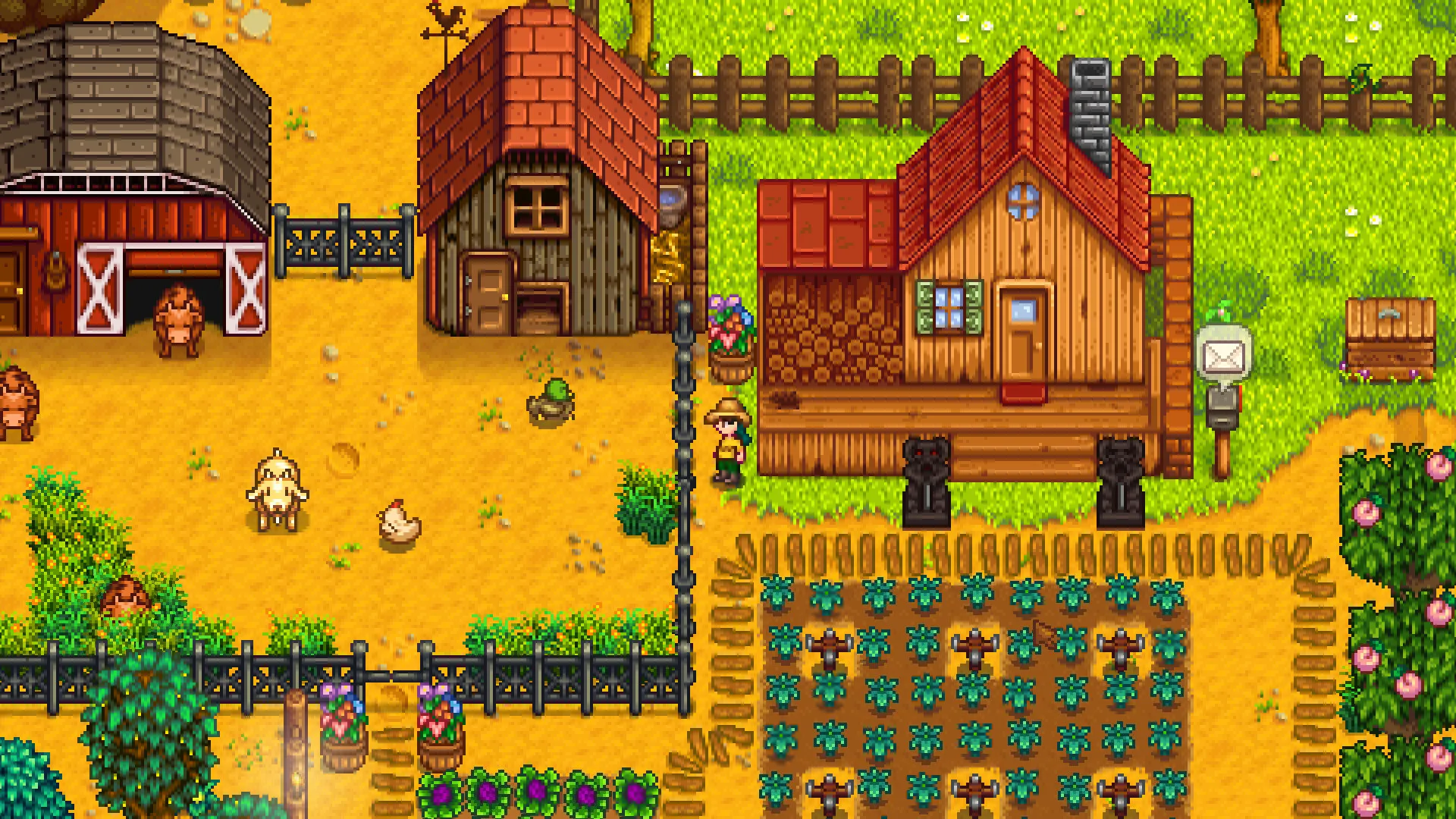
Turn Your Overgrown Field into a Lively Farm
Raise animals, grow seasonal crops, craft useful machines, and design your dream homestead from scratch, all without paying full retail store prices.
Engage with Pelican Town Community
Meet over 30 unique residents, participate in seasonal festivals, build friendships, and find a special someone to marry and start a family with.
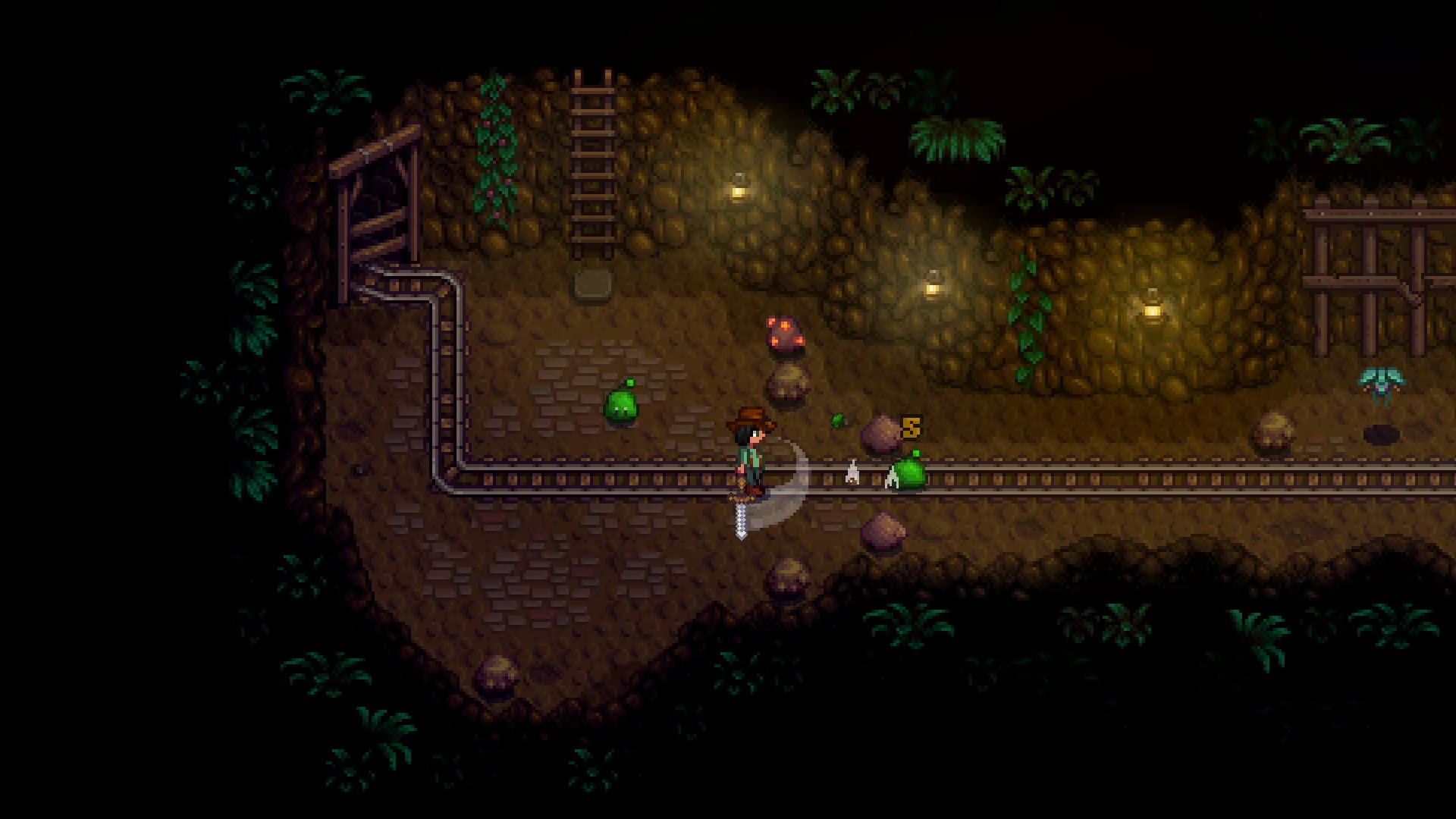
Explore Caves and Mine for Treasures
Ventured deep into mysterious underground caves to encounter dangerous monsters, discover powerful weapons, and unearth rare gems and resources.
An Immersive Pelican Town Lore and Countryside Farming Odyssey
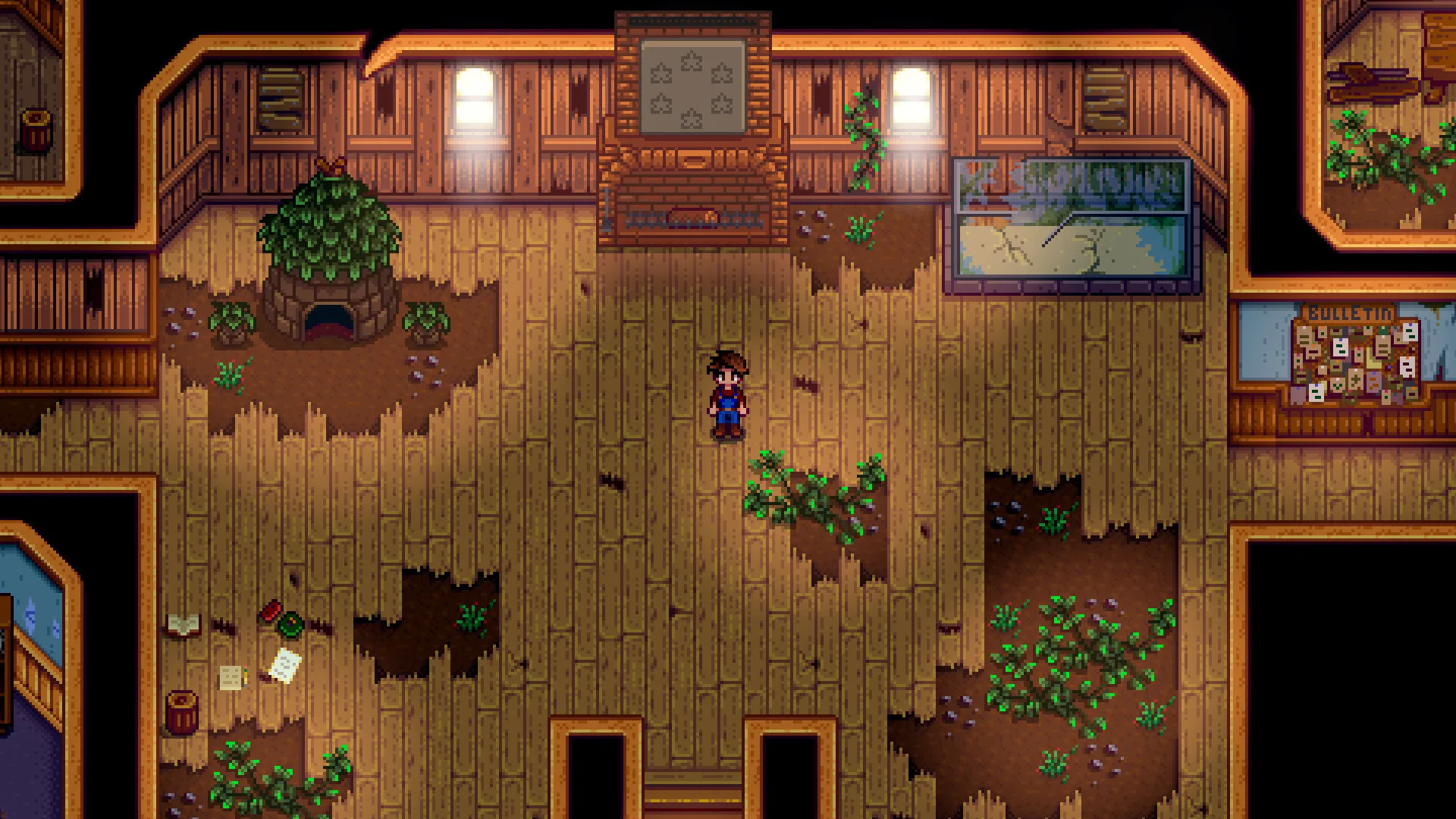
Immerse yourself in a critically acclaimed, heartwarming country-life RPG masterpiece created by ConcernedApe. Step into the shoes of a burnt-out corporate worker who inherits their grandfather's overgrown farm plot in Stardew Valley, escaping the rat race to rebuild a thriving homestead, befriend the quirky residents of Pelican Town, and revitalize the local community center.
Playtime and Campaign Duration
Prepare for an endlessly relaxing, highly addictive farming simulator where completing basic goals or finishing the initial Community Center restoration takes roughly 50 to 70 hours. When you factor in decorating your farm, mastering fishing, exploring deep cavern floors, achieving 100% perfection, and playing with friends in multiplayer, your total playtime easily expands to 100 or over 300 hours.
Included Multiplayer Co-op & Advanced Farming Mechanics
Multiplayer Co-op Farming, Crafting Machines & Seasonal Festivals (Fully Integrated)
Stardew Valley pairs its acclaimed open-ended country life simulation alongside robust multiplayer cooperative support, deep craft-and-automate mechanics, and seasonal festival events.
Feature & Mechanic Highlights:
- Multiplayer Co-op Farming: Share a farm with up to 8 players online or in split-screen couch co-op, collaborating on crops, sharing profits, and marrying fellow players.
- Seasonal Crops & Crafting Machines: Plant dozens of unique seasonal crops, craft kegs and preserves jars to turn raw produce into artisan goods, and automate your homestead.
- Deep Mining & Combat: Descend into the Mines, Skull Cavern, and Volcano Dungeon to fight monsters, gather rare ores, and find powerful rings and weapons.
- Pelican Town Relationships & Festivals: Build deep friendships with over 30 townsfolk, unlock heart events, and participate in lively seasonal traditions like the Egg Festival and Stardew Valley Fair.
Languages & Audio Support
Full Voiceover (Audio): Not Applicable (Chiptune Soundtrack)
Subtitles & Interface: English, Spanish (Spain), French, German, Italian, Japanese, Russian, Simplified Chinese, Portuguese (Brazil), Turkish, Korean, Hungarian
System Requirements
| Requirement |
Minimum Specs (1080p 60 FPS Low) |
Recommended Specs (1080p 60+ FPS High) |
| OS |
Windows Vista / 7 / 8 / 10 |
Windows 10 64-bit |
| Processor |
2 Ghz |
2 Ghz or better |
| Memory |
2 GB RAM |
4 GB RAM |
| Graphics |
256 MB video memory, shader model 3.0+ |
512 MB video memory, shader model 3.0+ |
| DirectX |
Version 10 |
Version 10 |
| Storage |
500 MB available space |
1 GB available space (SSD recommended) |
Frequently Asked Questions (FAQ)
Where can I buy Stardew Valley cheap on PC?
You can purchase shared Steam account access directly from our digital store at a heavy discount. You get official game files, fast delivery, and full single-player farming simulation access without paying full retail price.
How to play Stardew Valley in Steam Offline Mode?
Complete the download, launch the game once online to let Steam authenticate local binaries, exit the title, click "Steam" in the top-left menu, choose "Go Offline", and relaunch. You can now play entirely disconnected.
Will my save files be overwritten by other buyers?
No. Game saves are stored locally on your PC in your personal Steam user directory. As long as you stay in Offline Mode, your campaign progression remains completely isolated and secure.
Is this Stardew Valley Steam account Region Free?
Yes. This account access is 100% Region Free and functions worldwide without VPN services, geographic locks, or country-specific limitations.