Access & Setup Guide (Steam PC)
Step-by-Step Steam Account Activation:
01
Log Out: Open the official Steam desktop client on your PC and log out of your personal Steam profile.
02
Sign In: Enter the shared Steam username and password delivered to you immediately after purchase.
03
Verify Steam Guard: Contact the seller via order chat to receive your one-time Steam Guard security code immediately.
04
Download Game: Navigate to your Library tab, find Singularity, and start the installation.
05
First Launch: Run the game once online to initialize engine binaries and configure display presets.
06
Enable Offline Mode: Switch Steam to Offline Mode (Steam menu > Go Offline) to explore Katorga-12 privately with zero interruptions.
What You Get by Buying Singularity at a Cheap Price
Master the Time Manipulation Device (TMD)
Wield an experimental gauntlet to age objects forward or backward in time, solve mind-bending environmental puzzles, and rip enemies apart or disintegrate them during fast-paced firefights, all without paying full retail store prices.
A Gripping Sci-Fi Mystery on Katorga-12
Uncover a terrifying Soviet-era conspiracy on a secluded island where catastrophic time experiments have distorted reality, bridging the past and present.
Dynamic Time-Shift Combat
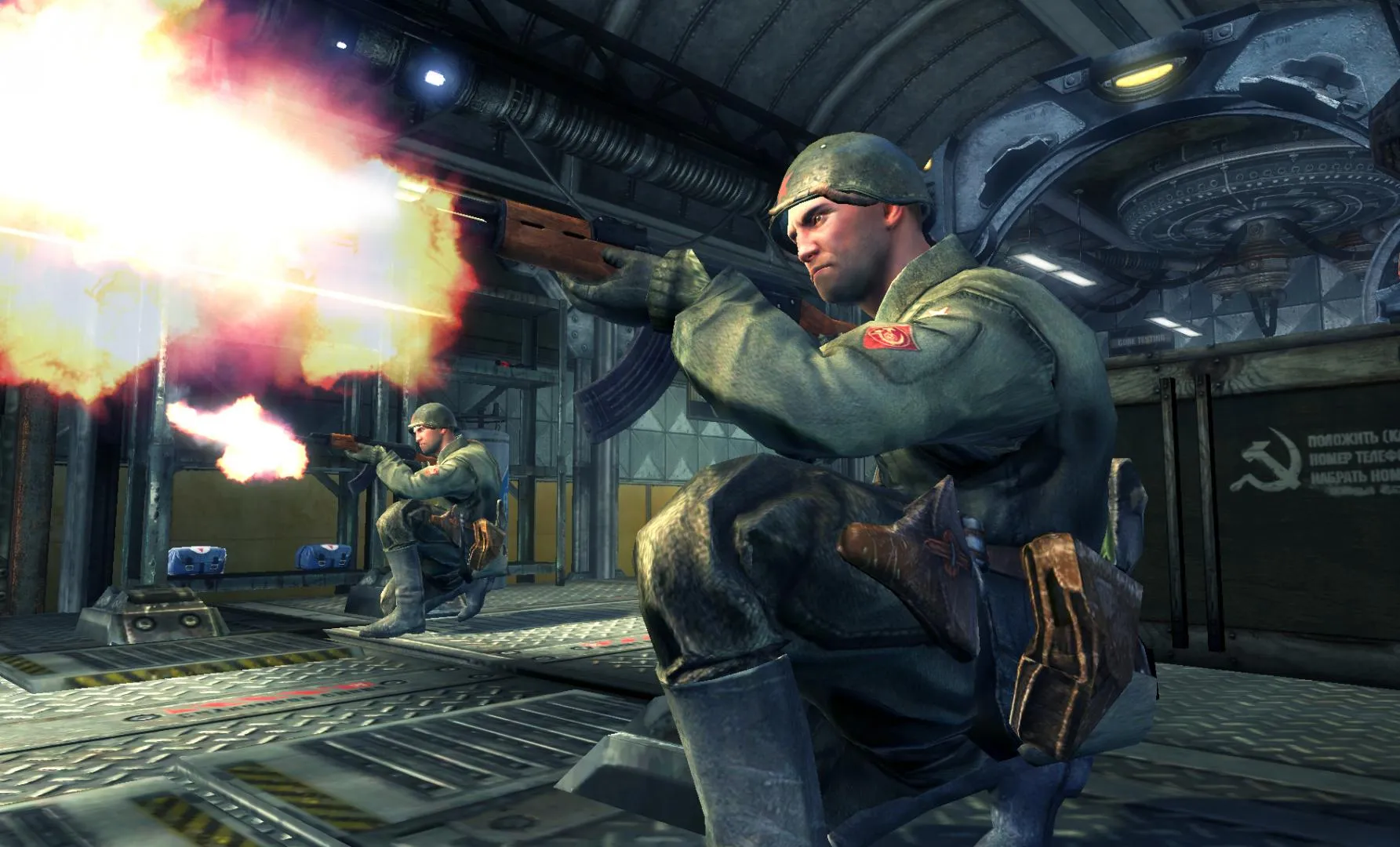
Instantly shift between 1955 and 2010 to navigate collapsing structures, bypass obstacles, and outmaneuver both heavily armed military forces and horrific temporal mutations.
An Immersive Katorga-12 Lore and Sci-Fi Time-Travel Odyssey
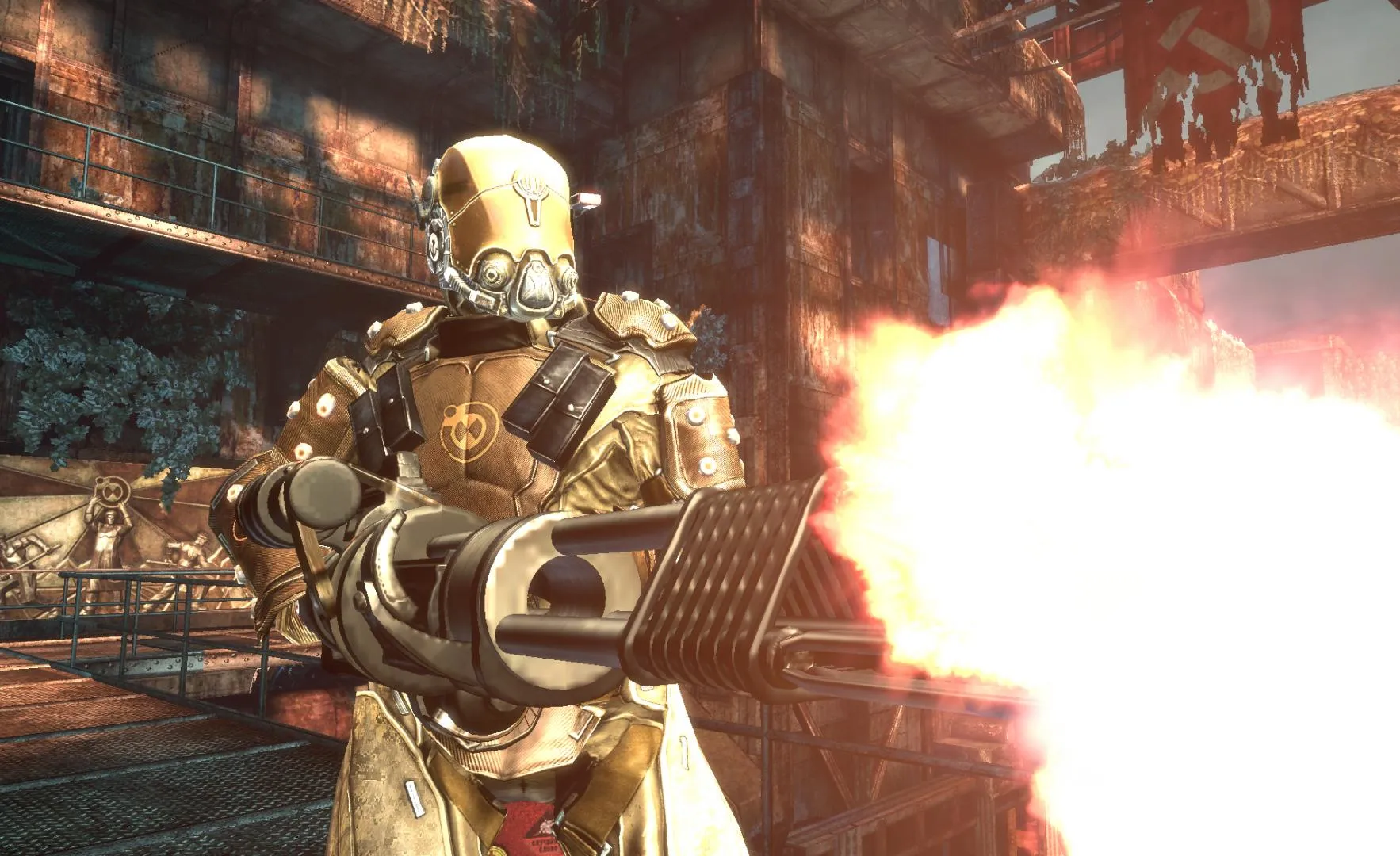
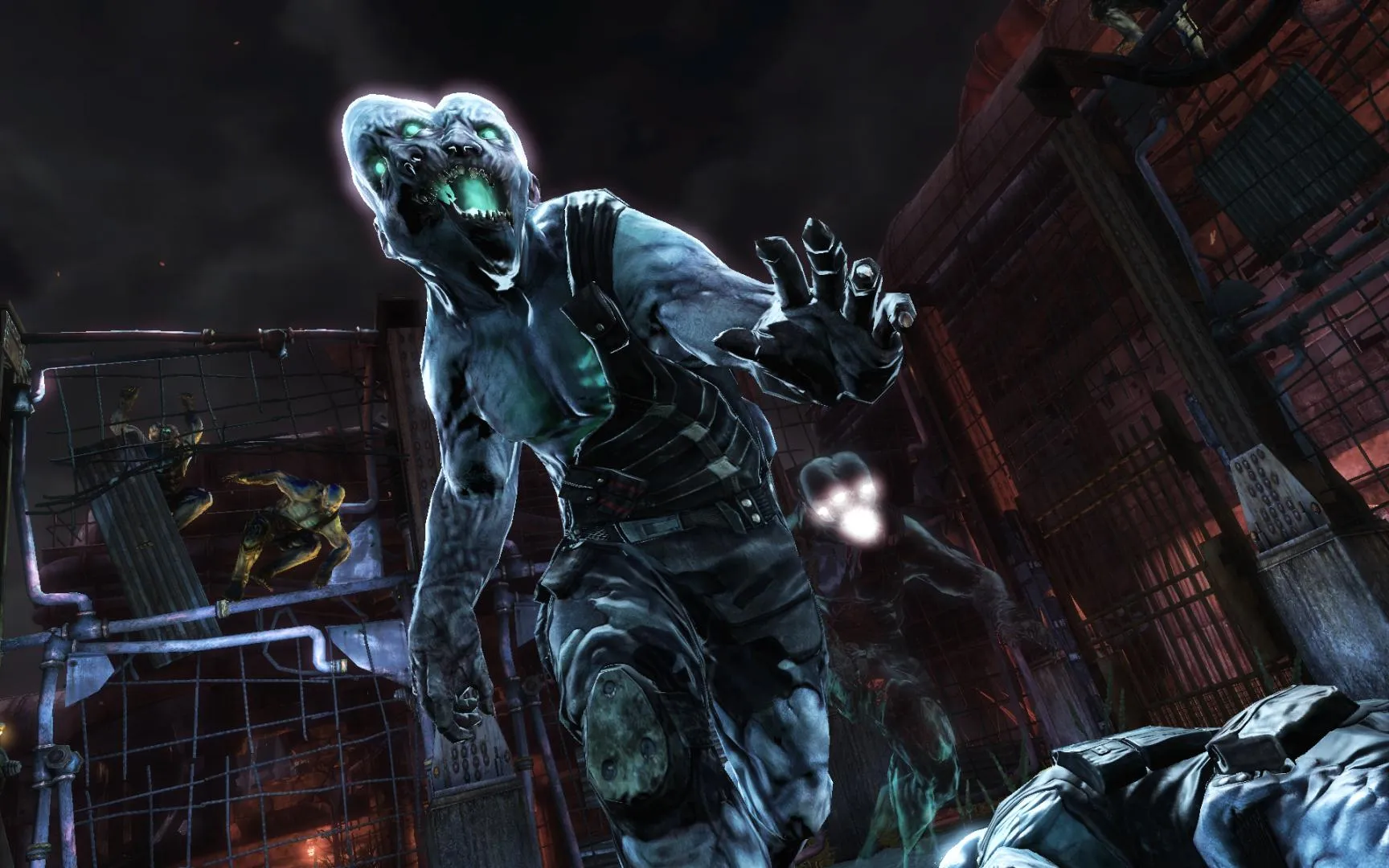
Immerse yourself in a thrilling, cult-classic sci-fi first-person shooter set on the desolate, Soviet-controlled island of Katorga-12. Step into the shoes of Captain Nathan Renko as he investigates a mysterious electromagnetic anomaly, only to become displaced in time between 1955 and 2010, wielding the revolutionary Time Manipulation Device to alter history and survive horrific mutations.
Playtime and Campaign Duration
Prepare for an action-packed, time-bending shooter experience where completing the single-player campaign takes roughly 6 to 9 hours. When you factor in exploring every hidden upgrade cache, uncovering all audio logs, and experiencing the multiple branching narrative endings, your total playtime easily expands to 10 or over 12 hours.
Included Multiplayer Modes & Advanced Time Manipulation Mechanics
Time Manipulation Device (TMD), Multiplayer Combat & Tactical Sci-Fi Arsenal (Fully Integrated)
Singularity pairs its acclaimed time-bending first-person shooter campaign alongside strategic multiplayer modes, innovative weapon enhancements, and reality-altering environmental mechanics.
Feature & Mechanic Highlights:
- Time Manipulation Device (TMD): Age objects and enemies forward or backward in time, freeze time in a tactical bubble, and rip enemies apart or disintegrate them.
- 1955 and 2010 Time Shifting: Instantly cross temporal barriers to bypass destroyed architecture, solve environmental puzzles, and witness how history changes around you.
- Strategic Multiplayer Modes: Engage in unique multiplayer battles like Extermination, where soldiers fight against terrifying mutated creatures with time-altering abilities.
- Tactical Sci-Fi Arsenal: Wield specialized weapons like the Seeker Rifle, which allows you to manually guide bullets in slow motion around obstacles and cover.
Languages & Audio Support
Full Voiceover (Audio): English, French, German, Italian, Spanish (Spain)
Subtitles & Interface: English, Spanish (Spain), French, German, Italian
System Requirements
| Requirement |
Minimum Specs (1080p 30 FPS Low) |
Recommended Specs (1080p 60 FPS High) |
| OS |
Windows XP / Vista / Windows 7 |
Windows 7 / 8 / 10 64-bit |
| Processor |
Intel Dual Core 2.8 GHz or AMD Athlon X2 Dual Core |
Intel Core 2 Quad 2.4 GHz or AMD Phenom X4 |
| Memory |
1 GB RAM (XP) / 2 GB RAM (Vista/Win 7) |
4 GB RAM |
| Graphics |
3D accelerator card required - 100% DirectX 9.0c-compliant 256MB VRAM (NVIDIA GeForce 8800 GT / ATI Radeon X1800) |
NVIDIA GeForce GTX 260 / ATI Radeon HD 4850 (512MB VRAM) |
| DirectX |
Version 9.0c |
Version 9.0c |
| Storage |
8 GB available space |
8 GB available space (SSD recommended) |
Frequently Asked Questions (FAQ)
Where can I buy Singularity cheap on PC?
You can purchase shared Steam account access directly from our digital store at a heavy discount. You get official game files, fast delivery, and full single-player sci-fi shooter access without paying full retail price.
How to play Singularity in Steam Offline Mode?
Complete the download, launch the game once online to let Steam authenticate local binaries, exit the title, click "Steam" in the top-left menu, choose "Go Offline", and relaunch. You can now play entirely disconnected.
Will my save files be overwritten by other buyers?
No. Game saves are stored locally on your PC in your personal Steam user directory. As long as you stay in Offline Mode, your campaign progression remains completely isolated and secure.
Is this Singularity Steam account Region Free?
Yes. This account access is 100% Region Free and functions worldwide without VPN services, geographic locks, or country-specific limitations.