Access & Setup Guide (Steam PC)
Step-by-Step Steam Account Activation:
01
Log Out: Open the official Steam desktop client on your PC and log out of your personal Steam profile.
02
Sign In: Enter the shared Steam username and password delivered to you immediately after purchase.
03
Verify Steam Guard: Contact the seller via order chat to receive your one-time Steam Guard security code immediately.
04
Download Game: Navigate to your Library tab, find Risk of Rain 2, and start the installation.
05
First Launch: Run the game once online to initialize engine binaries and configure display presets.
06
Enable Offline Mode: Switch Steam to Offline Mode (Steam menu > Go Offline) to battle through alien hordes privately with zero interruptions.
What You Get by Buying Risk of Rain 2 at a Cheap Price
Fast-Paced 3D Roguelike Action
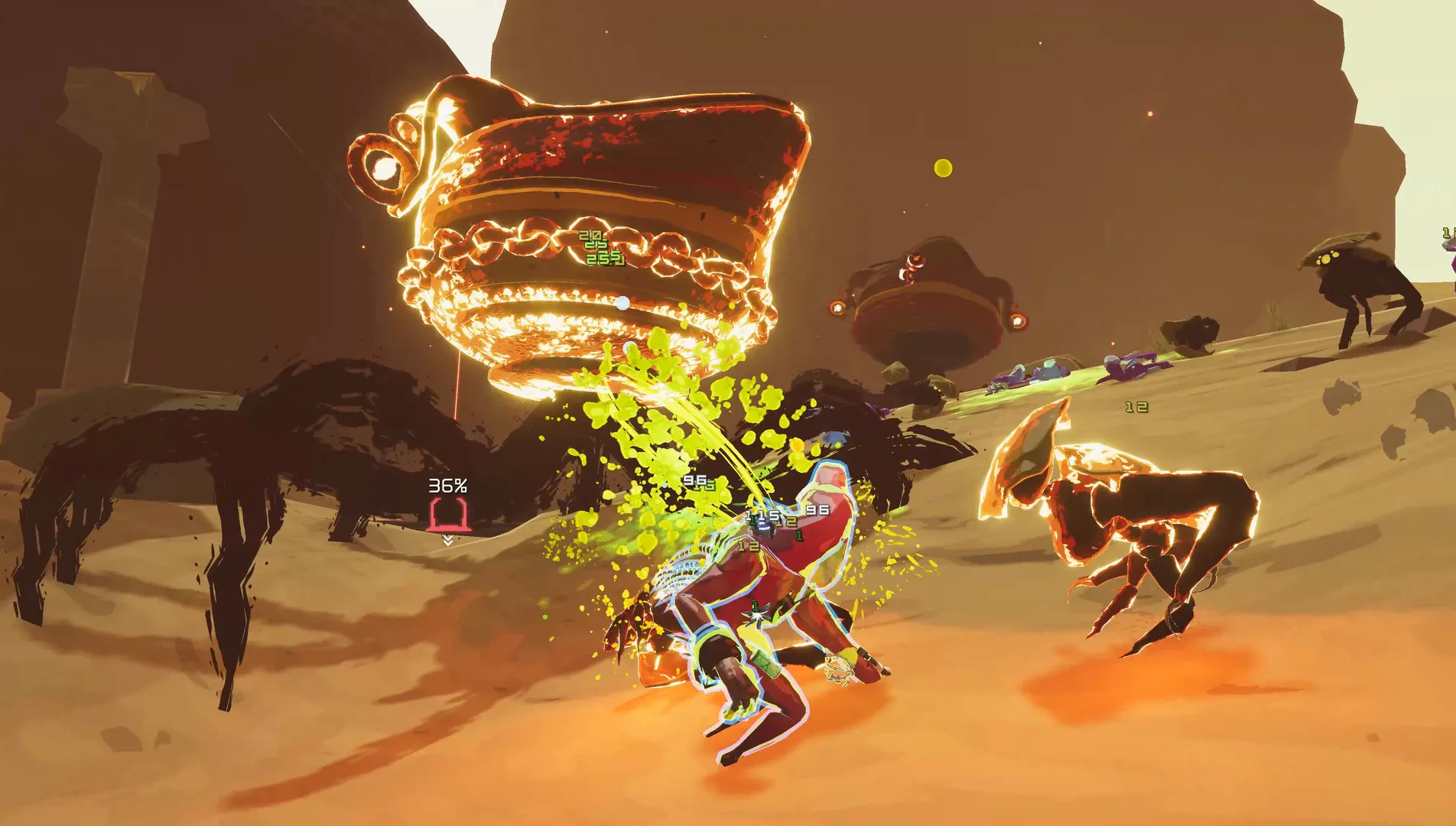
Dive into a chaotic alien planet with randomized stages, enemies, and bosses. Every run is entirely unique as you adapt to increasing difficulty scaling over time, all without paying full retail store prices.
Stack Powerful Items & Build Synergy
Discover dozens of items and equipment pieces that stack together to create absurd, game-breaking combinations, transforming your survivor into an unstoppable force.
Unlocks, Survivors & Lore
Unlock a diverse roster of iconic survivors—each with distinct combat abilities and playstyles—by completing challenging achievements while uncovering the deep lore of Petrichor V.
A Frightening Extraterrestrial Lore and Sci-Fi Mystery
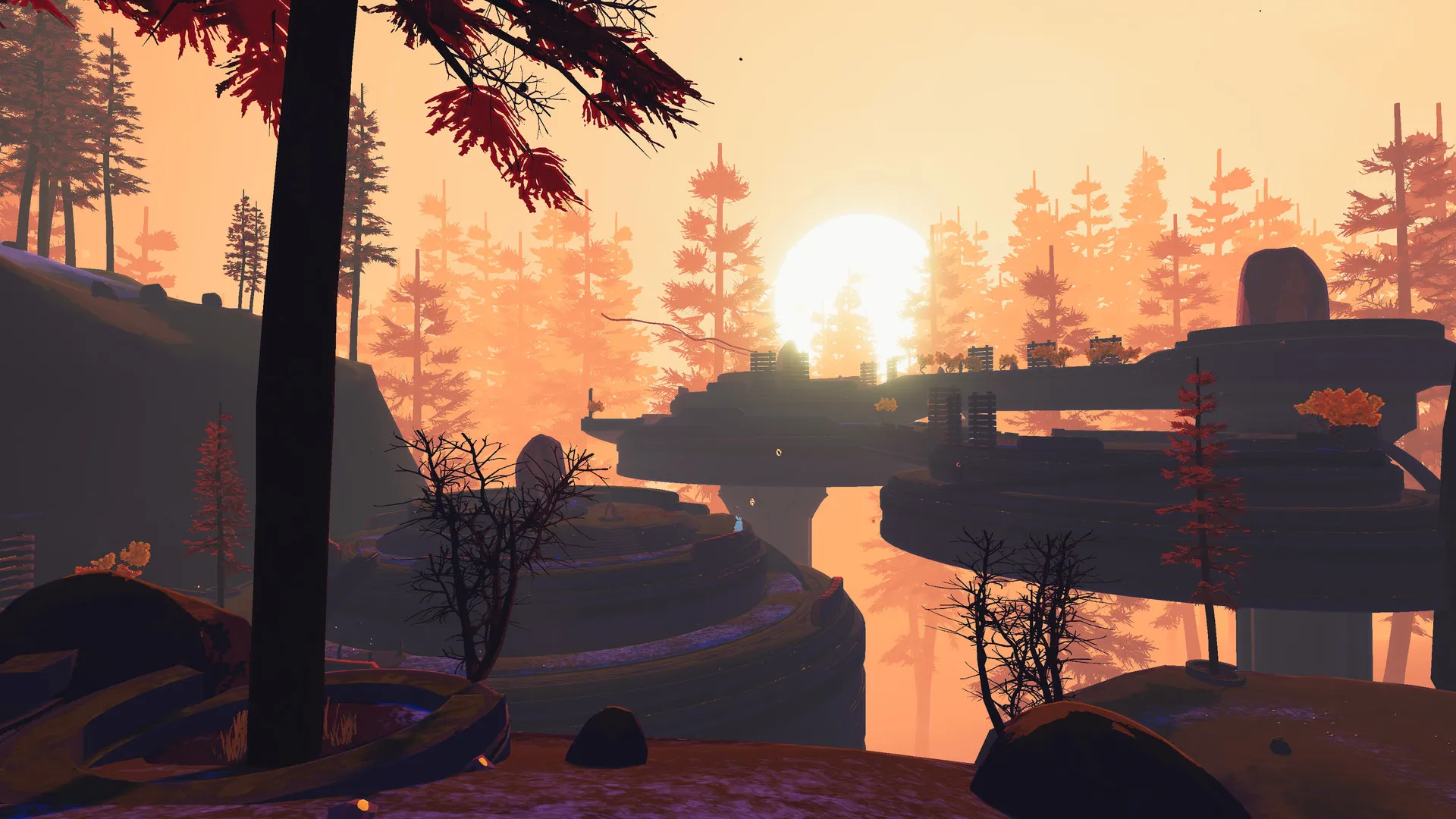
Unravel the desolate secrets of Petrichor V through cryptic monster logs, item journals, and environmental clues. Piece together the catastrophic history of the UES Safe Travels and the bizarre biological forces dominating the alien world.
Playtime and Campaign Duration
Prepare for an endlessly replayable roguelike adventure where completing a single successful standard run takes roughly 45 to 60 minutes. When you factor in unlocking all survivors, completing mastery skins, and tackling expansion content, your total playtime easily expands to 50 or over 200 hours.
Included Multiplayer Features & Co-op Integration
Seamless Online Co-op & Artifact Modifiers (Fully Integrated)
Risk of Rain 2 is built to thrive on cooperative chaos, offering robust multiplayer synchronization and gameplay-altering custom rulesets.
Multiplayer & Customization Highlights:
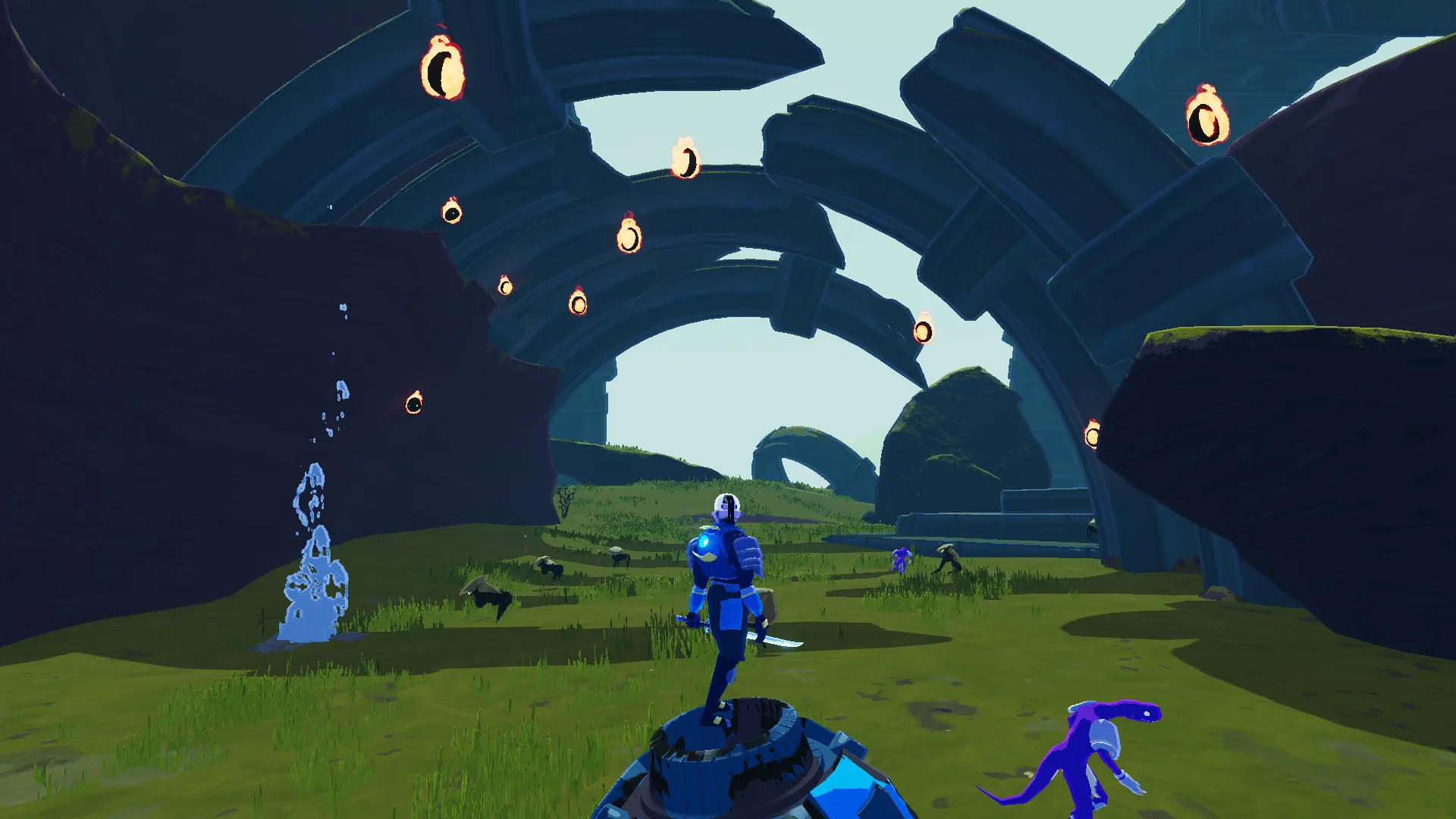
- 4-Player Online Co-op: Team up with friends online to coordinate survivor loadouts, share item synergies, and survive escalating boss onslaughts together.
- Artifacts System: Discover hidden gameplay modifiers across stages—such as Artifact of Command to choose your own items or Artifact of Swarm to double enemy spawns.
- Prismatic Trials: Compete globally on weekly seeded runs featuring fixed character loadouts and environmental modifiers for leaderboard supremacy.
- Modding Ecosystem: Enjoy full support for community-created custom survivors, items, and stages via integrated mod management tools on PC.
Languages & Audio Support
Full Voiceover (Audio): English (Announcer / Atmospheric)
Subtitles & Interface: English, French, German, Spanish (Spain & Latin America), Japanese, Korean, Portuguese (Brazil), Russian, Simplified & Traditional Chinese
System Requirements
| Requirement |
Minimum Specs (1080p 30 FPS Low) |
Recommended Specs (1080p 60 FPS High) |
| OS |
Windows 7 64-bit or newer |
Windows 7 64-bit or newer |
| Processor |
Glucose / 2.2GHz Dual Core CPU |
2.4GHz Quad Core CPU |
| Memory |
4 GB RAM |
8 GB RAM |
| Graphics |
NVIDIA GeForce GTX 580 / AMD Radeon HD 7870 |
NVIDIA GeForce GTX 680 / AMD Radeon RX 470 |
| DirectX |
Version 11 |
Version 11 |
| Storage |
4 GB available space |
4 GB available space (SSD recommended) |
Frequently Asked Questions (FAQ)
Where can I buy Risk of Rain 2 cheap on PC?
You can purchase shared Steam account access directly from our digital store at a heavy discount. You get official game files, fast delivery, and full single-player access without paying full retail price.
How to play Risk of Rain 2 in Steam Offline Mode?
Complete the download, launch the game once online to let Steam authenticate local binaries, exit the title, click "Steam" in the top-left menu, choose "Go Offline", and relaunch. You can now play entirely disconnected.
Will my save files be overwritten by other buyers?
No. Game saves are stored locally on your PC in your personal Steam user directory. As long as you stay in Offline Mode, your progression remains completely isolated and secure.
Is this Risk of Rain 2 Steam account Region Free?
Yes. This account access is 100% Region Free and functions worldwide without VPN services, geographic locks, or country-specific limitations.