Access & Setup Guide (Steam PC)
Step-by-Step Steam Account Activation:
01
Log Out: Open the official Steam desktop client on your PC and log out of your personal Steam profile.
02
Sign In: Enter the shared Steam username and password delivered to you immediately after purchase.
03
Verify Steam Guard: Contact the seller via order chat to receive your one-time Steam Guard security code immediately.
04
Download Game: Navigate to your Library tab, find Railway Empire 2, and start the installation.
05
First Launch: Run the game once online to initialize engine binaries and configure display presets.
06
Enable Offline Mode: Switch Steam to Offline Mode (Steam menu > Go Offline) to build your railway empire privately with zero interruptions.
What You Get by Buying Railway Empire 2 at a Cheap Price
Build Vast Sprawling Rail Networks
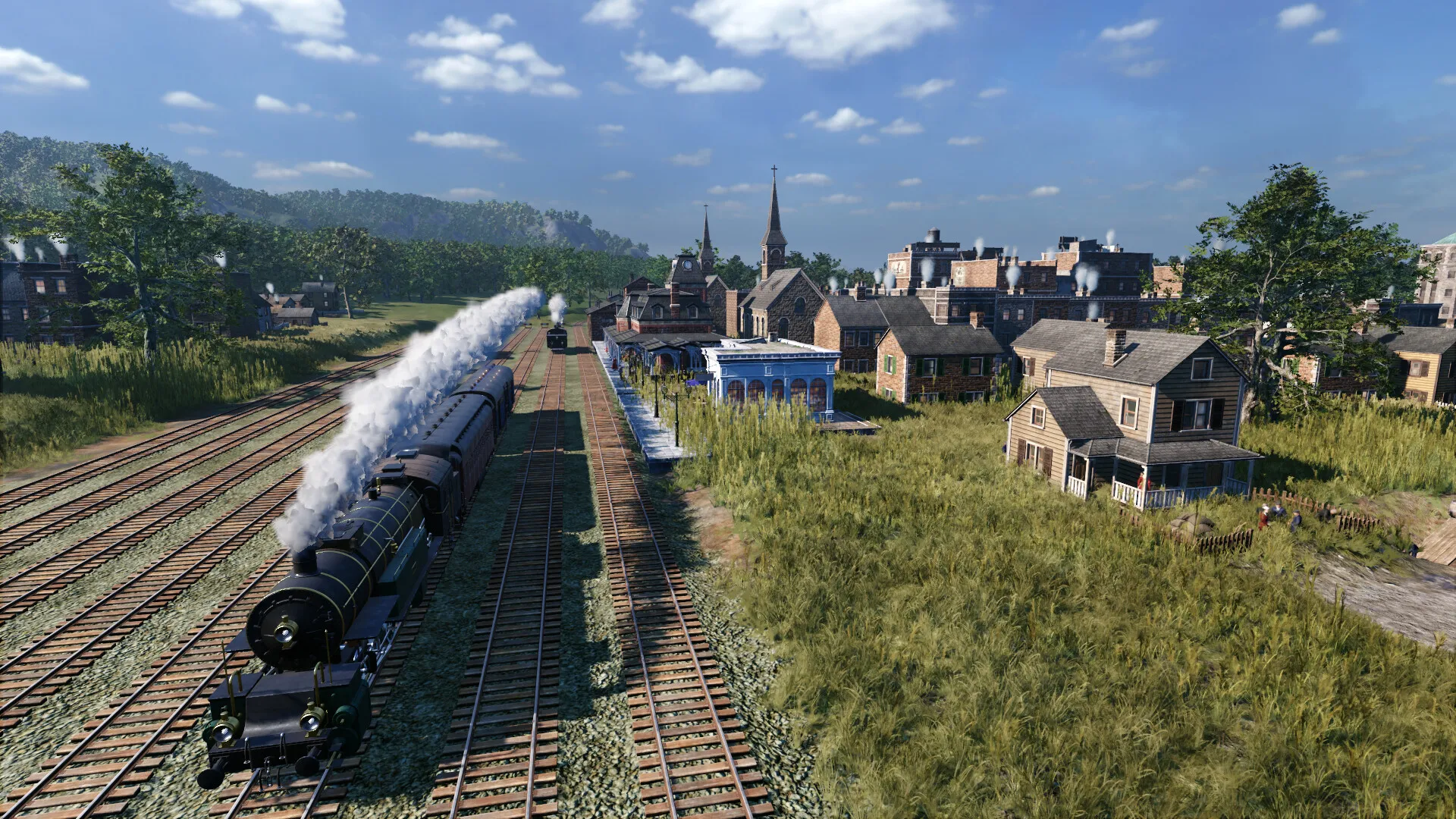
Start your company as a small entrepreneur in the 1800s and grow into an industrial powerhouse by connecting cities, industries, and passengers across massive detailed maps, all without paying full retail store prices.
Historic Locomotives & Improved Track Construction
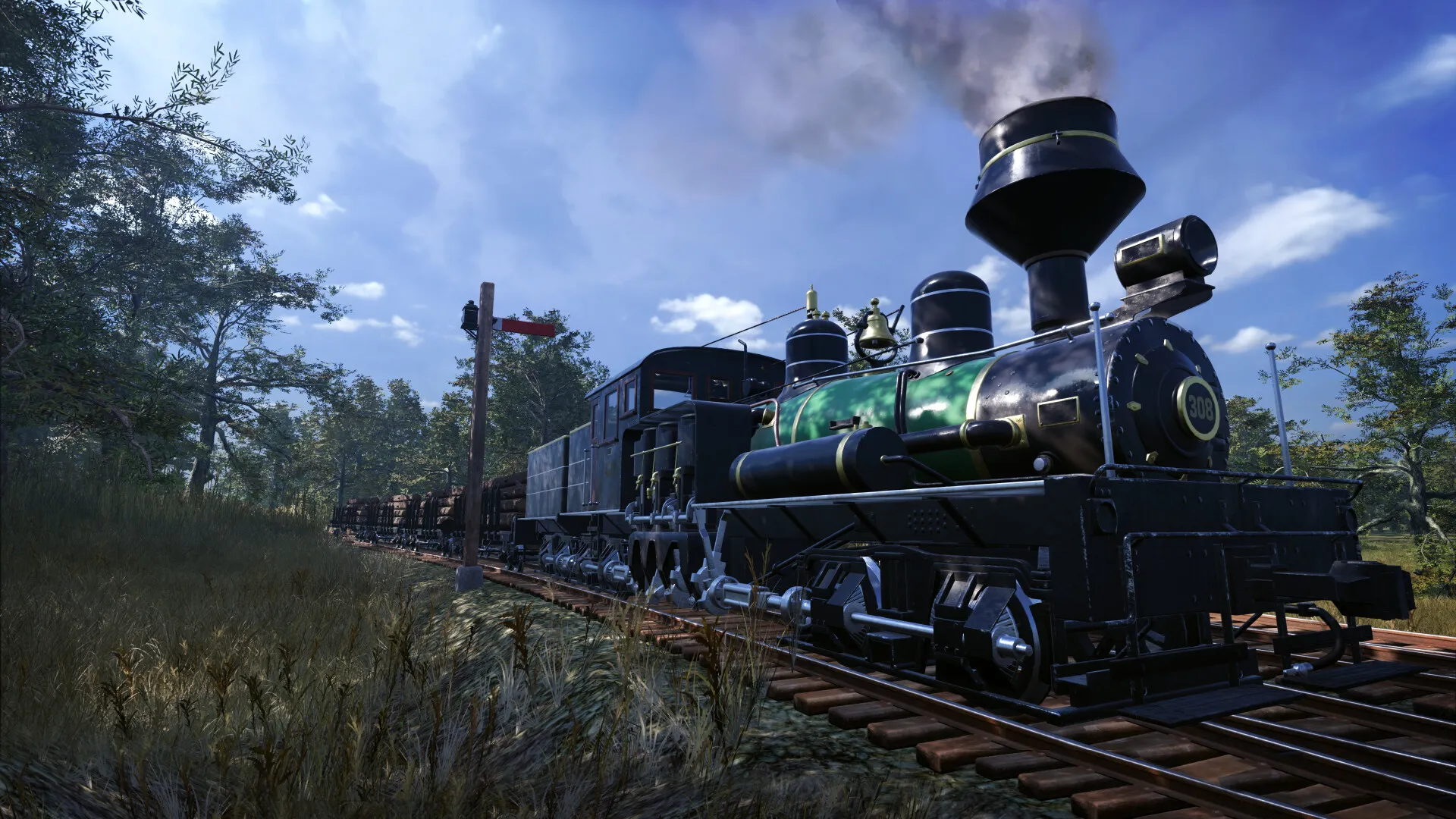
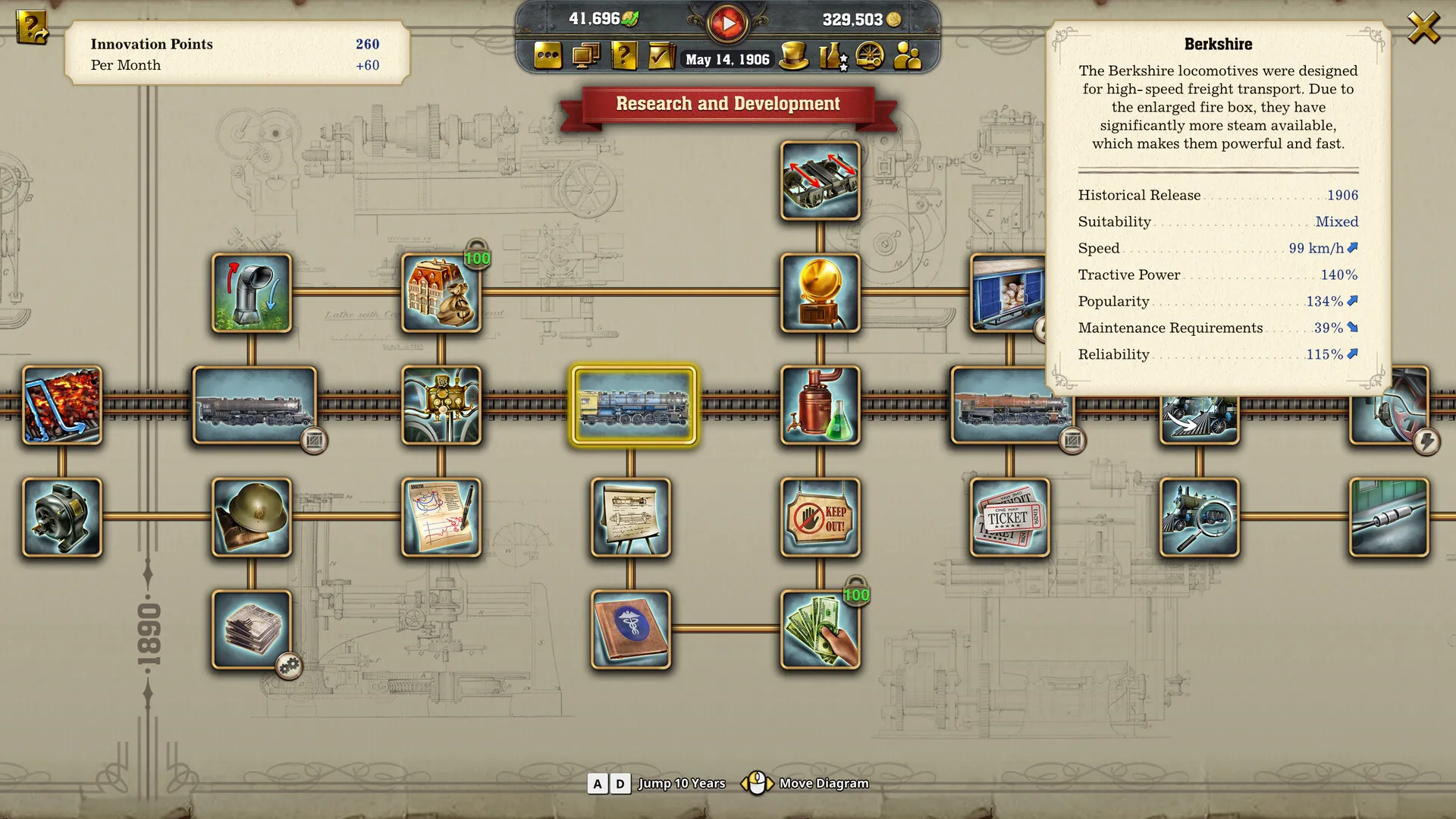
Drive and manage dozens of historically accurate steam and electric locomotives, utilizing simplified track construction mechanics that automatically place signals and bridges.
Engaging Campaigns & Exploration
Conquer fully voiced historical campaigns across North America and Europe, or build freely in customizable free play and construction modes.
An Immersive 19th Century Lore and Railway Management Masterwork Odyssey
Immerse yourself in a critically acclaimed, beautifully detailed railway management simulation masterwork crafted by Gaming Minds Studios and Kalypso Media. Step into the top-hatted boots of an ambitious 19th-century tycoon across sprawling maps of North America and Europe, where every historic locomotive purchased, streamlined track laid, and booming industrial network established shapes an unforgettable transportation empire.
Playtime and Campaign Duration
Prepare for an absorbing, strategic tycoon journey where completing the fully voiced historical campaigns takes roughly 25 to 40 hours. When you factor in mastering complex economic routing, building massive sandbox maps, and enjoying cooperative multiplayer sessions with friends, your total playtime easily expands to 50 or over 90 hours.
Included Tycoon Systems & Advanced Railway Management Mechanics
Rail Networks, Historic Locomotives & Simplified Construction (Fully Integrated)
Railway Empire 2 pairs its acclaimed management simulation campaign alongside streamlined track-building tools, authentic historical locomotives, and deep economic supply chain management.
Feature & Mechanic Highlights:
- Streamlined Track Building: Construct complex rail networks effortlessly with automated signal placement, snapping bridges, and intuitive multi-track routing tools.
- Authentic Historic Trains: Operate dozens of faithfully recreated steam and electric locomotives spanning from early 19th-century pioneers to heavy modern workhorses.
- Vast Detailed Maps: Expand your operations across massive, continuous maps covering the entire North American continent and European regions.
- Multiplayer & Custom Modes: Build your transport empire cooperatively with friends online or tailor custom free-play scenarios to match your preferred playstyle.
Languages & Audio Support
Full Voiceover (Audio): English, German, French, Spanish (Spain)
Subtitles & Interface: English, German, French, Spanish (Spain), Italian, Simplified Chinese, Traditional Chinese, Japanese, Polish, Brazilian Portuguese, Russian
System Requirements
| Requirement |
Minimum Specs (1080p 30 FPS Low) |
Recommended Specs (1080p 60 FPS High) |
| OS |
Windows 10 64-bit |
Windows 10 64-bit |
| Processor |
AMD Ryzen 5 1500X / Intel Core i5-8400 |
AMD Ryzen 7 2700X / Intel Core i7-10700 |
| Memory |
8 GB RAM |
16 GB RAM |
| Graphics |
NVIDIA GeForce GTX 1060 (6GB) / AMD Radeon RX 580 (8GB) |
NVIDIA GeForce RTX 2070 / AMD Radeon RX 6700 XT (8GB/12GB) |
| DirectX |
Version 11 |
Version 12 |
| Storage |
40 GB available space |
40 GB available space (SSD recommended) |
Frequently Asked Questions (FAQ)
Where can I buy Railway Empire 2 cheap on PC?
You can purchase shared Steam account access directly from our digital store at a heavy discount. You get official game files, fast delivery, and full single-player tycoon simulation access without paying full retail price.
How to play Railway Empire 2 in Steam Offline Mode?
Complete the download, launch the game once online to let Steam authenticate local binaries, exit the title, click "Steam" in the top-left menu, choose "Go Offline", and relaunch. You can now play entirely disconnected.
Will my save files be overwritten by other buyers?
No. Game saves are stored locally on your PC in your personal Steam user directory. As long as you stay in Offline Mode, your campaign progression remains completely isolated and secure.
Is this Railway Empire 2 Steam account Region Free?
Yes. This account access is 100% Region Free and functions worldwide without VPN services, geographic locks, or country-specific limitations.