Access & Setup Guide (Steam PC)
Step-by-Step Steam Account Activation:
01
Log Out: Open the official Steam desktop client on your PC and log out of your personal Steam profile.
02
Sign In: Enter the shared Steam username and password delivered to you immediately after purchase.
03
Verify Steam Guard: Contact the seller via order chat to receive your one-time Steam Guard security code immediately.
04
Download Game: Navigate to your Library tab, find Pillars of Eternity II: Deadfire, and start the installation.
05
First Launch: Run the game once online to initialize engine binaries and configure display presets.
06
Enable Offline Mode: Switch Steam to Offline Mode (Steam menu > Go Offline) to explore the Deadfire Archipelago privately with zero interruptions.
What You Get by Buying Pillars of Eternity II: Deadfire at a Cheap Price
Captain Your Own Ship
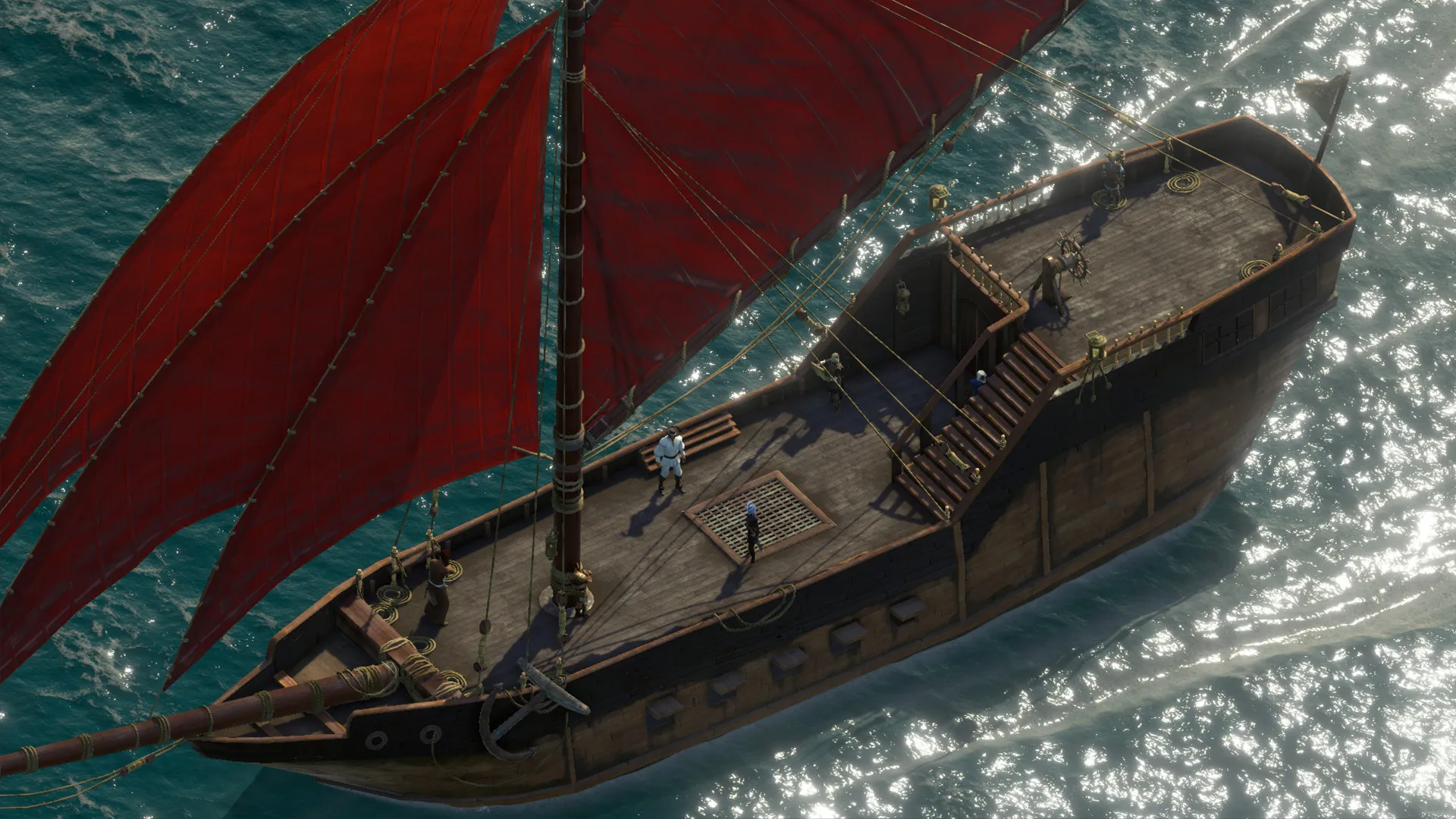
Take command of your vessel as captain across an expansive tropical open sea, upgrade your ship, recruit a diverse crew, and engage in tactical naval combat, all without paying full retail store prices.
Multi-Classing and Deep Customization
Immerse yourself in a flexible character creation system with multi-classing options, refined abilities, and fully voiced companion interactions that react to your every choice.
A Living, Reactive World
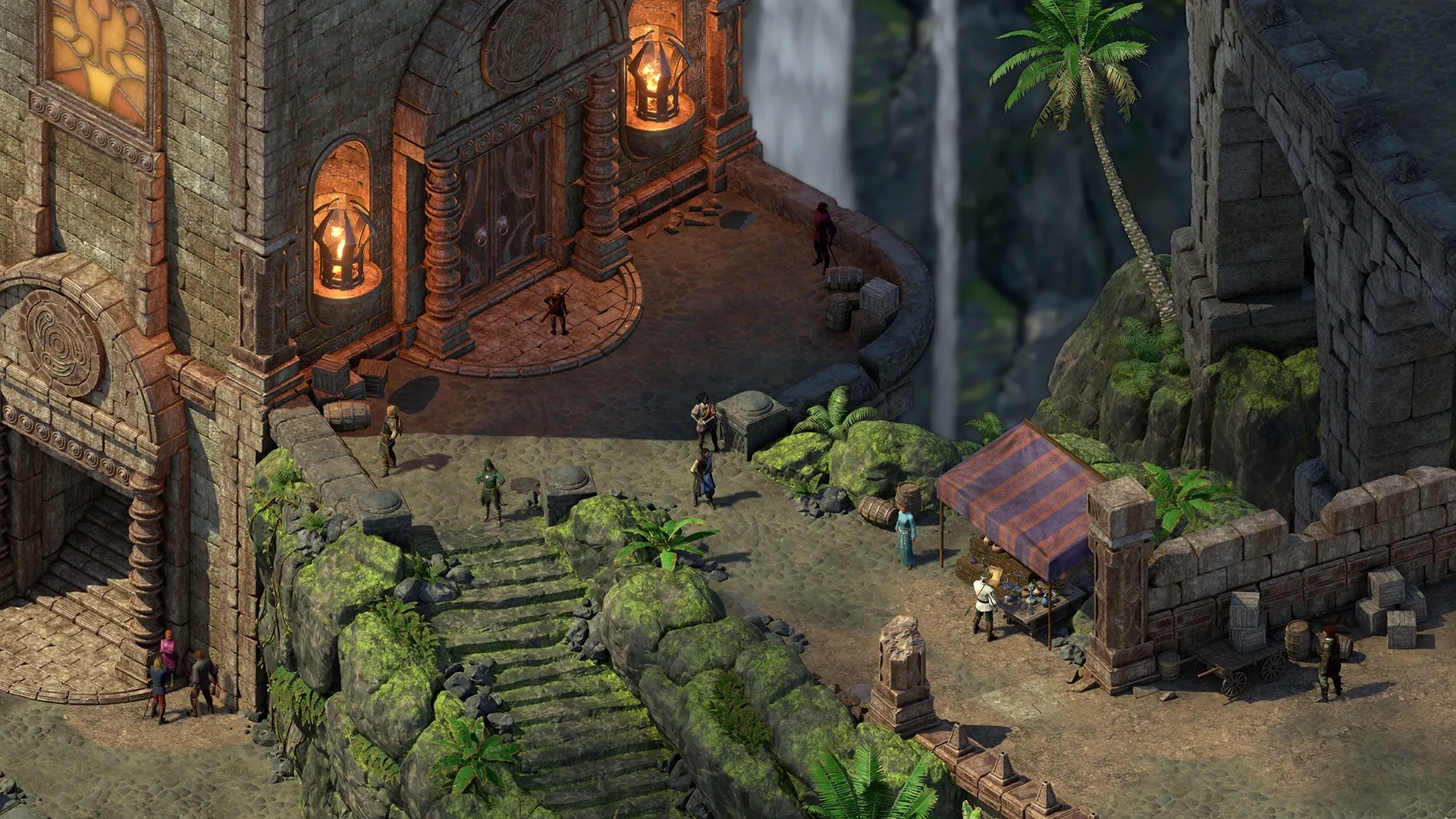
Explore magnificent settlements, uncover ancient secrets, and pursue a rogue god across a stunning hand-crafted isometric world filled with branching narrative paths.
An Immersive Deadfire Archipelago Lore and Nautical Odyssey
Immerse yourself in a breathtaking nautical fantasy role-playing adventure set across the vibrant Deadfire Archipelago. Step back into the shoes of the Watcher of Caed Nua as you track Eothas, a giant rogue god who has destroyed your stronghold, leaving you to navigate colonial conflicts, ancient deities, and open-sea piracy.
Playtime and Campaign Duration
Prepare for a massive open-world isometric RPG epic where completing the main campaign takes roughly 45 to 60 hours. When you factor in exploring every uncharted island, completing companion loyalty missions, managing your ship crew, and diving into the three major DLC expansions (Beast of Winter, The Seeker, The Slayer, and Survivor, and Forgotten Sanctum), your total playtime easily expands to 80 or over 130 hours.
Included Major DLC Expansions & Advanced Naval Mechanics
Beast of Winter, The Forgotten Sanctum & Turn-Based Combat Mode (Fully Integrated)
Pillars of Eternity II: Deadfire bundles its acclaimed nautical role-playing campaign alongside three massive story expansions, deep ship management systems, and a fully realized turn-based combat mode.
Expansion & Feature Highlights:
- Beast of Winter Expansion: Voyage to a remote southern island cult worshiping the god of end times, exploring a bizarre dimensional realm filled with ancient puzzles and undead threats.
- The Forgotten Sanctum Expansion: Delve into the massive underground bowels of a colossal arch-mage's floating compound to uncover dangerous secrets that threaten Eora's pantheon.
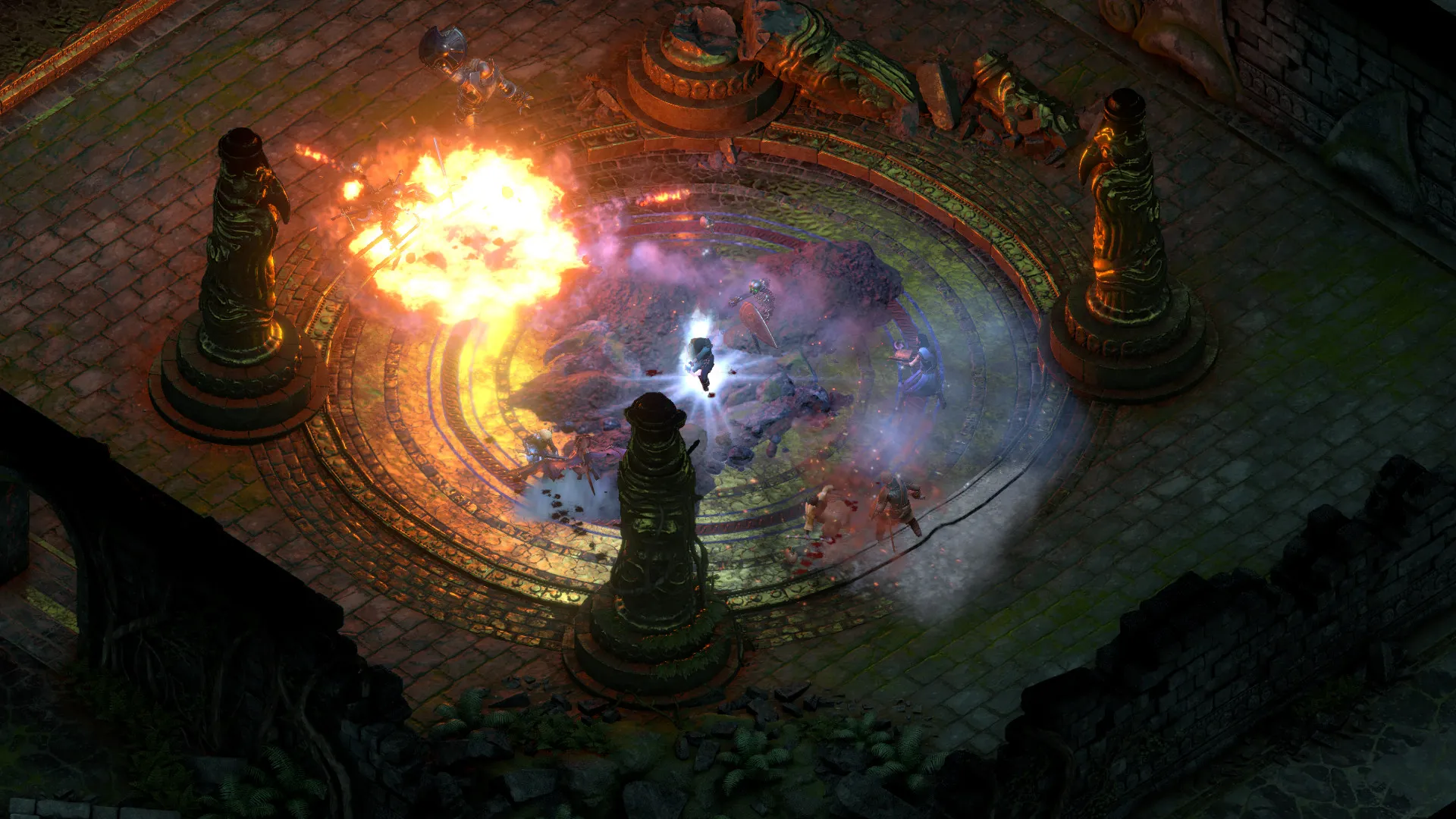
- Turn-Based Combat Mode: Experience a fully tactical, alternative combat system that allows you to manage action economy and positioning with deliberate, calculated precision.
- Ship Customization & Crew Morale: Purchase new hulls, upgrade cannons and sails, assign crew members to specialized ship roles, and manage food, water, and morale during long oceanic voyages.
Languages & Audio Support
Full Voiceover (Audio): English
Subtitles & Interface: English, Spanish (Spain), French, German, Russian, Polish, Simplified Chinese
System Requirements
| Requirement |
Minimum Specs (1080p 30 FPS Low) |
Recommended Specs (1080p 60 FPS High) |
| OS |
Windows 7 64-bit |
Windows 10 64-bit |
| Processor |
Intel Core i3-2100T @ 2.50 GHz or AMD Phenom II X3 B73 |
Intel Core i5-2400 @ 3.10 GHz or AMD Phenom II X6 1100T |
| Memory |
4 GB RAM |
8 GB RAM |
| Graphics |
NVIDIA GeForce GTX 570 or AMD Radeon HD 7700 (1GB VRAM) |
NVIDIA GeForce GTX 1060 or AMD Radeon RX 580 (4GB VRAM) |
| DirectX |
Version 11 |
Version 11 |
| Storage |
45 GB available space |
45 GB available space (SSD recommended) |
Frequently Asked Questions (FAQ)
Where can I buy Pillars of Eternity II: Deadfire cheap on PC?
You can purchase shared Steam account access directly from our digital store at a heavy discount. You get official game files, fast delivery, and full single-player isometric RPG access without paying full retail price.
How to play Pillars of Eternity II: Deadfire in Steam Offline Mode?
Complete the download, launch the game once online to let Steam authenticate local binaries, exit the title, click "Steam" in the top-left menu, choose "Go Offline", and relaunch. You can now play entirely disconnected.
Will my save files be overwritten by other buyers?
No. Game saves are stored locally on your PC in your personal Steam user directory. As long as you stay in Offline Mode, your campaign progression remains completely isolated and secure.
Is this Pillars of Eternity II: Deadfire Steam account Region Free?
Yes. This account access is 100% Region Free and functions worldwide without VPN services, geographic locks, or country-specific limitations.