Access & Setup Guide (Steam PC)
Step-by-Step Steam Account Activation:
01
Log Out: Open the official Steam desktop client on your PC and log out of your personal Steam profile.
02
Sign In: Enter the shared Steam username and password delivered to you immediately after purchase.
03
Verify Steam Guard: Contact the seller via order chat to receive your one-time Steam Guard security code immediately.
04
Download Game: Navigate to your Library tab, find Pentiment, and start the installation.
05
First Launch: Run the game once online to initialize engine binaries and configure display presets.
06
Enable Offline Mode: Switch Steam to Offline Mode (Steam menu > Go Offline) to unravel the historical mystery privately with zero interruptions.
What You Get by Buying Pentiment at a Cheap Price
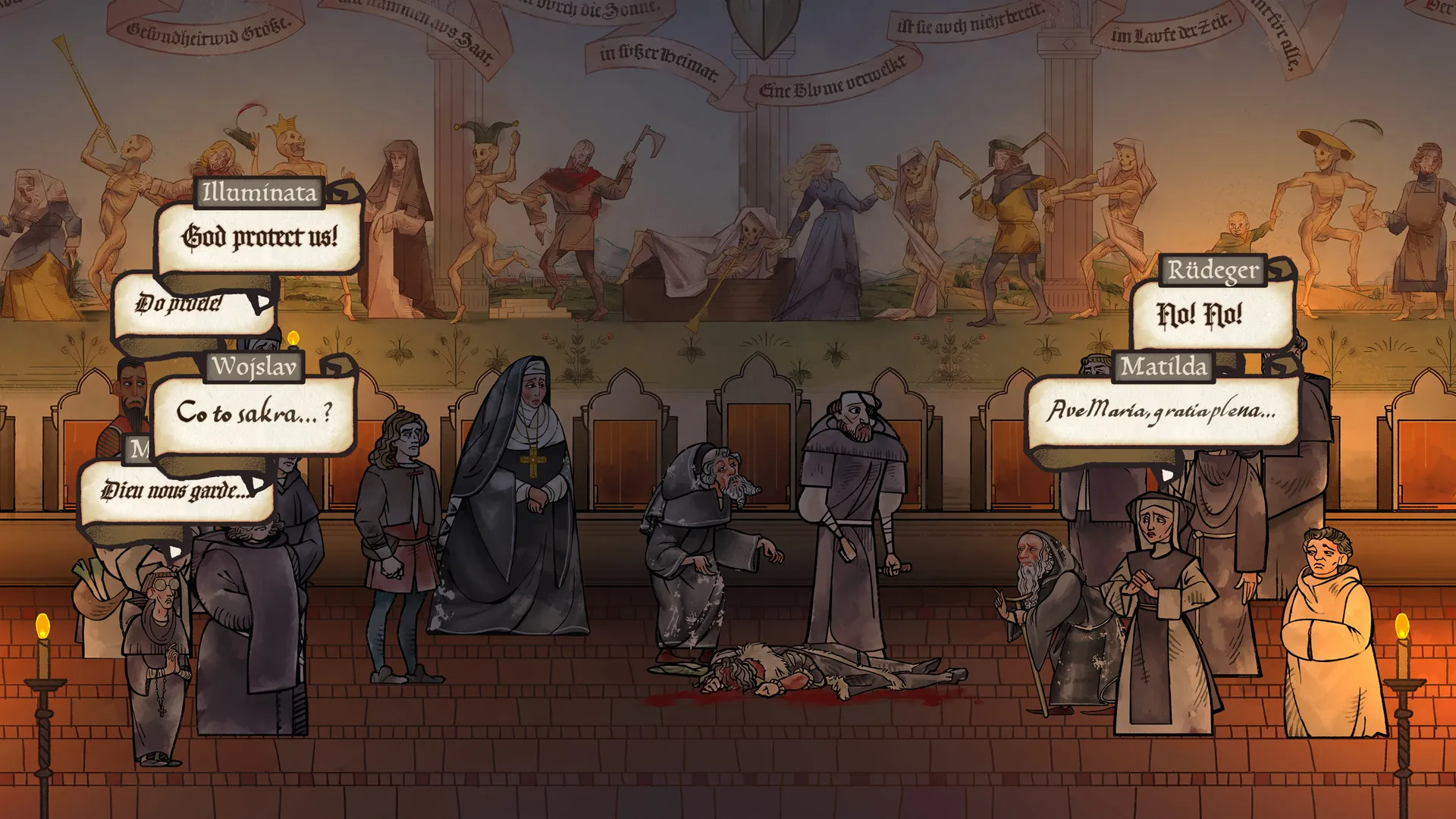
Living Illustrated Manuscript Art Style
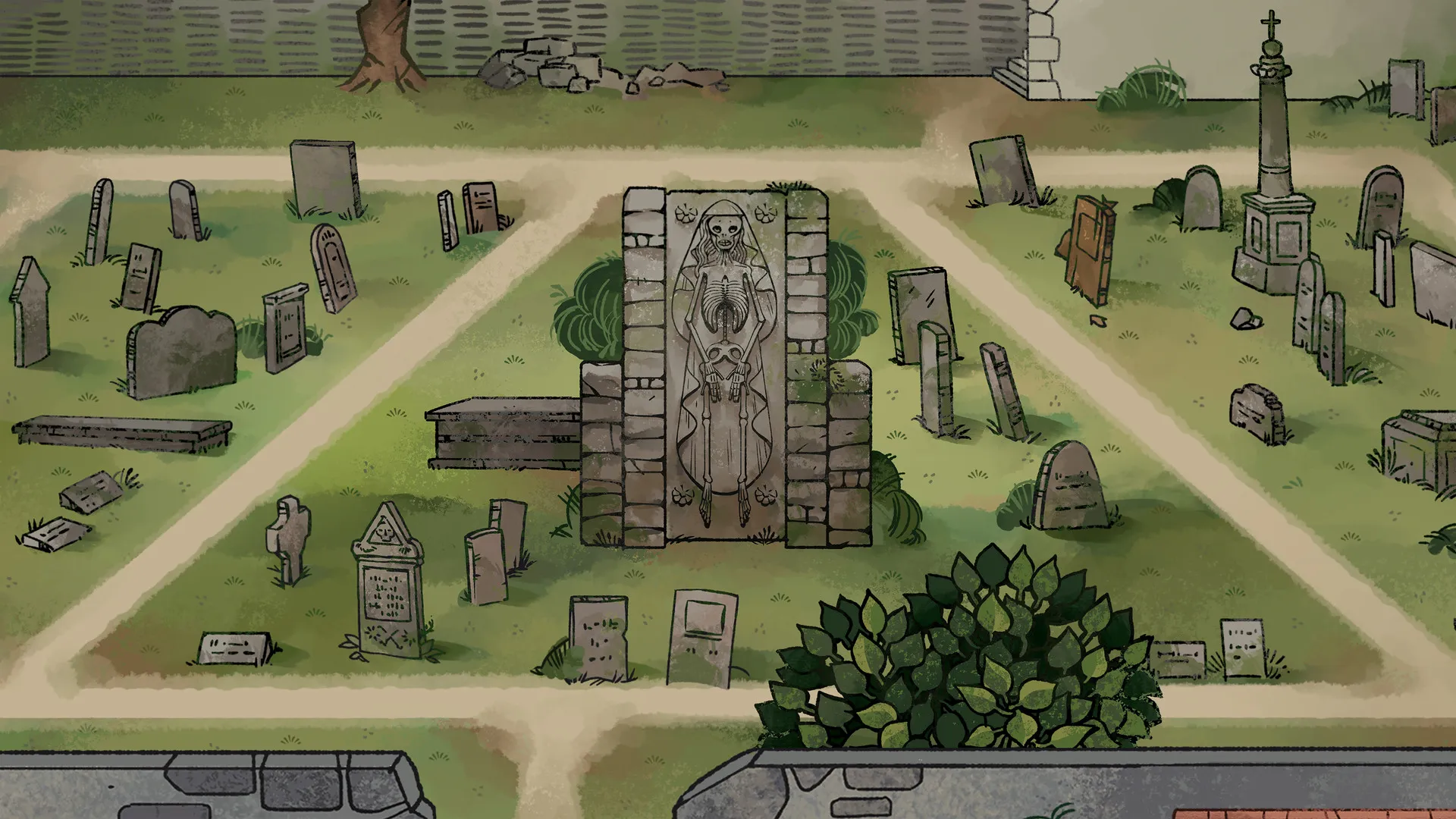
Explore a visually striking world in 16th-century Bavaria inspired by illuminated manuscripts, historical woodcuts, and early print typography, all without paying full retail store prices.
Investigate Murders Across Decades
Play as master artist Andreas Maler and make choices that impact a tight-knit alpine community over a 25-year span of scandal, murder, and religious upheaval.
Consequences and Choice-Driven Narrative
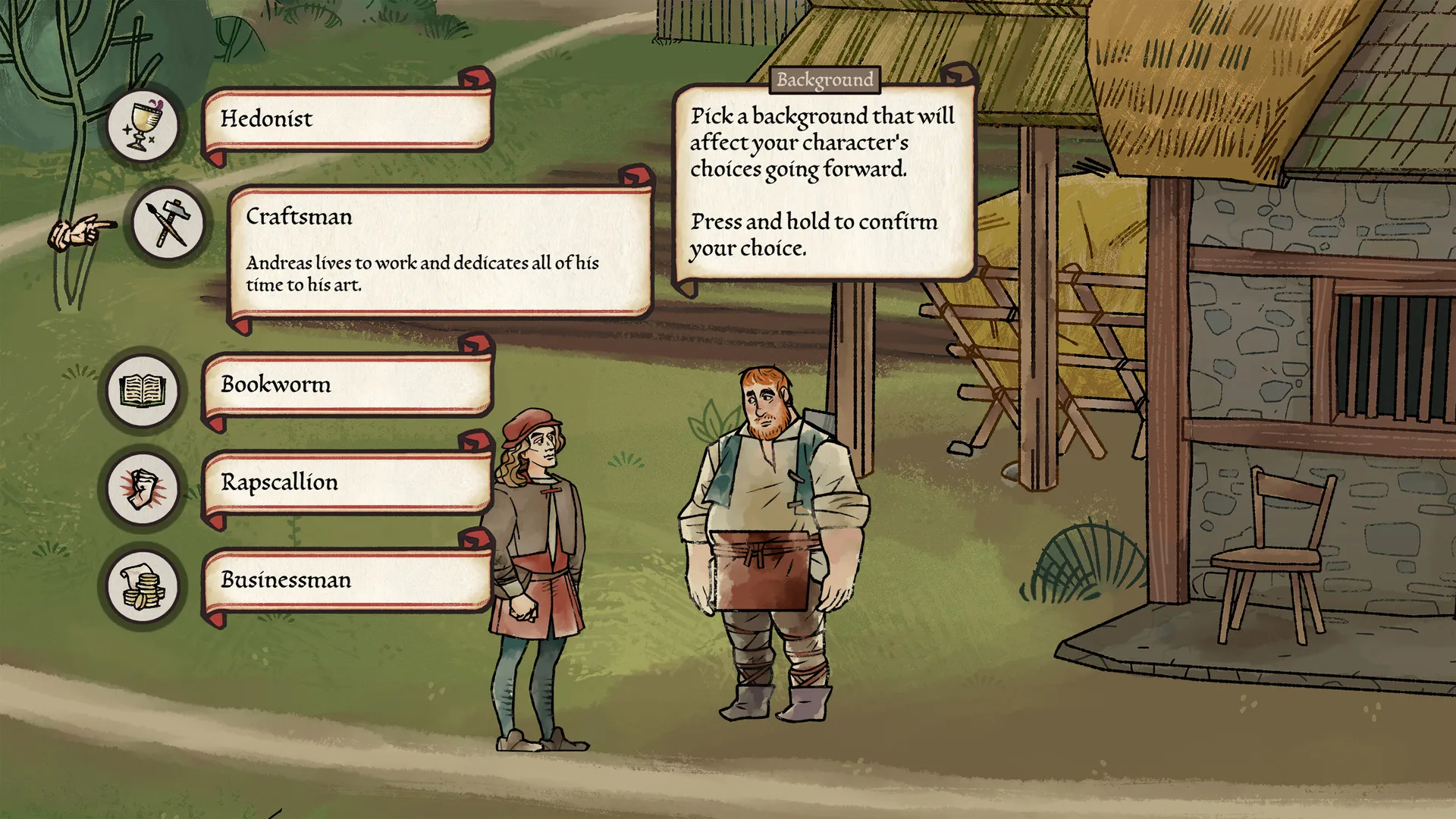
Choose your background, education, and lifestyle, knowing that every accusation you level and every choice you make leaves permanent consequences on the town of Tassing.
An Immersive 16th-Century Bavaria Lore and Narrative Investigation Masterwork Odyssey
Immerse yourself in a critically acclaimed, brilliantly crafted narrative adventure masterwork created by Obsidian Entertainment and Xbox Game Studios. Step into the scholarly boots of journeyman artist Andreas Maler in 16th-century Bavaria, where every historical manuscript examined, decade-spanning murder investigated, and irreversible accusation leveled shapes an unforgettable journey of faith, art, and human consequence.
Playtime and Campaign Duration
Prepare for a deeply absorbing, text-rich historical mystery where completing the multi-act narrative campaign across Tassing takes roughly 15 to 20 hours. When you factor in exploring alternative character backgrounds, uncovering hidden townsfolk secrets across different acts, and replaying to test different accusation outcomes, your total playtime easily expands to 25 or over 35 hours.
Included Bavarian Systems & Advanced Narrative Investigation Mechanics
Illustrated Manuscript Art, Decades-Long Murders & Choice-Driven Narrative (Fully Integrated)
Pentiment pairs its acclaimed narrative adventure campaign alongside breathtaking historical art styles, profound multi-generational consequence systems, and deeply engaging investigative deduction loops.
Feature & Mechanic Highlights:
- Living Historical Art Style: Experience a world meticulously drawn from 16th-century illuminated manuscripts, woodcuts, and dynamic font typography that shifts based on character social standing.
- Decades-Spanning Mystery: Witness the alpine town of Tassing and Kiersau Abbey evolve over 25 years, observing how your past choices and accusations ripple through generations.
- Shaping Andreas's Background: Select your protagonist's education, travel history, and specialized hobbies, which directly unlock unique dialogue options, skills, and investigative avenues.
- Consequential Accusations: Gather clues, interrogate suspicious townsfolk, and choose who to accuse of murder, living with the permanent, heavy weight of your verdicts.
Languages & Audio Support
Full Voiceover (Audio): Minimal / Stylized text sounds
Subtitles & Interface: English, French, German, Spanish (Spain), Italian, Polish, Brazilian Portuguese, Russian, Simplified Chinese, Traditional Chinese
System Requirements
| Requirement |
Minimum Specs (1080p 30 FPS Low) |
Recommended Specs (1080p 60 FPS High) |
| OS |
Windows 10 64-bit |
Windows 10 64-bit |
| Processor |
Intel Core i3-6100 or AMD FX-4350 |
Intel Core i5-6400 or AMD Ryzen 3 1200 |
| Memory |
4 GB RAM |
8 GB RAM |
| Graphics |
NVIDIA GeForce GTX 650 Ti / AMD Radeon HD 7750 (1GB) |
NVIDIA GeForce GTX 760 / AMD Radeon R9 270X (2GB) |
| DirectX |
Version 11 |
Version 11 |
| Storage |
12 GB available space |
12 GB available space (SSD recommended) |
Frequently Asked Questions (FAQ)
Where can I buy Pentiment cheap on PC?
You can purchase shared Steam account access directly from our digital store at a heavy discount. You get official game files, fast delivery, and full single-player narrative adventure access without paying full retail price.
How to play Pentiment in Steam Offline Mode?
Complete the download, launch the game once online to let Steam authenticate local binaries, exit the title, click "Steam" in the top-left menu, choose "Go Offline", and relaunch. You can now play entirely disconnected.
Will my save files be overwritten by other buyers?
No. Game saves are stored locally on your PC in your personal Steam user directory. As long as you stay in Offline Mode, your campaign progression remains completely isolated and secure.
Is this Pentiment Steam account Region Free?
Yes. This account access is 100% Region Free and functions worldwide without VPN services, geographic locks, or country-specific limitations.