Access & Setup Guide (Steam PC)
Step-by-Step Steam Account Activation:
01
Log Out: Open the official Steam desktop client on your PC and log out of your personal Steam profile.
02
Sign In: Enter the shared Steam username and password delivered to you immediately after purchase.
03
Verify Steam Guard: Contact the seller via order chat to receive your one-time Steam Guard security code immediately.
04
Download Game: Navigate to your Library tab, find Ni no Kuni II: Revenant Kingdom, and start the installation.
05
First Launch: Run the game once online to initialize engine binaries and configure display presets.
06
Enable Offline Mode: Switch Steam to Offline Mode (Steam menu > Go Offline) to explore Ding Dong Dell privately with zero interruptions.
What You Get by Buying Ni no Kuni II: Revenant Kingdom at a Cheap Price
Stunning Anime Art Style and Presentation
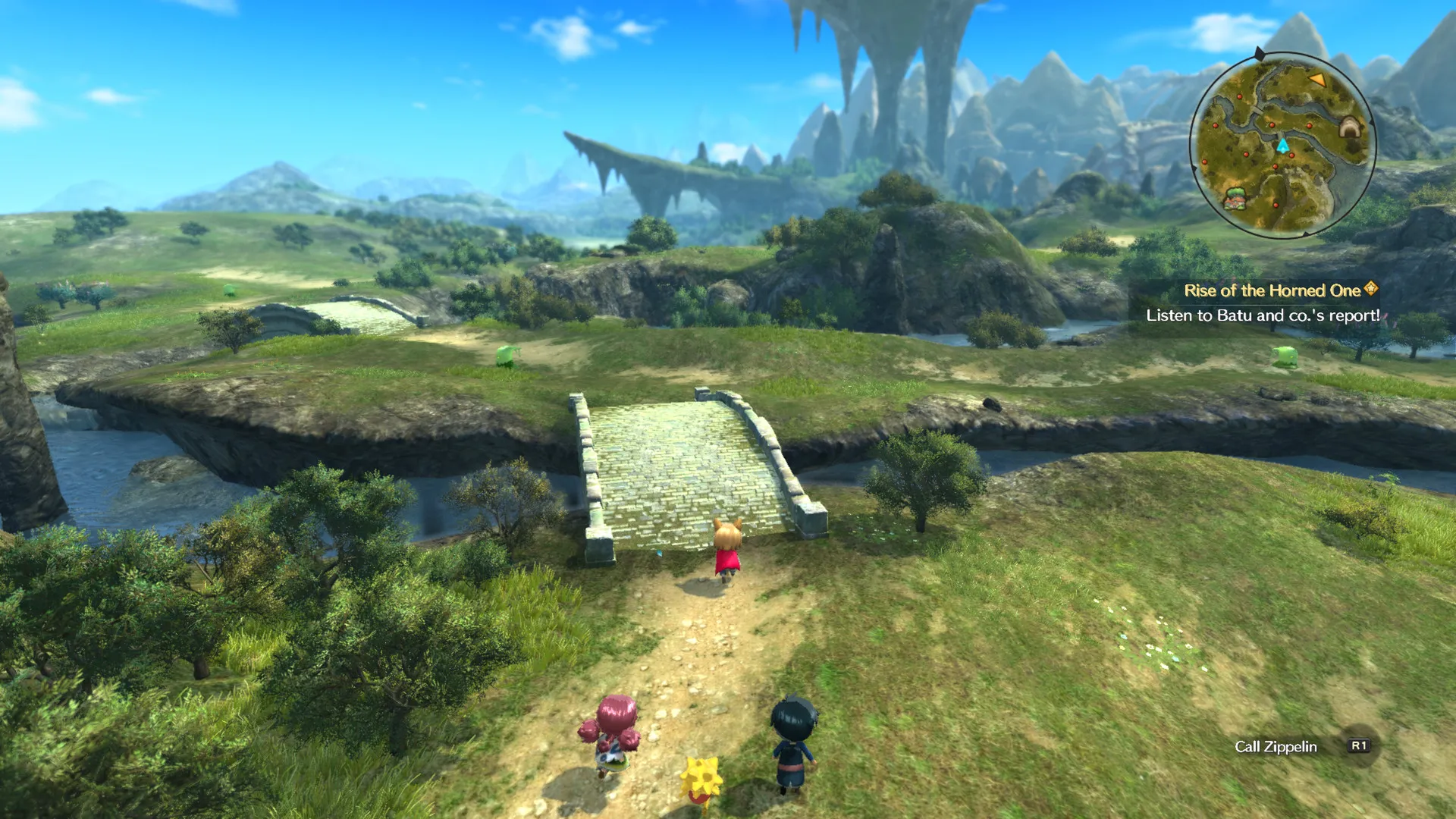
Immerse yourself in a breathtaking animated world crafted with character designs from legendary artist Yoshiyuki Momose and an enchanting musical score composed by Joe Hisaishi, all without paying full retail store prices.
Kingdom Building and RTS Skirmishes
Go beyond standard JRPG combat by founding and expanding your very own kingdom, recruiting citizens, constructing facilities, and commanding troops in real-time strategic skirmishes.
Dynamic Action Combat & Higgledies
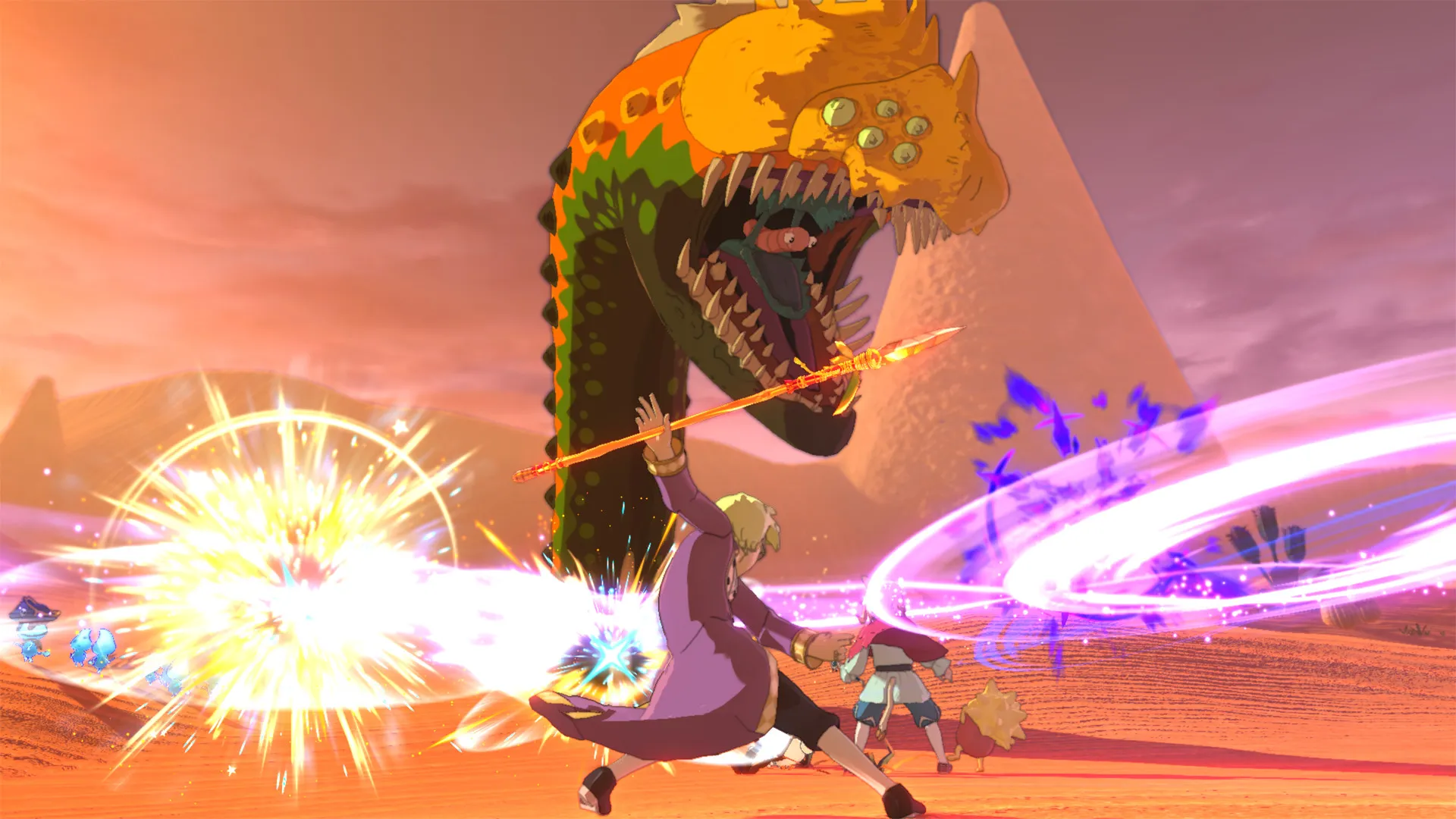
Engage in fast-paced real-time melee battles alongside helpful elemental spirit creatures known as Higgledies, utilizing magical skills, weapon swapping, and tactical dodging.
An Immersive Ding Dong Dell Lore and Magical JRPG Odyssey
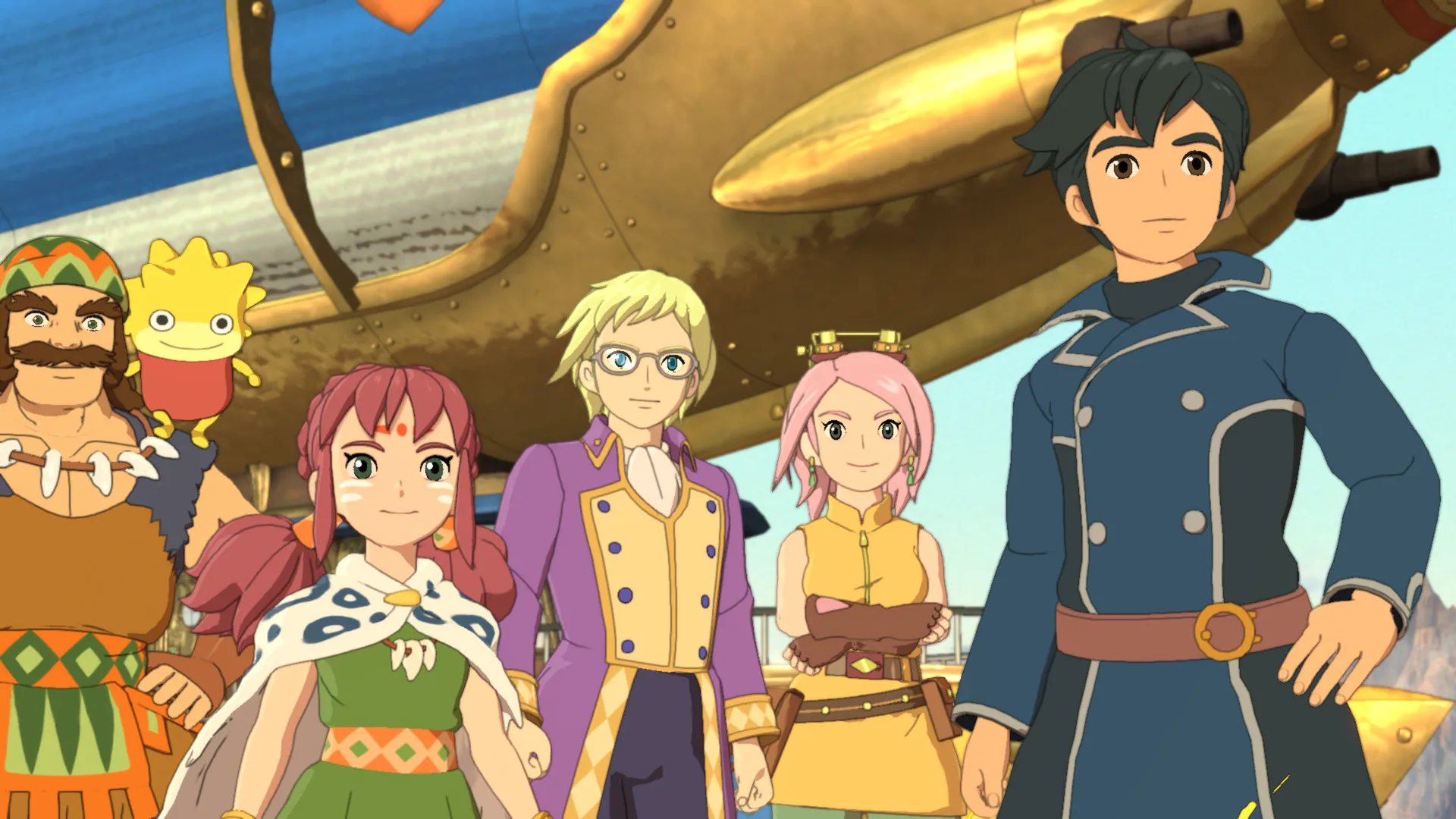
Immerse yourself in a critically acclaimed, enchanting role-playing masterwork crafted by Level-5. Step into the shoes of Evan Pettiwhisker Tildrum, a young deposed king who escapes a violent coup and embarks on an inspiring quest to build a new kingdom, unite the fractured realms of a magical world, and forge an era of peace alongside loyal companions.
Playtime and Campaign Duration
Prepare for a grand, sprawling fairytale adventure where completing the main story campaign takes roughly 35 to 45 hours. When you factor in recruiting every citizen for your kingdom, expanding all facilities, conquering tactical skirmishes, and diving into story expansion DLCs like The Lair of the Lost Lord, your total playtime easily expands to 60 or over 80 hours.
Included Kingdom Building Systems & Advanced Action RPG Mechanics
Stunning Anime Art, Kingdom Building & Dynamic Action Combat (Fully Integrated)
Ni no Kuni II: Revenant Kingdom pairs its acclaimed magical JRPG campaign alongside gorgeous Studio Ghibli-inspired artistic direction, deep management simulation features, and strategic real-time battles.
Feature & Mechanic Highlights:
- Stunning Anime Art Style: Experience a vibrant fairytale world brought to life by legendary character designer Yoshiyuki Momose and composer Joe Hisaishi.
- Kingdom Building & Skirmishes: Found your own sovereign nation of Evermore, recruit specialized citizens across the world map, and command troops in large-scale RTS battles.
- Dynamic Action Combat: Wield swords, magic, and ranged weapons in fast-paced encounters, supported by cute elemental spirits called Higgledies who turn the tide of battle.
- Comprehensive Edition Content: Enjoy full access to major story DLC expansions, adding challenging dungeons, rare gear, and hours of additional quests.
Languages & Audio Support
Full Voiceover (Audio): English, Japanese
Subtitles & Interface: English, French, German, Spanish (Spain), Italian, Japanese, Portuguese (Brazil), Russian, Simplified Chinese, Traditional Chinese
System Requirements
| Requirement |
Minimum Specs (1080p 30 FPS Low) |
Recommended Specs (1080p 60 FPS High) |
| OS |
Windows 7 / 8 / 10 64-bit |
Windows 10 64-bit |
| Processor |
Intel Core i5-4460 / AMD FX-6300 |
Intel Core i7-2600 / AMD Ryzen 1600 |
| Memory |
4 GB RAM |
8 GB RAM |
| Graphics |
NVIDIA GeForce GTX 760 / AMD Radeon R9 280 (2GB) |
NVIDIA GeForce GTX 980 / AMD Radeon R9 Fury (4GB) |
| DirectX |
Version 11 |
Version 11 |
| Storage |
40 GB available space |
40 GB available space (SSD recommended) |
Frequently Asked Questions (FAQ)
Where can I buy Ni no Kuni II: Revenant Kingdom cheap on PC?
You can purchase shared Steam account access directly from our digital store at a heavy discount. You get official game files, fast delivery, and full single-player action RPG access without paying full retail price.
How to play Ni no Kuni II: Revenant Kingdom in Steam Offline Mode?
Complete the download, launch the game once online to let Steam authenticate local binaries, exit the title, click "Steam" in the top-left menu, choose "Go Offline", and relaunch. You can now play entirely disconnected.
Will my save files be overwritten by other buyers?
No. Game saves are stored locally on your PC in your personal Steam user directory. As long as you stay in Offline Mode, your campaign progression remains completely isolated and secure.
Is this Ni no Kuni II: Revenant Kingdom Steam account Region Free?
Yes. This account access is 100% Region Free and functions worldwide without VPN services, geographic locks, or country-specific limitations.