Access & Setup Guide (Steam PC)
Step-by-Step Steam Account Activation:
01
Log Out: Open the official Steam desktop client on your PC and log out of your personal Steam profile.
02
Sign In: Enter the shared Steam username and password delivered to you immediately after purchase.
03
Verify Steam Guard: Contact the seller via order chat to receive your one-time Steam Guard security code immediately.
04
Download Game: Navigate to your Library tab, find Little Nightmares II, and start the installation.
05
First Launch: Run the game once online to initialize engine binaries and configure display presets.
06
Enable Offline Mode: Switch Steam to Offline Mode (Steam menu > Go Offline) to uncover the Signal Tower privately with zero interruptions.
What You Get by Buying Little Nightmares II at a Cheap Price
Play as Mono with Six as Your Guide
Venture through a terrifying world alongside Six, the girl in the yellow raincoat, working together to unravel dark secrets and survive relentless threats, all without paying full retail store prices.
New Combat and Stealth Mechanics
Wield makeshift tools to fend off menacing residents, sneak past grotesque enemies, and solve environmental puzzles to survive the distorted cityscape.
Uncover the Signal Tower Mystery
Journey across creepy environments including dark forests and sinister schools, racing against time to stop the evil transmission corrupting the world.
An Immersive Pale City Lore and Psychological Odyssey
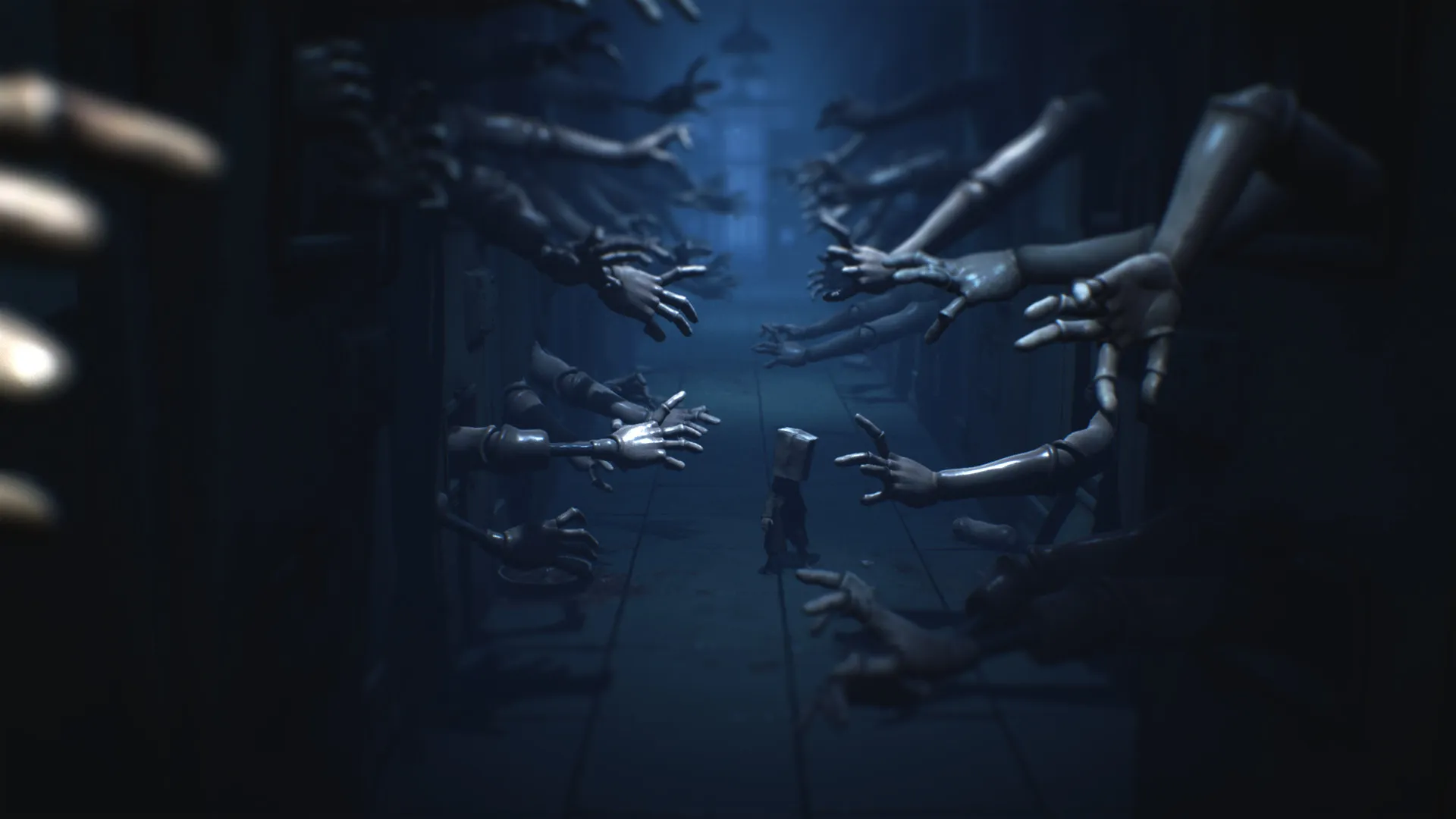
Immerse yourself in a hauntingly surreal psychological horror adventure across the decaying Pale City. Step into the paper-bag mask of Mono as he partners with Six to navigate warped institutions controlled by the hypnotic, signal-broadcasting Thin Man.
Playtime and Campaign Duration
Prepare for an atmospheric, tension-filled horror journey where completing the main campaign takes roughly 5 to 6 hours. When you factor in hunting down all glitching remnants, collecting hidden hats, and exploring every creepy nook of the Pale City, your total playtime easily expands to 7 or over 10 hours.
Included Enhanced Features & Advanced Survival Mechanics
Melee Combat, Glitching Remnants & Cinematic Chase Sequences (Fully Integrated)
Little Nightmares II expands its predecessor's formula by introducing rudimentary melee defense, cooperative character interactions, and frantic cinematic escape sequences.
Feature & Mechanic Highlights:
- Rudimentary Melee Combat: Pick up heavy pipes, hammers, and wrenches to smash porcelain enemies and defend yourself against smaller attackers under pressure.
- Cooperative Partner Mechanics: Work seamlessly with Six to reach high ledges, solve multi-step environmental puzles, and navigate dangerous dark rooms together.
- Glitching Remnant Collectibles: Track down spectral children hiding throughout the environment to absorb their memories and unlock deep lore secrets.
- Frantic Chase Sequences: Survive heart-pounding pursuits against grotesque figures like the Teacher and the Hunter using fast reflexes and quick-thinking environmental stealth.
Languages & Audio Support
Full Voiceover (Audio): None / Vocalized Sounds
Subtitles & Interface: English, Spanish (Spain & Latin America), French, German, Italian, Polish, Russian, Japanese, Simplified & Traditional Chinese, Korean, Brazilian Portuguese
System Requirements
| Requirement |
Minimum Specs (1080p 30 FPS Low) |
Recommended Specs (1080p 60 FPS High) |
| OS |
Windows 10 64-bit |
Windows 10 64-bit |
| Processor |
Intel Core i5-2300 or AMD FX-4350 |
Intel Core i7-3770 or AMD FX-8350 |
| Memory |
4 GB RAM |
4 GB RAM |
| Graphics |
NVIDIA GeForce GTX 570 or AMD Radeon HD 7850 (1GB VRAM) |
NVIDIA GeForce GTX 760 or AMD Radeon R9 280 (2GB VRAM) |
| DirectX |
Version 11 |
Version 11 |
| Storage |
10 GB available space |
10 GB available space (SSD recommended) |
Frequently Asked Questions (FAQ)
Where can I buy Little Nightmares II cheap on PC?
You can purchase shared Steam account access directly from our digital store at a heavy discount. You get official game files, fast delivery, and full single-player suspense adventure access without paying full retail price.
How to play Little Nightmares II in Steam Offline Mode?
Complete the download, launch the game once online to let Steam authenticate local binaries, exit the title, click "Steam" in the top-left menu, choose "Go Offline", and relaunch. You can now play entirely disconnected.
Will my save files be overwritten by other buyers?
No. Game saves are stored locally on your PC in your personal Steam user directory. As long as you stay in Offline Mode, your story progression remains completely isolated and secure.
Is this Little Nightmares II Steam account Region Free?
Yes. This account access is 100% Region Free and functions worldwide without VPN services, geographic locks, or country-specific limitations.