Access & Setup Guide (Steam PC)
Step-by-Step Steam Account Activation:
01
Log Out: Open the official Steam desktop client on your PC and log out of your personal Steam profile.
02
Sign In: Enter the shared Steam username and password delivered to you immediately after purchase.
03
Verify Steam Guard: Contact the seller via order chat to receive your one-time Steam Guard security code immediately.
04
Download Game: Navigate to your Library tab, find IRON NEST: Heavy Turret Simulator, and start the installation.
05
First Launch: Run the game once online to initialize engine binaries and configure display presets.
06
Enable Offline Mode: Switch Steam to Offline Mode (Steam menu > Go Offline) to command your heavy defenses privately with zero interruptions.
What You Get by Buying IRON NEST at a Cheap Price
Command Heavy Artillery & Defensive Systems
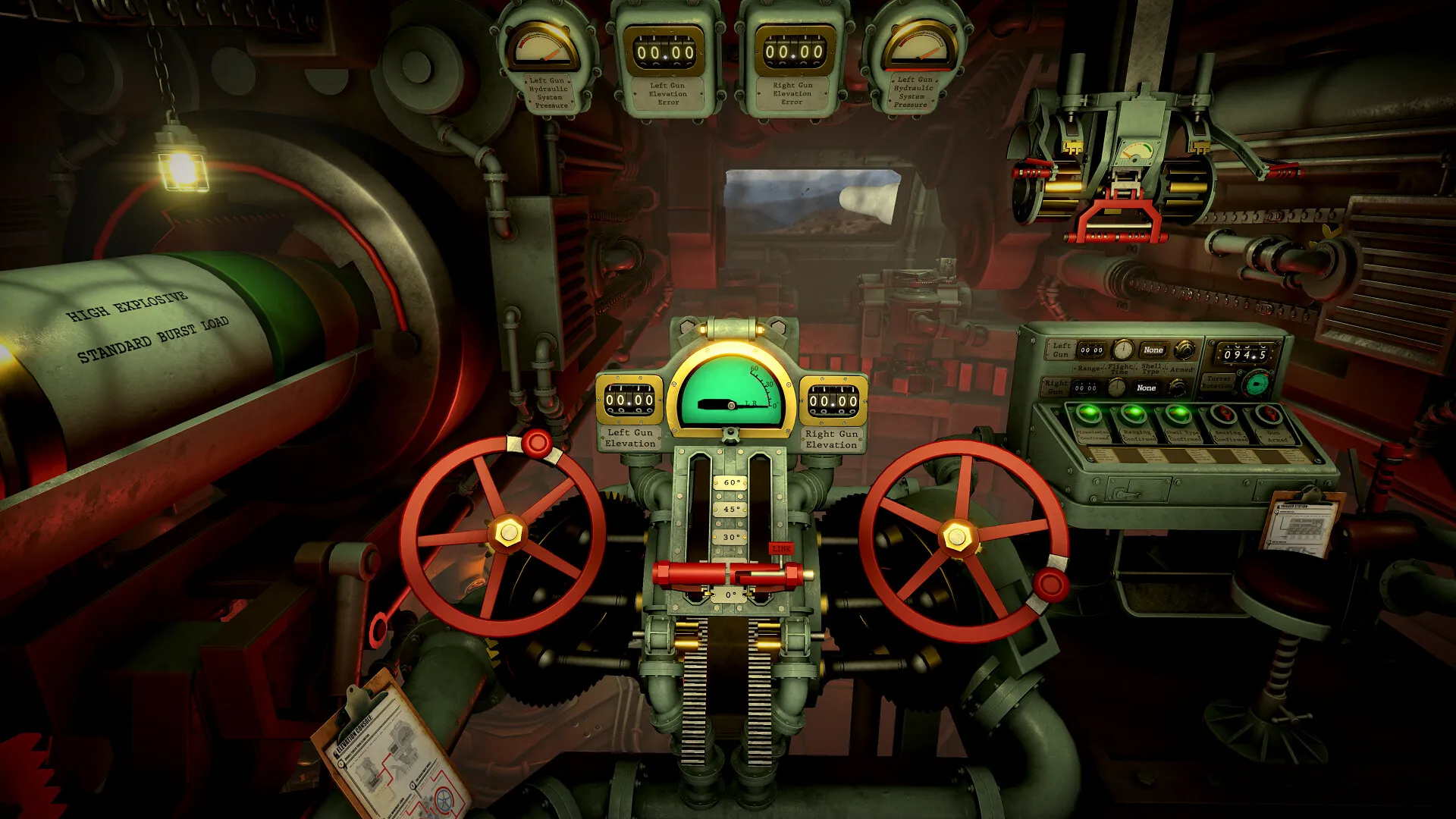
Take direct control of powerful, heavily armored stationary turrets. Calculate trajectories, manage ammunition types, and unleash devastating firepower to obliterate waves of incoming enemy units, all without paying full retail store prices.
Realistic Simulation & Tactical Management
Experience immersive weapon handling, mechanical reloading sequences, and heat management systems. Strategically prioritize targets under heavy fire to protect your installation from total destruction.
Intense Combat Scenarios & Upgrades
Engage in challenging defense missions across hostile environments. Upgrade your turret systems, reinforce armor plating, and unlock advanced ordnance to handle increasingly ruthless mechanized assaults.
A Gritty Sci-Fi Narrative and Military Lore
Immerse yourself in a tense futuristic military conflict where automated strongholds stand as humanity's last line of defense. Uncover classified mission briefings, operational logs, and tactical dispatches that reveal the desperate war waged against relentless mechanized foes.
Playtime and Campaign Duration
Prepare for an intense defense strategy experience where completing the main operational sectors takes roughly 4 to 6 hours. When you factor in mastering higher difficulty modifiers, unlocking all artillery upgrades, and achieving high-score survival leaderboards, your total playtime easily expands to 10 or 15 hours.
Key Gameplay Features & Tactical Mechanics
Turret Customization & Environmental Hazards (Fully Integrated)
IRON NEST combines meticulous gunnery simulation with strategic resource allocation, ensuring every defensive stand demands precision and forward planning.
Tactical Highlights:
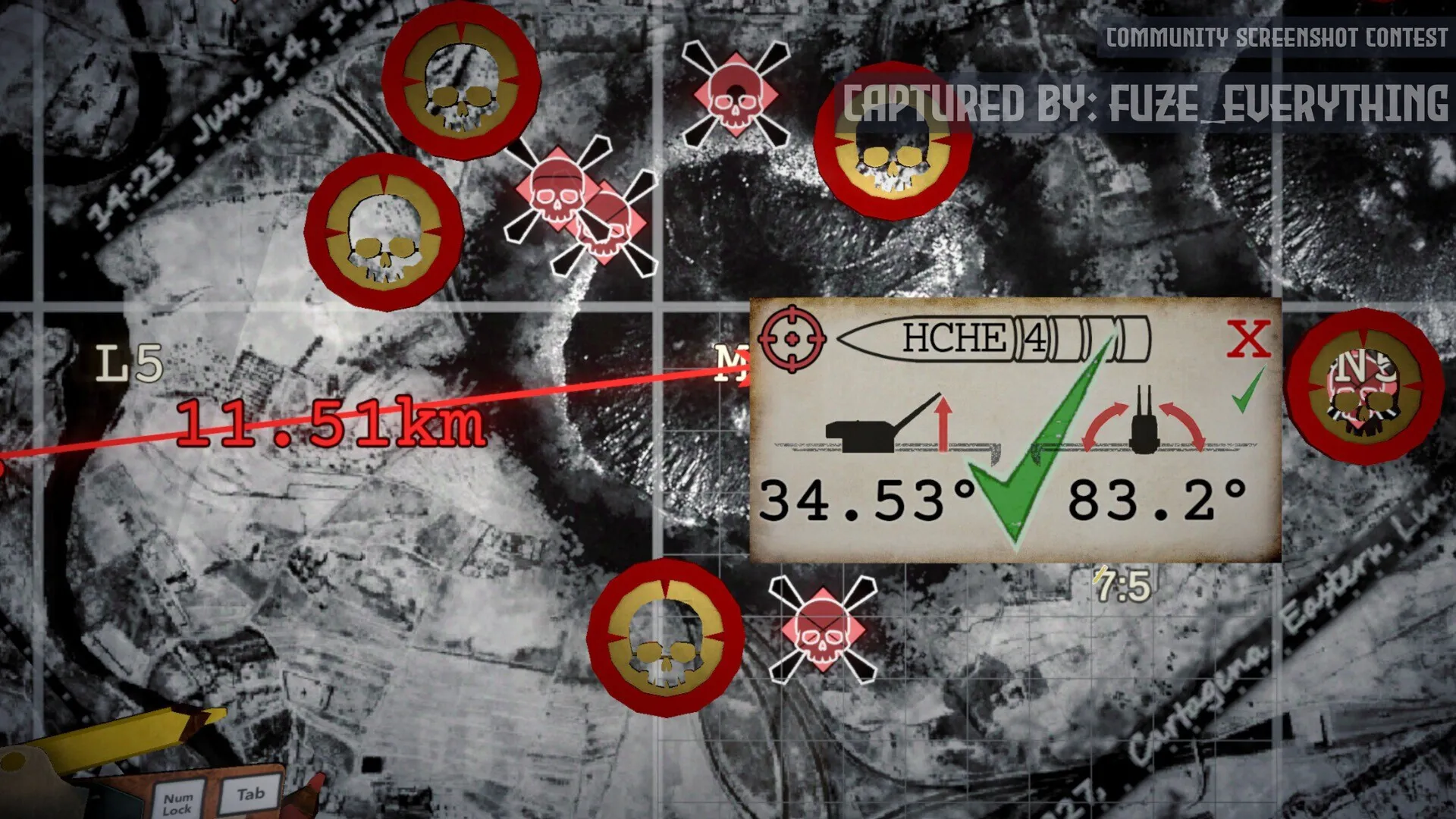
- Advanced Ballistics: Factor in bullet drop, travel time, and armor deflection angles when engaging fast-moving mechanized targets across the battlefield.
- Dynamic Upgrades: Spend earned operational credits between waves to install cooling systems, auto-loaders, and heavy caliber modifications.
- Hostile Environments: Adapt to changing weather conditions and restricted visibility that severely impact targeting capabilities and sensor ranges.
- Endless Defense Mode: Test your endurance against infinitely scaling enemy waves designed to push your defensive fortifications to their absolute limit.
Languages & Audio Support
Full Voiceover (Audio): English
Subtitles & Interface: English, Russian, Spanish (Spain & Latin America), German, French, Simplified Chinese
System Requirements
| Requirement |
Minimum Specs (1080p 30 FPS Low) |
Recommended Specs (1080p 60 FPS High) |
| OS |
Windows 10 64-bit |
Windows 10 / 11 64-bit |
| Processor |
Intel Core i5-4460 / AMD FX-6300 |
Intel Core i7-7700 / AMD Ryzen 5 2600 |
| Memory |
8 GB RAM |
16 GB RAM |
| Graphics |
NVIDIA GeForce GTX 960 / AMD Radeon RX 470 (4GB VRAM) |
NVIDIA GeForce GTX 1060 / AMD Radeon RX 580 (6GB VRAM) |
| DirectX |
Version 11 |
Version 12 |
| Storage |
10 GB available space |
10 GB available space (SSD recommended) |
Frequently Asked Questions (FAQ)
Where can I buy IRON NEST: Heavy Turret Simulator cheap on PC?
You can purchase shared Steam account access directly from our digital store at a heavy discount. You get official game files, fast delivery, and full single-player access without paying full retail price.
How to play IRON NEST in Steam Offline Mode?
Complete the download, launch the game once online to let Steam authenticate local binaries, exit the title, click "Steam" in the top-left menu, choose "Go Offline", and relaunch. You can now play entirely disconnected.
Will my save files be overwritten by other buyers?
No. Game saves are stored locally on your PC in your personal Steam user directory. As long as you stay in Offline Mode, your progression remains completely isolated and secure.
Is this IRON NEST Steam account Region Free?
Yes. This account access is 100% Region Free and functions worldwide without VPN services, geographic locks, or country-specific limitations.