Access & Setup Guide (Steam PC)
Step-by-Step Steam Account Activation:
01
Log Out: Open the official Steam desktop client on your PC and log out of your personal Steam profile.
02
Sign In: Enter the shared Steam username and password delivered to you immediately after purchase.
03
Verify Steam Guard: Contact the seller via order chat to receive your one-time Steam Guard security code immediately.
04
Download Game: Navigate to your Library tab, find Going Medieval, and start the installation.
05
First Launch: Run the game once online to initialize engine binaries and configure display presets.
06
Enable Offline Mode: Switch Steam to Offline Mode (Steam menu > Go Offline) to build your medieval kingdom privately with zero interruptions.
What You Get by Buying Going Medieval at a Cheap Price
Rebuild Society in a Post-Calamity Dark Age
Take charge of a small group of survivors in 14th-century post-plague Europe, reclaim the wilderness, and establish a thriving feudal settlement, all without paying full retail store prices.
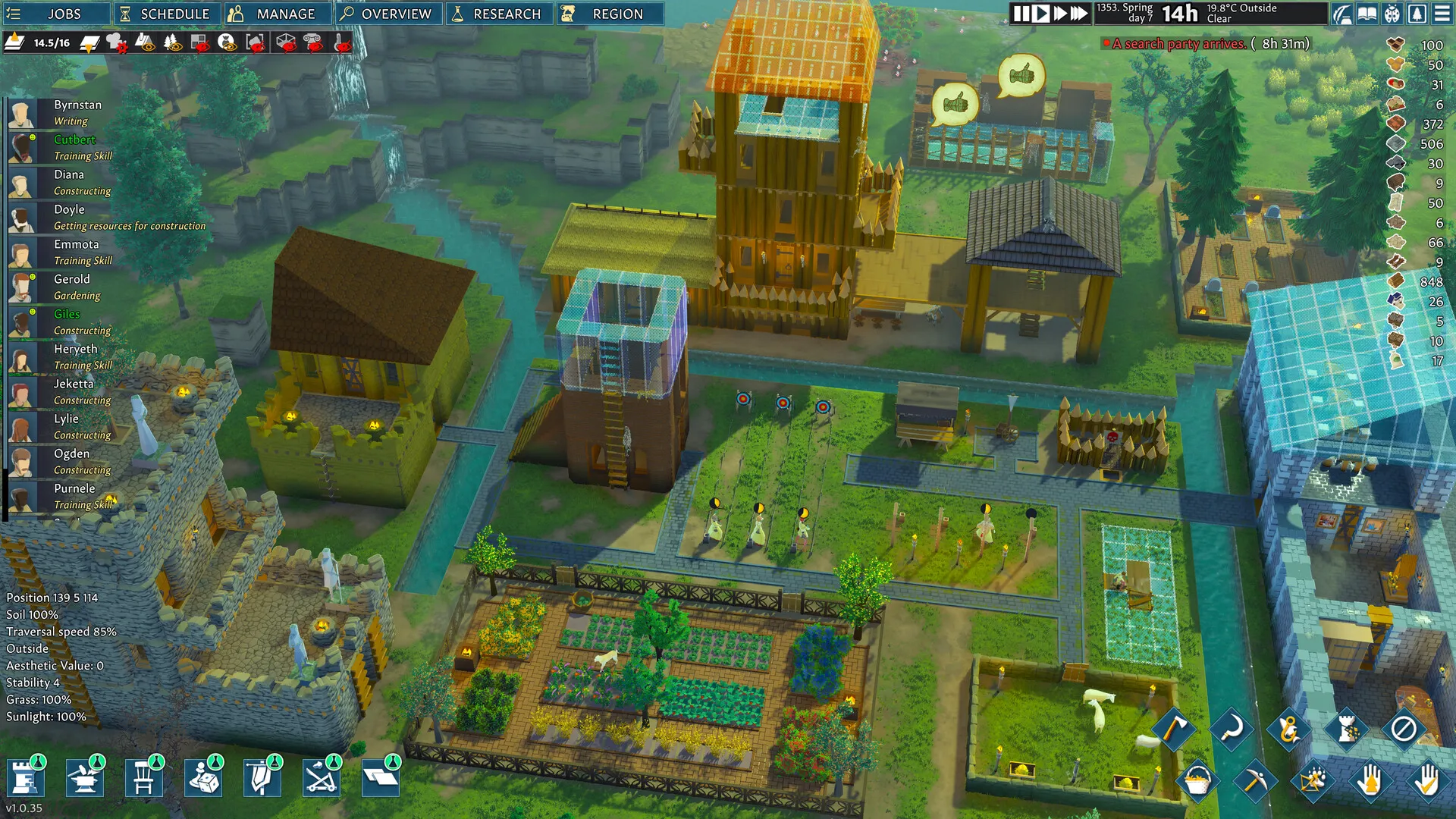
3D Multi-Storey Castle Building
Design and construct complex multi-story fortresses, underground cellars, defensive walls, and watchtowers voxel by voxel to protect your people from hostile raiders.
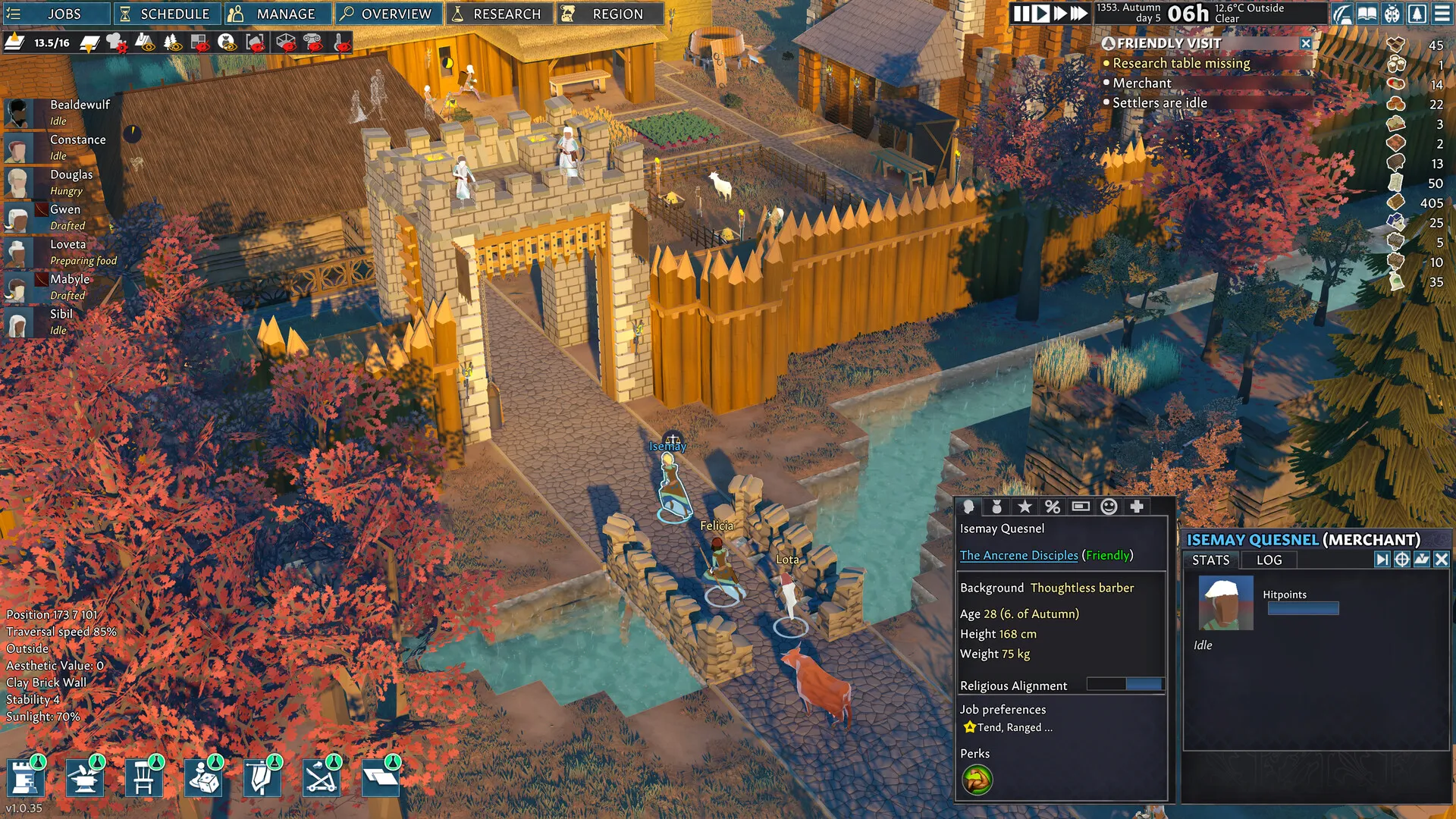
Townfolk Management & Tactical Defense
Care for your townfolk's mental health, gear them up with weapons and armor, and command tactical defenses against rival factions during aggressive sieges.
An Immersive Dark Age Lore and Colony Survival Masterwork Odyssey
Immerse yourself in a critically acclaimed, intricately detailed medieval colony survival masterwork crafted by Foxy Voxel and The Irregular Corporation. Step into the role of settlement overseer in a 14th-century post-calamity Europe where 95% of the population has been wiped out by a catastrophic plague, where every multi-story stone castle engineered, underground food cellar excavated, and hostile raider siege repelled shapes an unforgettable journey of human endurance and civilization rebuilding.
Playtime and Campaign Duration
Prepare for an absorbing, highly strategic survival simulation where establishing a sprawling feudal dynasty and mastering advanced architecture takes roughly 30 to 50 hours. When you factor in experimenting with complex architectural physics, designing elaborate trap-laden defense systems, and exploring custom scenarios, your total playtime easily expands to 60 or over 100 hours.
Included Dark Age Systems & Advanced Colony Management Mechanics
Post-Plague Society, 3D Voxel Castles & Tactical Sieges (Fully Integrated)
Going Medieval pairs its acclaimed medieval colony survival campaign alongside innovative 3D voxel architectural mechanics, sophisticated atmospheric simulation loops, and intense tactical combat encounters.
Feature & Mechanic Highlights:
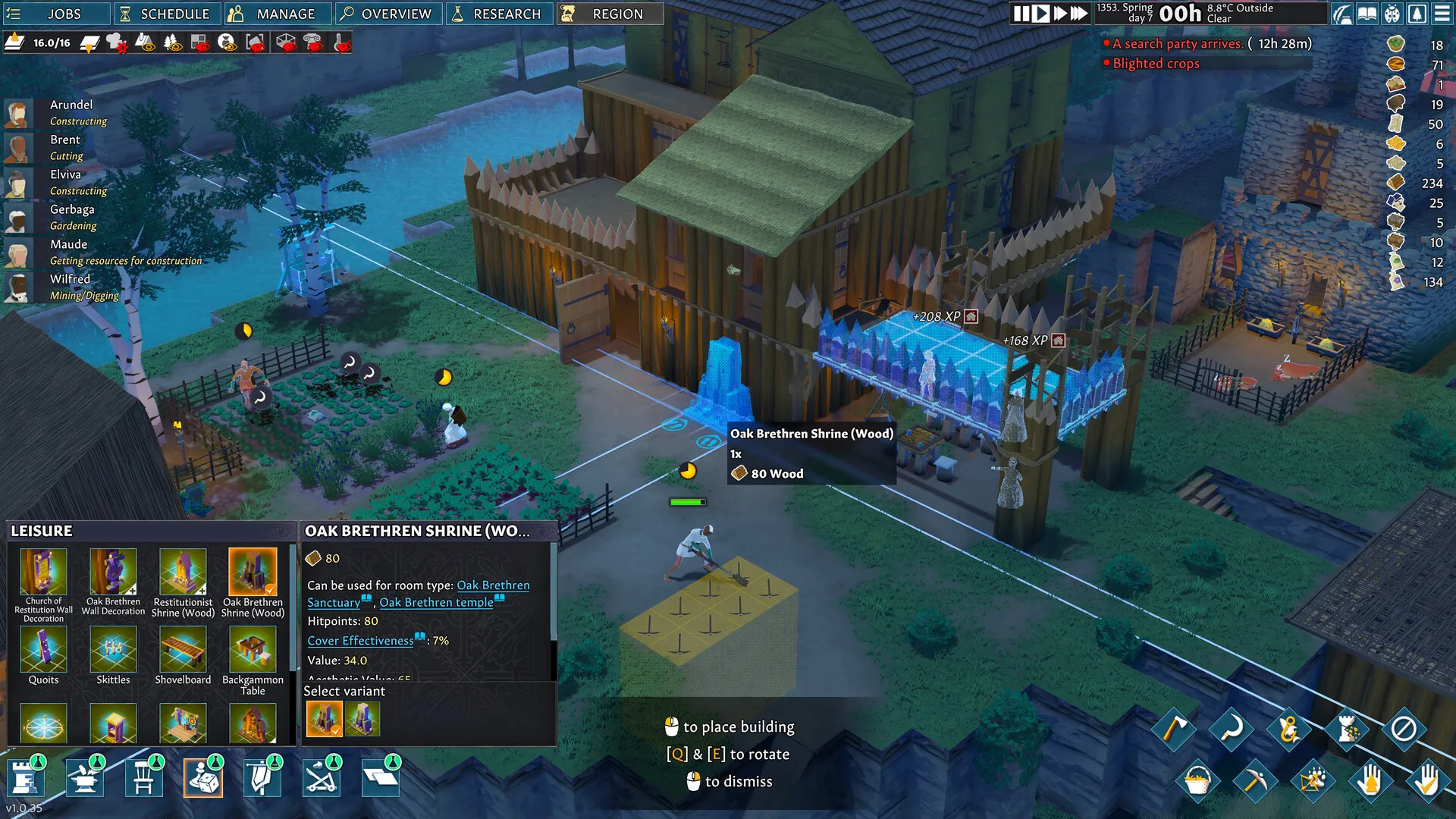
- Advanced 3D Voxel Architecture: Construct intricate multi-story fortresses, carved underground food cellars, and strategic battlements while managing structural stability and material weight.
- Townfolk Psychology & Needs: Monitor each settler's individual mental health, social relationships, grief, clothing preferences, and specialized labor skills to maintain productivity.
- Tactical Siege Defense: Protect your colony from aggressive rival factions and brute raiders by leveraging high ground, archer towers, choke points, and defensive traps.
- Environmental & Weather Simulation: Keep your population warm through harsh winters, preserve perishable food in cool cellars, and shield crops from destructive seasonal elements.
Languages & Audio Support
Full Voiceover (Audio): English
Subtitles & Interface: English, French, German, Spanish (Spain), Japanese, Korean, Russian, Simplified Chinese, Traditional Chinese, Polish, Portuguese (Brazil)
System Requirements
| Requirement |
Minimum Specs (1080p 30 FPS Low) |
Recommended Specs (1080p 60 FPS High) |
| OS |
Windows 7 64-bit |
Windows 10 64-bit |
| Processor |
AMD FX-8320 or Intel i3-6100 |
AMD Ryzen 5 3600 or Intel i5-8400 |
| Memory |
8 GB RAM |
16 GB RAM |
| Graphics |
AMD Radeon HD 7870 or NVIDIA GeForce GTX 660 (2GB) |
AMD Radeon RX 5700 XT or NVIDIA GeForce RTX 2060 (6GB/8GB) |
| DirectX |
Version 11 |
Version 11 |
| Storage |
1 GB available space |
1 GB available space (SSD recommended) |
Frequently Asked Questions (FAQ)
Where can I buy Going Medieval cheap on PC?
You can purchase shared Steam account access directly from our digital store at a heavy discount. You get official game files, fast delivery, and full single-player colony survival simulation access without paying full retail price.
How to play Going Medieval in Steam Offline Mode?
Complete the download, launch the game once online to let Steam authenticate local binaries, exit the title, click "Steam" in the top-left menu, choose "Go Offline", and relaunch. You can now play entirely disconnected.
Will my save files be overwritten by other buyers?
No. Game saves are stored locally on your PC in your personal Steam user directory. As long as you stay in Offline Mode, your campaign progression remains completely isolated and secure.
Is this Going Medieval Steam account Region Free?
Yes. This account access is 100% Region Free and functions worldwide without VPN services, geographic locks, or country-specific limitations.