Access & Setup Guide (Steam PC)
Step-by-Step Steam Account Activation:
01
Log Out: Open the official Steam desktop client on your PC and log out of your personal Steam profile.
02
Sign In: Enter the shared Steam username and password delivered to you immediately after purchase.
03
Verify Steam Guard: Contact the seller via order chat to receive your one-time Steam Guard security code immediately.
04
Download Game: Navigate to your Library tab, find Euro Truck Simulator 2, and start the installation.
05
First Launch: Run the game once online to initialize engine binaries and configure display presets.
06
Enable Offline Mode: Switch Steam to Offline Mode (Steam menu > Go Offline) to build your transport empire privately with zero interruptions.
What You Get by Buying Euro Truck Simulator 2 at a Cheap Price
The Ultimate European Trucking Experience
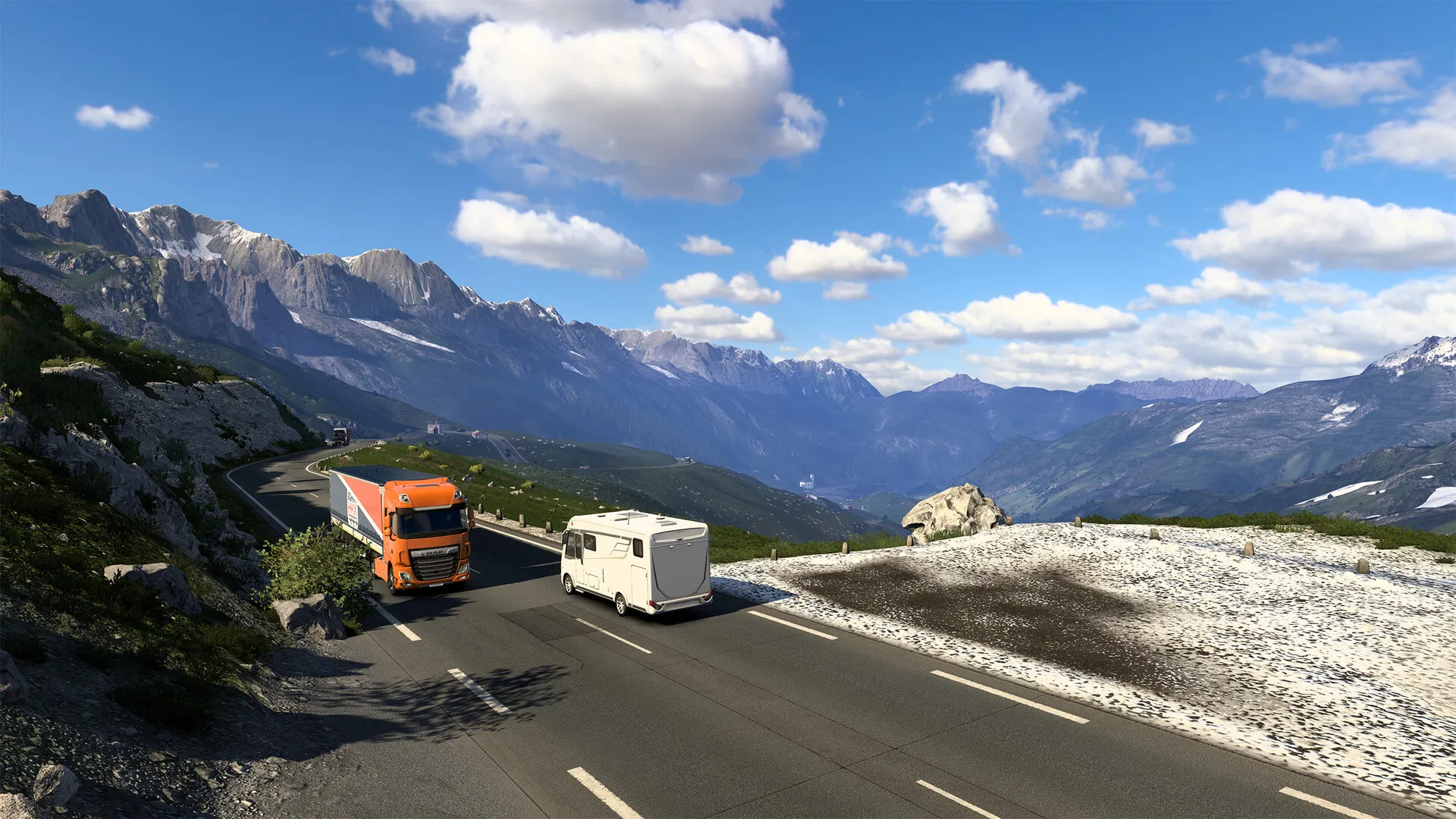
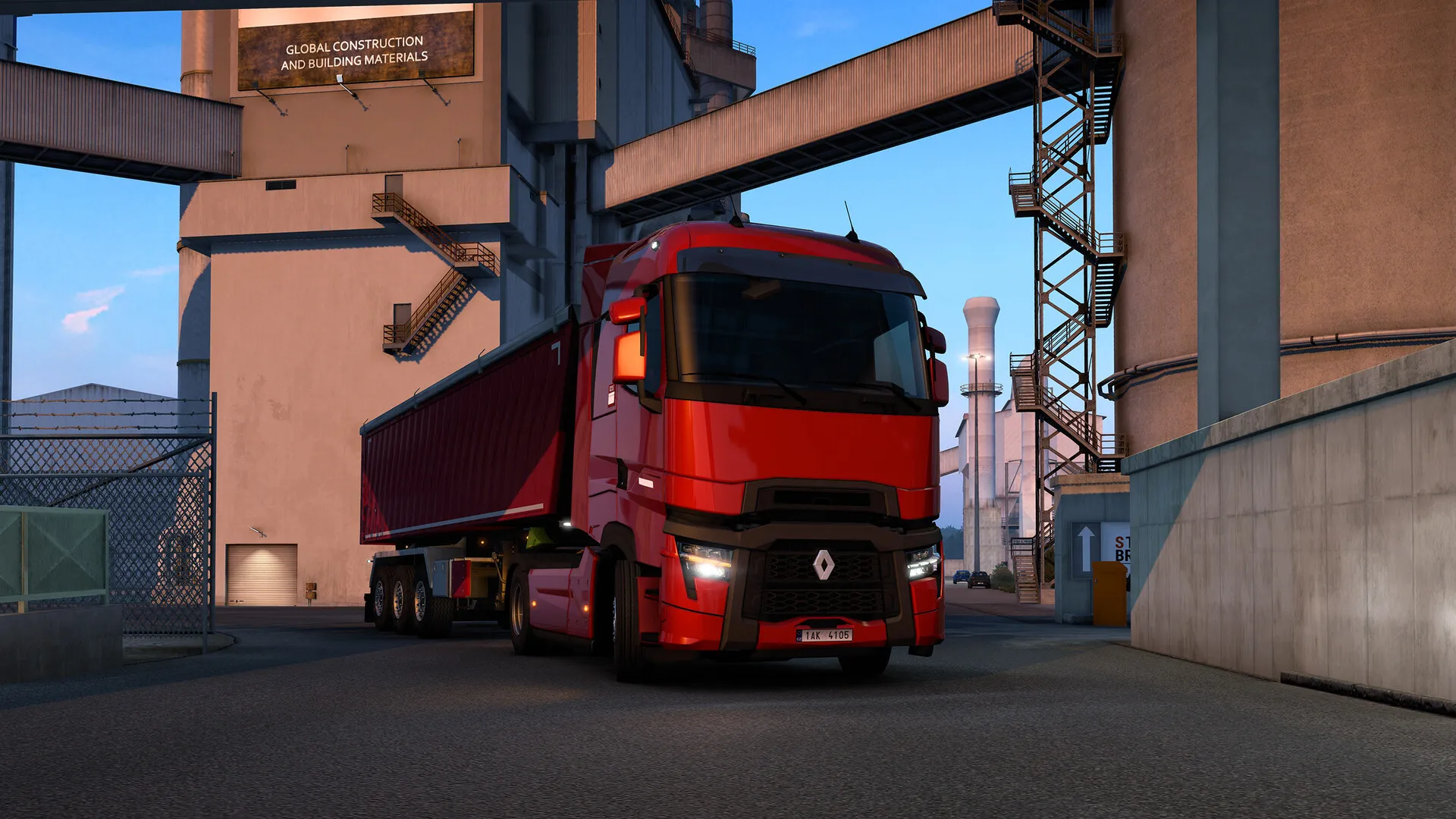
Drive officially licensed trucks across vast stretches of Europe, hauling diverse cargo loads through meticulously recreated cities, motorways, and country roads, all without paying full retail store prices.
Build Your Own Transport Company
Start as a hired driver, earn money, buy your own garages, purchase trucks, hire AI drivers, and manage your growing logistics business to dominate the European freight market.
Extensive Customization & Tuning
Personalize your rigs from top to bottom with custom paint jobs, chassis configurations, lights, horns, exhaust pipes, and internal cabin accessories.
An Immersive Continental Lore & Logistics Odyssey
Immerse yourself in a relaxing, long-haul driving journey across thousands of kilometers of authentic European landscape. Experience the quiet camaraderie of the open highway, obey realistic traffic laws, and manage your fatigue across international borders.
Playtime and Campaign Duration
Prepare for an endlessly relaxing driving sandbox where exploring the base map and setting up a profitable company takes roughly 50 to 80 hours. When you factor in expanding your empire with major map DLCs (like Scandinavia, Beyond the Baltic Sea, and Road to the Black Sea) and installing community mods, your total playtime easily expands to 200 or over 1,000 hours.
Included Map DLCs & Advanced Logistics Mechanics
Map Expansions, Convoy Multiplayer & World-Class Modding (Fully Integrated)
Euro Truck Simulator 2 pairs its expansive base European simulation alongside official map expansion packs, cooperative convoy multiplayer, and a thriving community mod scene.
Expansion & Feature Highlights:
- Vast Map Expansions: Discover thousands of miles of authentic roads across dozens of European countries, featuring iconic landmarks, toll booths, and ferry crossings.
- Convoy Multiplayer Mode: Form online convoys with friends and players worldwide to haul synchronized freight jobs together across the same live game world.
- Advanced Truck Management: Monitor fuel efficiency, maintenance schedules, GPS navigation, and air brake simulation to ensure safe and profitable deliveries.
- Legendary Modding Community: Access massive map overhauls like ProMods, realistic graphics mods, and custom truck models via the Steam Workshop and mod portals.
Languages & Audio Support
Full Voiceover (Audio): GPS Navigation Voices (Multiple Languages)
Subtitles & Interface: English, Spanish (Spain & Latin America), French, German, Italian, Polish, Russian, Japanese, Korean, Simplified & Traditional Chinese, Brazilian Portuguese, and 30+ more
System Requirements
| Requirement |
Minimum Specs (1080p 30 FPS Low) |
Recommended Specs (1080p 60 FPS High) |
| OS |
Windows 7 64-bit |
Windows 10 / 11 64-bit |
| Processor |
Dual core CPU 2.4 GHz |
Quad core CPU 3.0 GHz |
| Memory |
4 GB RAM |
6 GB RAM |
| Graphics |
GeForce GTS 450 / Intel HD 4000 (1GB VRAM) |
GeForce GTX 760 / AMD Radeon R9 270x (2GB VRAM) |
| DirectX |
Version 9.0c |
Version 11 |
| Storage |
25 GB available space |
25 GB available space (SSD recommended) |
Frequently Asked Questions (FAQ)
Where can I buy Euro Truck Simulator 2 cheap on PC?
You can purchase shared Steam account access directly from our digital store at a heavy discount. You get official game files, fast delivery, and full single-player trucking access without paying full retail price.
How to play Euro Truck Simulator 2 in Steam Offline Mode?
Complete the download, launch the game once online to let Steam authenticate local binaries, exit the title, click "Steam" in the top-left menu, choose "Go Offline", and relaunch. You can now play entirely disconnected.
Will my save files be overwritten by other buyers?
No. Game saves are stored locally on your PC in your personal Steam user directory. As long as you stay in Offline Mode, your trucking progression remains completely isolated and secure.
Is this Euro Truck Simulator 2 Steam account Region Free?
Yes. This account access is 100% Region Free and functions worldwide without VPN services, geographic locks, or country-specific limitations.