Access & Setup Guide (Steam PC)
Step-by-Step Steam Account Activation:
01
Log Out: Open the official Steam desktop client on your PC and log out of your personal Steam profile.
02
Sign In: Enter the shared Steam username and password delivered to you immediately after purchase.
03
Verify Steam Guard: Contact the seller via order chat to receive your one-time Steam Guard security code immediately.
04
Download Game: Navigate to your Library tab, find Dome Keeper, and start the installation.
05
First Launch: Run the game once online to initialize engine binaries and configure display presets.
06
Enable Offline Mode: Switch Steam to Offline Mode (Steam menu > Go Offline) to manage your dome and mining runs privately with zero interruptions.
What You Get by Buying Dome Keeper at a Cheap Price
Engaging Roguelike Survival Mining
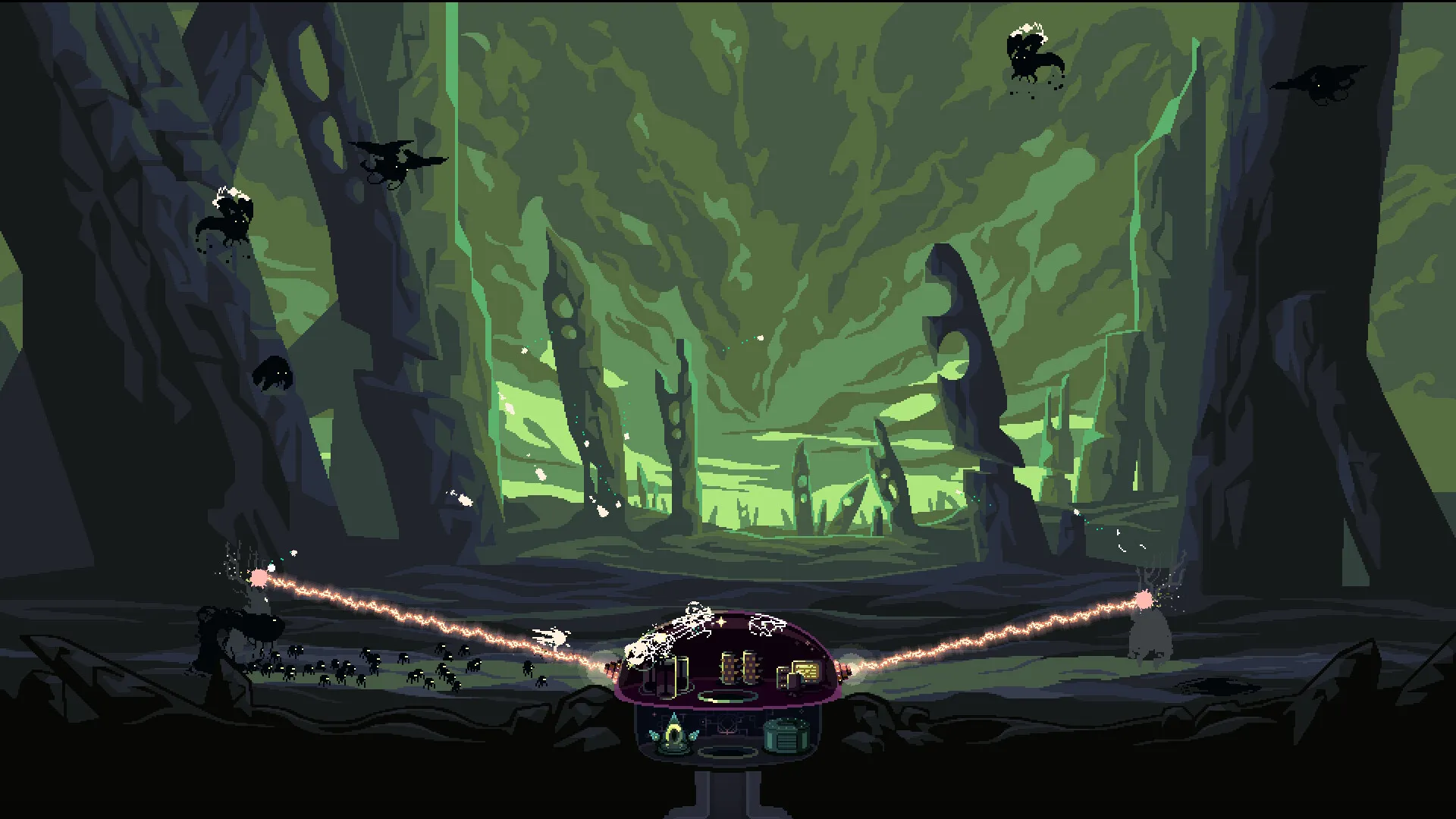
Balance your time between frantic underground mining expeditions and intense surface defense against waves of alien attackers, all without paying full retail store prices.
Deep Underground Exploration & Resource Gathering
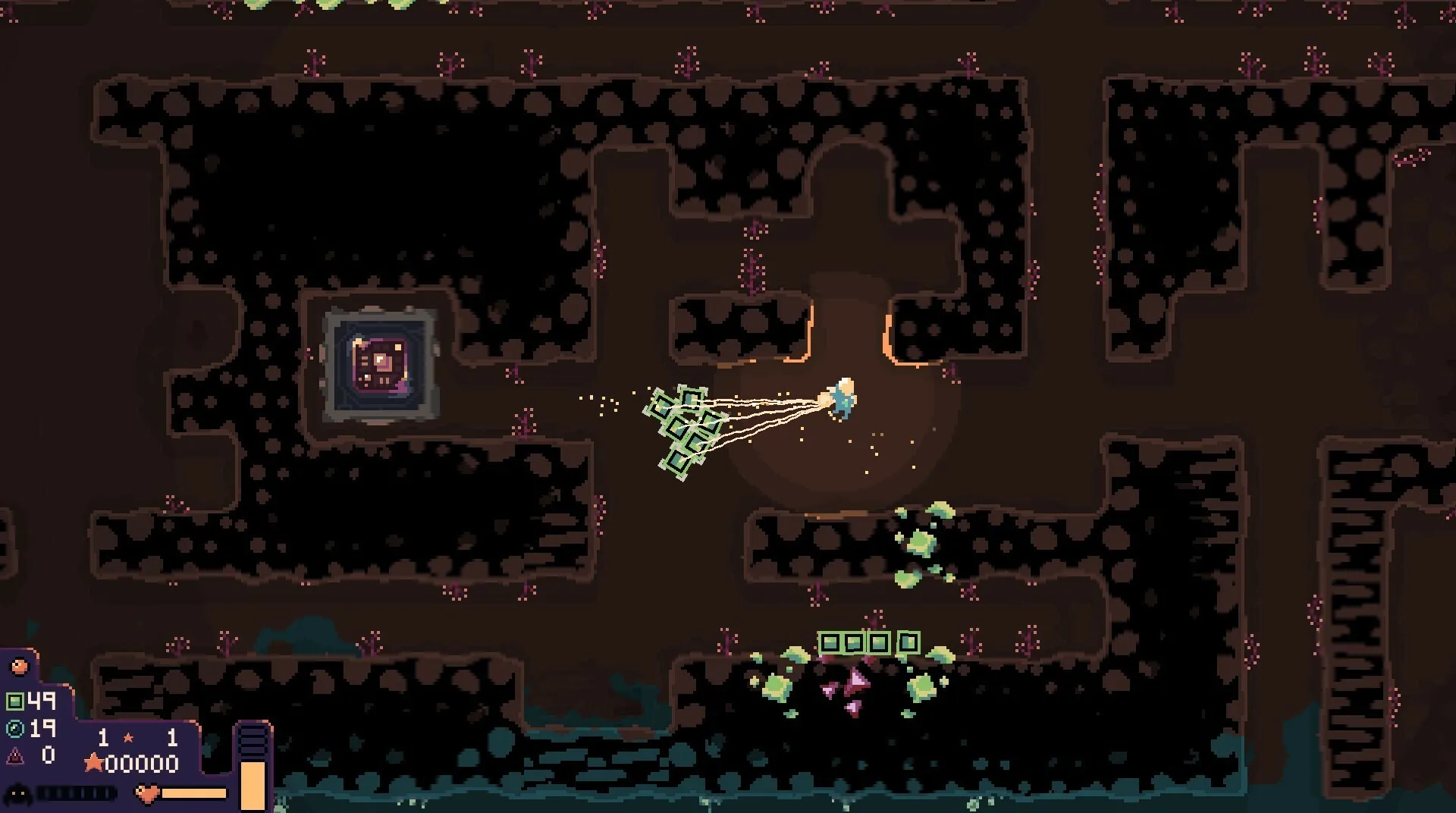
Tunnel deep into the alien planet beneath your dome to unearth valuable minerals, powerful relics, and vital resources needed to survive escalating monster attacks.
Powerful Upgrades & Strategic Defenses
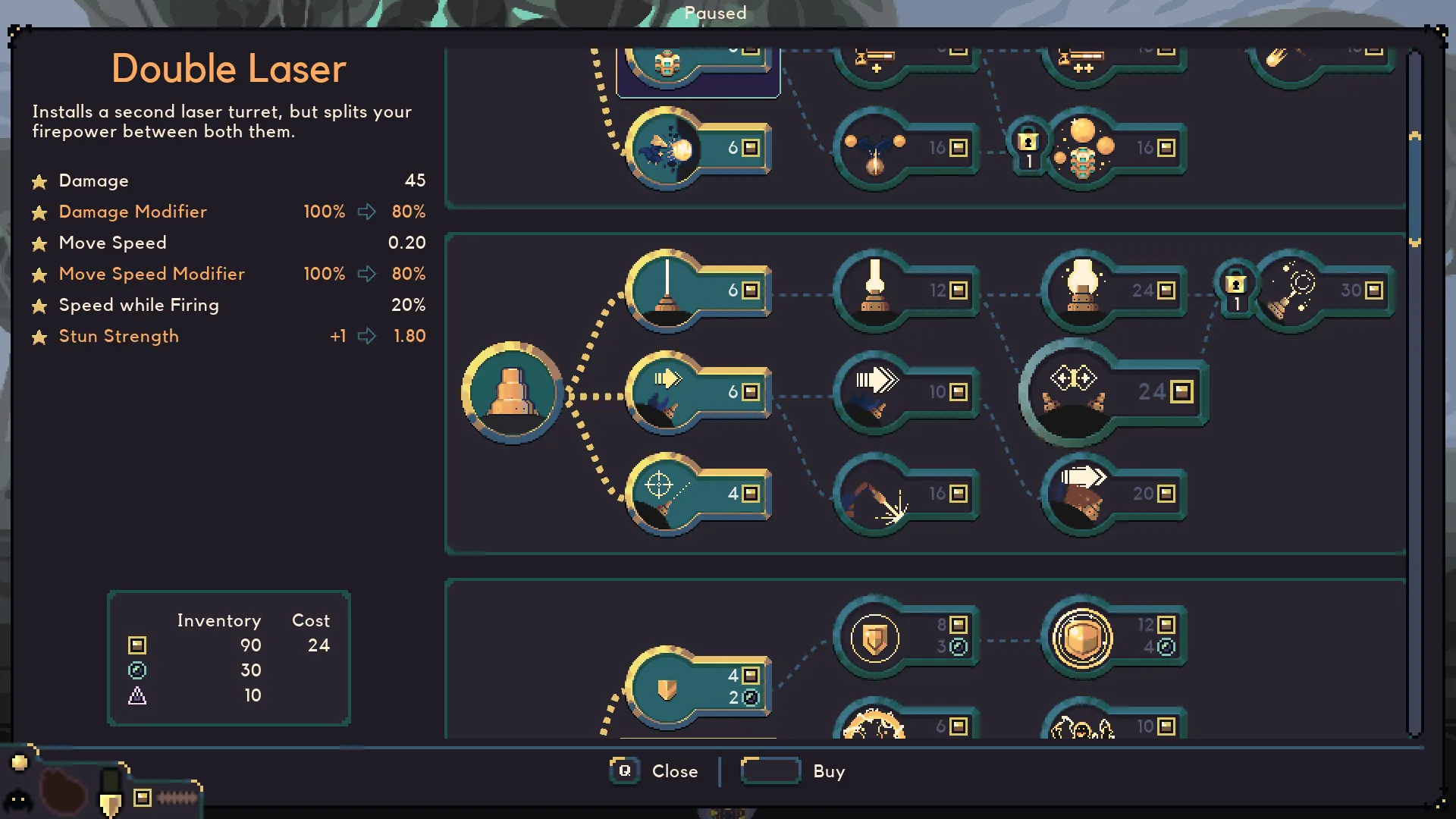
Spend your hard-earned resources on cutting-edge dome weaponry, defensive shields, automated mining helpers, and speed enhancements to stay one step ahead of the planetary threats.
An Immersive Atmospheric World and Sci-Fi Lore
Immerse yourself in a moody, minimalist science-fiction setting accompanied by a mesmerizing atmospheric soundtrack. Uncover strange alien artifacts and relics that hint at the forgotten history of the planet and the origin of your defensive dome.
Playtime and Campaign Duration
Prepare for an addictive roguelike experience where completing a single standard run takes roughly 45 to 60 minutes. When you factor in unlocking multiple dome types, engineer gadgets, relentless difficulty modifiers, and endless modes, your total playtime easily expands to 15 or 30 hours.
Key Gameplay Features & Strategic Elements
Domes, Keepers & Relic Synergies (Fully Integrated)
Dome Keeper offers high replayability by combining distinct playable characters and defensive structures with randomized subterranean layouts.
Strategic Highlights:
- Diverse Keepers: Choose between unique engineers like the balanced Miner or the combat-focused Assessor, each altering how you mine and fight.
- Varied Dome Types: Experiment with defensive setups ranging from the classic Laser Dome to the high-explosive Sword Dome and heavy Shield Dome.
- Powerful Relics: Discover game-changing artifacts deep underground that grant passive buffs, teleportation beacons, or automated resource gathering.
- Resource Management: Master the critical choice of when to stay underground for deeper upgrades versus rushing back to the surface before monster waves strike.
Languages & Audio Support
Full Voiceover (Audio): Atmospheric Sound Design
Subtitles & Interface: English, Spanish (Spain & Latin America), French, German, Italian, Japanese, Korean, Portuguese (Brazil), Russian, Simplified & Traditional Chinese
System Requirements
| Requirement |
Minimum Specs (1080p 30 FPS Low) |
Recommended Specs (1080p 60 FPS High) |
| OS |
Windows 7 / 8 / 10 64-bit |
Windows 10 / 11 64-bit |
| Processor |
2.5 GHz or faster processor |
3.0 GHz or faster processor |
| Memory |
2 GB RAM |
4 GB RAM |
| Graphics |
DirectX 10 or OpenGL 3.3 compatible graphics card |
Dedicated graphics card with 1GB VRAM |
| DirectX |
Version 10 |
Version 11 |
| Storage |
500 MB available space |
500 MB available space (SSD recommended) |
Frequently Asked Questions (FAQ)
Where can I buy Dome Keeper cheap on PC?
You can purchase shared Steam account access directly from our digital store at a heavy discount. You get official game files, fast delivery, and full single-player access without paying full retail price.
How to play Dome Keeper in Steam Offline Mode?
Complete the download, launch the game once online to let Steam authenticate local binaries, exit the title, click "Steam" in the top-left menu, choose "Go Offline", and relaunch. You can now play entirely disconnected.
Will my save files be overwritten by other buyers?
No. Game saves are stored locally on your PC in your personal Steam user directory. As long as you stay in Offline Mode, your progression remains completely isolated and secure.
Is this Dome Keeper Steam account Region Free?
Yes. This account access is 100% Region Free and functions worldwide without VPN services, geographic locks, or country-specific limitations.