Access & Setup Guide (Steam PC)
Step-by-Step Steam Account Activation:
01
Log Out: Open the official Steam desktop client on your PC and log out of your personal Steam profile.
02
Sign In: Enter the shared Steam username and password delivered to you immediately after purchase.
03
Verify Steam Guard: Contact the seller via order chat to receive your one-time Steam Guard security code immediately.
04
Download Game: Navigate to your Library tab, find Deliver Us The Moon, and start the installation.
05
First Launch: Run the game once online to initialize engine binaries and configure display presets.
06
Enable Offline Mode: Switch Steam to Offline Mode (Steam menu > Go Offline) to investigate the lunar mystery privately with zero interruptions.
What You Get by Buying Deliver Us The Moon at a Cheap Price
An Apocalyptic Near-Future Mystery
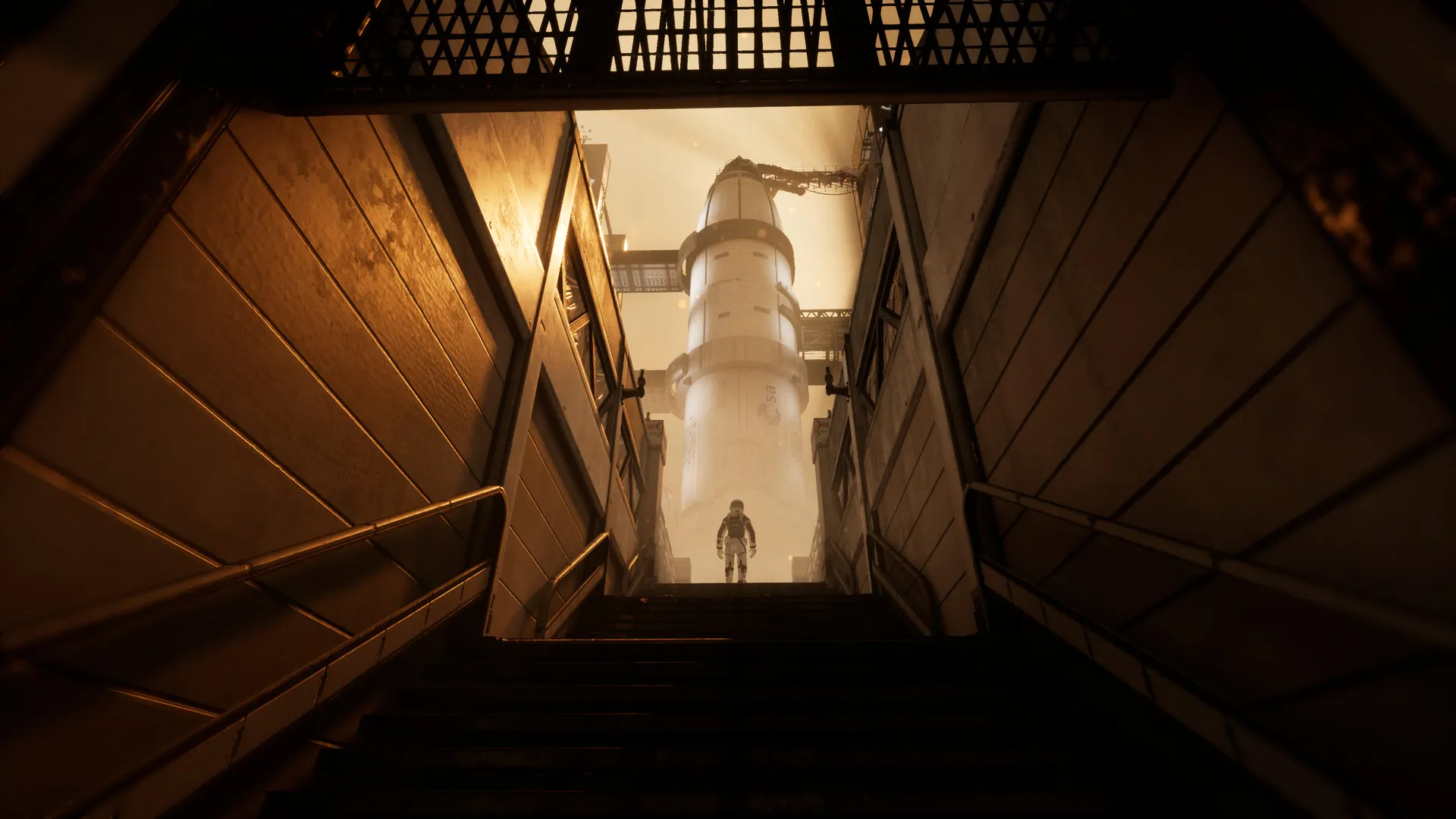
Step into the shoes of Earth's last astronaut sent on a high-stakes mission to the Moon to save humanity from extinction, all without paying full retail store prices.
Immersive Exploration and Puzzles
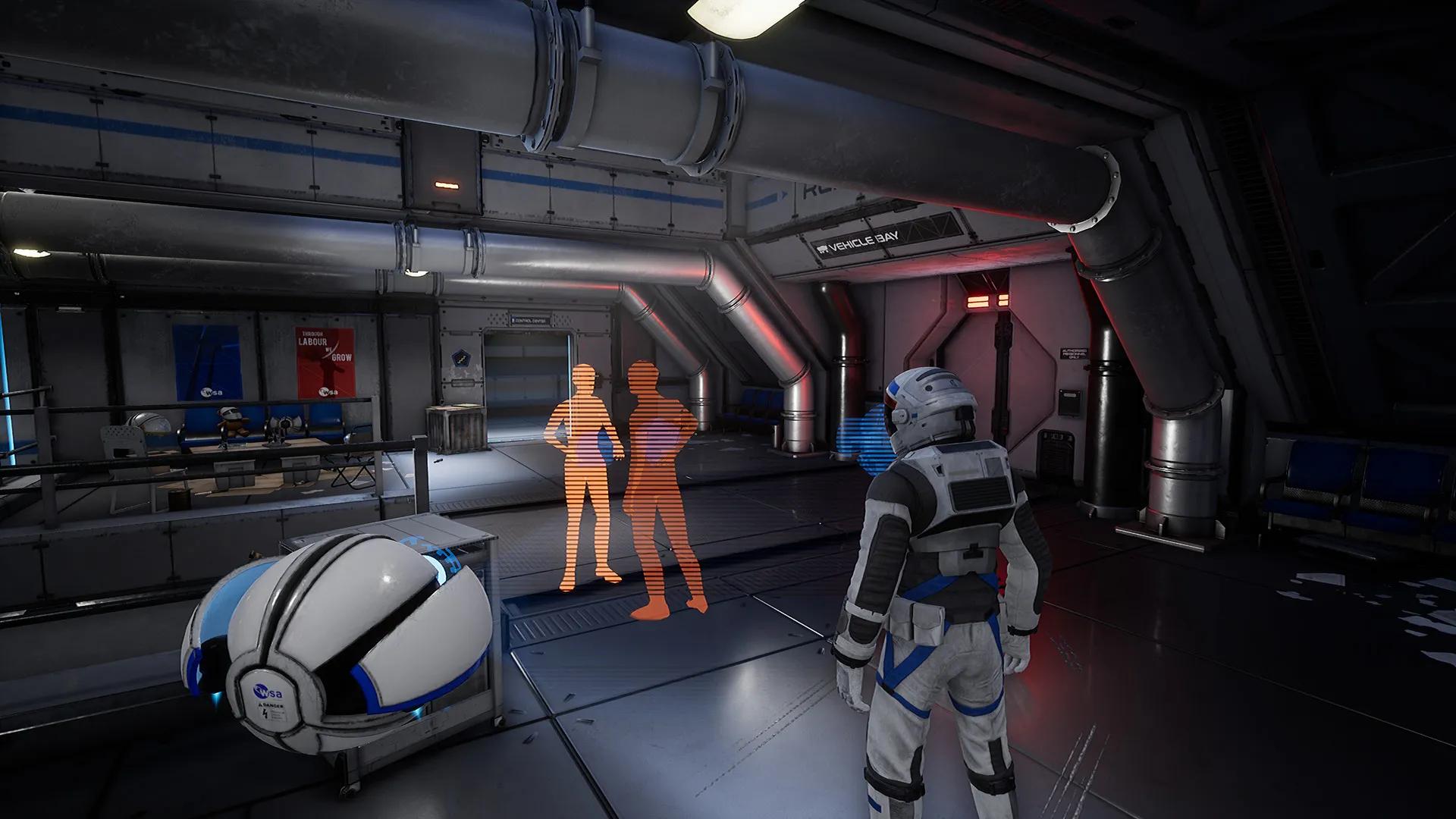
Explore abandoned lunar facilities, navigate zero-g environments, solve intricate puzzles, and uncover what happened to the lost colony using a helpful robotic drone companion.
Cinematic Sci-Fi Atmosphere
Experience an emotionally gripping narrative accompanied by stunning visuals, suspenseful pacing, and a hauntingly beautiful orchestral soundtrack.
A Compelling Lunar Lore and Survival Odyssey
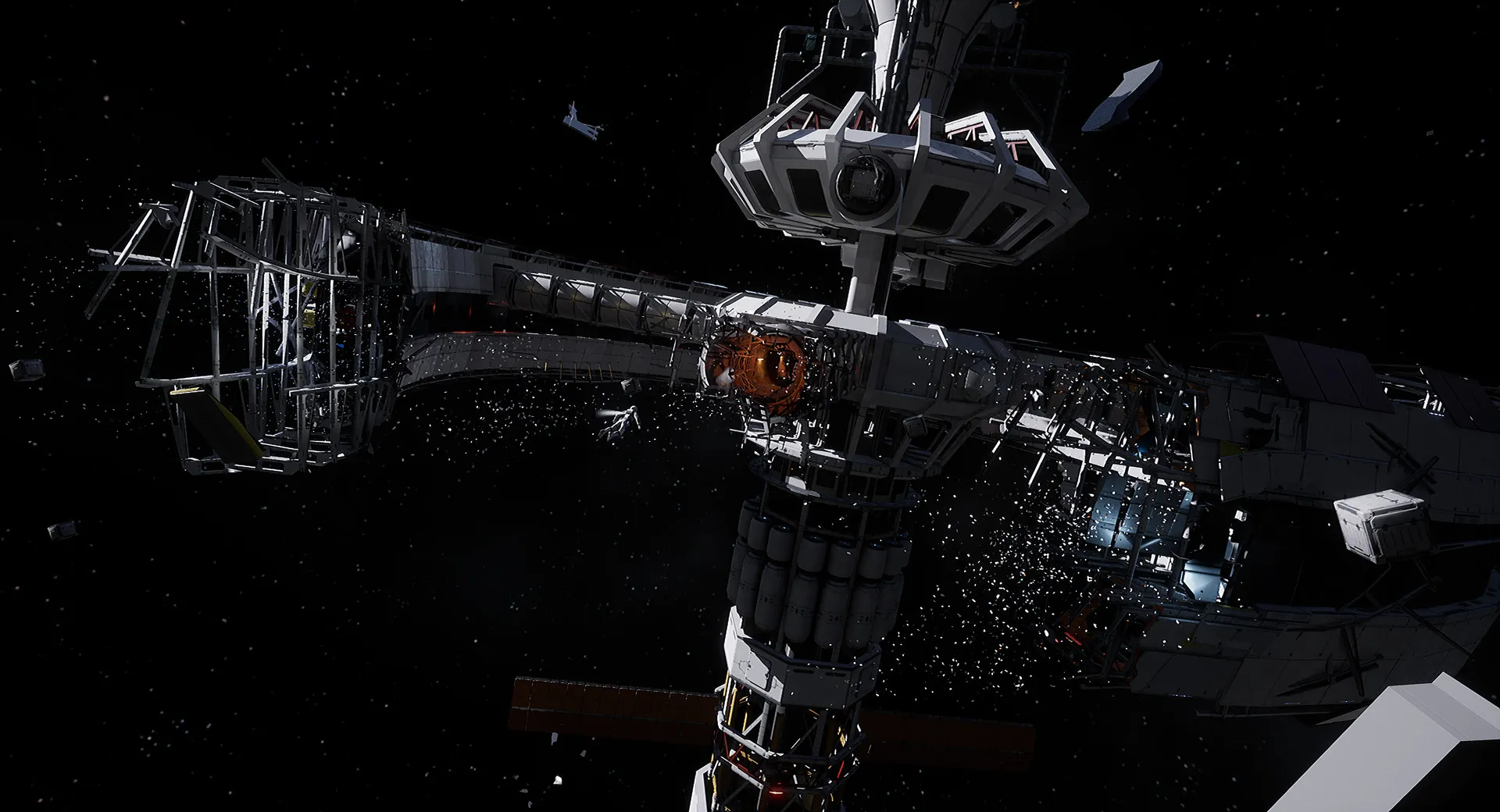
Immerse yourself in a poignant sci-fi thriller set in an alternate near-future where Earth's resources are completely depleted. Piece together the tragic final hours of the World Space Agency through holographic recordings, audio logs, and desolate moonscapes.
Playtime and Campaign Duration
Prepare for a tight, atmospheric narrative adventure where completing the main story campaign takes roughly 4 to 6 hours. When you factor in thorough exploration, hunting down every comic book and audio log, and unlocking all achievements, your total playtime easily expands to 7 or over 10 hours.
Included Features & Advanced Exploration Mechanics
ASE Robotic Drone Companion, Zero-G Mechanics & Holographic Lore (Fully Integrated)
Deliver Us The Moon pairs its cinematic narrative-driven exploration alongside clever puzzle mechanics, atmospheric zero-g traversal, and a loyal utility drone companion.
Feature & Mechanic Highlights:
- ASE Drone Companion: Utilize your loyal robotic spherical drone to hack terminals, bypass security grids, and access hard-to-reach maintenance tunnels.
- Zero-G & Atmospheric Traversal: Float freely through weightless space stations, manage oxygen supplies carefully, and navigate treacherous lunar terrain buggies.
- Holographic Storytelling: Reconstruct past events by playing back immersive holographic flashbacks left behind by the missing crew members.
- Cinematic Presentation: Enjoy a deeply immersive single-player journey designed with dramatic camera angles, tense cinematic sequences, and zero multiplayer distractions.
Languages & Audio Support
Full Voiceover (Audio): English
Subtitles & Interface: English, Spanish (Spain & Latin America), French, German, Italian, Polish, Russian, Japanese, Simplified Chinese, Korean, Brazilian Portuguese
System Requirements
| Requirement |
Minimum Specs (1080p 30 FPS Low) |
Recommended Specs (1080p 60 FPS High) |
| OS |
Windows 7/8/10 64-bit |
Windows 10 64-bit |
| Processor |
Intel Core i3-6100 / AMD Ryzen 3 1200 |
Intel Core i7-6700K / AMD Ryzen 5 2600X |
| Memory |
8 GB RAM |
8 GB RAM |
| Graphics |
NVIDIA GeForce GTX 960 / AMD Radeon R9 280 (2GB VRAM) |
NVIDIA GeForce GTX 1070 / AMD Radeon RX Vega 56 (6GB VRAM) |
| DirectX |
Version 11 |
Version 11 |
| Storage |
30 GB available space |
30 GB available space (SSD recommended) |
Frequently Asked Questions (FAQ)
Where can I buy Deliver Us The Moon cheap on PC?
You can purchase shared Steam account access directly from our digital store at a heavy discount. You get official game files, fast delivery, and full single-player thriller access without paying full retail price.
How to play Deliver Us The Moon in Steam Offline Mode?
Complete the download, launch the game once online to let Steam authenticate local binaries, exit the title, click "Steam" in the top-left menu, choose "Go Offline", and relaunch. You can now play entirely disconnected.
Will my save files be overwritten by other buyers?
No. Game saves are stored locally on your PC in your personal Steam user directory. As long as you stay in Offline Mode, your story progression remains completely isolated and secure.
Is this Deliver Us The Moon Steam account Region Free?
Yes. This account access is 100% Region Free and functions worldwide without VPN services, geographic locks, or country-specific limitations.