Access & Setup Guide (Steam PC)
Step-by-Step Steam Account Activation:
01
Log Out: Open the official Steam desktop client on your PC and log out of your personal Steam profile.
02
Sign In: Enter the shared Steam username and password delivered to you immediately after purchase.
03
Verify Steam Guard: Contact the seller via order chat to receive your one-time Steam Guard security code immediately.
04
Download Game: Navigate to your Library tab, find Darkwood, and start the installation.
05
First Launch: Run the game once online to initialize engine binaries and configure display presets.
06
Enable Offline Mode: Switch Steam to Offline Mode (Steam menu > Go Offline) to survive the woods privately with zero interruptions.
What You Get by Buying Darkwood at a Cheap Price
Unique Perspective & Psychological Dread
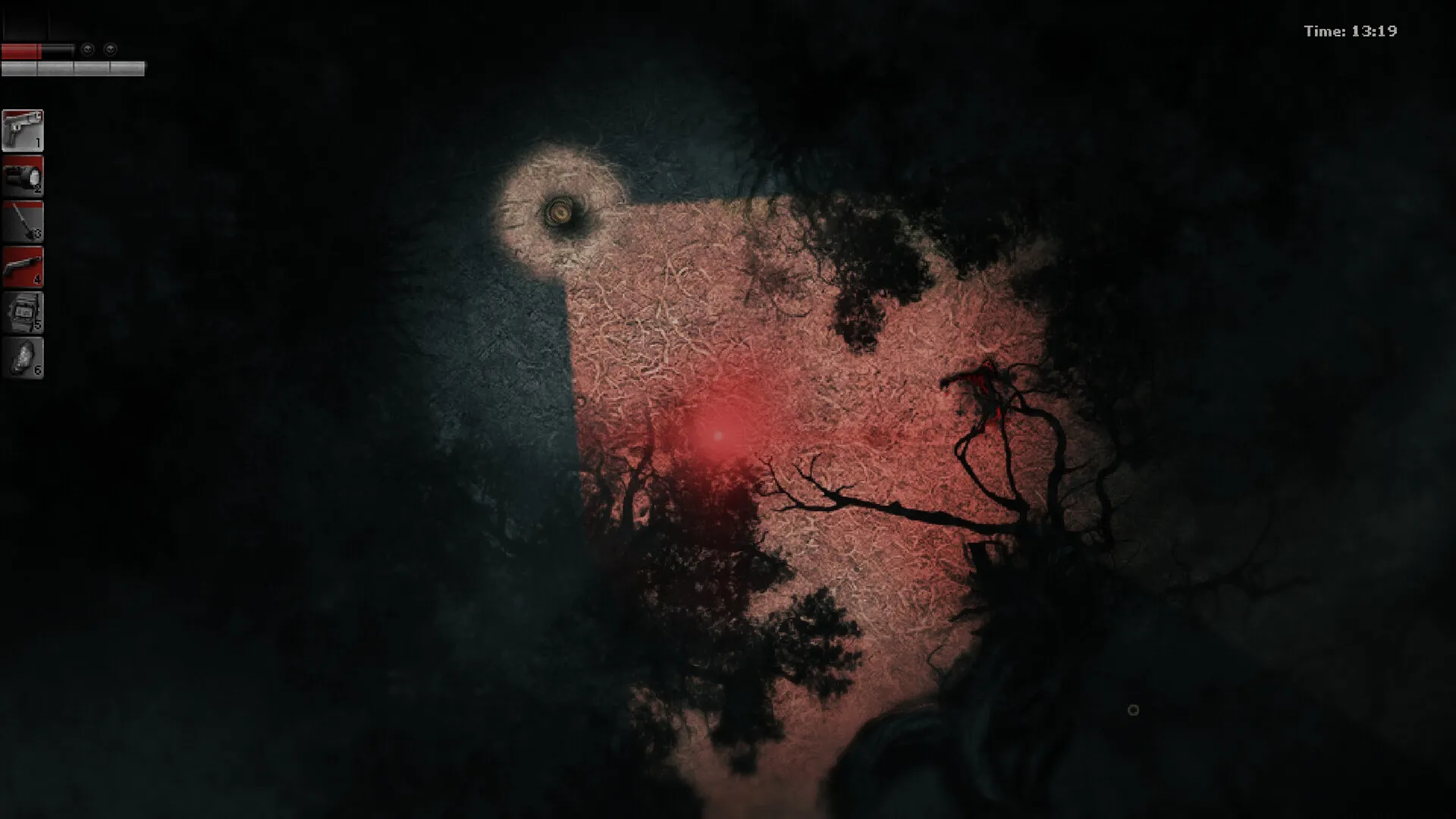
Experience an unconventional top-down perspective restricted by a dynamic field of view, creating profound psychological tension without relying on cheap jump scares, all without paying full retail store prices.
Intense Day-Night Survival Cycle
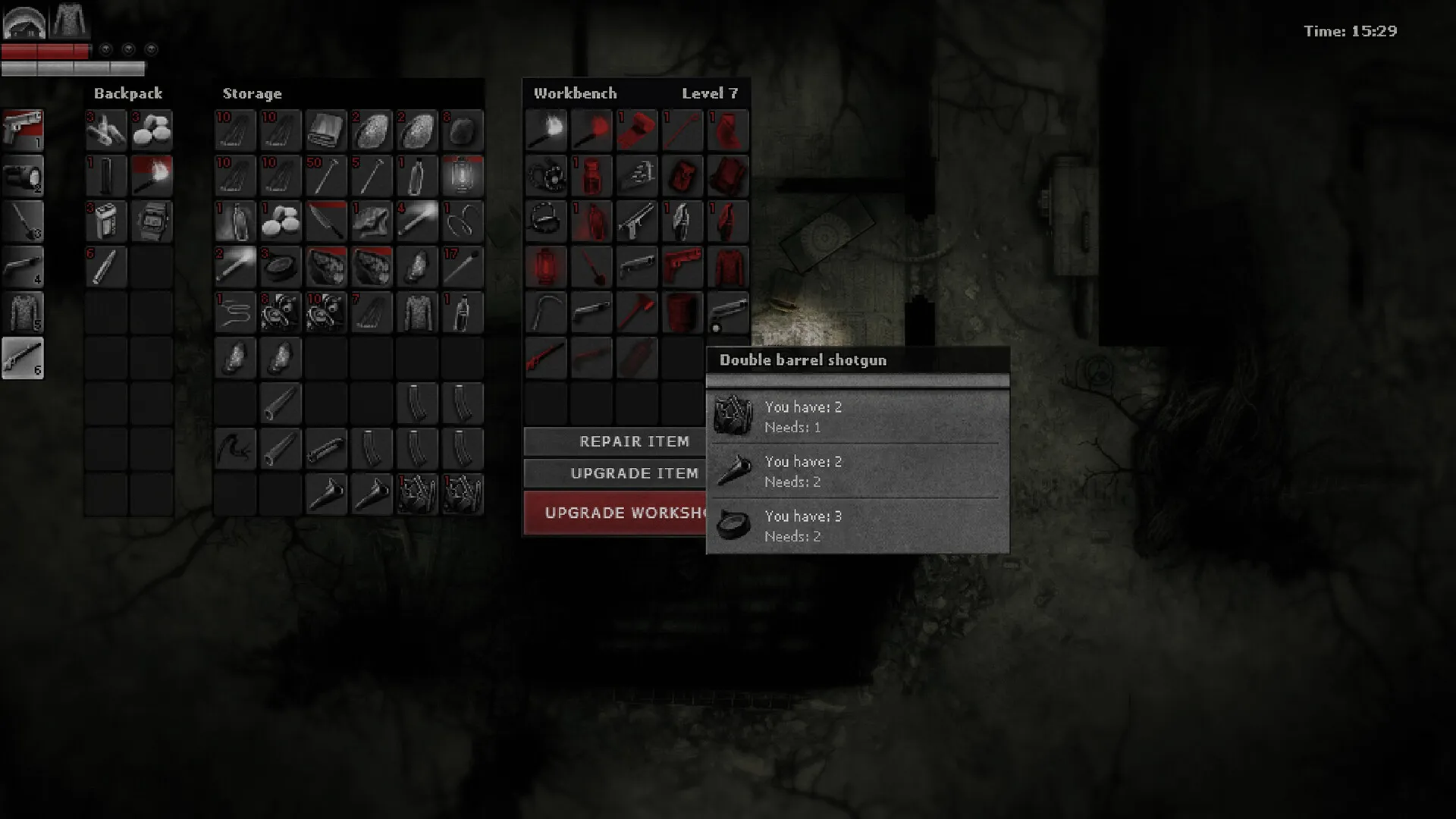
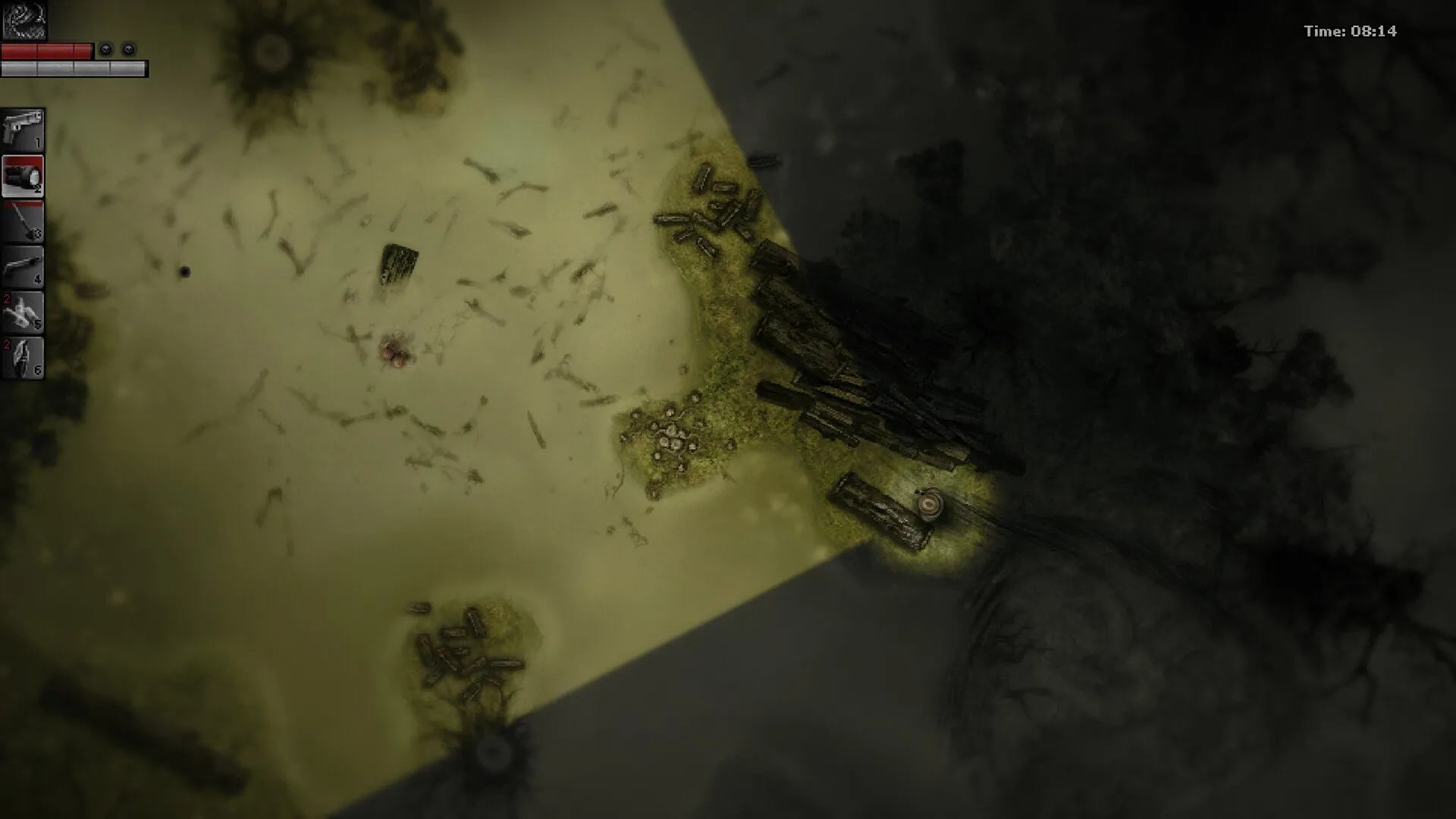
Scavenge materials and explore randomly generated biomes by day, then rush back to your fortified hideout to barricade doors, setup traps, and pray to survive aggressive horrors by night.
Mutations, Crafting & Branching Choices
Inject strange essences to unlock powerful skills, craft tools and weapons, and make permanent narrative choices that alter the forest's dark destiny.
An Immersive Soviet-Era Forest Lore and Survival Horror Odyssey
Immerse yourself in a critically acclaimed, uncompromising survival horror masterpiece crafted by Acid Wizard Studio. Step into the suffocating, twisted woods of a surreal, plague-ridden Soviet-bloc wilderness, where every dimly lit corridor, unsettling NPC encounter, and desperate nocturnal defense pushes your sanity to the absolute breaking point.
Playtime and Campaign Duration
Prepare for a harrowing, slow-burn nightmare where completing the multi-chapter survival campaign takes roughly 25 to 35 hours. When you factor in exploring every hidden procedural anomaly, experimenting with radical skill mutations, and uncovering all alternate dark narrative conclusions, your total playtime easily expands to 40 or over 60 hours.
Included Cursed Forest Systems & Advanced Psychological Horror Mechanics
Psychological Dread, Day-Night Survival & Mutations (Fully Integrated)
Darkwood pairs its acclaimed survival horror campaign alongside a unique restricted field-of-view perspective, brutal nocturnal defense mechanics, and a deeply unsettling ambient atmosphere.
Feature & Mechanic Highlights:
- Unique Perspective & Vision: Navigate eerie top-down environments using a dynamic cone-of-vision mechanic that hides terrifying threats just outside your line of sight.
- Intense Day-Night Cycle: Spend daylight hours scavenging ruined biomes and crafting resources, then desperately fortify your hideout against aggressive horrors after dark.
- Mutations & Skills: Extract essences from twisted flora and fauna to mutate your body, granting supernatural advantages alongside disturbing physical side effects.
- Branching Narrative Choices: Interact with morally gray, grotesque characters whose fates—and your own survival—depend entirely on your brutal decisions.
Languages & Audio Support
Full Voiceover (Audio): English (custom creature/character vocalizations)
Subtitles & Interface: English, Russian, Spanish (Spain), French, German, Polish, Simplified Chinese, Turkish, Ukrainian
System Requirements
| Requirement |
Minimum Specs (1080p 30 FPS Low) |
Recommended Specs (1080p 60 FPS High) |
| OS |
Windows 7 64-bit |
Windows 10 64-bit |
| Processor |
Intel Core i5-2400 / AMD FX-6300 |
Intel Core i7-3770 / AMD FX-8350 |
| Memory |
4 GB RAM |
8 GB RAM |
| Graphics |
NVIDIA GeForce GTX 660 / AMD Radeon HD 7850 (2GB) |
NVIDIA GeForce GTX 1060 / AMD Radeon RX 480 (4GB) |
| DirectX |
Version 11 |
Version 11 |
| Storage |
6 GB available space |
6 GB available space (SSD recommended) |
Frequently Asked Questions (FAQ)
Where can I buy Darkwood cheap on PC?
You can purchase shared Steam account access directly from our digital store at a heavy discount. You get official game files, fast delivery, and full single-player survival horror access without paying full retail price.
How to play Darkwood in Steam Offline Mode?
Complete the download, launch the game once online to let Steam authenticate local binaries, exit the title, click "Steam" in the top-left menu, choose "Go Offline", and relaunch. You can now play entirely disconnected.
Will my save files be overwritten by other buyers?
No. Game saves are stored locally on your PC in your personal Steam user directory. As long as you stay in Offline Mode, your campaign progression remains completely isolated and secure.
Is this Darkwood Steam account Region Free?
Yes. This account access is 100% Region Free and functions worldwide without VPN services, geographic locks, or country-specific limitations.