Access & Setup Guide (Steam PC)
Step-by-Step Steam Account Activation:
01
Log Out: Open the official Steam desktop client on your PC and log out of your personal Steam profile.
02
Sign In: Enter the shared Steam username and password delivered to you immediately after purchase.
03
Verify Steam Guard: Contact the seller via order chat to receive your one-time Steam Guard security code immediately.
04
Download Game: Navigate to your Library tab, find Chorus, and start the installation.
05
First Launch: Run the game once online to initialize engine binaries and configure display presets.
06
Enable Offline Mode: Switch Steam to Offline Mode (Steam menu > Go Offline) to fight the Circle privately with zero interruptions.
What You Get by Buying Chorus at a Cheap Price
A Dark Redemption Journey
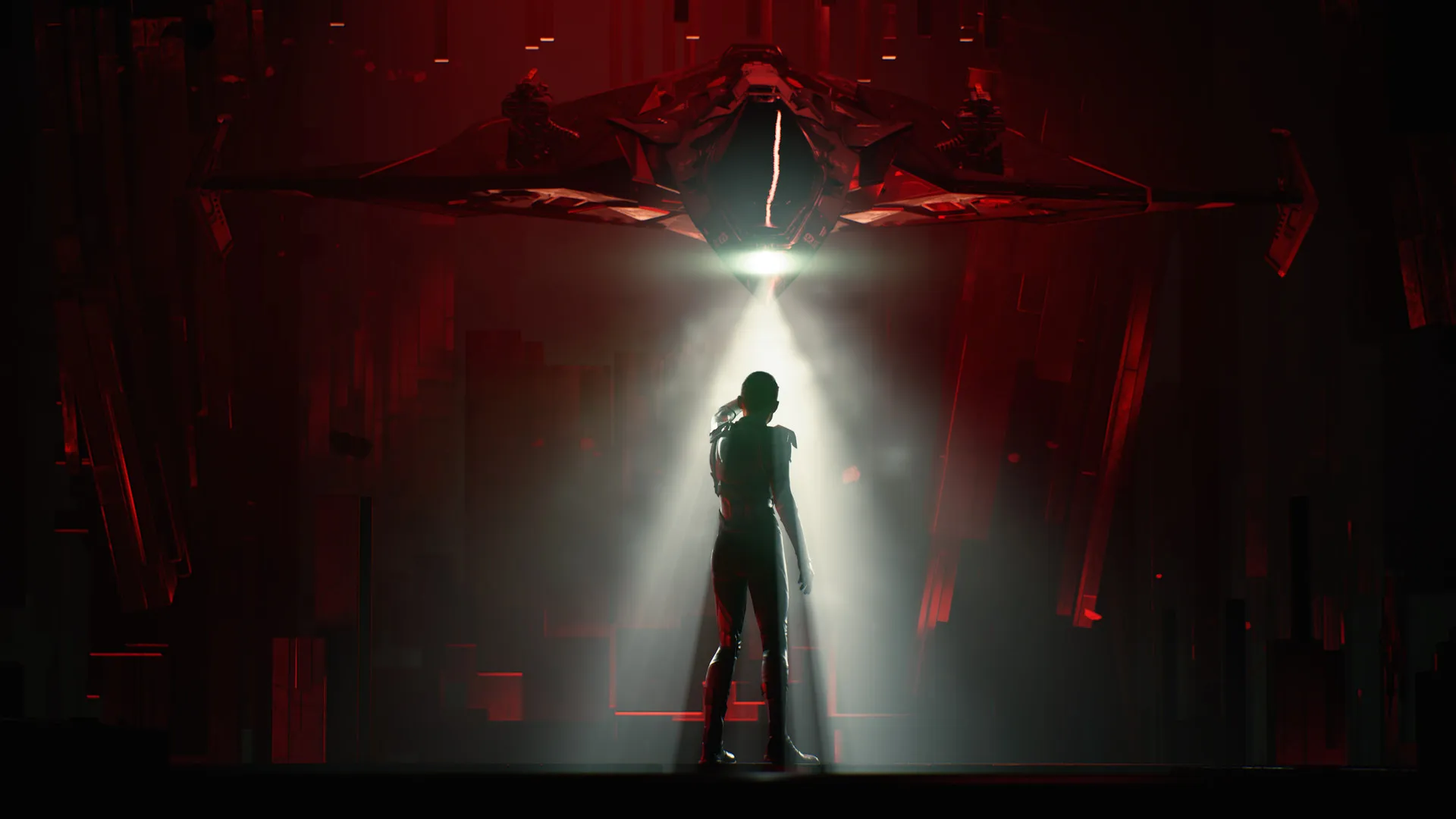
Step into the shoes of Nara, once the Circle's deadliest warrior, now a fugitive seeking to reconcile her haunted past and dismantle the oppressive cult that made her, all without paying full retail store prices.
Intense Zero-G Dogfighting
Pilot Forsaken, a sentient starfighter equipped with devastating weapons, mystical mind-bending powers, and high-speed drift maneuvers to outmaneuver enemy starfleets.
Explore Mysterious Space Vistas
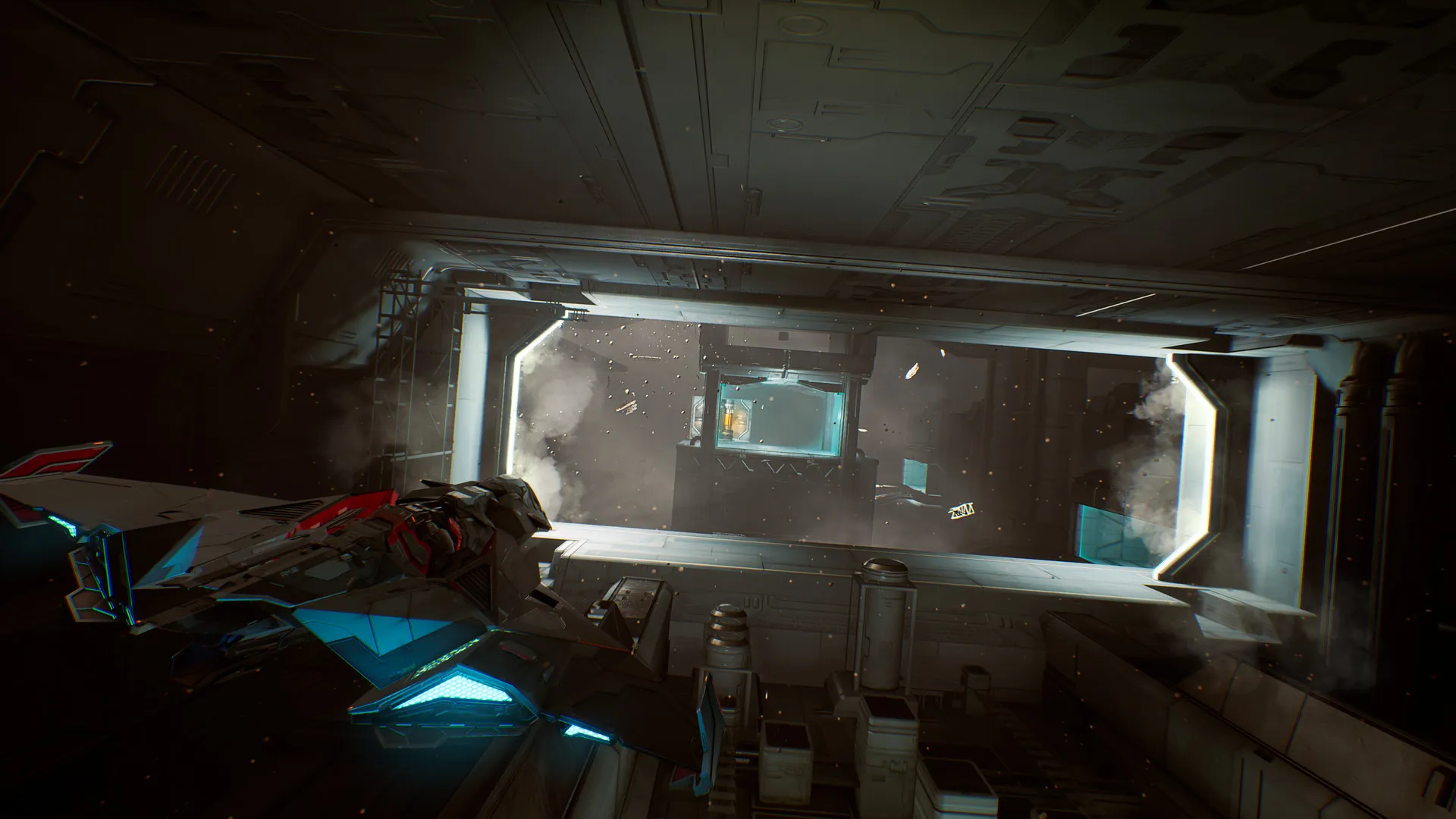
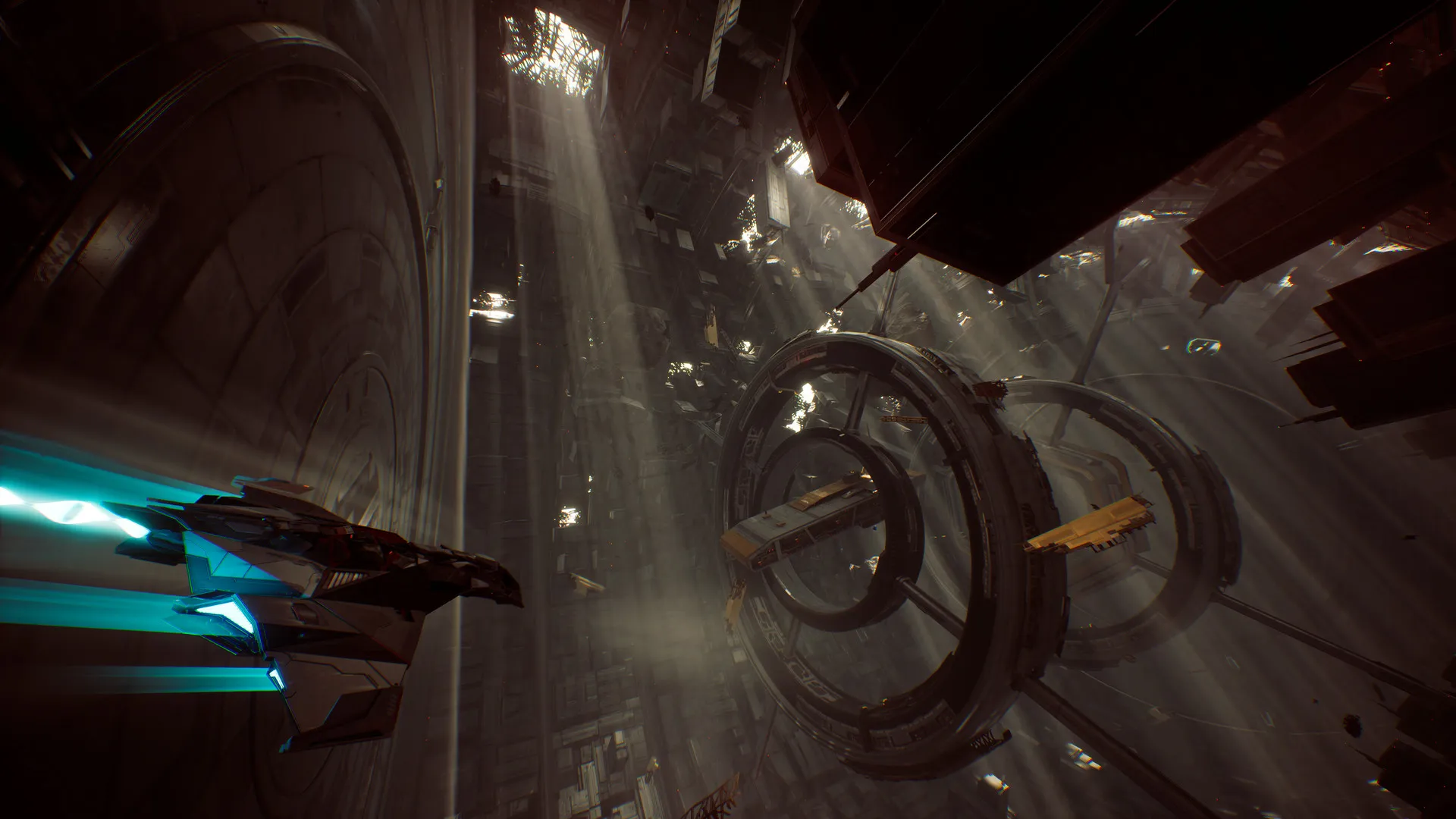
Venture across sweeping cosmic vistas, derelict space stations, and mysterious crystalline dimensions on an epic sci-fi adventure.
A Compelling Cult Lore and Cosmic Odyssey
Immerse yourself in a gripping space opera narrative exploring religious fanaticism, dark cosmic powers, and personal redemption. Forge an emotional bond with Forsaken, your sentient ship, as you rebel against the tyrannical rule of the Great Prophet.
Playtime and Campaign Duration
Prepare for an action-packed space combat journey where completing the main story campaign takes roughly 12 to 15 hours. When you factor in completing all side quests, exploring every hidden star system, and unlocking advanced ship upgrades and weapon variants, your total playtime easily expands to 20 or over 30 hours.
Included Features & Advanced Combat Mechanics
Rite Powers, Drift Mechanics & Custom Ship Upgrades (Fully Integrated)
Chorus combines its fast-paced arcade space combat alongside mystical psychic abilities, fluid drifting maneuvers, and deep ship customization trees.
Feature & Mechanic Highlights:
- Mystical Rite Powers: Unleash reality-bending combat abilities, including instantaneous teleportation behind enemy lines and psychic sensors to track targets.
- Advanced Drift Maneuvers: Master the high-speed drift mechanic to execute sharp turns, maintain momentum, and outflank heavy capital ships in tight cosmic quarters.
- Weapon Mastery Progression: Upgrade Forsaken's arsenal—ranging from Gatling guns and lasers to missile launchers—as you achieve specific combat milestones.
- Exploration & Side Missions: Discover distress signals, merchant outposts, and resistance fighters across open planetary orbits to earn vital currency and equipment.
Languages & Audio Support
Full Voiceover (Audio): English, German
Subtitles & Interface: English, Spanish (Spain & Latin America), French, German, Italian, Polish, Russian, Japanese, Simplified & Traditional Chinese, Korean, Brazilian Portuguese
System Requirements
| Requirement |
Minimum Specs (1080p 30 FPS Low) |
Recommended Specs (1080p 60 FPS High) |
| OS |
Windows 10 64-bit |
Windows 10 64-bit |
| Processor |
Intel Core i5-6600 / AMD Ryzen 5 2600 |
Intel Core i7-8700 / AMD Ryzen 7 3700X |
| Memory |
8 GB RAM |
16 GB RAM |
| Graphics |
NVIDIA GTX 970 / AMD Radeon RX 580 (6GB VRAM) |
NVIDIA RTX 2080 / AMD Radeon RX 6700 XT (8GB VRAM) |
| DirectX |
Version 12 |
Version 12 |
| Storage |
40 GB available space |
40 GB available space (SSD recommended) |
Frequently Asked Questions (FAQ)
Where can I buy Chorus cheap on PC?
You can purchase shared Steam account access directly from our digital store at a heavy discount. You get official game files, fast delivery, and full single-player space combat access without paying full retail price.
How to play Chorus in Steam Offline Mode?
Complete the download, launch the game once online to let Steam authenticate local binaries, exit the title, click "Steam" in the top-left menu, choose "Go Offline", and relaunch. You can now play entirely disconnected.
Will my save files be overwritten by other buyers?
No. Game saves are stored locally on your PC in your personal Steam user directory. As long as you stay in Offline Mode, your campaign progression remains completely isolated and secure.
Is this Chorus Steam account Region Free?
Yes. This account access is 100% Region Free and functions worldwide without VPN services, geographic locks, or country-specific limitations.