Access & Setup Guide (Steam PC)
Step-by-Step Steam Account Activation:
01
Log Out: Open the official Steam desktop client on your PC and log out of your personal Steam profile.
02
Sign In: Enter the shared Steam username and password delivered to you immediately after purchase.
03
Verify Steam Guard: Contact the seller via order chat to receive your one-time Steam Guard security code immediately.
04
Download Game: Navigate to your Library tab, find Age of Empires IV, and start the installation.
05
First Launch: Run the game once online to initialize engine binaries and configure display presets.
06
Enable Offline Mode: Switch Steam to Offline Mode (Steam menu > Go Offline) to build your medieval empire privately with zero interruptions.
What You Get by Buying Age of Empires IV at a Cheap Price
Return to History with Cinematic Campaigns
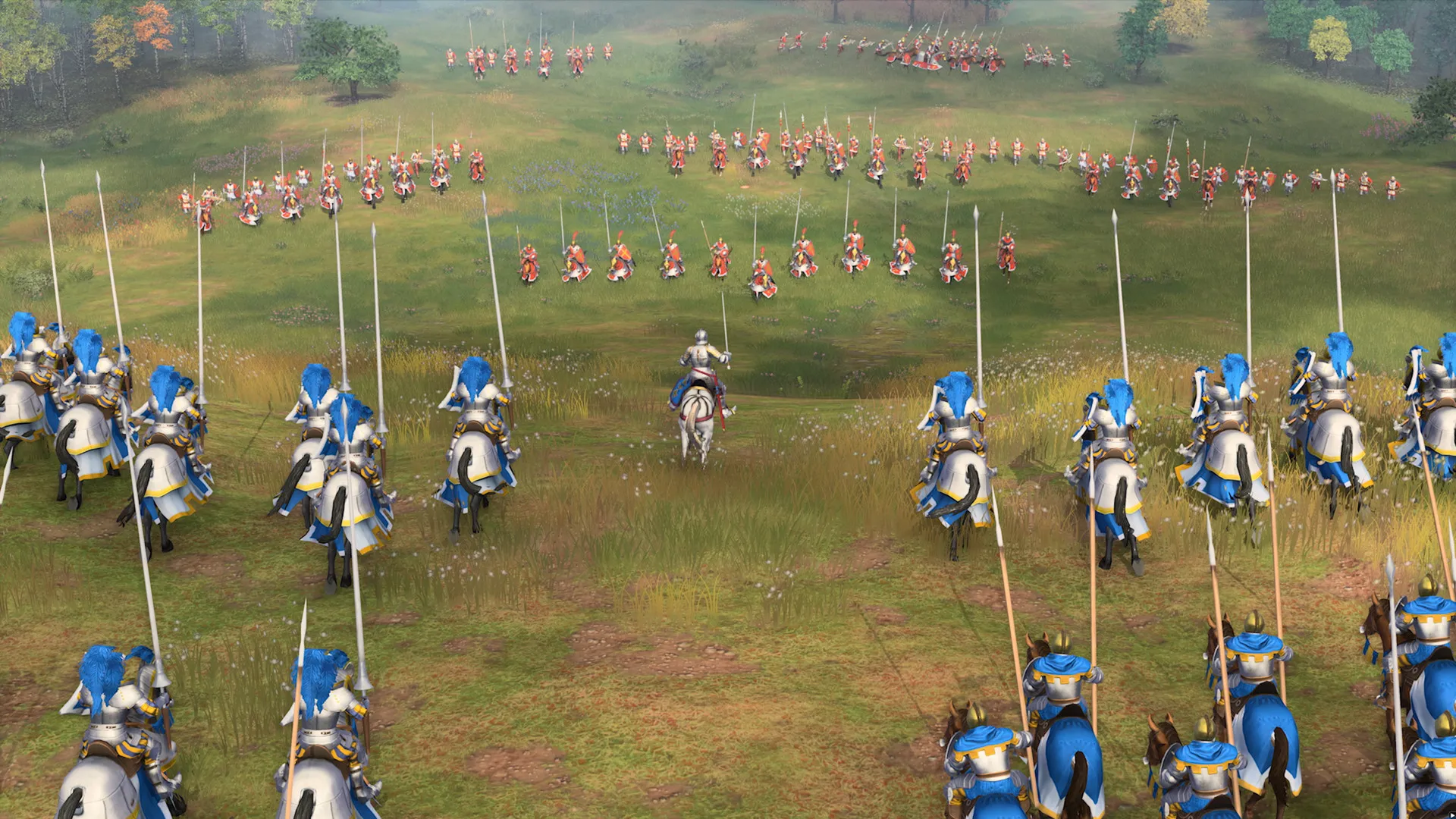
Immerse yourself in rich single-player historical campaigns spanning the Norman Conquest, the Hundred Years' War, the rise of the Mongol Empire, and more, all without paying full retail store prices.
Asymmetrical Civilizations & Modern RTS Strategy
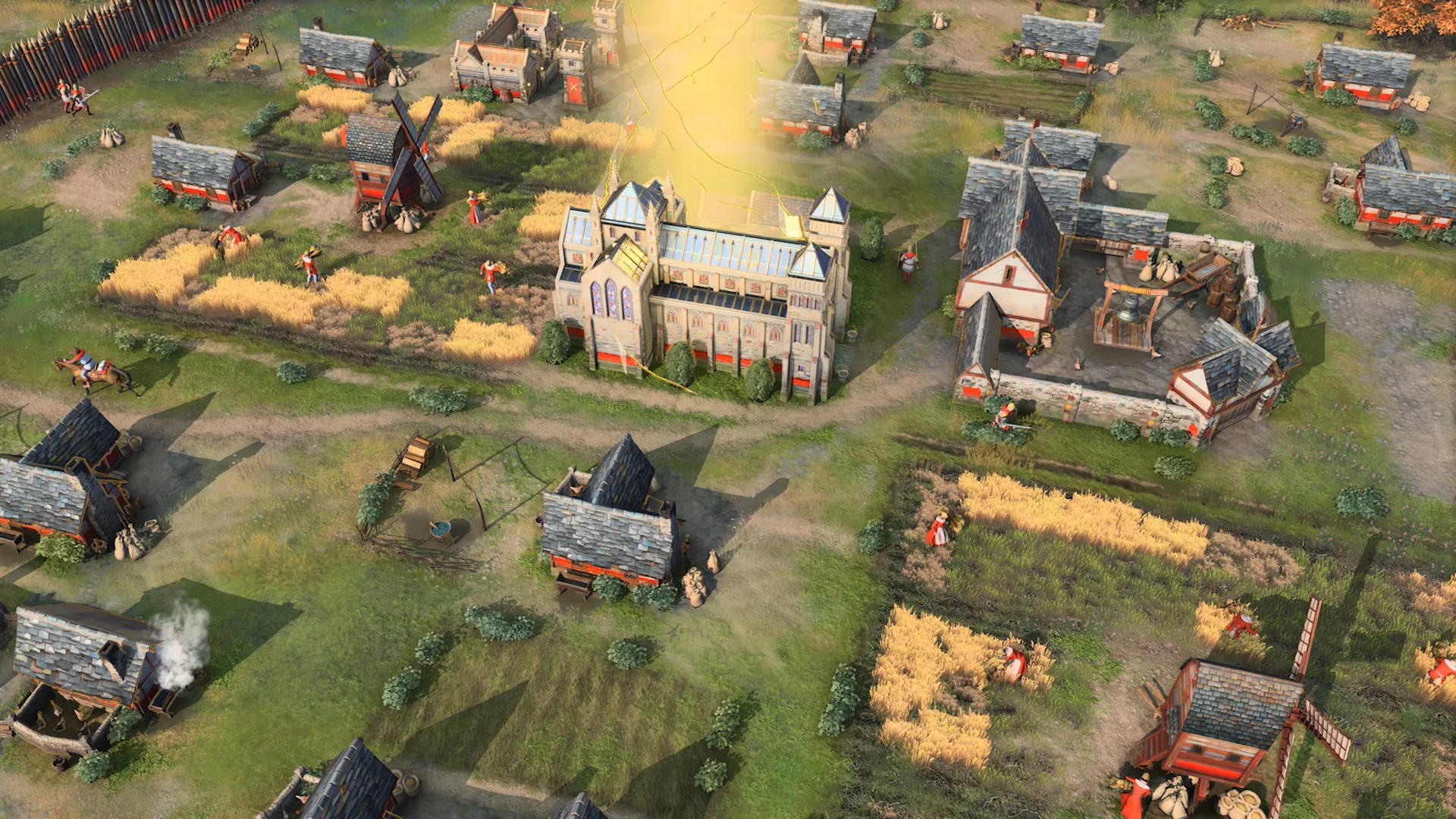
Command vastly different world cultures—from the English and Chinese to the Delhi Sultanate and the Abbasid Dynasty—each bringing unique economy styles, units, and tactical advantages.
Breathtaking 4K Visuals & Siege Warfare
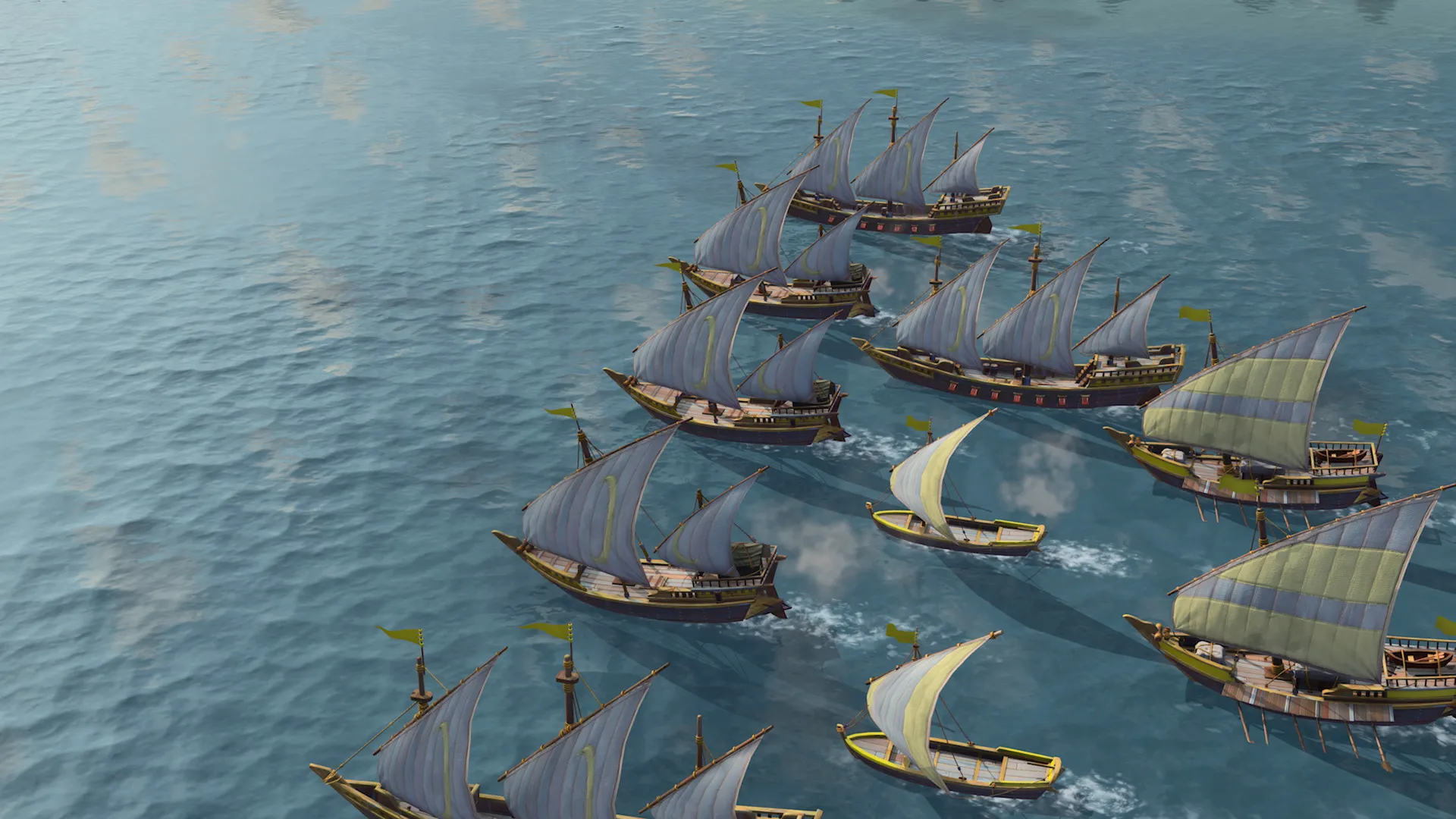
Experience fierce tactical engagements on land and water with advanced physics, dynamic unit formations, and devastating siege weaponry capable of shattering castle walls.
A Cinematic Historical Lore and Documentary Presentation
Explore medieval history through an innovative blend of real-world documentary footage and high-fidelity game engines. Uncover fascinating historical weapon production, tactical engineering marvels, and the geopolitical struggles that shaped the medieval world.
Playtime and Campaign Duration
Prepare for an immersive real-time strategy journey where completing all four historical single-player campaigns takes roughly 15 to 20 hours. When you factor in mastering asymmetrical civilizations, conquering online competitive multiplayer ladders, and exploring post-launch expansions like The Sultans Ascend, your total playtime easily expands to 100 or over 300 hours.
Included Expansions & Advanced RTS Mechanics
The Sultans Ascend Expansion & Mastery Systems (Fully Integrated)
Age of Empires IV expands its historical scope with comprehensive new civilizations, naval combat overhauls, and narrative-driven campaign missions.
Expansion & Feature Highlights:
- The Sultans Ascend DLC: Experience a brand-new campaign set during the Crusades alongside two new playable civilizations—the Japanese and the Byzantines.
- Stealth Forests & Ambushes: Utilize dense woodland areas to conceal your troops, setting up tactical ambushes and surprising enemy supply lines.
- Documentary Video Unlocks: Earn historical video segments between missions, narrated by historians and filmed on location at famous European and Asian battle sites.
- Mastery Challenges: Test your command capabilities across dedicated faction progression tracks, earning unique heraldry items and profile customization rewards.
Languages & Audio Support
Full Voiceover (Audio): English, French, German, Italian, Spanish (Spain), Russian, Simplified Chinese
Subtitles & Interface: English, Spanish (Spain & Latin America), French, German, Italian, Polish, Russian, Brazilian Portuguese, Japanese, Korean, Simplified & Traditional Chinese
System Requirements
| Requirement |
Minimum Specs (1080p 30 FPS Low) |
Recommended Specs (1080p 60 FPS High) |
| OS |
Windows 10 / 11 64-bit |
Windows 10 / 11 64-bit |
| Processor |
Intel Core i5-6300U or AMD Ryzen 5 2400G |
Intel Core i7-9700 or AMD Ryzen 5 3600 |
| Memory |
8 GB RAM |
16 GB RAM |
| Graphics |
Intel HD 520 or NVIDIA GeForce GTX 970 / AMD Radeon RX 570 (4GB VRAM) |
NVIDIA GeForce RTX 2060 or AMD Radeon RX 5700 XT (6GB VRAM) |
| DirectX |
Version 12 |
Version 12 |
| Storage |
50 GB available space |
50 GB available space (SSD recommended) |
Frequently Asked Questions (FAQ)
Where can I buy Age of Empires IV cheap on PC?
You can purchase shared Steam account access directly from our digital store at a heavy discount. You get official game files, fast delivery, and full single-player campaign access without paying full retail price.
How to play Age of Empires IV in Steam Offline Mode?
Complete the download, launch the game once online to let Steam authenticate local binaries, exit the title, click "Steam" in the top-left menu, choose "Go Offline", and relaunch. You can now play entirely disconnected.
Will my save files be overwritten by other buyers?
No. Game saves are stored locally on your PC in your personal Steam user directory. As long as you stay in Offline Mode, your campaign progression remains completely isolated and secure.
Is this Age of Empires IV Steam account Region Free?
Yes. This account access is 100% Region Free and functions worldwide without VPN services, geographic locks, or country-specific limitations.