Access & Setup Guide (Steam PC)
Step-by-Step Steam Account Activation:
01
Log Out: Open the official Steam desktop client on your PC and log out of your personal Steam profile.
02
Sign In: Enter the shared Steam username and password delivered to you immediately after purchase.
03
Verify Steam Guard: Contact the seller via order chat to receive your one-time Steam Guard security code immediately.
04
Download Game: Navigate to your Library tab, find Warhammer 40,000: Battlesector, and start the installation.
05
First Launch: Run the game once online to initialize engine binaries and configure display presets.
06
Enable Offline Mode: Switch Steam to Offline Mode (Steam menu > Go Offline) to purge xenos filth privately with zero interruptions.
What You Get by Buying Warhammer 40,000: Battlesector at a Cheap Price
Fast-Paced Turn-Based Tactics
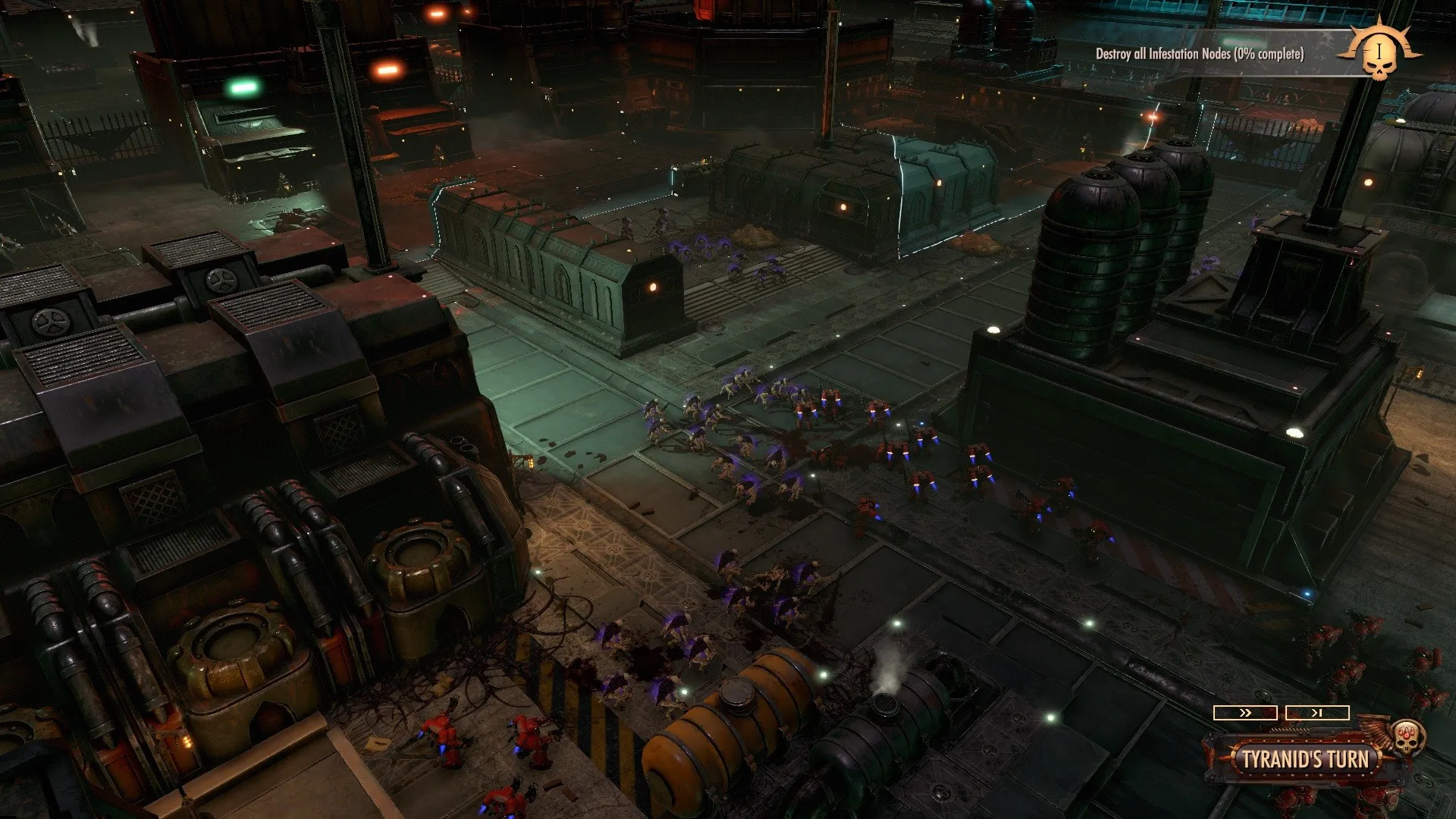
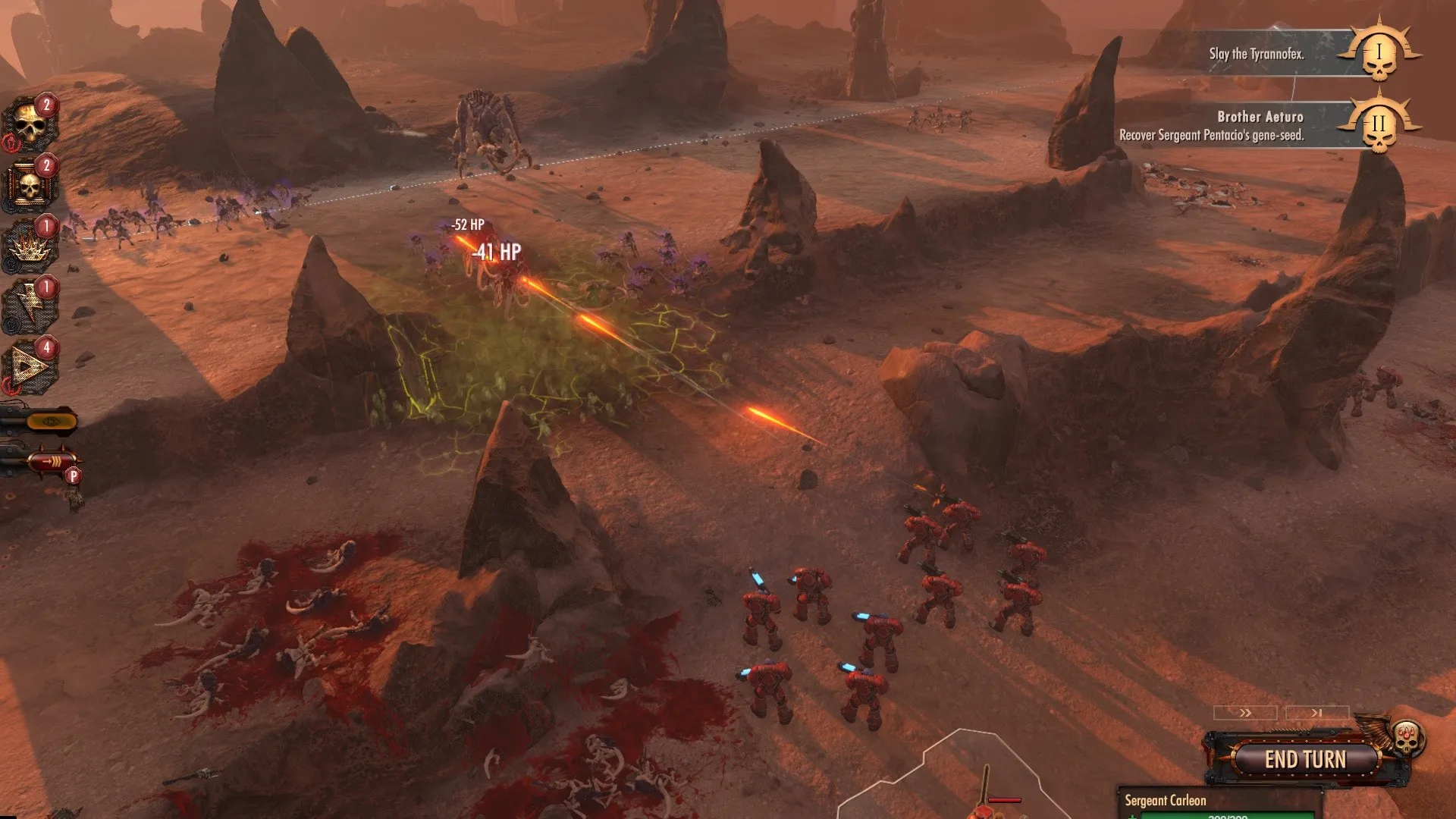
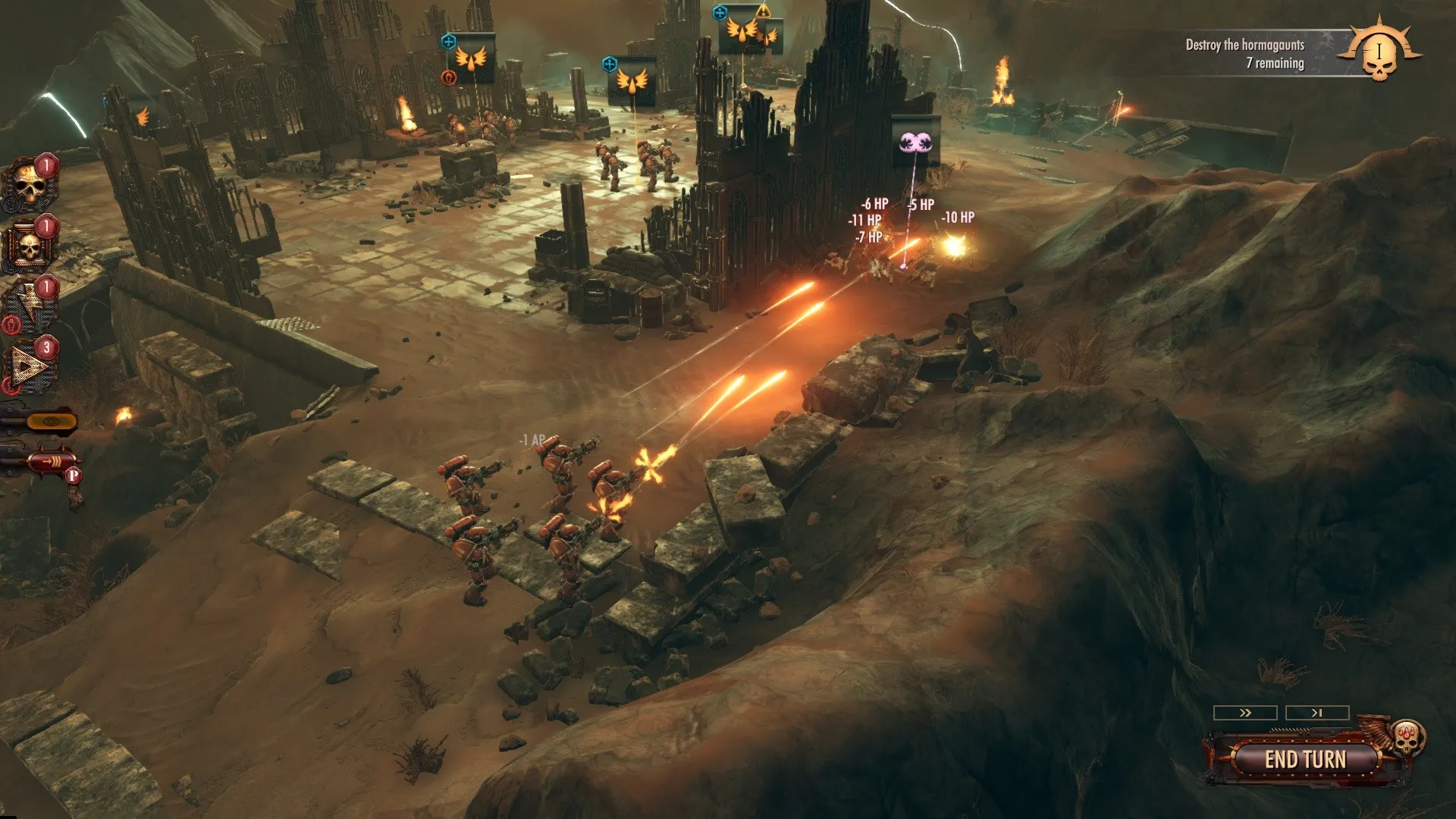
Experience deep strategic combat set in the 41st Millennium developed by Black Lab Games, utilizing momentum systems, heroic abilities, and devastating weaponry, all without paying full retail store prices.
The Blood Angels Campaign & More
Command the proud Blood Angels through a gripping 20-mission single-player campaign following the Devastation of Baal, purging the Tyranid swarm and facing unique faction challenges.
Iconic Units & Arsenal
Deploy legendary units including Intercessors, Dreadnoughts, and Hive Tyrants, customizing loadouts and utilizing iconic Warhammer 40k abilities to crush your foes.
An Immersive 41st Millennium Lore and Turn-Based Strategy Masterwork Odyssey
Immerse yourself in a critically acclaimed, bone-crushing tactical masterpiece crafted by Black Lab Games and Slitherine. Step into the grim darkness of the far future following the cataclysmic Devastation of Baal, leading Commander Dante and the noble Blood Angels in a desperate purge against the relentless Tyranid hive fleet across atmospheric battlefields of the 41st Millennium.
Playtime and Campaign Duration
Prepare for an intense, highly tactical military campaign where completing the 20-mission Blood Angels single-player story takes roughly 15 to 20 hours. When you factor in exploring Planetary Supremacy sandbox campaigns, mastering multiple faction rosters like the Adepta Sororitas and Necrons, and engaging in online skirmish battles, your total playtime easily expands to 35 or over 60 hours.
Included Baal Systems & Advanced Turn-Based Tactical Mechanics
Fast-Paced Tactics, Blood Angels Campaign & Iconic Arsenal (Fully Integrated)
Warhammer 40,000: Battlesector pairs its acclaimed turn-based strategy campaign alongside innovative momentum mechanics, iconic Warhammer 40k faction units, and brutal futuristic warfare.
Feature & Mechanic Highlights:
- Fast-Paced Turn-Based Tactics: Execute precise battlefield maneuvers utilizing a fluid momentum system that grants units surges of extra actions or game-changing abilities.
- The Blood Angels Campaign: Experience an epic 20-mission narrative exploring the aftermath of the Devastation of Baal, purging alien swarms across detailed wasteland maps.
- Iconic Units & Customization: Command legendary Space Marine chapters, Sisters of Battle, Necrons, and Tyranids, tailoring loadouts, skills, and wargear to your exact tactical preferences.
- Planetary Supremacy Mode: Enjoy an infinitely replayable conquest sandbox mode where different factions vie for control over strategic territories on Baal Secundus.
Languages & Audio Support
Full Voiceover (Audio): English
Subtitles & Interface: English, French, German, Spanish (Spain), Russian, Simplified Chinese
System Requirements
| Requirement |
Minimum Specs (1080p 30 FPS Low) |
Recommended Specs (1080p 60 FPS High) |
| OS |
Windows 10 64-bit |
Windows 10 64-bit |
| Processor |
AMD FX-8350 / Quad-core Intel @ 3 GHz |
Intel Core i5-4690K / AMD Ryzen 5 1500X |
| Memory |
8 GB RAM |
8 GB RAM |
| Graphics |
Radeon HD 7970 / GeForce GTX 770 (2GB) |
Radeon RX 580 / GeForce GTX 1060 (6GB) |
| DirectX |
Version 11 |
Version 11 |
| Storage |
25 GB available space |
25 GB available space (SSD recommended) |
Frequently Asked Questions (FAQ)
Where can I buy Warhammer 40,000: Battlesector cheap on PC?
You can purchase shared Steam account access directly from our digital store at a heavy discount. You get official game files, fast delivery, and full single-player turn-based strategy access without paying full retail price.
How to play Warhammer 40,000: Battlesector in Steam Offline Mode?
Complete the download, launch the game once online to let Steam authenticate local binaries, exit the title, click "Steam" in the top-left menu, choose "Go Offline", and relaunch. You can now play entirely disconnected.
Will my save files be overwritten by other buyers?
No. Game saves are stored locally on your PC in your personal Steam user directory. As long as you stay in Offline Mode, your campaign progression remains completely isolated and secure.
Is this Warhammer 40,000: Battlesector Steam account Region Free?
Yes. This account access is 100% Region Free and functions worldwide without VPN services, geographic locks, or country-specific limitations.