Access & Setup Guide (Steam PC)
Step-by-Step Steam Account Activation:
01
Log Out: Open the official Steam desktop client on your PC and log out of your personal Steam profile.
02
Sign In: Enter the shared Steam username and password delivered to you immediately after purchase.
03
Verify Steam Guard: Contact the seller via order chat to receive your one-time Steam Guard security code immediately.
04
Download Game: Navigate to your Library tab, find Two Worlds II HD, and start the installation.
05
First Launch: Run the game once online to initialize engine binaries and configure display presets.
06
Enable Offline Mode: Switch Steam to Offline Mode (Steam menu > Go Offline) to experience Antaloor in HD privately with zero interruptions.
What You Get by Buying Two Worlds II HD at a Cheap Price
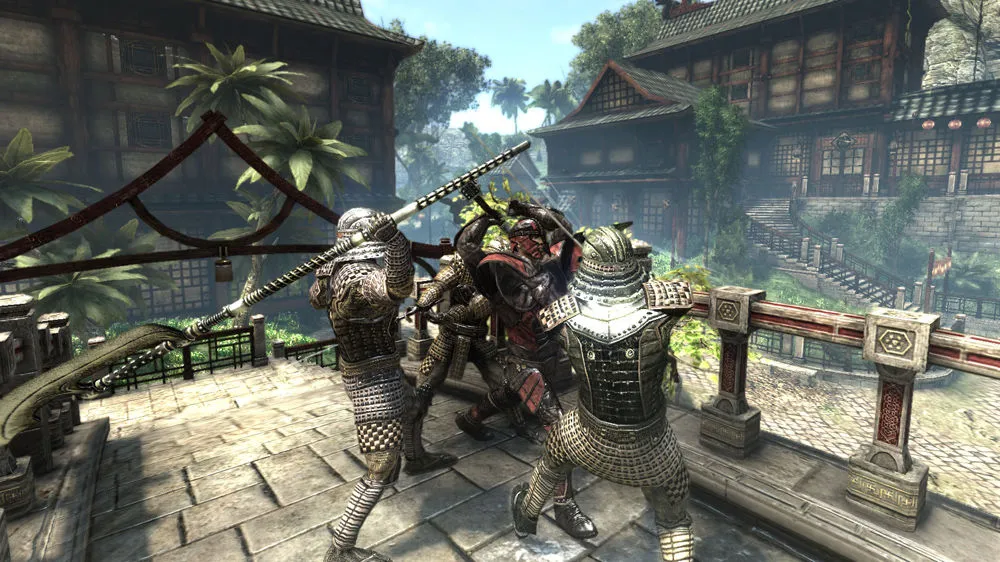
Stunning HD Remastered Visuals
Experience enhanced graphics, upgraded user interfaces, high-resolution textures, and refined engine optimizations that breathe new life into the classic open world, all without paying full retail store prices.
Revolutionary DEMS Magic System
Utilize the unique Dual Engine Magic System to combine elemental effects, carriers, and modifiers, creating thousands of custom spells tailored entirely to your playstyle.
Deep Open-World Fantasy Campaign
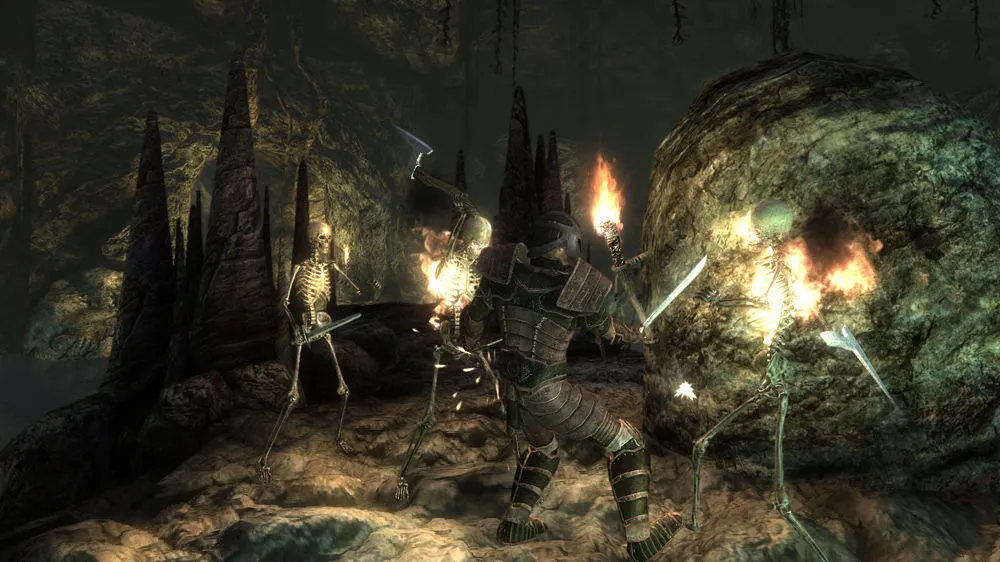
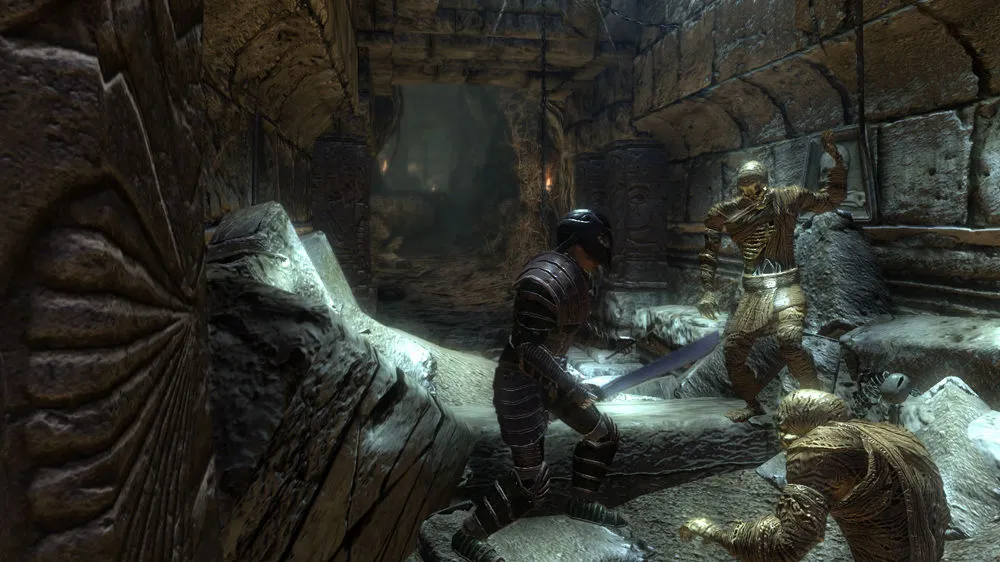
Explore lush landscapes, dangerous dungeons, and vibrant towns on a quest to rescue your sister from the dark emperor Gandohar across an unforgettable single-player journey.
An Immersive Savannah Lore and HD Fantasy RPG Odyssey
Immerse yourself in the definitive, enhanced edition of the acclaimed open-world action-RPG crafted by Reality Pump Studios. Step back into the shoes of the hero imprisoned in the dungeons of Gandohar's dark fortress, forging alliances with Orc rebels and exploring the diverse, sun-drenched savannahs, tropical islands, and sprawling cities of eastern Antaloor.
Playtime and Campaign Duration
Prepare for an expansive, feature-rich fantasy journey where completing the main HD campaign takes roughly 35 to 50 hours. When you factor in exploring every side quest, mastering the complex DEMS magic crafting system, and tackling official expansions like Pirates of the Flying Fortress, your total playtime easily expands to 60 or over 90 hours.
Included HD Remaster Enhancements & Advanced DEMS Magic Systems
HD Remaster Graphics, DEMS Magic Crafting & Open-World Exploration (Fully Integrated)
Two Worlds II HD pairs its acclaimed fantasy role-playing campaign alongside upgraded high-resolution visuals, the revolutionary Dual Engine Magic System, and deep open-world exploration.
Enhancement & Feature Highlights:
- Stunning HD Remastered Visuals: Enjoy enhanced graphics, upgraded UI layouts, high-resolution textures, and engine optimizations that elevate the classic open world.
- Revolutionary DEMS Magic System: Combine elemental cards, carriers, and modifiers to construct thousands of personalized, visually striking custom spells.
- Deep Open-World Fantasy Campaign: Explore lush tropical landscapes, subterranean dungeons, and bustling towns on your quest to overthrow the dark emperor Gandohar.
- Advanced Crafting & Combat: Upgrade weapons, tailor armor pieces, ride horses or teleport freely across Antaloor while engaging in fluid melee and ranged action.
Languages & Audio Support
Full Voiceover (Audio): English, German
Subtitles & Interface: English, German, French, Italian, Spanish (Spain), Polish, Russian
System Requirements
| Requirement |
Minimum Specs (1080p 30 FPS Low) |
Recommended Specs (1080p 60 FPS High) |
| OS |
Windows 7 / 8 / 10 (64-bit) |
Windows 10 64-bit |
| Processor |
Intel Core 2 Duo (2.0 GHz) or equivalent |
Intel Core i5 (3.0 GHz) or better |
| Memory |
4 GB RAM |
8 GB RAM or higher |
| Graphics |
Intel HD Graphics 4000 / Radeon HD 4650 / GeForce GT 610 |
Dedicated GPU with 1GB+ VRAM (GeForce GTX 560 / Radeon HD 6870) |
| DirectX |
Version 11 |
Version 11 |
| Storage |
25 GB available space |
25 GB available space (SSD recommended) |
Frequently Asked Questions (FAQ)
Where can I buy Two Worlds II HD cheap on PC?
You can purchase shared Steam account access directly from our digital store at a heavy discount. You get official game files, fast delivery, and full single-player remastered open-world RPG access without paying full retail price.
How to play Two Worlds II HD in Steam Offline Mode?
Complete the download, launch the game once online to let Steam authenticate local binaries, exit the title, click "Steam" in the top-left menu, choose "Go Offline", and relaunch. You can now play entirely disconnected.
Will my save files be overwritten by other buyers?
No. Game saves are stored locally on your PC in your personal Steam user directory. As long as you stay in Offline Mode, your campaign progression remains completely isolated and secure.
Is this Two Worlds II HD Steam account Region Free?
Yes. This account access is 100% Region Free and functions worldwide without VPN services, geographic locks, or country-specific limitations.