Access & Setup Guide (Steam PC)
Step-by-Step Steam Account Activation:
01
Log Out: Open the official Steam desktop client on your PC and log out of your personal Steam profile.
02
Sign In: Enter the shared Steam username and password delivered to you immediately after purchase.
03
Verify Steam Guard: Contact the seller via order chat to receive your one-time Steam Guard security code immediately.
04
Download Game: Navigate to your Library tab, find Two Point Campus, and start the installation.
05
First Launch: Run the game once online to initialize engine binaries and configure display presets.
06
Enable Offline Mode: Switch Steam to Offline Mode (Steam menu > Go Offline) to run your university empire privately with zero interruptions.
What You Get by Buying Two Point Campus at a Cheap Price
Build Your Dream University
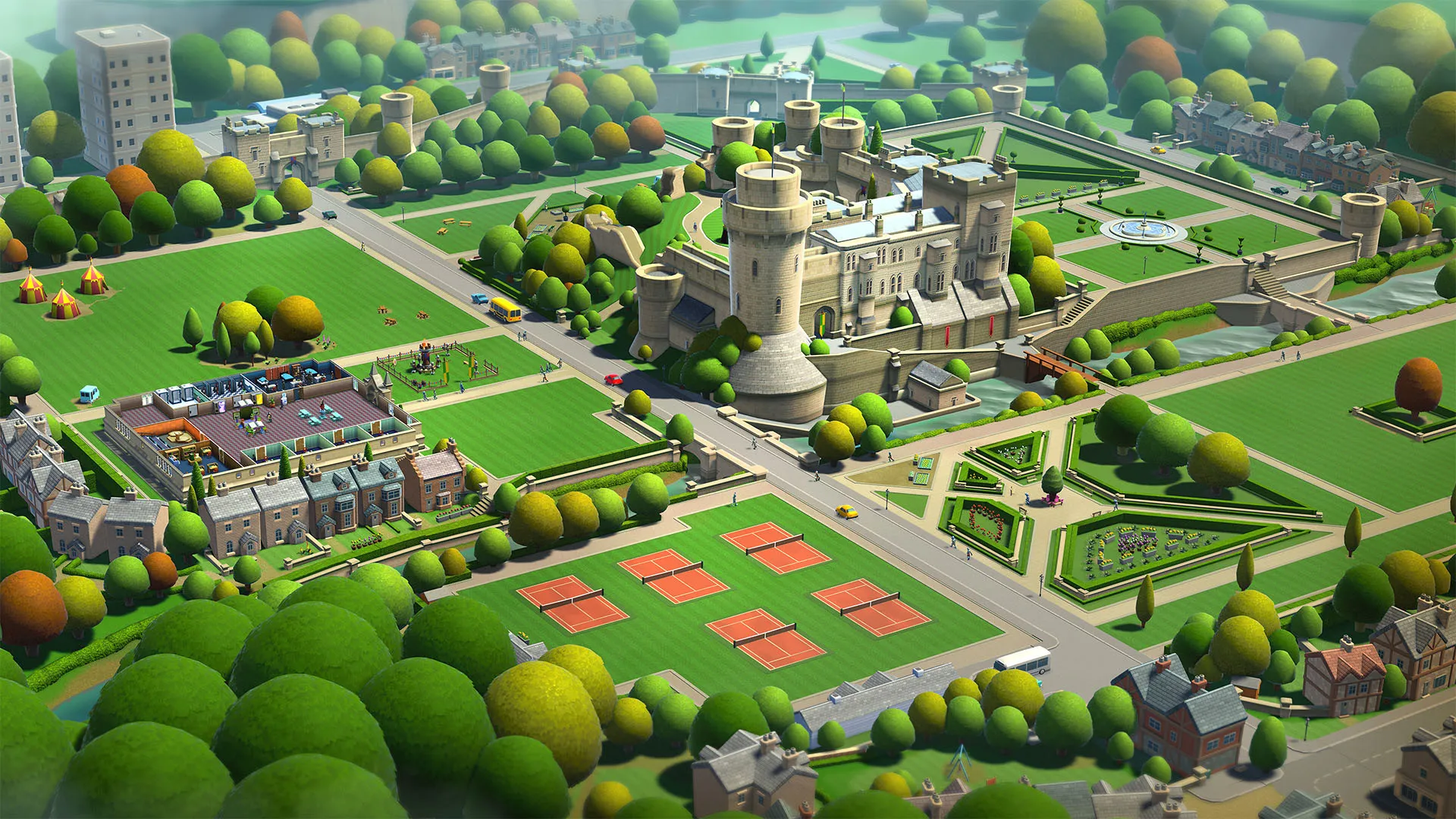
Construct and design your very own academic institution from scratch, laying out lecture halls, dormitories, pathways, and decorative landscapes, all without paying full retail store prices.
Outrageous & Creative Courses
Ditch normal education for wild fictional programs like Knight School, Wizardry, and Mega-Chef gastronomy classes that keep students engaged and entertained.
Shape Student Happiness and Success
Nurture your students' personal lives, friendships, clubs, and academic achievements to ensure they develop into high-performing graduates who fund your campus.
An Immersive Two Point County Lore and Academic Simulation Masterwork Odyssey
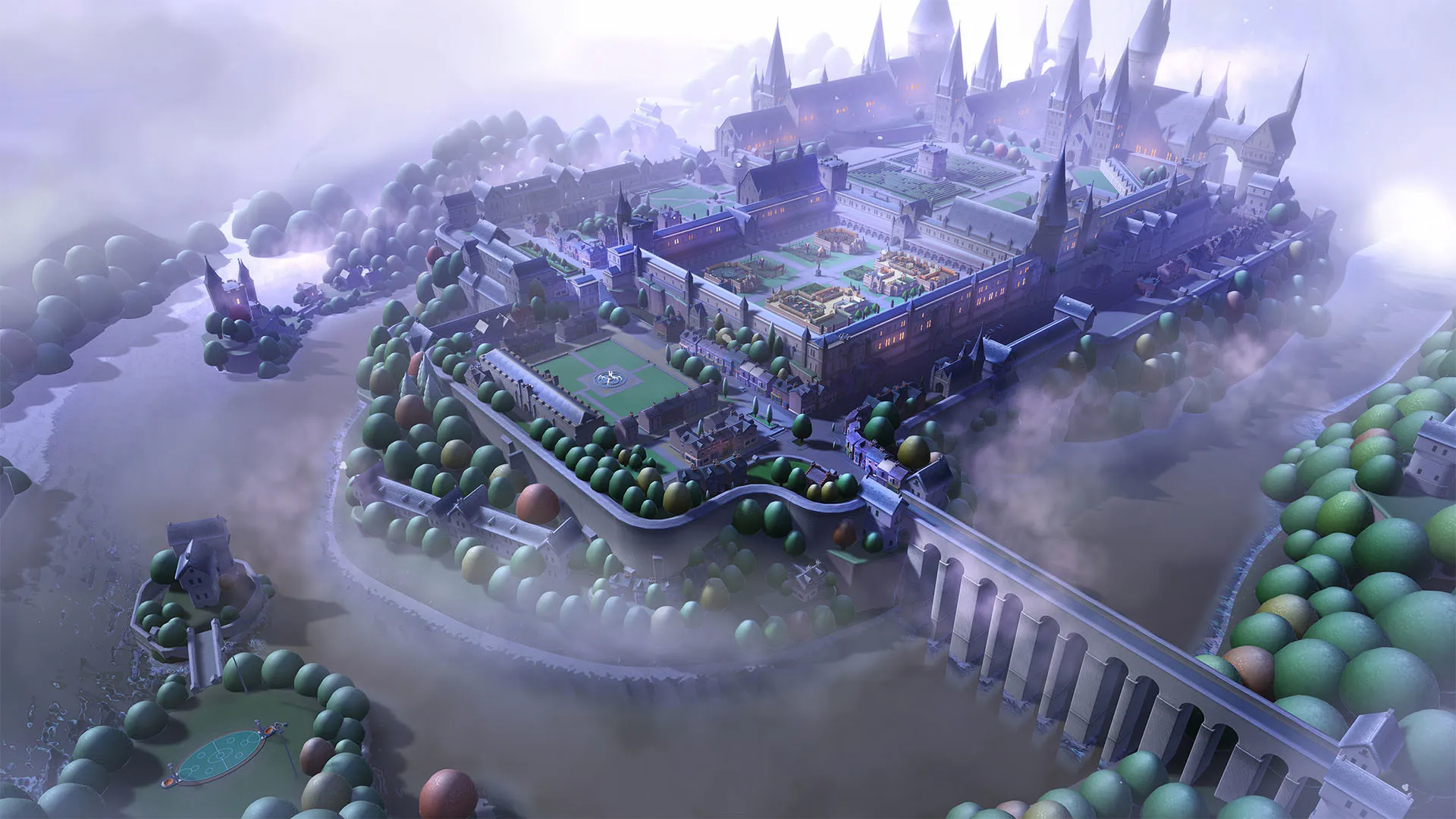
Immerse yourself in a critically acclaimed, delightfully witty university management simulation masterwork crafted by Two Point Studios and SEGA. Step into the administrative shoes of a visionary academic chancellor across Two Point County, where every eccentric course taught, meticulously designed lecture hall, and thriving student body deployed brings your ultimate campus empire to vibrant life.
Playtime and Campaign Duration
Prepare for an addictive, laugh-out-loud management journey where completing the extensive multi-campus campaign takes roughly 35 to 55 hours. When you factor in earning three stars on every single level, unlocking advanced campus upgrades, and tackling whimsical DLC expansions like Space Academy and Medical School, your total playtime easily expands to 65 or over 110 hours.
Included Two Point Systems & Advanced University Management Mechanics
Campus Architecture, Whimsical Courses & Student Life (Fully Integrated)
Two Point Campus pairs its acclaimed management simulation campaign alongside brilliant creative building tools, outrageously funny fictional courses, and deep student happiness progression loops.
Feature & Mechanic Highlights:
- Creative Campus Architecture: Design visually stunning educational facilities from scratch, placing decorative items, student unions, and specialized lecture theaters to maximize academic success.
- Outrageous Fictional Programs: Establish and manage hilarious academic courses requiring specialized equipment, from Knight School combat arenas to Wizardry potion labs.
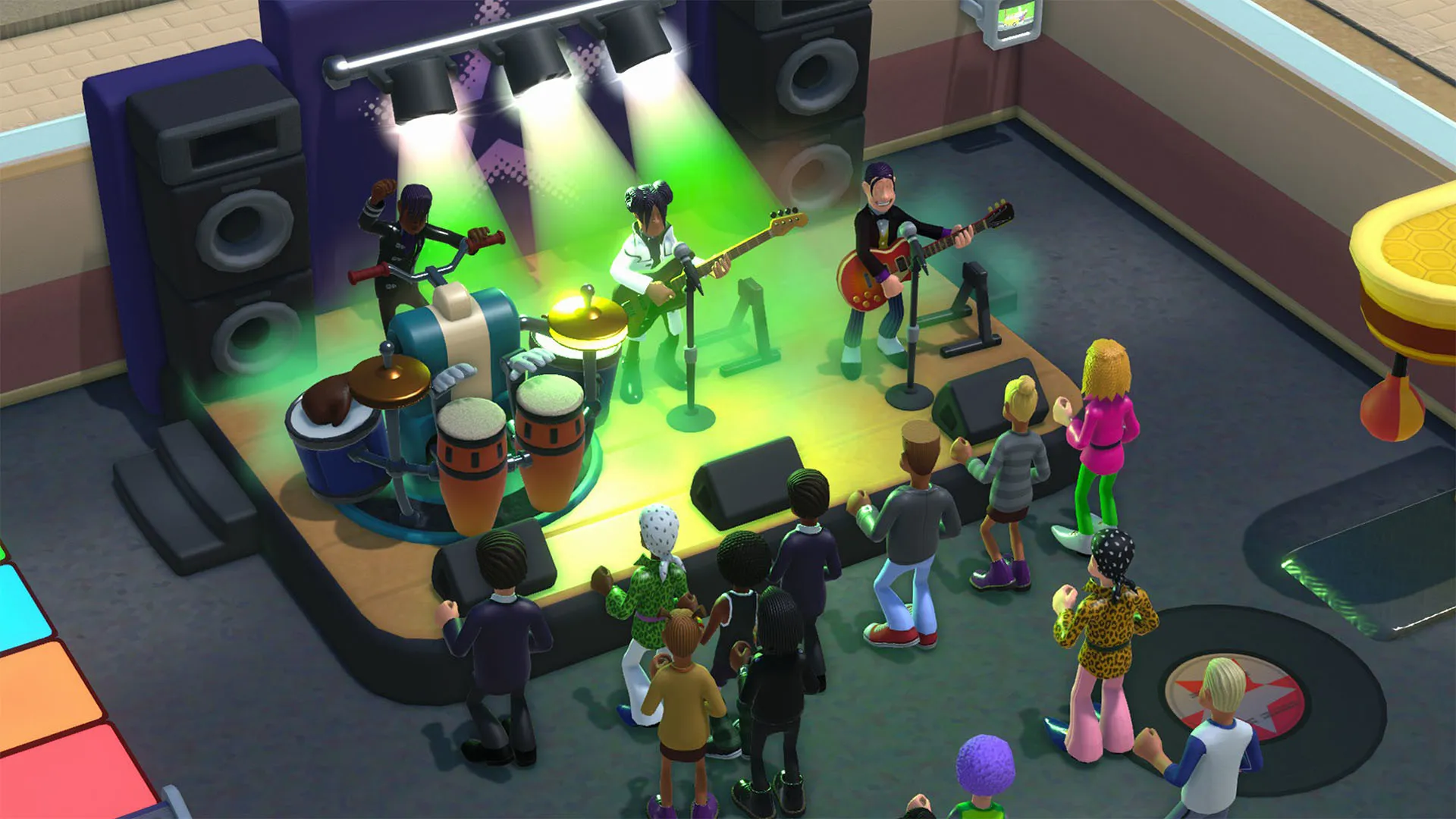
- Student Well-Being & Social Clubs: Monitor individual student personalities, friendships, romance, and happiness levels by building clubs, organizing gig nights, and hiring attentive staff.
- County-Wide Academic Network: Progress from a modest single-college operation to a sprawling multi-campus university empire across diverse environments and seasonal challenges.
Languages & Audio Support
Full Voiceover (Audio): English, French, German, Spanish (Spain), Italian
Subtitles & Interface: English, French, German, Spanish (Spain), Italian, Russian, Simplified Chinese, Traditional Chinese, Japanese, Korean, Polish, Portuguese (Brazil)
System Requirements
| Requirement |
Minimum Specs (1080p 30 FPS Low) |
Recommended Specs (1080p 60 FPS High) |
| OS |
Windows 10 64-bit |
Windows 10 64-bit |
| Processor |
Intel Core i3-6100 or AMD FX-4350 |
Intel Core i5-6600 or AMD Ryzen 5 1600 |
| Memory |
4 GB RAM |
8 GB RAM |
| Graphics |
NVIDIA GeForce GT 1030 / AMD RX 550 (2GB VRAM) |
NVIDIA GeForce GTX 1060 / AMD RX 580 (4GB VRAM) |
| DirectX |
Version 11 |
Version 11 |
| Storage |
6 GB available space |
6 GB available space (SSD recommended) |
Frequently Asked Questions (FAQ)
Where can I buy Two Point Campus cheap on PC?
You can purchase shared Steam account access directly from our digital store at a heavy discount. You get official game files, fast delivery, and full single-player management simulation access without paying full retail price.
How to play Two Point Campus in Steam Offline Mode?
Complete the download, launch the game once online to let Steam authenticate local binaries, exit the title, click "Steam" in the top-left menu, choose "Go Offline", and relaunch. You can now play entirely disconnected.
Will my save files be overwritten by other buyers?
No. Game saves are stored locally on your PC in your personal Steam user directory. As long as you stay in Offline Mode, your campaign progression remains completely isolated and secure.
Is this Two Point Campus Steam account Region Free?
Yes. This account access is 100% Region Free and functions worldwide without VPN services, geographic locks, or country-specific limitations.