Access & Setup Guide (Steam PC)
Step-by-Step Steam Account Activation:
01
Log Out: Open the official Steam desktop client on your PC and log out of your personal Steam profile.
02
Sign In: Enter the shared Steam username and password delivered to you immediately after purchase.
03
Verify Steam Guard: Contact the seller via order chat to receive your one-time Steam Guard security code immediately.
04
Download Game: Navigate to your Library tab, find To the Moon, and start the installation.
05
First Launch: Run the game once online to initialize engine binaries and configure display presets.
06
Enable Offline Mode: Switch Steam to Offline Mode (Steam menu > Go Offline) to experience this unforgettable story privately with zero interruptions.
What You Get by Buying To the Moon at a Cheap Price
A Masterpiece Story-Driven Experience
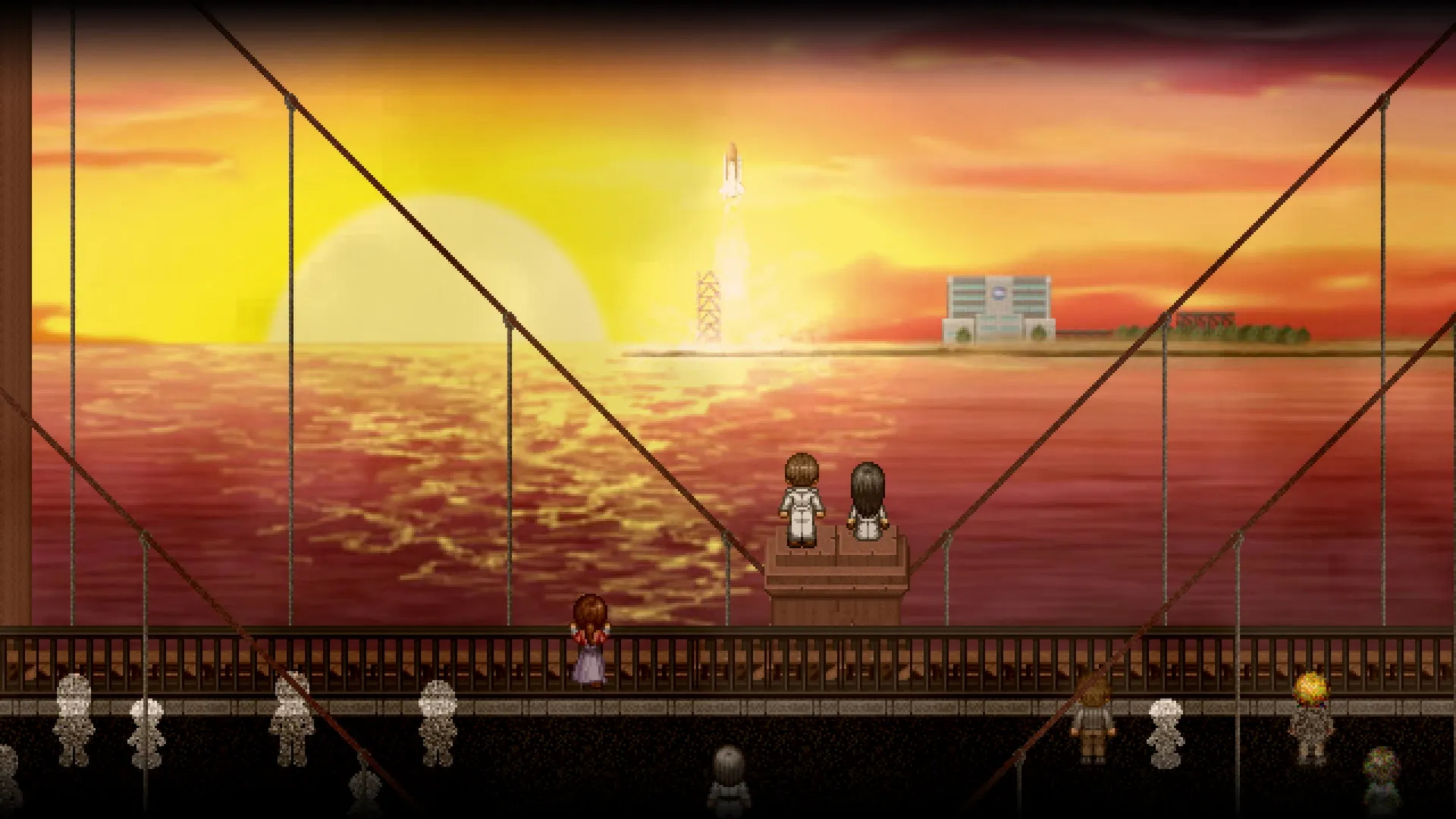
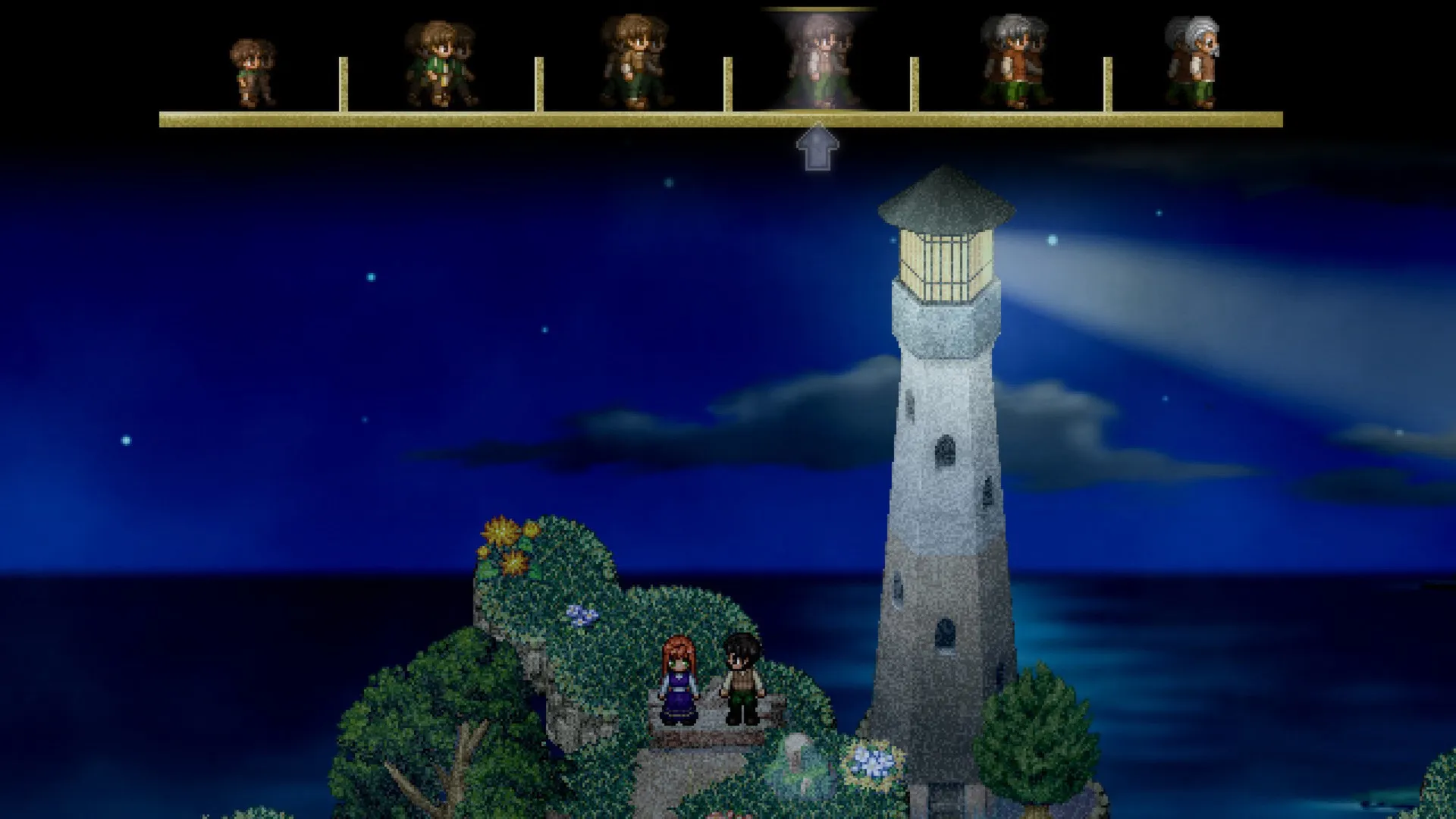
Follow Dr. Rosalene and Dr. Watts as they give dying patients another chance to live through artificial memories, embarking on a poignant journey backward through John's life, all without paying full retail store prices.
Unforgettable Original Soundtrack
Immerse yourself in a critically acclaimed, emotionally resonant piano-driven score that perfectly complements the narrative depth and bittersweet atmosphere.
Engaging Narrative Exploration
Combine light puzzle-solving mechanics and exploration with an unhurried, deeply focused storytelling format designed to leave a lasting emotional impact.
An Immersive Memory-Woven Lore and Emotional Narrative Odyssey
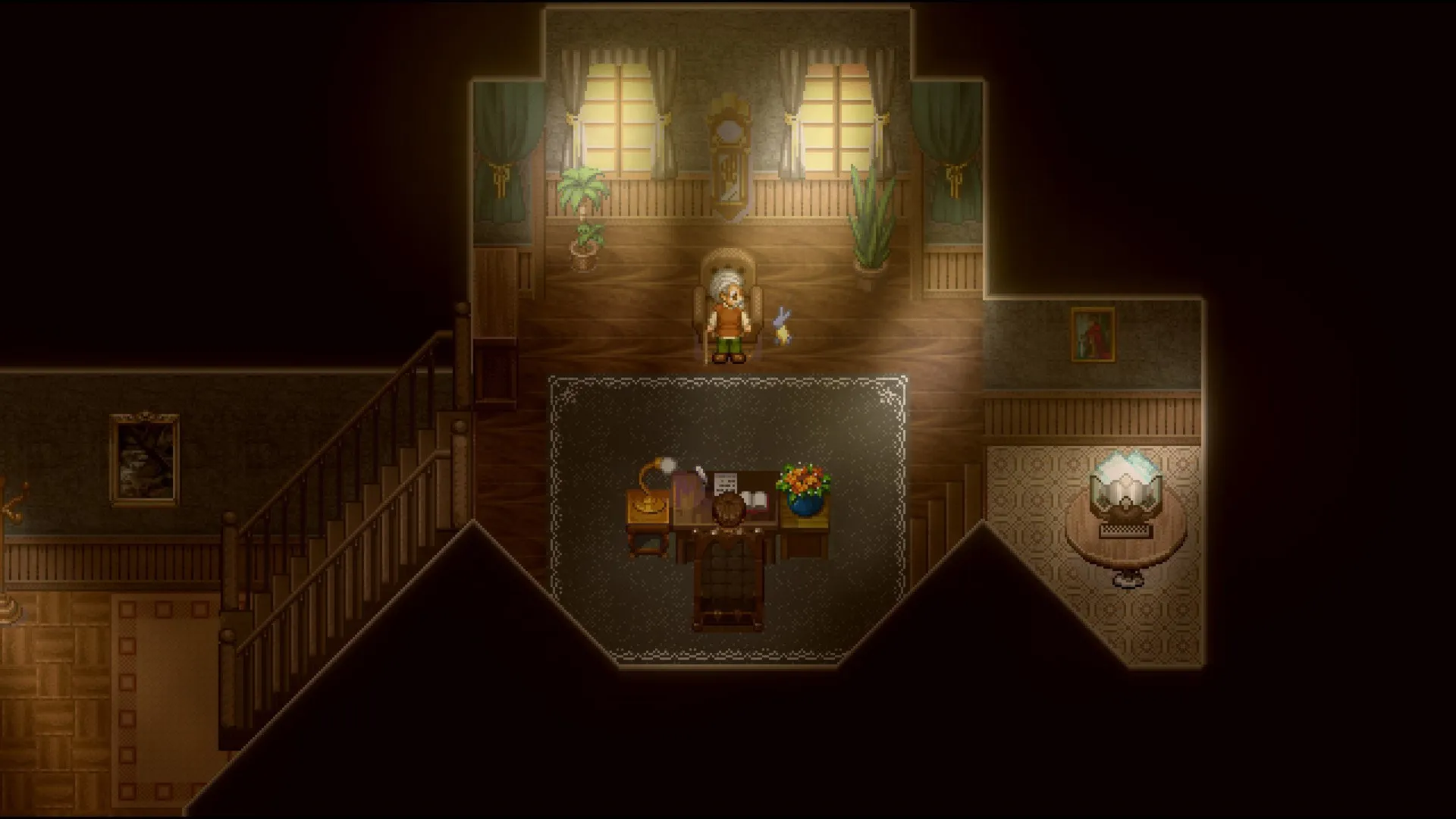
Immerse yourself in a critically acclaimed, emotionally devastating indie narrative masterpiece crafted by Kan Gao and Freebird Games. Step into the shoes of Dr. Eva Rosalene and Dr. Neil Watts, two specialists who alter memories to grant dying patients their last unfulfilled wishes, traveling backward through the poignant, memory-woven life of an elderly man named Johnny whose lifelong dream is simply to go to the moon.
Playtime and Campaign Duration
Prepare for an unforgettable, tear-jerking narrative journey where completing the main story campaign takes roughly 3 to 5 hours. When you factor in exploring every hidden memory fragment, experiencing the official minisodes, and soaking in the bittersweet emotional atmosphere, your total playtime easily expands to 5 or over 7 hours.
Included Soundtrack Elements & Advanced Memory-Woven Narrative Systems
Memory-Woven Storytelling, Piano-Driven Soundtrack & Poignant Exploration (Fully Integrated)
To the Moon pairs its acclaimed emotional narrative campaign alongside an unforgettable original piano soundtrack, light puzzle mechanics, and deep memory-exploration systems.
Feature & Mechanic Highlights:
- Masterpiece Story-Driven Experience: Follow Dr. Rosalene and Dr. Watts as they give dying patients a second chance through artificial memories, journeying backward through Johnny's life.
- Unforgettable Original Soundtrack: Immerse yourself in a critically acclaimed, emotionally resonant piano-driven score that perfectly complements the bittersweet atmosphere.
- Engaging Narrative Exploration: Combine light puzzle-solving mechanics and memory links with an unhurried, deeply focused storytelling format designed to leave a lasting impact.
- Bittersweet Emotional Odyssey: Experience a tightly paced, poignant narrative exploration that examines regret, love, and the human condition without filler content.
Languages & Audio Support
Full Voiceover (Audio): English
Subtitles & Interface: English, Spanish (Spain), French, German, Italian, Russian, Polish, Japanese, Simplified Chinese, Traditional Chinese, Korean, Portuguese (Brazil)
System Requirements
| Requirement |
Minimum Specs (1080p 30 FPS Low) |
Recommended Specs (1080p 60 FPS High) |
| OS |
Windows XP / Vista / 7 / 8 / 10 |
Windows 10 64-bit |
| Processor |
Intel Pentium III 800 MHz equivalent or faster |
1.5 GHz or better |
| Memory |
1 GB RAM |
2 GB RAM |
| Graphics |
1024x768 video resolution high color |
Dedicated graphics card with DirectX 9 support |
| DirectX |
Version 9.0c |
Version 9.0c |
| Storage |
500 MB available space |
500 MB available space (SSD recommended) |
Frequently Asked Questions (FAQ)
Where can I buy To the Moon cheap on PC?
You can purchase shared Steam account access directly from our digital store at a heavy discount. You get official game files, fast delivery, and full single-player emotional story adventure access without paying full retail price.
How to play To the Moon in Steam Offline Mode?
Complete the download, launch the game once online to let Steam authenticate local binaries, exit the title, click "Steam" in the top-left menu, choose "Go Offline", and relaunch. You can now play entirely disconnected.
Will my save files be overwritten by other buyers?
No. Game saves are stored locally on your PC in your personal Steam user directory. As long as you stay in Offline Mode, your campaign progression remains completely isolated and secure.
Is this To the Moon Steam account Region Free?
Yes. This account access is 100% Region Free and functions worldwide without VPN services, geographic locks, or country-specific limitations.