Access & Setup Guide (Steam PC)
Step-by-Step Steam Account Activation:
01
Log Out: Open the official Steam desktop client on your PC and log out of your personal Steam profile.
02
Sign In: Enter the shared Steam username and password delivered to you immediately after purchase.
03
Verify Steam Guard: Contact the seller via order chat to receive your one-time Steam Guard security code immediately.
04
Download Game: Navigate to your Library tab, find Thief Simulator, and start the installation.
05
First Launch: Run the game once online to initialize engine binaries and configure display presets.
06
Enable Offline Mode: Switch Steam to Offline Mode (Steam menu > Go Offline) to case neighborhoods privately with zero interruptions.
What You Get by Buying Thief Simulator at a Cheap Price
Scout Neighborhoods and Case Houses
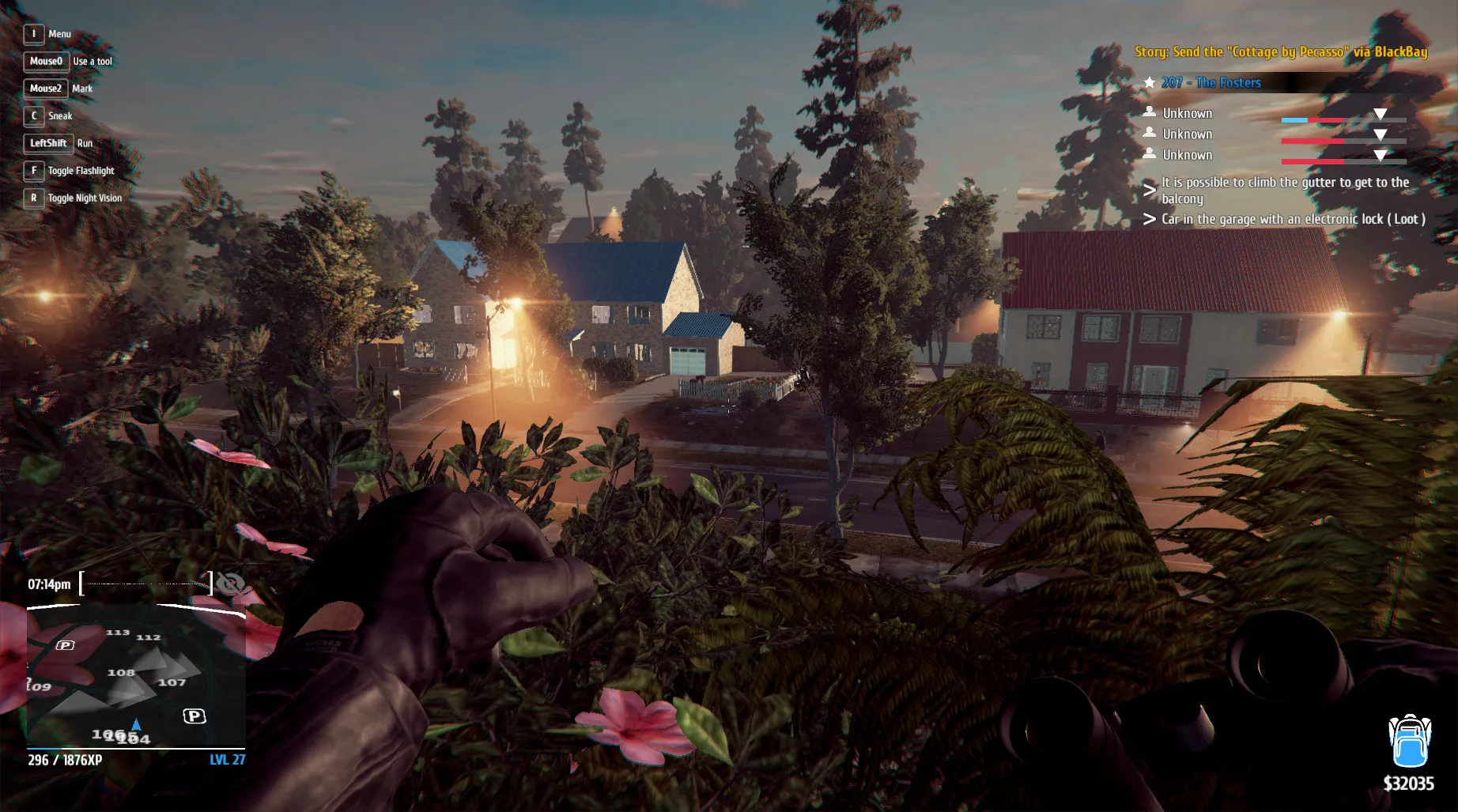
Observe your targets, learn tenant routines, check security systems, and plan the perfect heist across free-roaming suburban neighborhoods, all without paying full retail store prices.
Steal Valuable Loot & Hack Security
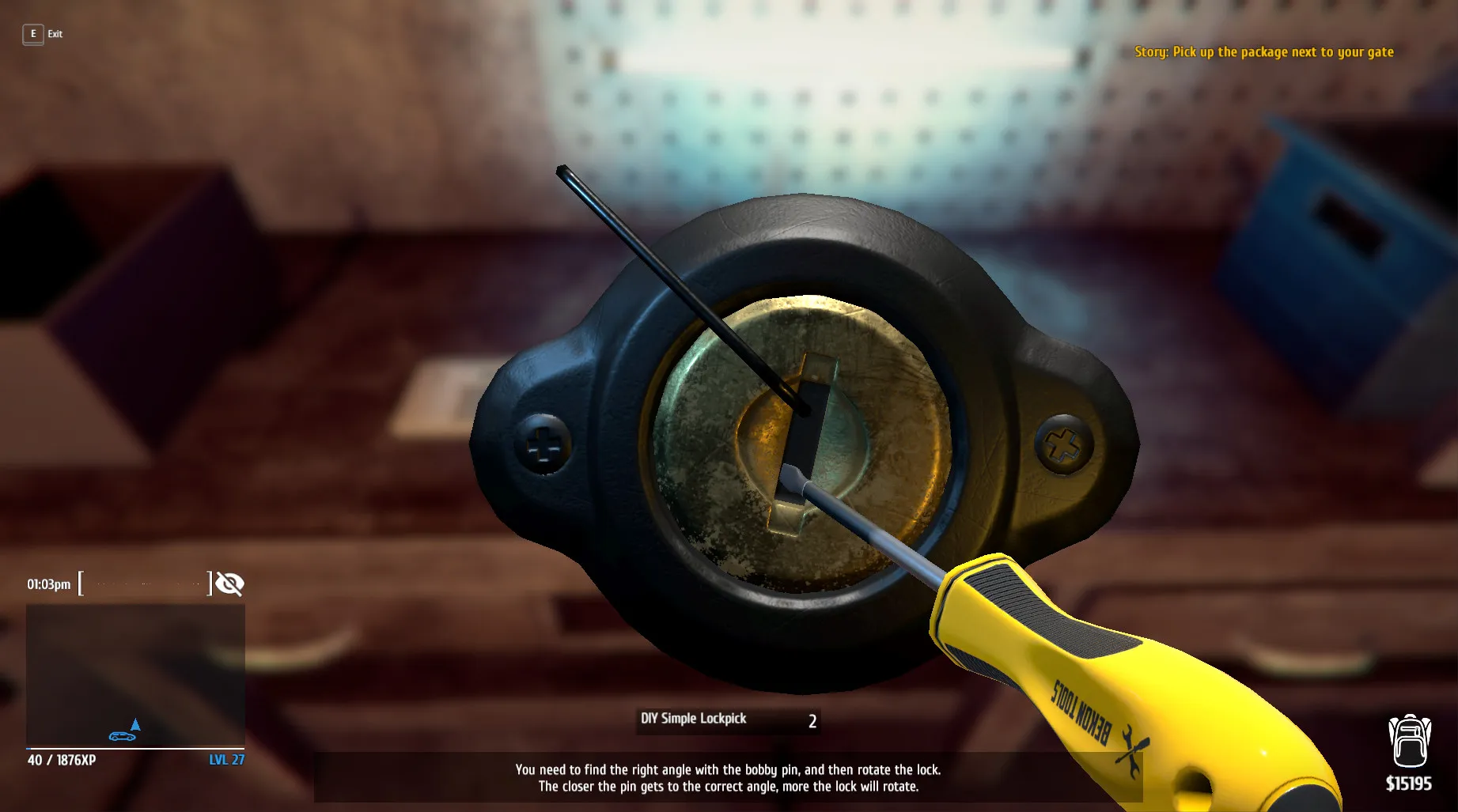
Break locks, pick pockets, bypass advanced alarms, and pack electronics, jewelry, and rare items into your trunk before the police arrive.
Black Market Trading & Professional Equipment
Sell your stolen goods on the black market to earn cash. Invest in professional burglar tools, lockpicks, hacking laptops, and high-tech gear to tackle heavily secured luxury mansions.
A Thrilling Underworld Lore and Criminal Career
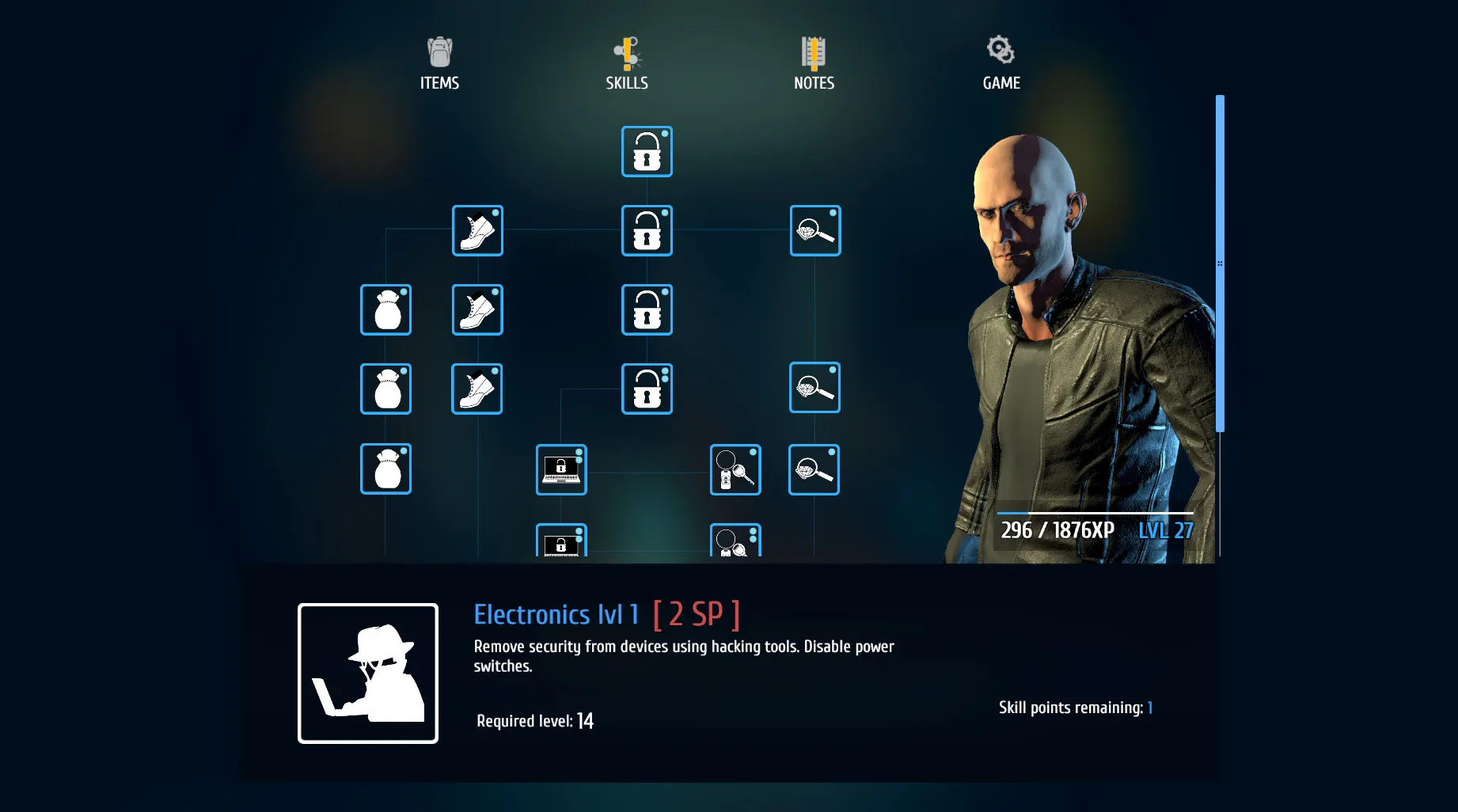
Immerse yourself in a gritty underground criminal sandbox where you rise from petty suburban burglar to master professional thief. Uncover dark secrets hidden behind locked doors, decrypt encrypted laptops, and fulfill mysterious contract jobs from shadowy clients.
Playtime and Campaign Duration
Prepare for an engaging stealth-simulation sandbox where completing the main progression and robbing every neighborhood takes roughly 12 to 15 hours. When you factor in completing all secondary contractor jobs, unlocking every high-tech burglar tool, and exploring expansions like the Richwood district, your total playtime easily expands to 25 or 40 hours.
Key Gameplay Features & Advanced Mechanics
Richwood District, Pawn Shop & Security Systems (Fully Integrated)
Thief Simulator delivers deep simulation mechanics that reward careful observation, tactical preparation, and precise execution.
Simulation & Feature Highlights:
- Richwood Luxury District: Infiltrate high-end neighborhoods featuring heavily fortified mansions, private security guards, and state-of-the-art alarms.
- Stolen Goods Flea Market (Blackhat): Disassemble stolen electronics for parts, fence items online through 'Blackhat', and sell cars piece by piece to avoid detection.
- Advanced Burglary Gear: Utilize laser cutters, glass cutters, lockpick guns, and signal jammers to bypass complex electronic security networks.
- Stealth & Hiding Mechanics: Hide in dumpsters, crawl under beds, use disguise items, and manage your suspicion meter when law enforcement investigates a break-in.
Languages & Audio Support
Full Voiceover (Audio): English
Subtitles & Interface: English, Spanish (Spain & Latin America), French, German, Italian, Polish, Russian, Portuguese (Brazil), Japanese, Simplified & Traditional Chinese
System Requirements
| Requirement |
Minimum Specs (1080p 30 FPS Low) |
Recommended Specs (1080p 60 FPS High) |
| OS |
Windows 7 64-bit |
Windows 10 64-bit |
| Processor |
Intel Core i3-6100 / AMD Ryzen 3 1200 |
Intel Core i5-8400 / AMD Ryzen 5 1600 |
| Memory |
8 GB RAM |
8 GB RAM |
| Graphics |
NVidia GeForce GTX 960 / AMD Radeon R9 270 (2GB VRAM) |
NVidia GeForce GTX 1060 / AMD Radeon RX 580 (4GB VRAM) |
| DirectX |
Version 11 |
Version 11 |
| Storage |
7 GB available space |
7 GB available space (SSD recommended) |
Frequently Asked Questions (FAQ)
Where can I buy Thief Simulator cheap on PC?
You can purchase shared Steam account access directly from our digital store at a heavy discount. You get official game files, fast delivery, and full single-player access without paying full retail price.
How to play Thief Simulator in Steam Offline Mode?
Complete the download, launch the game once online to let Steam authenticate local binaries, exit the title, click "Steam" in the top-left menu, choose "Go Offline", and relaunch. You can now play entirely disconnected.
Will my save files be overwritten by other buyers?
No. Game saves are stored locally on your PC in your personal Steam user directory. As long as you stay in Offline Mode, your progression remains completely isolated and secure.
Is this Thief Simulator Steam account Region Free?
Yes. This account access is 100% Region Free and functions worldwide without VPN services, geographic locks, or country-specific limitations.