


The Outer Worlds Steam Standard Edition Global Account

Buyer protection

You might also like
Similar subscriptions









Buyer Reviews
No reviews yet
Why Choose Us
100% Safe Transaction
Efficient, professional, and fully secure with complete data protection.
24/7 Customer Service
Reliable help is available at any time: before, during, and even after your purchase.
Full Refund Guarantee
Best prices, fast delivery. Unreceived or faulty items get a 100% refund.
The Outer Worlds - Steam PC Shared Account (Region Free / Offline Sci-Fi RPG)
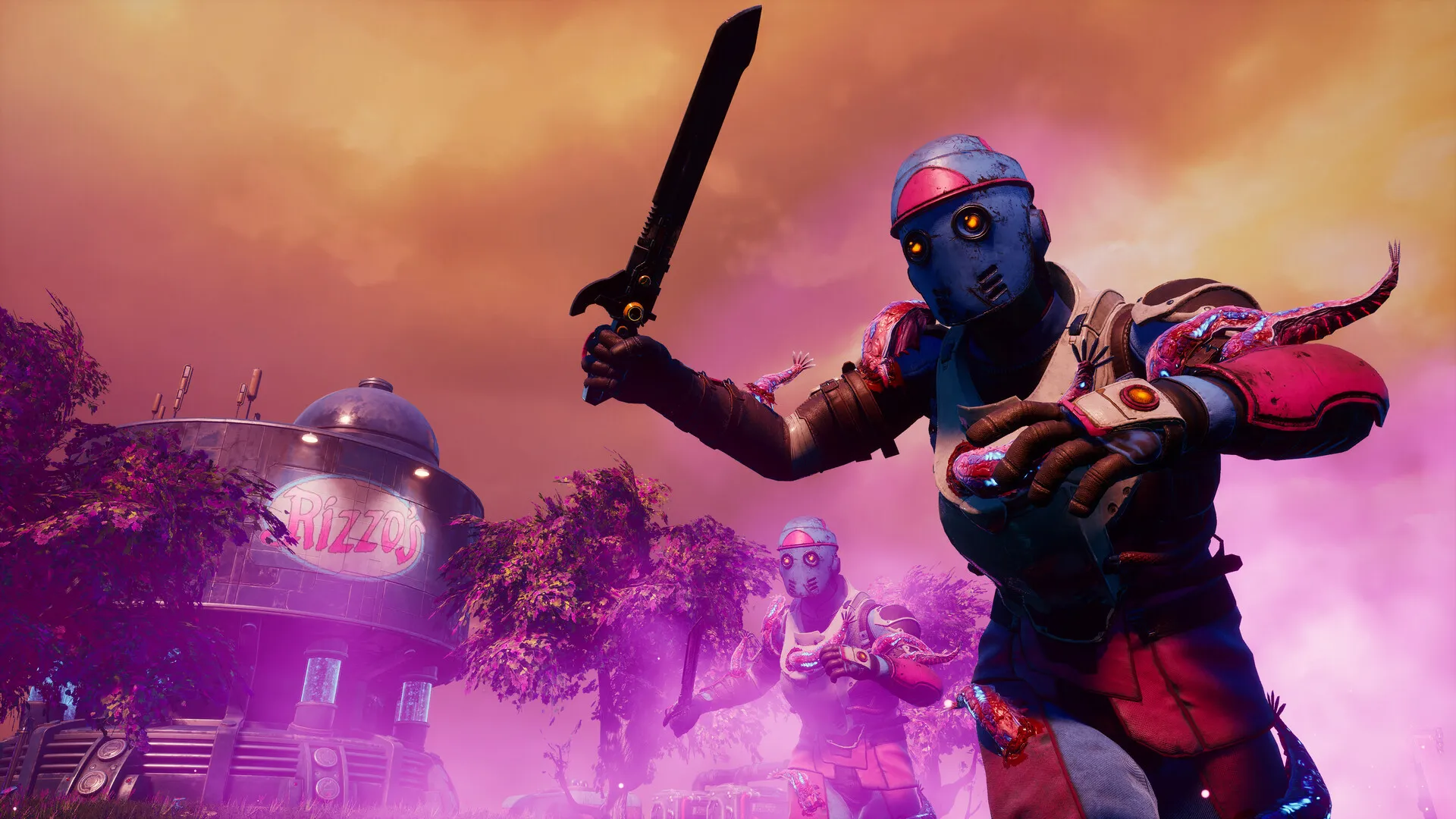
Buy The Outer Worlds Steam PC shared account cheap. Explore a corporate-run distant colony, shape your character's story through player choice, and play the full offline single-player sci-fi RPG campaign at the best discount price.

Important Purchase Note
This product provides shared Steam account access intended exclusively for offline single-player role-playing gameplay. Always switch your Steam desktop client to Offline Mode after downloading and testing the game once. Community features and Steam cloud save synchronization are not supported.
Access & Setup Guide (Steam PC)
Step-by-Step Steam Account Activation:
What You Get by Buying The Outer Worlds at a Cheap Price
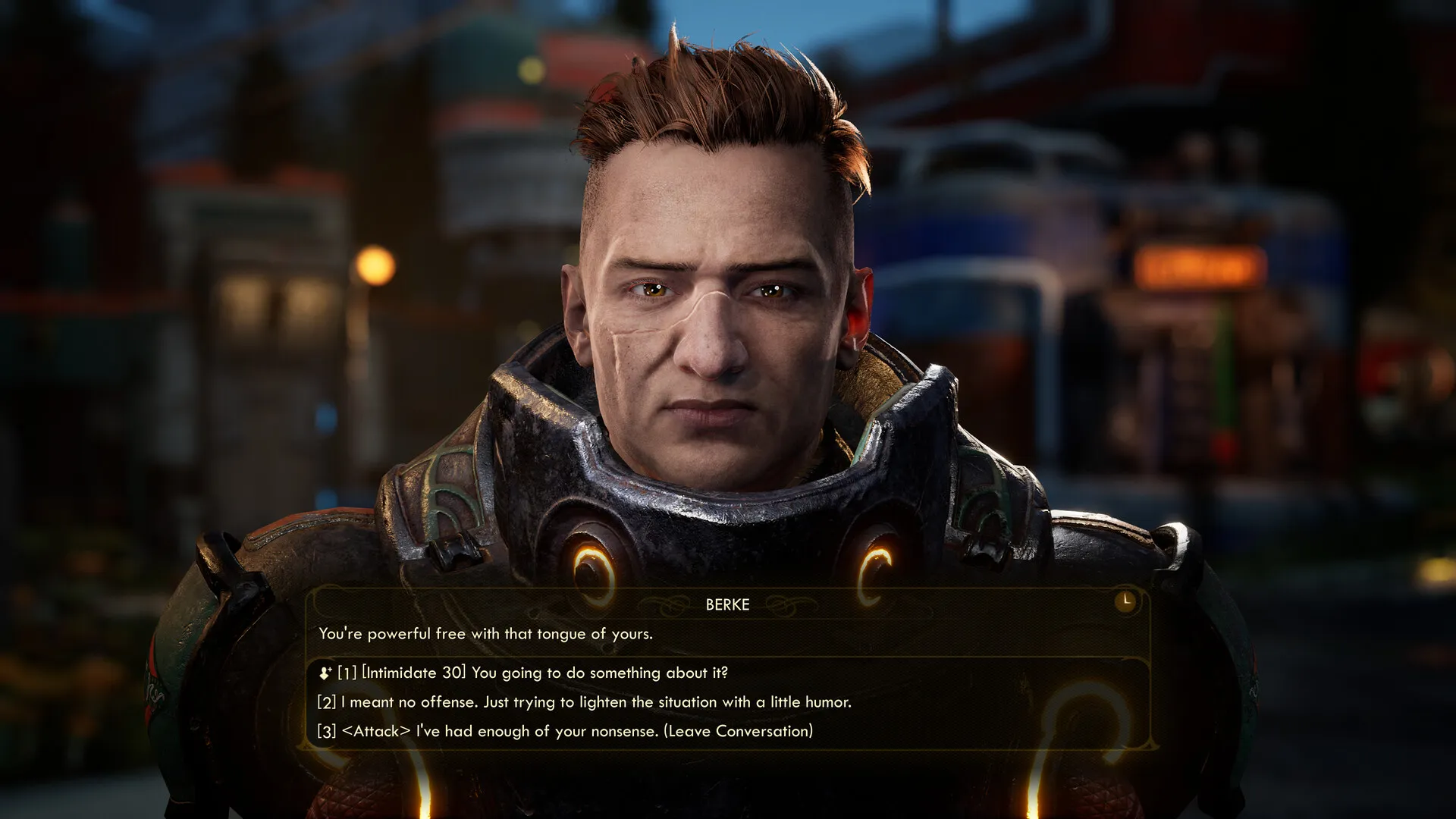
Player-Driven Choice and Consequences
Experience a story where your decisions affect not only the narrative and your character build, but also the companion stories and the final fate of the Halcyon colony, all without paying full retail store prices.
Lead a Crew of Unique Companions
Recruit unique characters to your crew who have their own missions, motivations, and ideals, utilizing their distinct abilities to aid you in exploration and combat.
Explore a Corporate-Run Colony
Chart your course across settlements, space stations, and diverse planetary environments situated at the furthest edge of space, uncovering a deep corporate conspiracy.
A Satirical Halcyon Lore and Sci-Fi RPG Odyssey
Immerse yourself in a darkly humorous, corporate-dystopian sci-fi universe where megacorporations control every aspect of human life. Wake up from hibernation on a drifting colony ship and become the unexpected variable that threatens to upend corporate dominance across Halcyon.
Playtime and Campaign Duration
Prepare for an immersive role-playing journey where completing the main story campaign takes roughly 15 to 20 hours. When you factor in completing all companion quests, exploring side settlements, and diving into the major narrative DLC expansions (Peril on Gorgon and Murder on Eridanos), your total playtime easily expands to 35 or over 60 hours.
Included DLC Expansions & Advanced RPG Mechanics
Peril on Gorgon, Murder on Eridanos & Tactical Time Dilation (Fully Integrated)
The Outer Worlds pairs its acclaimed base role-playing campaign alongside extensive story expansions, unique combat mechanics, and dynamic flaw systems.
Expansion & Feature Highlights:
- Peril on Gorgon Expansion: Investigate a dark corporate experiment on a desolate asteroid settlement, uncovering new weapons, armor sets, and audio logs.
- Murder on Eridanos Expansion: Play detective in a glamorous sci-fi murder mystery across the skies of Eridanos, utilizing specialized deduction tools to interrogate eccentric suspects.
- Tactical Time Dilation (TTD): Slow down time mid-combat to target enemy weak points, analyze stats, and tactically outmaneuver corporate security forces.
- Flaw System Mechanics: Embrace unique gameplay flaws triggered by repeated damage or failures, trading temporary debuffs for permanent character perk points.
Languages & Audio Support
Full Voiceover (Audio): English, French, German
Subtitles & Interface: English, Spanish (Spain & Latin America), French, German, Italian, Polish, Russian, Japanese, Simplified & Traditional Chinese, Korean, Brazilian Portuguese
System Requirements
| Requirement | Minimum Specs (1080p 30 FPS Low) | Recommended Specs (1080p 60 FPS High) |
|---|---|---|
| OS | Windows 7 64-bit | Windows 10 64-bit |
| Processor | Intel Core i3-3225 or AMD FX-6300 | Intel Core i7-7700K or AMD Ryzen 5 1600 |
| Memory | 4 GB RAM | 8 GB RAM |
| Graphics | Nvidia GTX 650 Ti or AMD Radeon HD 7850 (2GB VRAM) | GeForce GTX 1060 (6GB) or Radeon RX 590 |
| DirectX | Version 11 | Version 11 |
| Storage | 50 GB available space | 50 GB available space (SSD recommended) |
Frequently Asked Questions (FAQ)
Where can I buy The Outer Worlds cheap on PC?
You can purchase shared Steam account access directly from our digital store at a heavy discount. You get official game files, fast delivery, and full single-player RPG access without paying full retail price.
How to play The Outer Worlds in Steam Offline Mode?
Complete the download, launch the game once online to let Steam authenticate local binaries, exit the title, click "Steam" in the top-left menu, choose "Go Offline", and relaunch. You can now play entirely disconnected.
Will my save files be overwritten by other buyers?
No. Game saves are stored locally on your PC in your personal Steam user directory. As long as you stay in Offline Mode, your character progression remains completely isolated and secure.
Is this The Outer Worlds Steam account Region Free?
Yes. This account access is 100% Region Free and functions worldwide without VPN services, geographic locks, or country-specific limitations.