Access & Setup Guide (Steam PC)
Step-by-Step Steam Account Activation:
01
Log Out: Open the official Steam desktop client on your PC and log out of your personal Steam account.
02
Sign In: Enter the shared Steam username and password sent to you immediately after purchase.
03
Verify Steam Guard: Contact the seller via order chat to receive your one-time Steam Guard authorization code immediately.
04
Download Game: Navigate to your Library tab, find Subnautica, and start the installation.
05
First Launch: Run the game once online to initialize local Unity engine components and configure graphics options.
06
Enable Offline Mode: Switch Steam to Offline Mode (Steam menu > Go Offline) to explore Planet 4546B privately with zero interruptions.
What You Get by Buying Subnautica at a Cheap Price
The Complete Oceanic Sci-Fi Survival Story
After crash-landing in an escape pod following the destruction of the capital ship Aurora, you are marooned on an uncharted water world known as Planet 4546B. Scavenge resources, fabricate survival equipment, and uncover an ancient alien civilization and a virulent contagion without paying full retail store prices.
Deep Modular Underwater Habitat Construction
Construct custom underwater research bases on the ocean floor using the Habitat Builder. Manage hull integrity against crushing water pressures, establish thermal or nuclear power grids, create indoor crop growbeds, build vehicle modification moonpools, and mount observatory domes.
Advanced Submersibles & Sub-Sea Exploration Vehicles
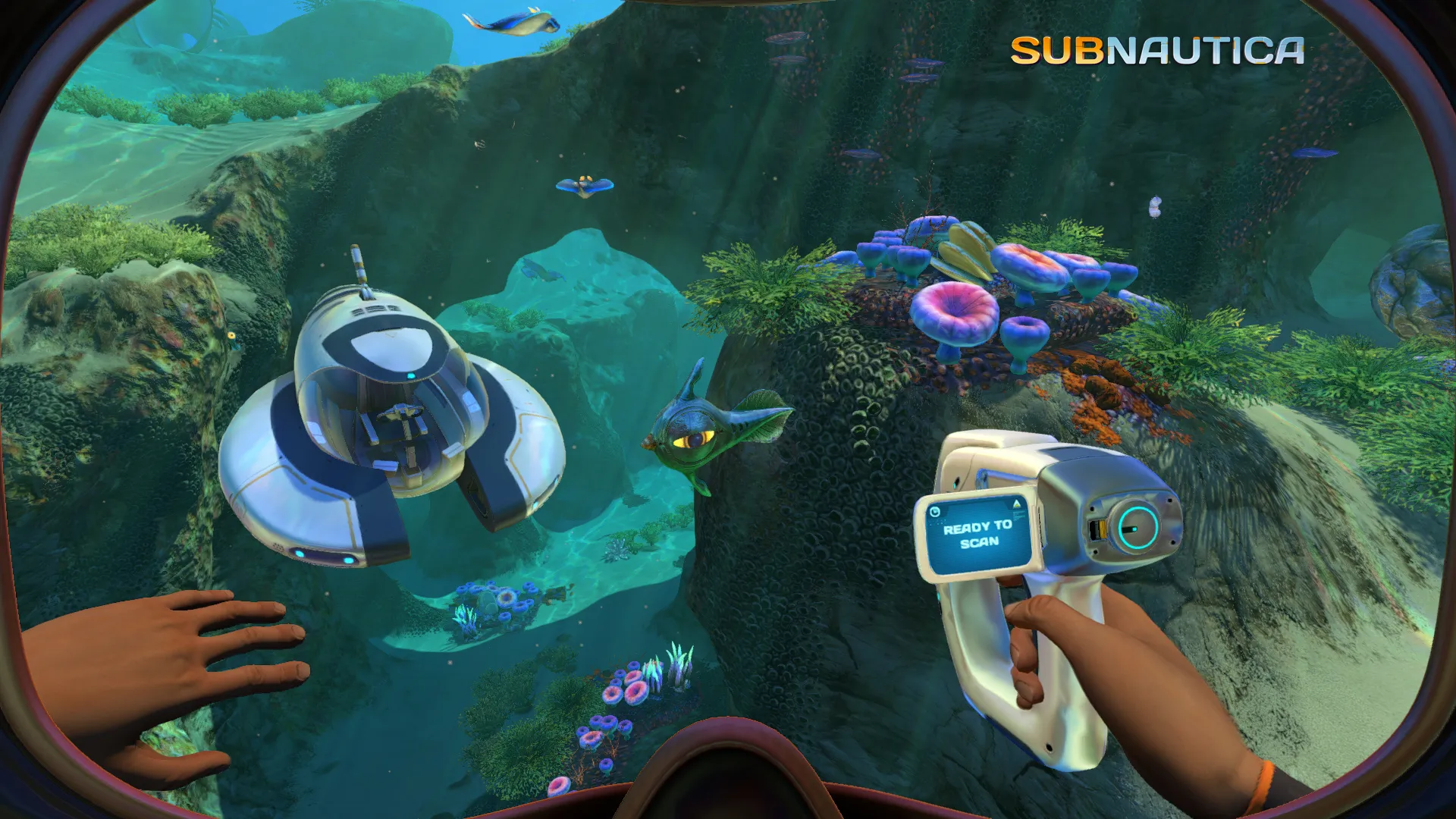
Construct and pilot specialized aquatic vehicles: navigate coral reefs with the nimble Seamoth, drill seabed minerals using the deep-diving PRAWN Suit mech, and captain the colossal Cyclops submarine, which serves as a fully customizable mobile undersea fortress.
Terrifying Oceanic Biomes & Leviathan Encounters
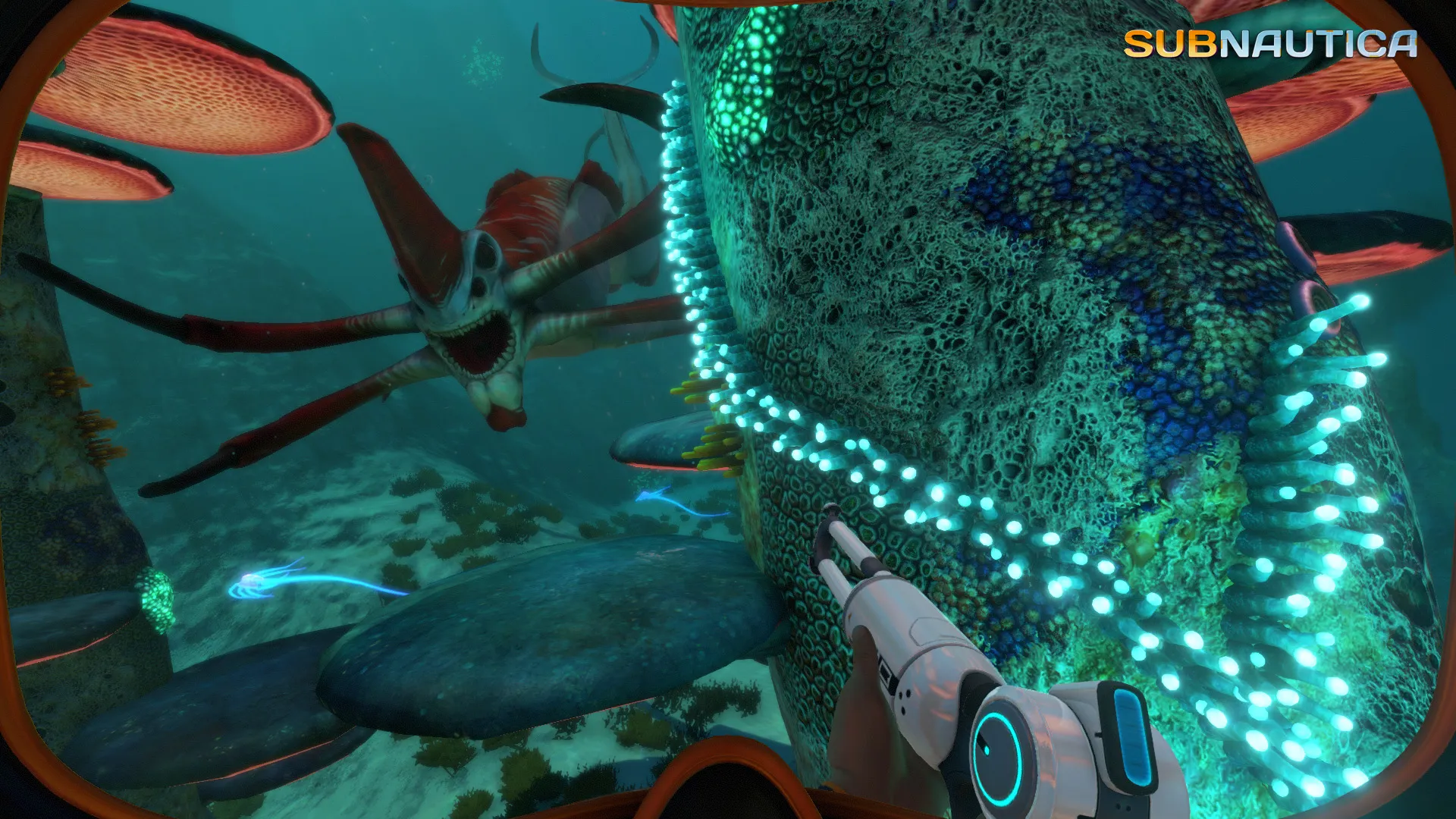
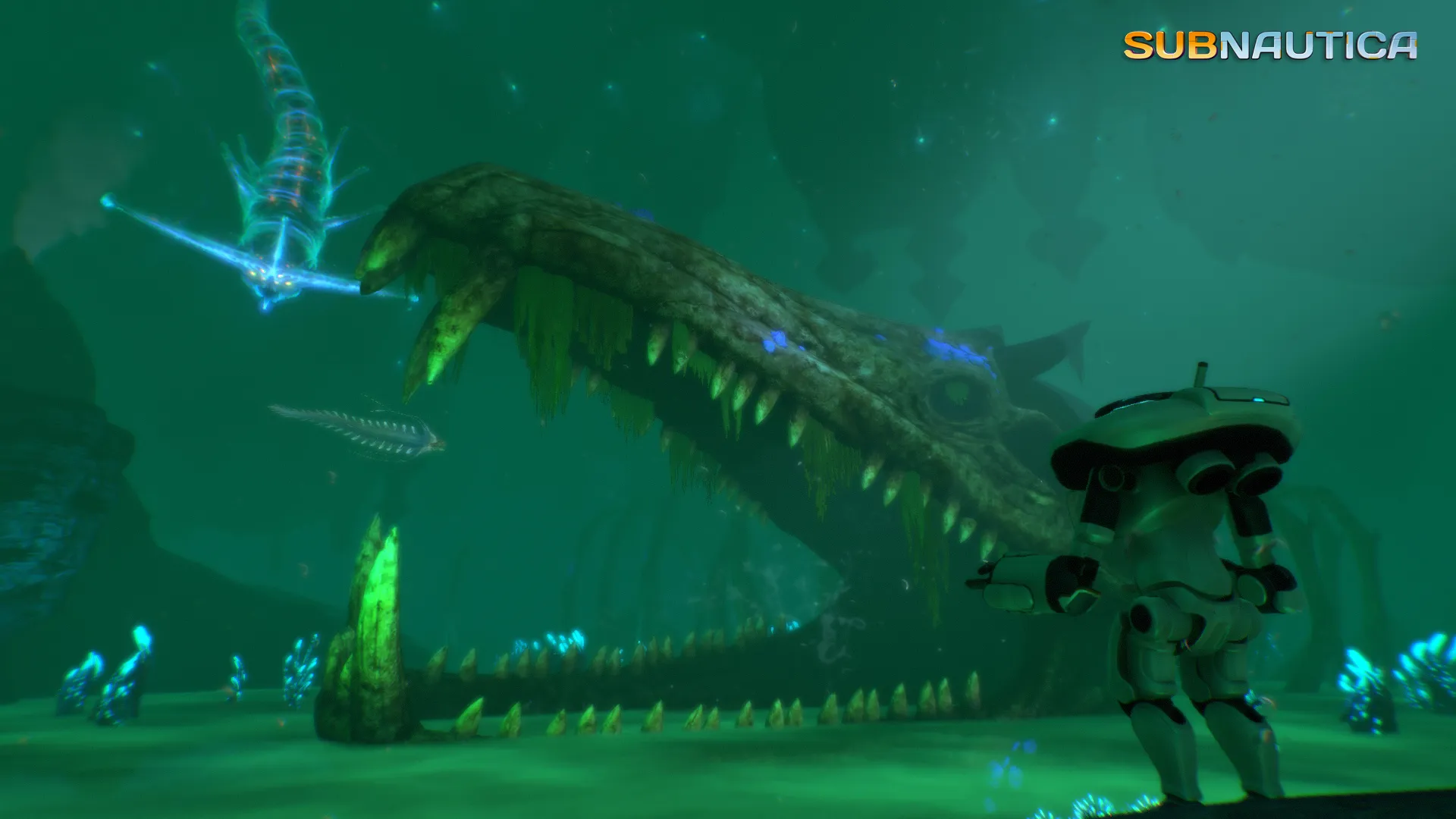
Descend past sunlit kelp forests and glowing mushroom caves into the abyssal depths of the Blood Kelp, the Grand Reef, the Lost River, and the searing Inactive Lava Zone over 1,400 meters down, evading predatory Reaper and Ghost Leviathans.
An Immersive Alien Lore and Planetary Mystery
Unravel the dark history of the Precursors, an advanced alien race who arrived on Planet 4546B seeking a cure for the mysterious bacterial infection known as the Kharaa. Explore hidden alien research facilities, interact with intelligent aquatic life forms, and search for a way to neutralize the planetary quarantine enforcement platform.
Playtime and Campaign Duration
Prepare for a captivating underwater adventure where completing the main storyline, building advanced submersibles, and curing the infection takes roughly 30 to 40 hours. If you want to scan every creature in the databank, build massive multi-level underwater bases, and uncover every hidden wreck, your total playtime will easily reach 50 to 80 hours.
Survival Systems and Resource Management
Balance your vital signs by managing oxygen levels, hunger, and thirst while harvesting flora and fauna from the alien ecosystem. Adapt to changing environmental conditions and pressure thresholds as you venture deeper into uncharted oceanic trenches.
A Masterpiece of Atmospheric Exploration
Combining breathtaking underwater vistas, terrifying moments of deep-sea isolation, and a rewarding technological progression tree, Subnautica stands as an undisputed landmark of survival gaming.
Languages & Audio Support
Full Voiceover (Audio): English
Subtitles & Interface: English, Spanish (Spain & Latin America), French, German, Italian, Polish, Russian, Portuguese (Brazil), Japanese, Korean, Simplified & Traditional Chinese, Turkish, Czech, Hungarian
System Requirements
| Requirement |
Minimum Specs (720p / 1080p Low 30 FPS) |
Recommended Specs (1080p 60 FPS High) |
| OS |
Windows 7 / 8.1 / 10 64-bit |
Windows 10 / 11 64-bit |
| Processor |
Intel Core i3-4130 (2 Cores / 4 Threads) / AMD equivalent |
Intel Core i5-4670 (4 Cores / 4 Threads) / AMD Ryzen 5 1500X |
| Memory |
4 GB RAM |
8 GB RAM |
| Graphics |
Intel HD 4600 / NVIDIA GeForce GTX 550 Ti |
NVIDIA GeForce GTX 960 (4GB) / AMD Radeon R9 290 |
| DirectX |
Version 11 |
Version 11 |
| Storage |
20 GB available space |
20 GB available space (Fast SSD recommended) |
Frequently Asked Questions (FAQ)
Where can I buy Subnautica cheap on PC?
You can purchase shared Steam account access directly from our digital store at a heavy discount compared to retail prices. You receive official Steam files, fast delivery, and full single-player offline survival access.
Does Subnautica have built-in VR headset support on PC?
Yes. The PC edition of Subnautica includes native SteamVR support, allowing compatible virtual reality headsets (including Meta Quest via Link, HTC Vive, and Valve Index) to immerse you directly inside underwater cockpits and caves using a gamepad.
Where are my oceanic world saves stored on PC?
Subnautica stores your saved games locally in your PC installation directory (Subnautica\SNAppData\SavedGames). Playing strictly in Steam Offline Mode ensures your bases, vehicles, and campaign progress remain completely private and protected from other buyers.
Is this Subnautica Steam account Region Free?
Yes, this digital access is 100% Region Free. You can sign in, download the official files, and play from any location worldwide without requiring VPN software.