Access & Setup Guide (Steam PC)
Step-by-Step Steam Account Activation:
01
Log Out: Open the official Steam desktop client on your PC and log out of your personal Steam profile.
02
Sign In: Enter the shared Steam username and password delivered to you immediately after purchase.
03
Verify Steam Guard: Contact the seller via order chat to receive your one-time Steam Guard security code immediately.
04
Download Game: Navigate to your Library tab, find Starfield, and start the installation.
05
First Launch: Run the game once online to initialize engine binaries and configure display presets.
06
Enable Offline Mode: Switch Steam to Offline Mode (Steam menu > Go Offline) to explore the galaxy privately with zero interruptions.
What You Get by Buying Starfield at a Cheap Price
The First New Universe in 25 Years from Bethesda
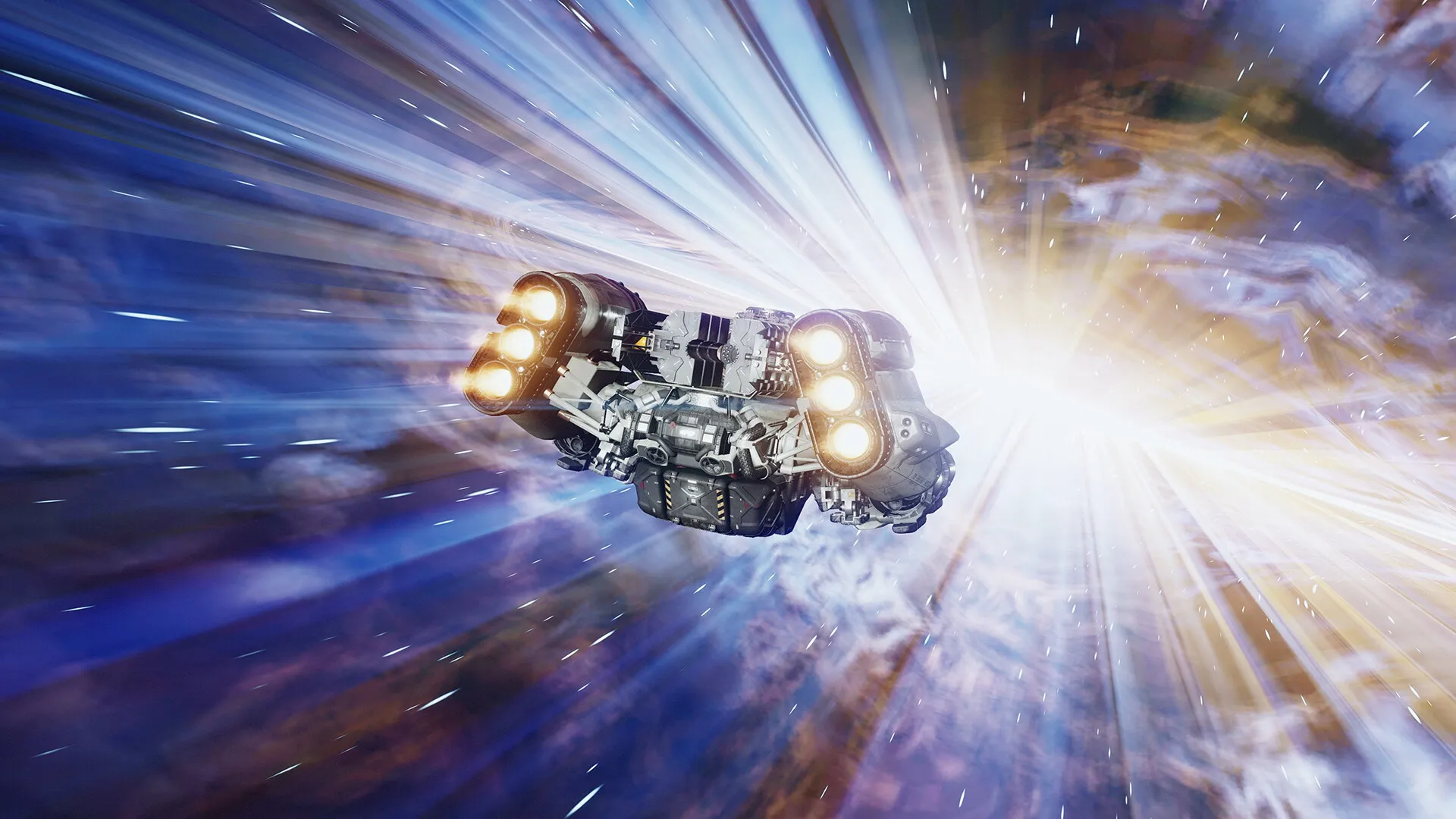
Join Constellation, a group of space explorers searching for rare artifacts across the galaxy, and navigate an expansive story-driven role-playing experience, all without paying full retail store prices.
Build and Command Your Dream Starship
Design interior layouts, modify weapon systems, shields, and engines, and pilot customizable ships through stellar systems while engaging in deep space combat.
Explore Over a Thousand Worlds
Captain your ship through uncharted star systems, land on planets filled with alien fauna and resource nodes, build outposts, and uncover hidden corporate conspiracies.
An Epic Settled Systems Lore and Galactic Odyssey
Immerse yourself in a rich, hard sci-fi universe set twenty years after a devastating Colony War between the United Colonies and the Freestar Collective. Unravel the mysteries of the universe as an explorer seeking the final answers to humanity's place among the stars.
Playtime and Campaign Duration
Prepare for a monumental space role-playing epic where completing the main story campaign takes roughly 30 to 50 hours. When you factor in exploring hundreds of uncharted planets, completing massive faction questlines (like UC SysDef, Crimson Fleet, and Ryujin Industries), building outposts, and diving into the Shattered Space expansion, your total playtime easily expands to 120 or over 300 hours.
Included Expansions & Advanced Space Mechanics
Shattered Space DLC, Outpost Building & Ship Customization (Fully Integrated)
Starfield bundles its vast cosmic base role-playing experience alongside major story expansions, modular shipbuilding tools, and intricate planetary outpost management systems.
Expansion & Feature Highlights:
- Shattered Space Story Expansion: Unravel a dark mystery surrounding House Va'ruun on their hidden homeworld, featuring a terrifying hand-crafted region, new weapons, and unique gear.
- Advanced Shipbuilding: Construct custom modular starships from scratch, customizing everything from hab layouts and structural plating to weapon modules and crew capacities.
- Planetary Outpost Networks: Establish automated extraction facilities, cargo links, and residential bases across hostile planets to harvest rare elements and manufacture goods.
- Creation Kit Mod Support: Access a massive library of community-created quests, overhauls, weapons, and interior decorations directly through the in-game Creations menu.
Languages & Audio Support
Full Voiceover (Audio): English, French, German, Spanish (Spain)
Subtitles & Interface: English, Spanish (Spain & Latin America), French, German, Italian, Polish, Russian, Japanese, Simplified & Traditional Chinese, Korean, Brazilian Portuguese
System Requirements
| Requirement |
Minimum Specs (1080p 30 FPS Low) |
Recommended Specs (1080p 60 FPS High) |
| OS |
Windows 10 version 22H2 (10.0.19045) |
Windows 10/11 with updates |
| Processor |
AMD Ryzen 5 2600X or Intel Core i7-6800K |
AMD Ryzen 5 3600X or Intel i5-10600K |
| Memory |
16 GB RAM |
16 GB RAM |
| Graphics |
AMD Radeon RX 5700 or NVIDIA GeForce GTX 1070 Ti |
AMD Radeon RX 6800 XT or NVIDIA GeForce RTX 2080 |
| DirectX |
Version 12 |
Version 12 |
| Storage |
125 GB available space |
125 GB available space (SSD required) |
Frequently Asked Questions (FAQ)
Where can I buy Starfield cheap on PC?
You can purchase shared Steam account access directly from our digital store at a heavy discount. You get official game files, fast delivery, and full single-player role-playing access without paying full retail price.
How to play Starfield in Steam Offline Mode?
Complete the download, launch the game once online to let Steam authenticate local binaries, exit the title, click "Steam" in the top-left menu, choose "Go Offline", and relaunch. You can now play entirely disconnected.
Will my save files be overwritten by other buyers?
No. Game saves are stored locally on your PC in your personal Steam user directory. As long as you stay in Offline Mode, your role-playing progression remains completely isolated and secure.
Is this Starfield Steam account Region Free?
Yes. This account access is 100% Region Free and functions worldwide without VPN services, geographic locks, or country-specific limitations.