Access & Setup Guide (Steam PC)
Step-by-Step Steam Account Activation:
01
Log Out: Open the official Steam desktop client on your PC and log out of your personal Steam profile.
02
Sign In: Enter the shared Steam username and password delivered to you immediately after purchase.
03
Verify Steam Guard: Contact the seller via order chat to receive your one-time Steam Guard security code immediately.
04
Download Game: Navigate to your Library tab, find Sid Meier’s Civilization V, and start the installation.
05
First Launch: Run the game once online to initialize engine binaries and configure display presets.
06
Enable Offline Mode: Switch Steam to Offline Mode (Steam menu > Go Offline) to build your empire privately with zero interruptions.
What You Get by Buying Civilization V at a Cheap Price
Become Ruler of the World
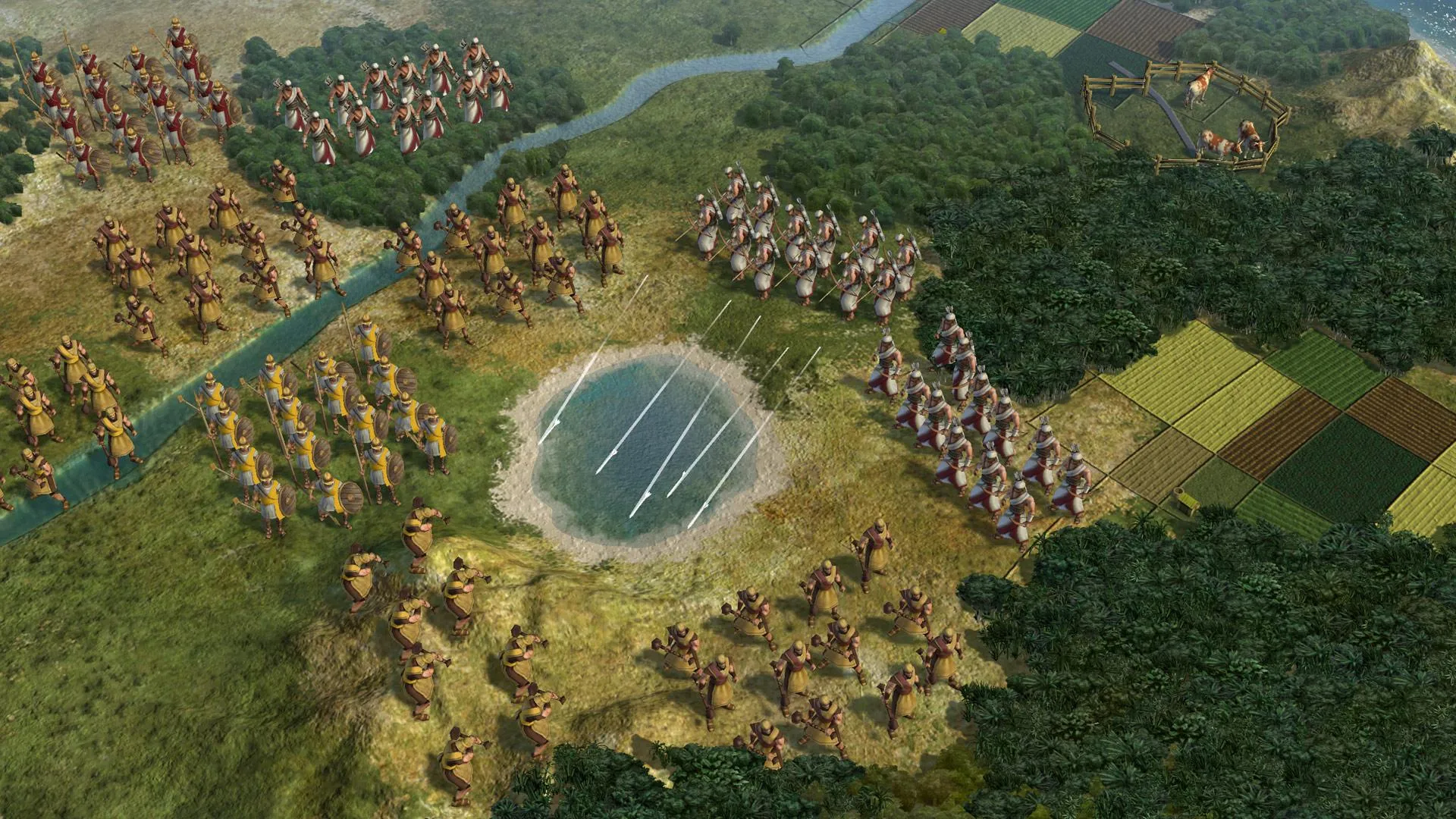
Lead a civilization from the dawn of man into the space age. Wage war, conduct diplomacy, discover new technologies, and go head-to-head with history's greatest leaders to build the most powerful empire the world has ever known, all without paying full retail store prices.
Immersive Hexagonal Tactical Warfare
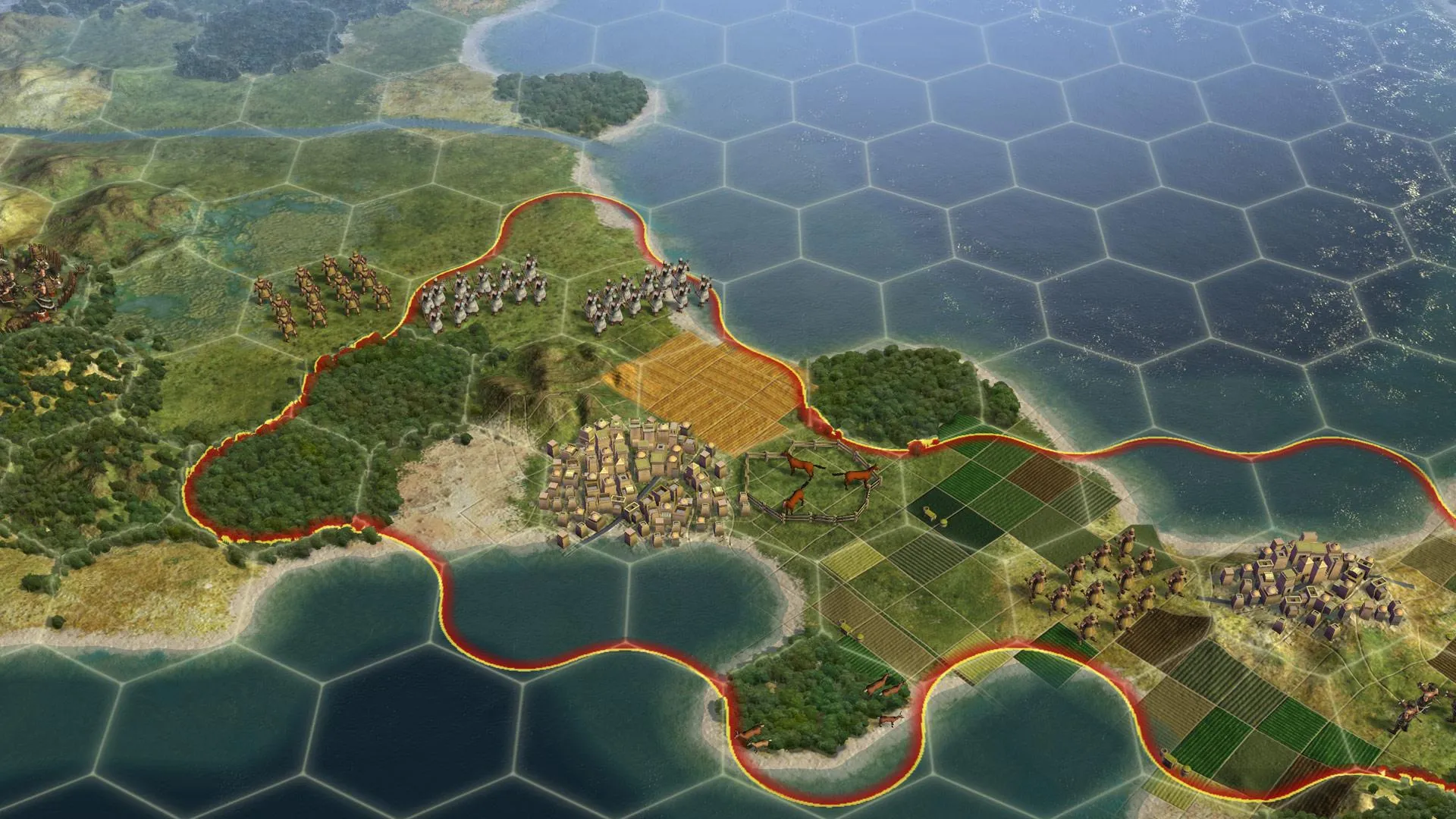
Experience intuitive hex-based tactical combat where terrain dictates strategy. Armies no longer stack on a single tile, forcing deep tactical positioning and realistic frontline warfare.
Endless Replayability & Diplomacy
Engage in complex diplomacy with historical leaders who possess distinct agendas. With randomized map generation, City-States to influence, and multiple paths to victory, no two campaigns are ever alike.
A Rich Historical Lore and Global Dominion
Immerse yourself in a grand historical canvas spanning millennia. Discover ancient wonders, rewrite geopolitical timelines, and listen to iconic civilization anthems and legendary narrator voiceovers detailing humanity's greatest milestones and conflicts.
Playtime and Campaign Duration
Prepare for an endlessly addictive grand strategy experience where completing a single standard single-player campaign takes roughly 10 to 15 hours. When you factor in exploring all expansion packs, conquering Deity difficulty, and engaging in massive multiplayer matches, your total playtime easily expands to 150 or over 500 hours.
Complete Edition Expansions & Advanced Mechanics
Brave New World, Gods & Kings (Fully Integrated)
Civilization V Complete Edition bundles the legendary base game alongside two transformational expansions that revolutionize religion, trade, and cultural victory conditions.
Expansion & Feature Highlights:
- Brave New World Expansion: Introduce international trade routes, the World Congress, ideological pressures, and a completely reworked cultural victory system driven by tourism.
- Gods & Kings Expansion: Found custom religions, deploy espionage networks with spies, engage in enhanced naval combat, and master redesigned combat balancing.
- Diverse Scenario Packs: Play through historical scenarios ranging from the Fall of Rome to the American Civil War and the conquest of the Mongol Empire.
- Modding & Steam Workshop: Access an extraordinary library of community-created total conversion mods, custom maps, and historical civilizations.
Languages & Audio Support
Full Voiceover (Audio): English, French, German, Italian, Spanish (Spain), Japanese, Russian
Subtitles & Interface: English, Spanish (Spain & Latin America), French, German, Italian, Polish, Russian, Japanese, Traditional Chinese
System Requirements
| Requirement |
Minimum Specs (1080p 30 FPS Low) |
Recommended Specs (1080p 60 FPS High) |
| OS |
Windows Vista / 7 / 8 / 10 |
Windows 7 / 8 / 10 64-bit |
| Processor |
Intel Core 2 Duo 1.8 GHz or AMD Athlon X2 64 2.0 GHz |
1.8 GHz Quad Core CPU |
| Memory |
2 GB RAM |
4 GB RAM |
| Graphics |
ATI HD2600 XT 256MB / NVIDIA 7900 GS 256MB or better |
512MB ATI 4850 or better / NVIDIA 9800 or better |
| DirectX |
Version 9.0c |
Version 11 |
| Storage |
8 GB available space |
12 GB available space (SSD recommended) |
Frequently Asked Questions (FAQ)
Where can I buy Civilization V cheap on PC?
You can purchase shared Steam account access directly from our digital store at a heavy discount. You get official game files, fast delivery, and full single-player strategy access without paying full retail price.
How to play Civilization V in Steam Offline Mode?
Complete the download, launch the game once online to let Steam authenticate local binaries, exit the title, click "Steam" in the top-left menu, choose "Go Offline", and relaunch. You can now play entirely disconnected.
Will my save files be overwritten by other buyers?
No. Game saves are stored locally on your PC in your personal Steam user directory. As long as you stay in Offline Mode, your campaign progression remains completely isolated and secure.
Is this Civilization V Steam account Region Free?
Yes. This account access is 100% Region Free and functions worldwide without VPN services, geographic locks, or country-specific limitations.