Access & Setup Guide (Steam PC)
Step-by-Step Steam Account Activation:
01
Log Out: Open the official Steam desktop client on your PC and log out of your personal Steam profile.
02
Sign In: Enter the shared Steam username and password delivered to you immediately after purchase.
03
Verify Steam Guard: Contact the seller via order chat to receive your one-time Steam Guard security code immediately.
04
Download Game: Navigate to your Library tab, find Satisfactory, and start the installation.
05
First Launch: Run the game once online to initialize engine binaries and configure display presets.
06
Enable Offline Mode: Switch Steam to Offline Mode (Steam menu > Go Offline) to build your factory complex privately with zero interruptions.
What You Get by Buying Satisfactory at a Cheap Price
First-Person Open-World Factory Building
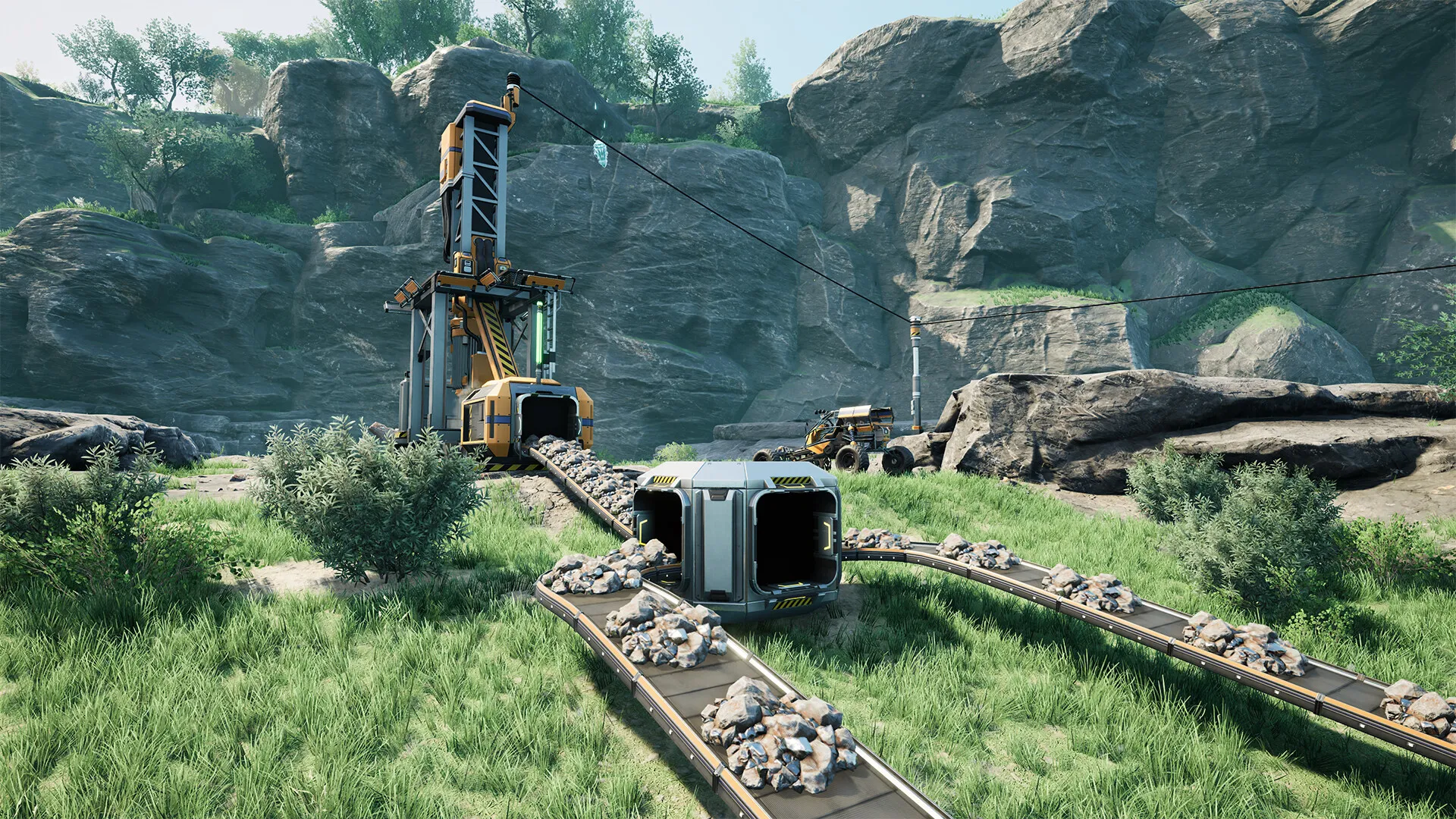
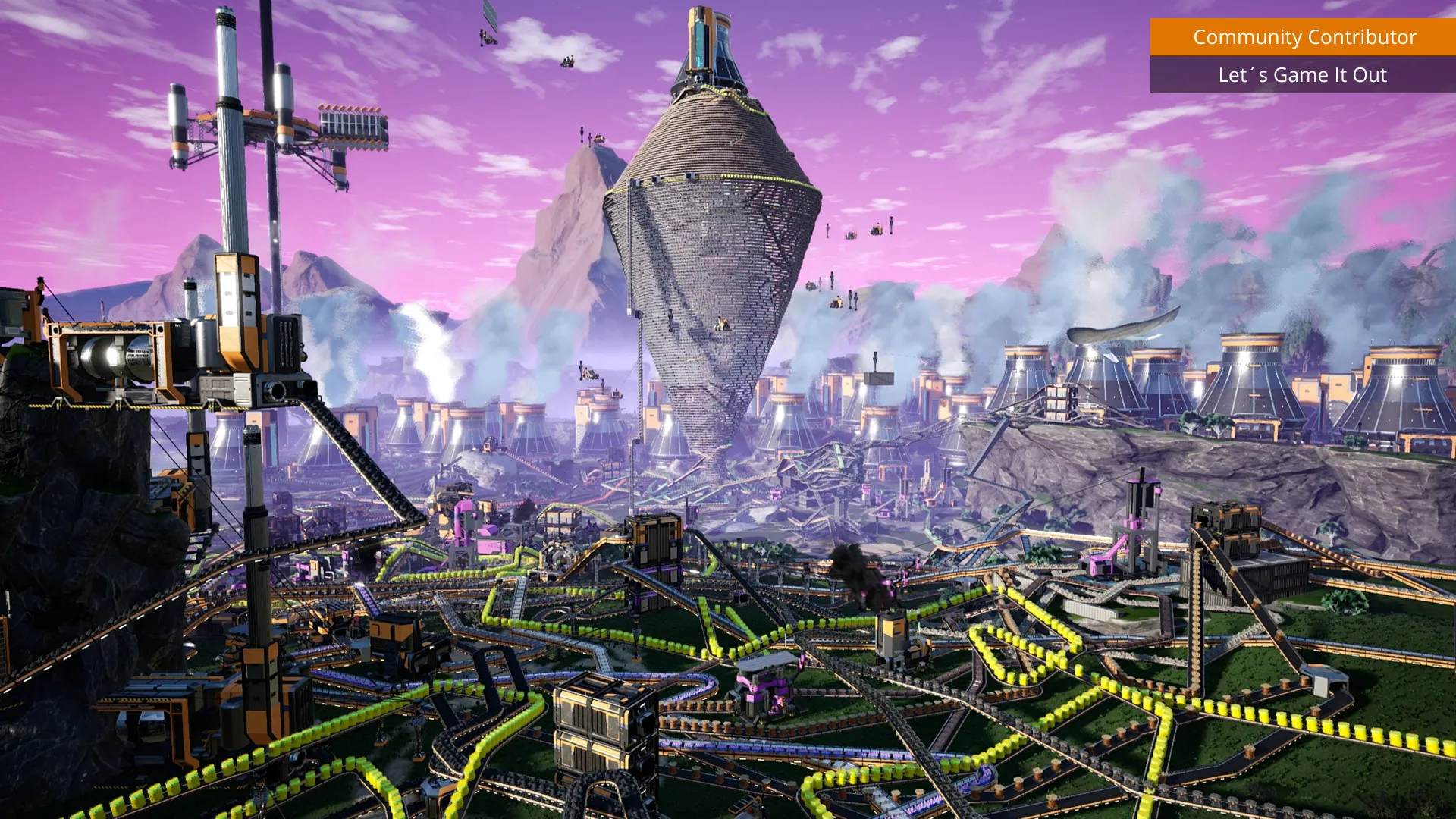
Conquer an expansive alien planet (Massage-2(AB)b) by constructing complex, multi-story industrial complexes, conveyor belt highways, and massive power grids, all without paying full retail store prices.
Automation & Complex Logistics
Streamline your resource extraction with miners, pipes, trucks, and electric trains to move materials efficiently across vast distances to feed your growing manufacturing lines.
Exploration & Alien Wildlife Combat
Venture out from your base to discover rare resource nodes, unlock alternate recipes via research, and defend your industrial footprint against aggressive local fauna using a variety of weapons and vehicles.
A Captivating Corporate Lore and FICSIT Odyssey
Immerse yourself in the satirical corporate dystopia of FICSIT Inc., where your sole purpose as an employee pioneer is to exploit an alien world's natural resources for Project Assembly. Unravel the mysteries of the planet while expanding your industrial empire across stunning biomes.
Playtime and Campaign Duration
Prepare for an immersive first-person factory-building epic where completing all space elevator phases takes roughly 60 to 100 hours. When you factor in optimizing massive production lines, building elaborate railway networks, and exploring every corner of the hand-crafted map, your total playtime easily expands to 200 or over 500 hours.
Included Features & Advanced Logistics Mechanics
Vertical Architecture, Electric Trains & Jetpacks (Fully Integrated)
Satisfactory delivers a premier open-world industrial sandbox featuring advanced vertical building tools, automated transport networks, and fluid multiplayer support.
Feature & Mechanic Highlights:
- Vertical Industrial Design: Construct multi-story manufacturing towers utilizing stackable conveyor poles, vertical pipe lifts, and customizable foundation grids.
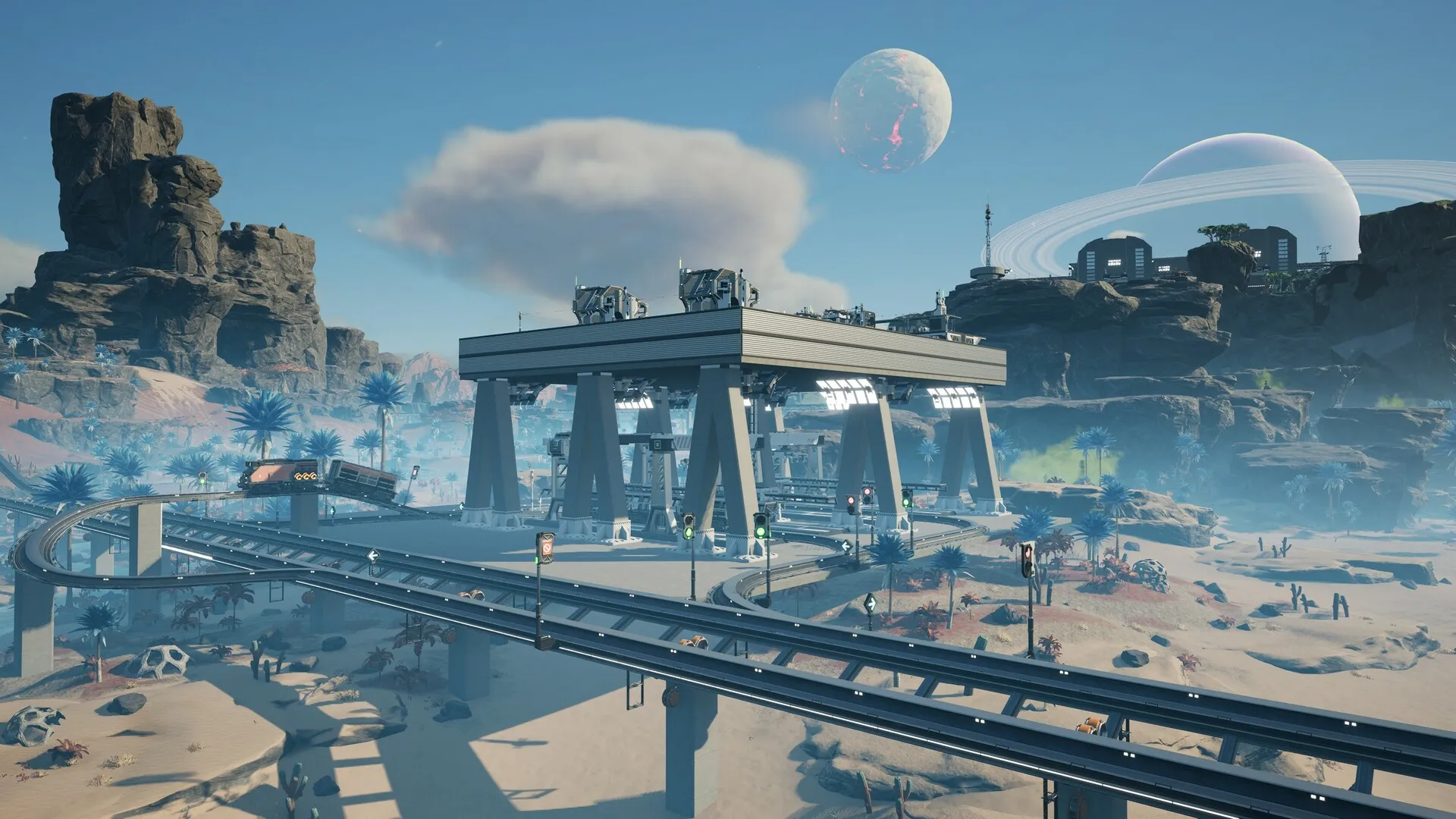
- Automated Transport Networks: Establish sprawling networks of trucks, tractor routes, and electric freight trains to haul massive quantities of raw materials across the globe.
- Advanced Jetpacks & Hypertubes: Navigate your sprawling factory complexes at high speeds using jetpacks, parachutes, and physics-defying hypertube cannon networks.
- Multiplayer Factory Building: Team up with friends in seamless online co-op to design, build, and manage gargantuan industrial assembly lines together.
Languages & Audio Support
Full Voiceover (Audio): English
Subtitles & Interface: English, Spanish (Spain & Latin America), French, German, Italian, Polish, Russian, Portuguese (Brazil), Japanese, Korean, Simplified & Traditional Chinese
System Requirements
| Requirement |
Minimum Specs (1080p 30 FPS Low) |
Recommended Specs (1080p 60 FPS High) |
| OS |
Windows 10 or later (64-bit) |
Windows 10 / 11 64-bit |
| Processor |
i5-3570K 3.4 GHz 4-Core |
i7-7700K 4.2 GHz 8-Core |
| Memory |
8 GB RAM |
16 GB RAM |
| Graphics |
GeForce GTX 770 (2GB VRAM) |
GeForce GTX 1080 / RX 5700 (8GB VRAM) |
| DirectX |
Version 11 or 12 |
Version 12 |
| Storage |
20 GB available space |
20 GB available space (SSD highly recommended) |
Frequently Asked Questions (FAQ)
Where can I buy Satisfactory cheap on PC?
You can purchase shared Steam account access directly from our digital store at a heavy discount. You get official game files, fast delivery, and full single-player factory construction access without paying full retail price.
How to play Satisfactory in Steam Offline Mode?
Complete the download, launch the game once online to let Steam authenticate local binaries, exit the title, click "Steam" in the top-left menu, choose "Go Offline", and relaunch. You can now play entirely disconnected.
Will my save files be overwritten by other buyers?
No. Game saves are stored locally on your PC in your personal Steam user directory. As long as you stay in Offline Mode, your factory progression remains completely isolated and secure.
Is this Satisfactory Steam account Region Free?
Yes. This account access is 100% Region Free and functions worldwide without VPN services, geographic locks, or country-specific limitations.