Access & Setup Guide (Steam PC)
Step-by-Step Steam Account Activation:
01
Log Out: Open the official Steam desktop client on your PC and log out of your personal Steam profile.
02
Sign In: Enter the shared Steam username and password delivered to you immediately after purchase.
03
Verify Steam Guard: Contact the seller via order chat to receive your one-time Steam Guard security code immediately.
04
Download Game: Navigate to your Library tab, find Rune Classic, and start the installation.
05
First Launch: Run the game once online to initialize engine binaries and configure display presets.
06
Enable Offline Mode: Switch Steam to Offline Mode (Steam menu > Go Offline) to explore Norse mythology privately with zero interruptions.
What You Get by Buying Rune Classic at a Cheap Price
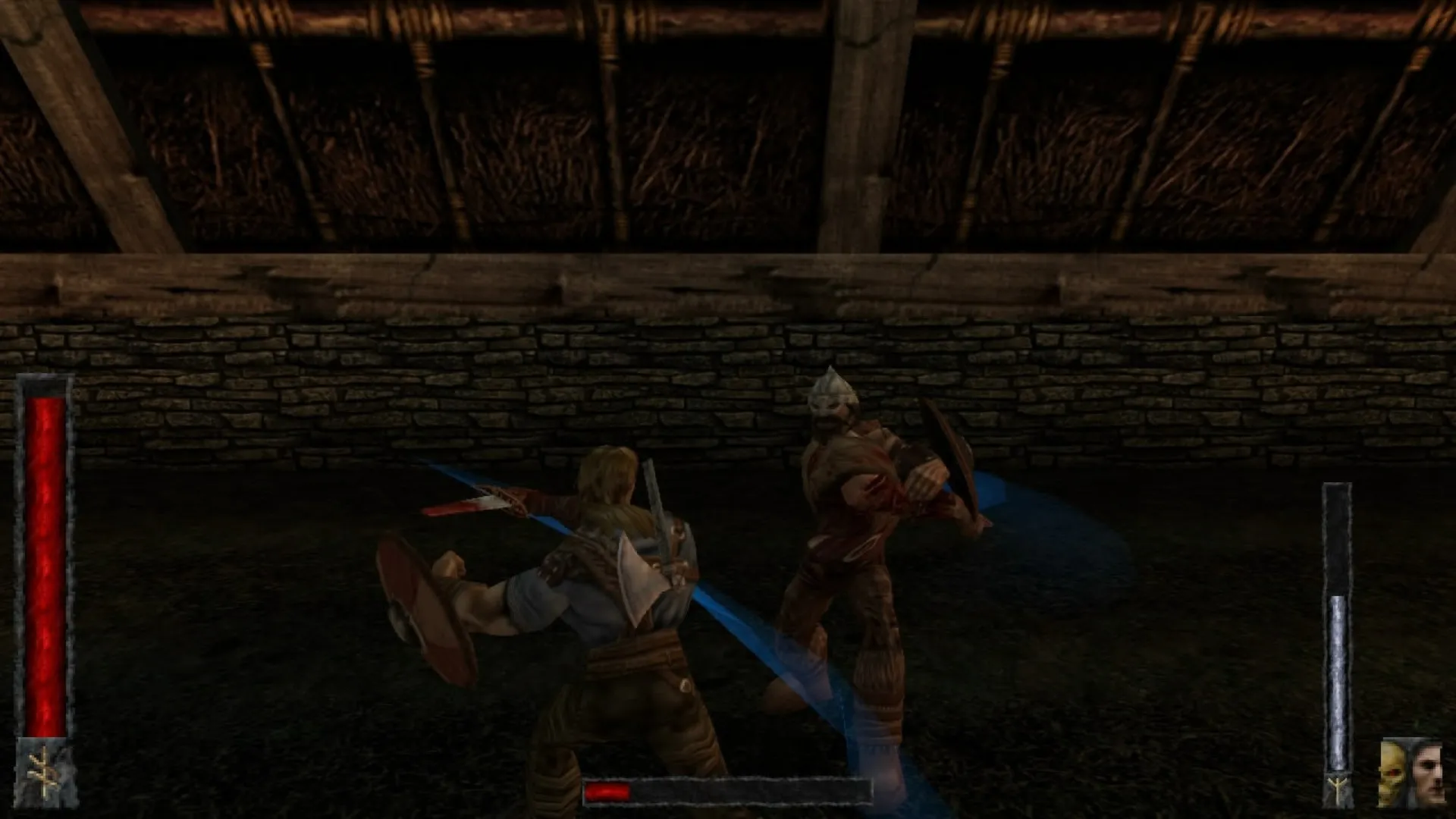
Brutal Norse Combat and Dismemberment
Wield a wide arsenal of Viking weaponry including swords, axes, and war hammers to hack through enemies, sever limbs, and use severed body parts as improvised weapons, all without paying full retail store prices.
Mythological Environments and Lore
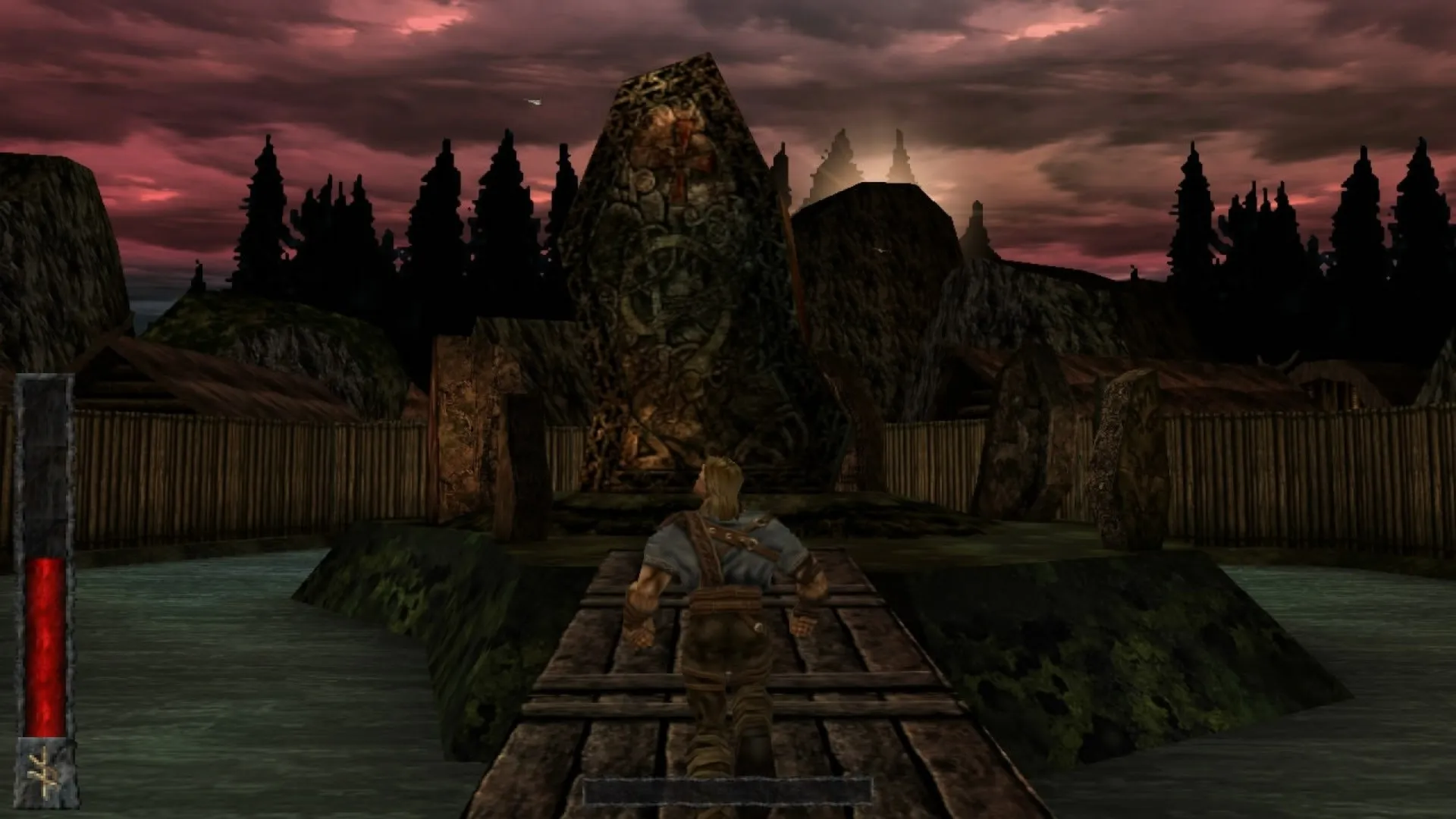
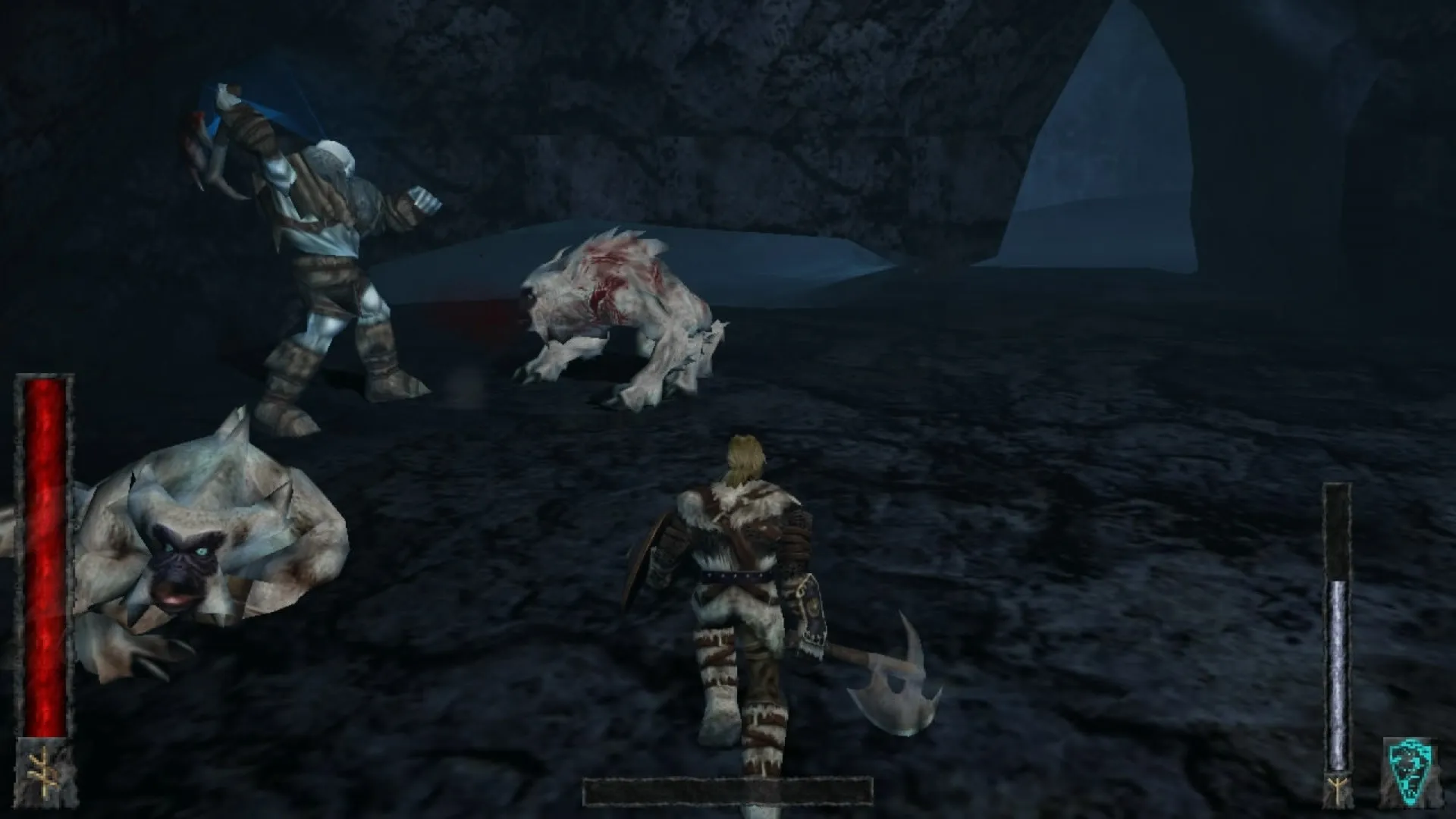
Journey through caverns of the underworld, Viking villages, and dark castles steeped in Norse mythology and epic dark fantasy lore.
Classic Action Adventure Flow
Experience a masterclass in classic 3D action design powered by the Unreal Engine, featuring challenging exploration, environmental puzzles, and fierce boss battles.
An Immersive Ragnarok Lore and Brutal Norse Action Odyssey
Immerse yourself in a legendary, critically acclaimed 3D action masterpiece crafted by Human Head Studios. Step into the shoes of Ragnar, a fierce Viking warrior chosen by Odin to stop a treacherous plot threatening to unleash Ragnarok, battling through the underworld, dark castles, and mythical realms using visceral weapon combat and severed enemy limbs.
Playtime and Campaign Duration
Prepare for an epic, action-packed Norse journey where completing the main single-player campaign takes roughly 8 to 12 hours. When you factor in exploring every hidden mythological secret, mastering advanced multiplayer arena modes, and conquering every challenging boss encounter, your total playtime easily expands to 12 or over 20 hours.
Included Multiplayer Modes & Advanced Brutal Norse Combat Systems
Multiplayer Arena Modes, Brutal Dismemberment & Unreal Engine Action (Fully Integrated)
Rune Classic pairs its acclaimed Norse single-player campaign alongside fierce multiplayer arena deathmatch modes, groundbreaking limb-severing combat mechanics, and classic Unreal Engine action design.
Feature & Mechanic Highlights:
- Brutal Norse Combat & Dismemberment: Wield swords, axes, and war hammers to hack through enemies, sever limbs, and use severed body parts as improvised weapons.
- Mythological Environments & Lore: Journey through caverns of the underworld, Viking villages, and dark castles steeped in Norse mythology and epic dark fantasy.
- Classic Multiplayer Arenas: Engage in legendary online multiplayer deathmatch and team-based combat modes against rival Vikings in classic arenas.
- Unreal Engine Action Design: Experience challenging exploration, environmental puzzles, and fierce boss battles powered by classic 3D action mechanics.
Languages & Audio Support
Full Voiceover (Audio): English
Subtitles & Interface: English, French, German, Spanish (Spain), Italian
System Requirements
| Requirement |
Minimum Specs (1080p 30 FPS Low) |
Recommended Specs (1080p 60 FPS High) |
| OS |
Windows XP / Vista / 7 / 8 / 10 |
Windows 10 64-bit |
| Processor |
1.0 GHz Processor |
1.5 GHz Processor or better |
| Memory |
512 MB RAM |
1 GB RAM or higher |
| Graphics |
DirectX 9 compatible graphics card |
Dedicated GPU with 512MB+ VRAM |
| DirectX |
Version 9.0c |
Version 9.0c |
| Storage |
2 GB available space |
2 GB available space (SSD recommended) |
Frequently Asked Questions (FAQ)
Where can I buy Rune Classic cheap on PC?
You can purchase shared Steam account access directly from our digital store at a heavy discount. You get official game files, fast delivery, and full single-player Viking action adventure access without paying full retail price.
How to play Rune Classic in Steam Offline Mode?
Complete the download, launch the game once online to let Steam authenticate local binaries, exit the title, click "Steam" in the top-left menu, choose "Go Offline", and relaunch. You can now play entirely disconnected.
Will my save files be overwritten by other buyers?
No. Game saves are stored locally on your PC in your personal Steam user directory. As long as you stay in Offline Mode, your campaign progression remains completely isolated and secure.
Is this Rune Classic Steam account Region Free?
Yes. This account access is 100% Region Free and functions worldwide without VPN services, geographic locks, or country-specific limitations.