Access & Setup Guide (Steam PC)
Step-by-Step Steam Account Activation:
01
Log Out: Open the official Steam desktop client on your PC and log out of your personal Steam profile.
02
Sign In: Enter the shared Steam username and password delivered to you immediately after purchase.
03
Verify Steam Guard: Contact the seller via order chat to receive your one-time Steam Guard security code immediately.
04
Download Game: Navigate to your Library tab, find Pillars of Eternity, and start the installation.
05
First Launch: Run the game once online to initialize engine binaries and configure display presets.
06
Enable Offline Mode: Switch Steam to Offline Mode (Steam menu > Go Offline) to explore Eora privately with zero interruptions.
What You Get by Buying Pillars of Eternity at a Cheap Price
A True Successor to Infinity Engine Classics
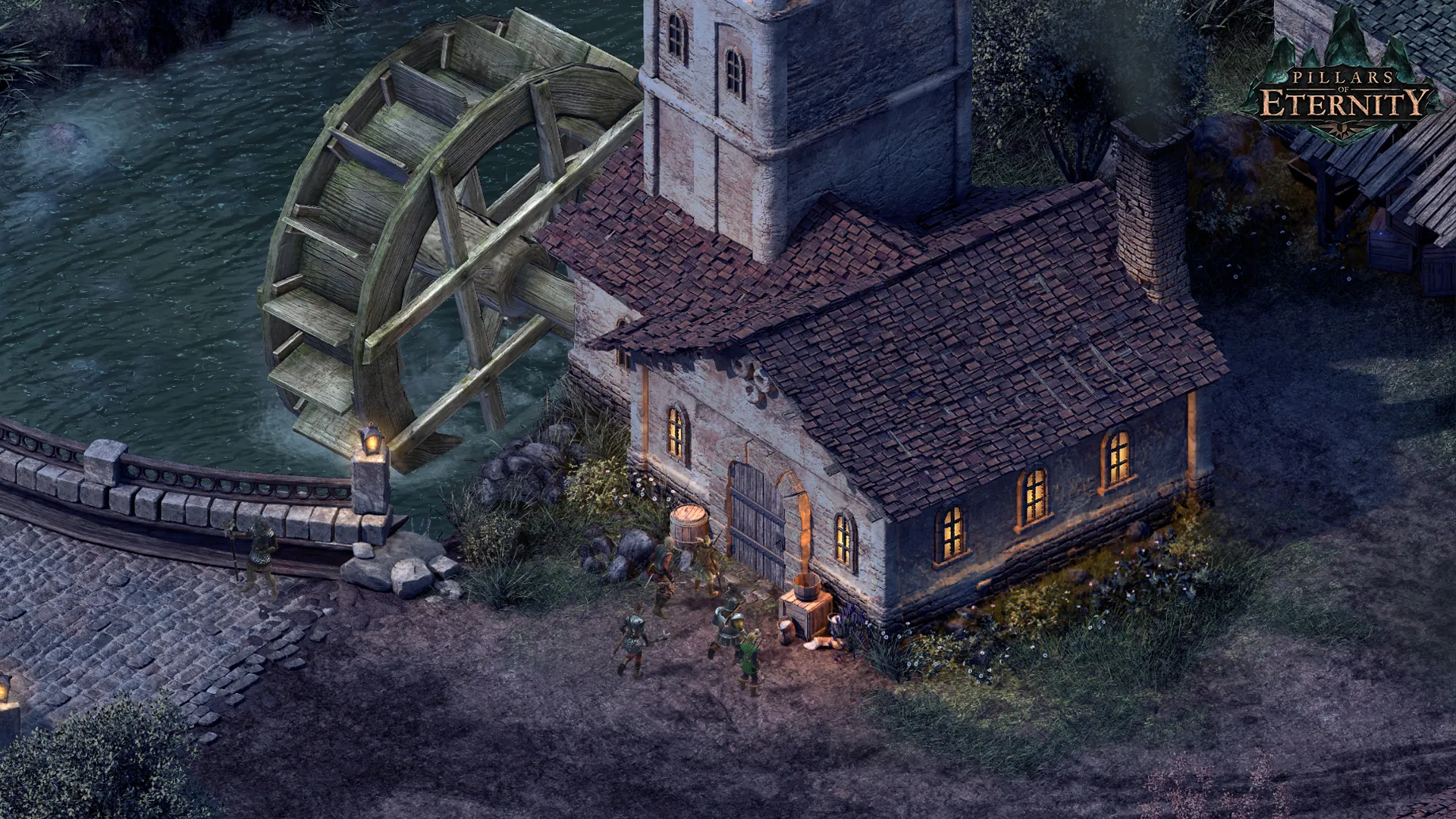
Experience a masterclass in classic storytelling inspired by Baldur's Gate and Planescape: Torment, featuring deep character building, tactical real-time-with-pause combat, and rich lore, all without paying full retail store prices.
Rich Exploration and Deep Companion Stories
Venture across a meticulously crafted fantasy world, recruit unforgettable companions with unique personal paths and ideologies, and manage your custom stronghold.
Tactical Party-Based Combat
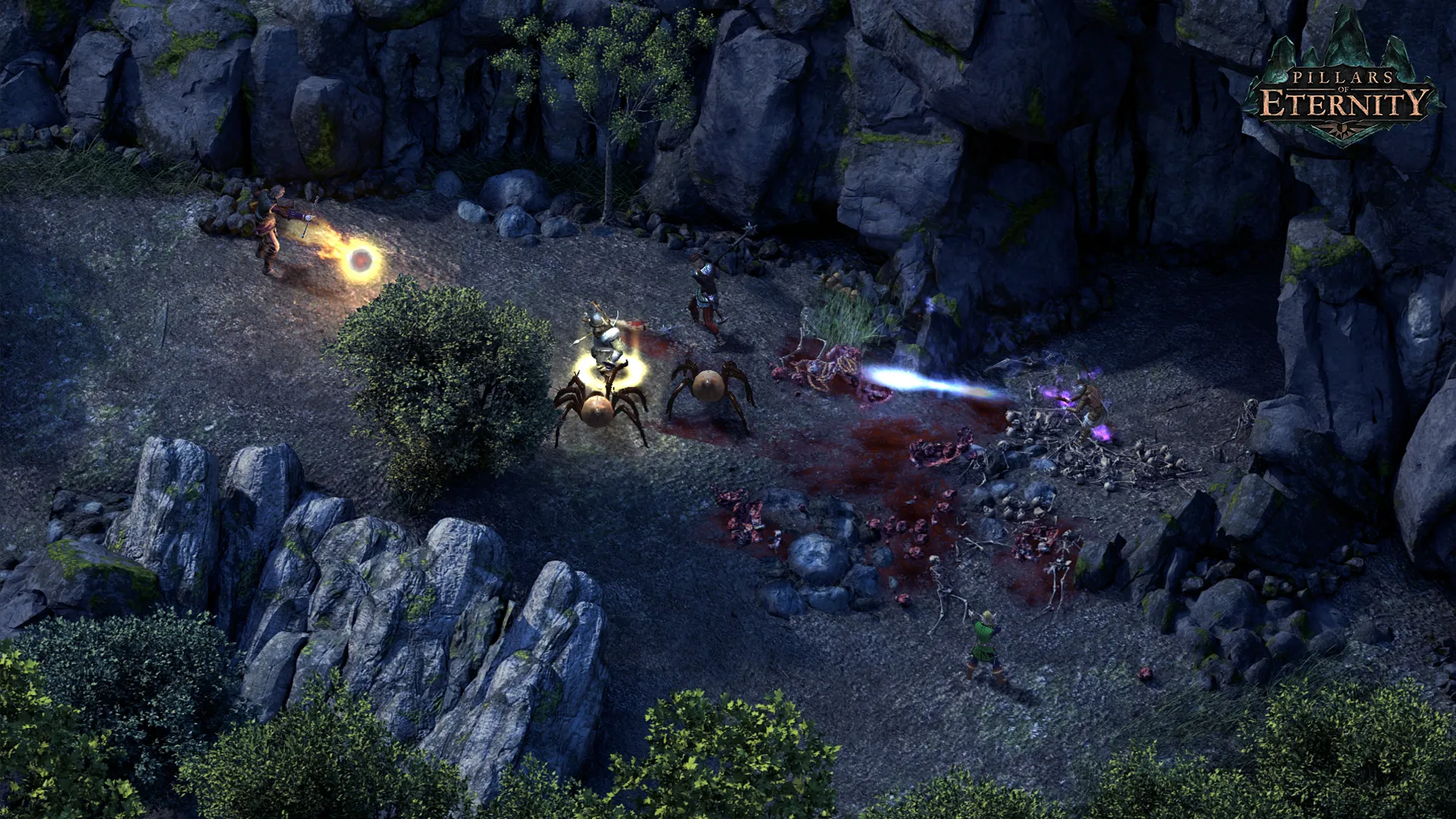
Command a party of up to six adventurers, utilize diverse classes, spells, and positioning, and conquer challenging tactical encounters against fearsome beasts and rival factions.
An Immersive Eora Lore and Epic Fantasy Odyssey
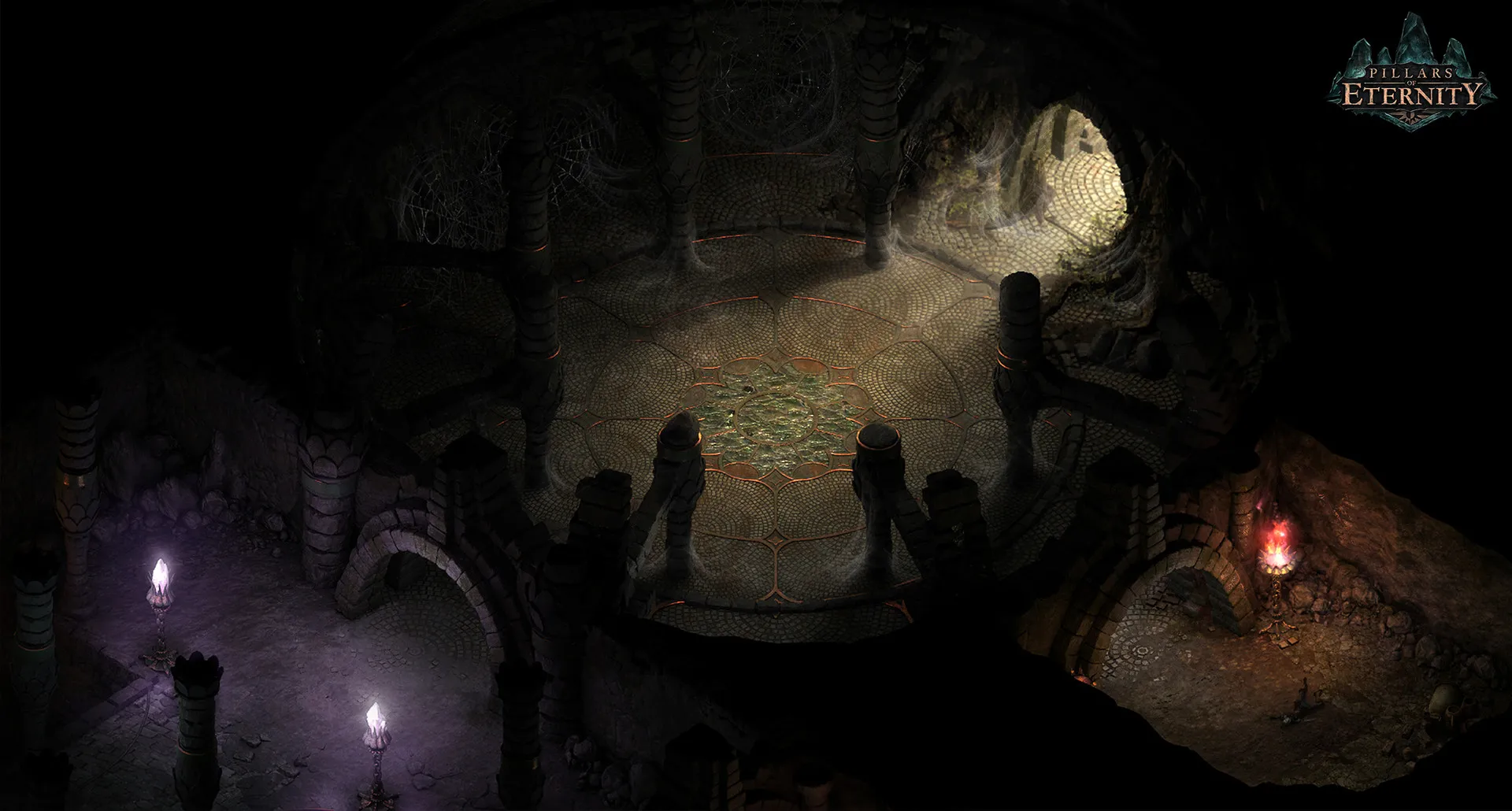
Immerse yourself in a profound dark fantasy narrative set in the world of Eora. Step into the shoes of a "Watcher"—someone afflicted with the ability to see past lives and souls—as you investigate a terrifying plague of hollowborn children and untangle a web of divine conspiracies.
Playtime and Campaign Duration
Prepare for a monumental isometric role-playing adventure where completing the main campaign takes roughly 40 to 50 hours. When you factor in exploring every side quest, managing your Caed Nua stronghold, and diving into the massive two-part The White March expansions, your total playtime easily expands to 70 or over 100 hours.
Included The White March Expansions & Advanced Tactical Mechanics
The White March DLCs, Stronghold Management & Real-Time-With-Pause Combat (Fully Integrated)
Pillars of Eternity bundles its acclaimed foundational CRPG campaign alongside the expansive White March narrative expansions, deep stronghold development systems, and classic tactical combat mechanics.
Expansion & Feature Highlights:
- The White March (Parts I & II): Journey to a harsh northern snowy region to uncover ancient secrets, recruit new companions, raise the level cap, and face devastating new threats.
- Caed Nua Stronghold Management: Reclaim and restore an abandoned castle, resolving disputes, upgrading defenses, and dispatching mercenaries on lucrative automated missions.
- Real-Time-With-Pause Combat: Master tactical party management by pausing action dynamically to queue up spells, coordinate flanking maneuvers, and counter enemy spellcasters.
- Soul-Bound Weapon Progression: Discover legendary weapons that grow and evolve in power alongside your characters as you accomplish specific combat milestones.
Languages & Audio Support
Full Voiceover (Audio): English
Subtitles & Interface: English, Spanish (Spain), French, German, Russian, Polish, Simplified Chinese
System Requirements
| Requirement |
Minimum Specs (1080p 30 FPS Low) |
Recommended Specs (1080p 60 FPS High) |
| OS |
Windows Vista 64-bit |
Windows 7/8/10 64-bit |
| Processor |
Intel Core i3-2100T @ 2.50 GHz or AMD Phenom II X3 B73 |
Intel Core i5-2400 @ 3.10 GHz or AMD Phenom II X6 1100T |
| Memory |
4 GB RAM |
8 GB RAM |
| Graphics |
ATI Radeon HD 4850 or NVIDIA GeForce 9600 GT (512MB VRAM) |
Radeon HD 7700 or NVIDIA GeForce GTX 570 (1GB VRAM) |
| DirectX |
Version 9.0c |
Version 11 |
| Storage |
30 GB available space |
30 GB available space (SSD recommended) |
Frequently Asked Questions (FAQ)
Where can I buy Pillars of Eternity cheap on PC?
You can purchase shared Steam account access directly from our digital store at a heavy discount. You get official game files, fast delivery, and full single-player classic RPG access without paying full retail price.
How to play Pillars of Eternity in Steam Offline Mode?
Complete the download, launch the game once online to let Steam authenticate local binaries, exit the title, click "Steam" in the top-left menu, choose "Go Offline", and relaunch. You can now play entirely disconnected.
Will my save files be overwritten by other buyers?
No. Game saves are stored locally on your PC in your personal Steam user directory. As long as you stay in Offline Mode, your campaign progression remains completely isolated and secure.
Is this Pillars of Eternity Steam account Region Free?
Yes. This account access is 100% Region Free and functions worldwide without VPN services, geographic locks, or country-specific limitations.