Access & Setup Guide (Steam PC)
Step-by-Step Steam Account Activation:
01
Log Out: Open the official Steam desktop client on your PC and log out of your personal Steam profile.
02
Sign In: Enter the shared Steam username and password delivered to you immediately after purchase.
03
Verify Steam Guard: Contact the seller via order chat to receive your one-time Steam Guard security code immediately.
04
Download Game: Navigate to your Library tab, find Persona 4 Golden, and start the installation.
05
First Launch: Run the game once online to initialize engine binaries and configure display presets.
06
Enable Offline Mode: Switch Steam to Offline Mode (Steam menu > Go Offline) to solve the Inaba mystery privately with zero interruptions.
What You Get by Buying Persona 4 Golden at a Cheap Price
An Unforgettable Murder Mystery Adventure
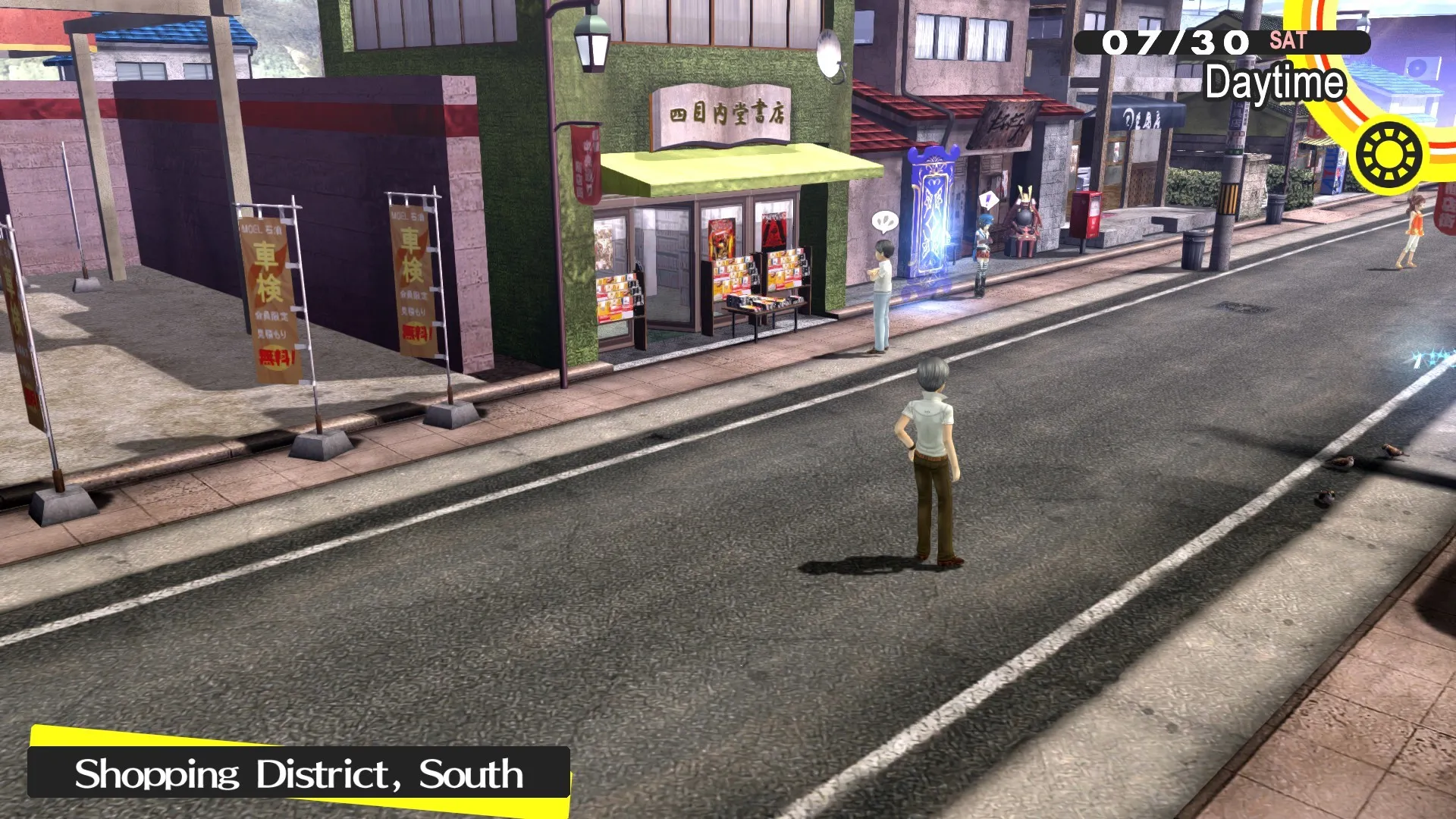
Step into the peaceful rural town of Inaba only to get caught up in a series of bizarre serial murders linked to a strange midnight TV broadcast, all without paying full retail store prices.
Meaningful Social Links & High School Life
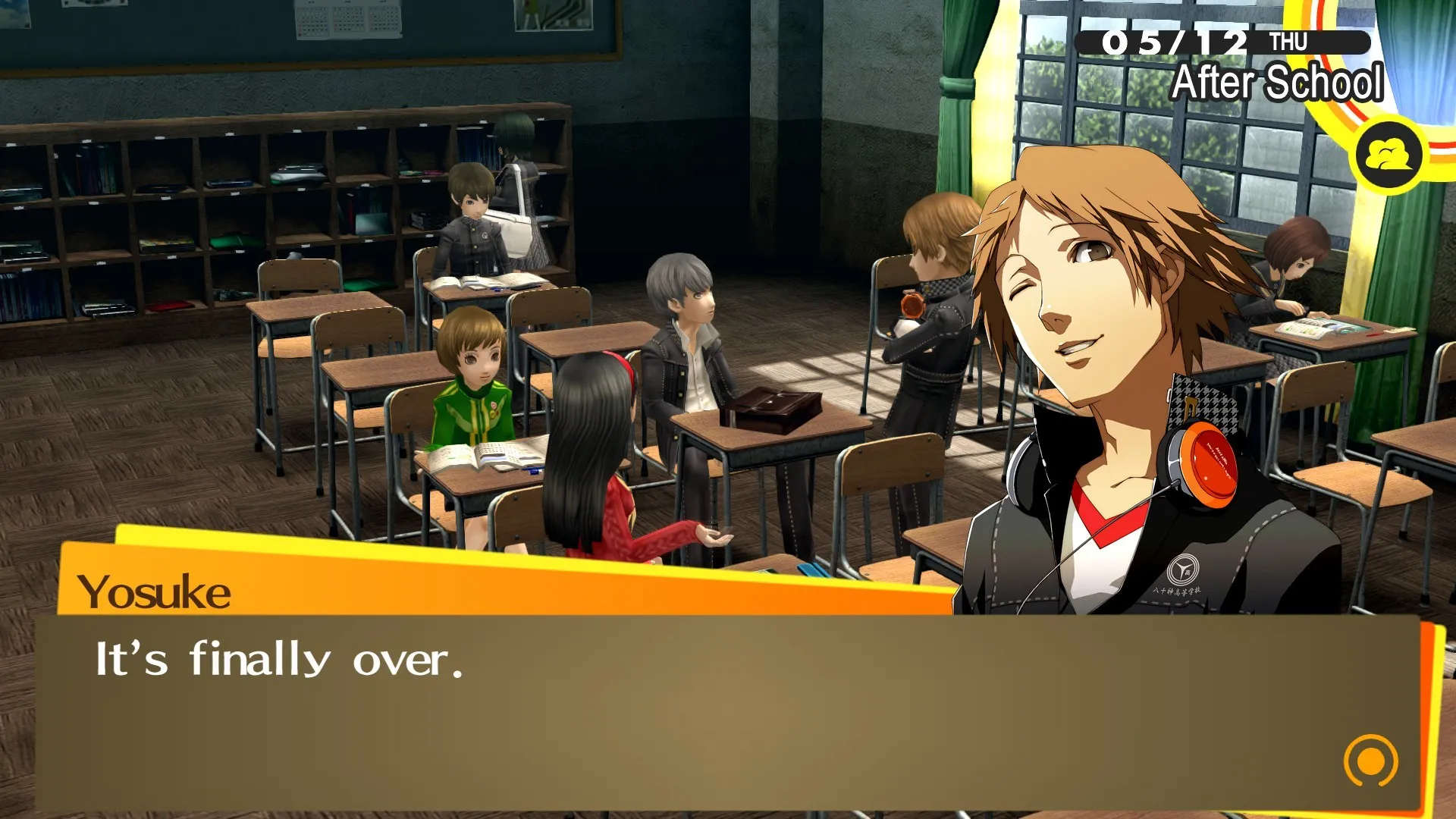
Build lifelong friendships, take part in school clubs, work part-time jobs, and explore the vibrant town alongside an iconic group of reliable companions known as the Investigation Team.
Enhanced Golden Content & Turn-Based Combat
Enjoy the definitive version packed with new characters, expanded story events, costume options, and deep turn-based Persona combat mechanics.
A Charming Rural Lore and Supernatural Investigation
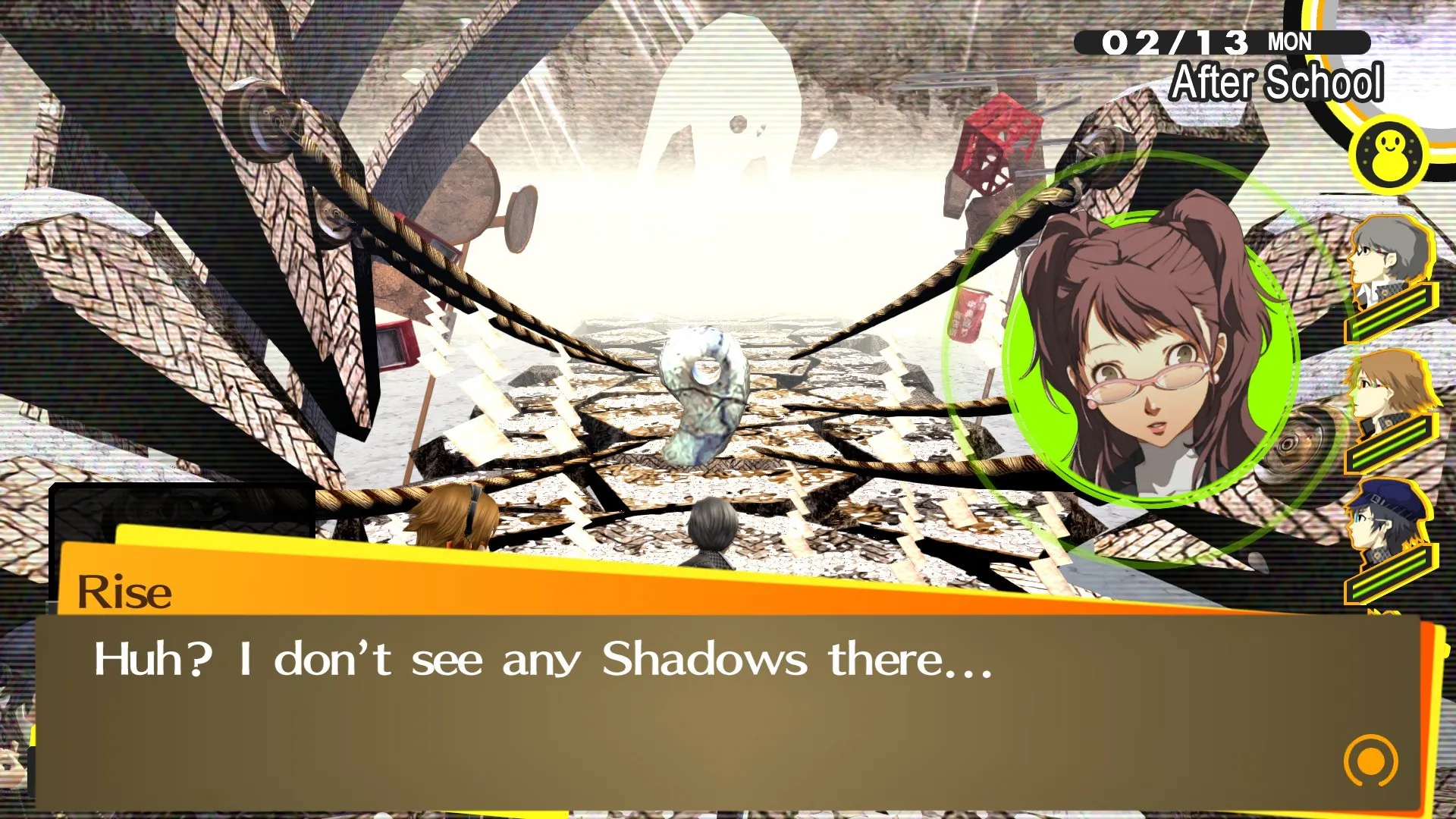
Immerse yourself in a nostalgic small-town mystery where fog conceals a twisted TV world driven by human inner truths. Uncover dark psychological shadow selves, forge unbreakable bonds with your classmates, and solve the overarching broadcast mystery.
Playtime and Campaign Duration
Prepare for a captivating investigative JRPG journey where completing the main story campaign takes roughly 65 to 70 hours. When you factor in maxing out all Social Links, exploring extra dungeons, unlocking the true ending, and experiencing Golden-exclusive events, your total playtime easily expands to 80 or over 100 hours.
Included Golden Enhancements & Advanced Features
Marie, Scoops & Expanded Social Events (Fully Integrated)
Persona 4 Golden enhances the beloved classic with substantial new story content, character additions, and quality-of-life improvements built directly into the core game.
Edition & Feature Highlights:
- Marie's Velvet Room Arc: Uncover an entirely new storyline and dungeon tied to the enigmatic poetry-loving resident Marie and the true mastermind behind the fog.
- Scoop & Motorbike Rides: Explore Inaba on a new motor scooter to visit nearby towns, unlock new skill cards, and enjoy expanded hangout spots with your friends.
- Anime Cutscenes & Voice Lines: Experience enhanced animated story sequences, thousands of additional voiced dialogue lines, and dynamic weather conditions.
- Online Rescue Request: Call out for help from other players inside TV dungeons when your party members fall in battle to restore HP and SP.
Languages & Audio Support
Full Voiceover (Audio): English, Japanese
Subtitles & Interface: English, Spanish (Spain & Latin America), French, German, Italian, Japanese, Korean, Traditional Chinese
System Requirements
| Requirement |
Minimum Specs (1080p 60 FPS Low) |
Recommended Specs (1080p 60 FPS High) |
| OS |
Windows 8.1 64-bit |
Windows 10 64-bit |
| Processor |
Intel Core 2 Duo E8400 / AMD Phenom II X2 550 |
Intel Core i5-650 / AMD Phenom II X4 965 |
| Memory |
2 GB RAM |
4 GB RAM |
| Graphics |
NVIDIA GeForce GTS 450 / AMD Radeon HD 5770 (1GB VRAM) |
NVIDIA GeForce GTX 460 / AMD Radeon HD 6870 (1GB VRAM) |
| DirectX |
Version 11 |
Version 11 |
| Storage |
14 GB available space |
14 GB available space (SSD recommended) |
Frequently Asked Questions (FAQ)
Where can I buy Persona 4 Golden cheap on PC?
You can purchase shared Steam account access directly from our digital store at a heavy discount. You get official game files, fast delivery, and full single-player story access without paying full retail price.
How to play Persona 4 Golden in Steam Offline Mode?
Complete the download, launch the game once online to let Steam authenticate local binaries, exit the title, click "Steam" in the top-left menu, choose "Go Offline", and relaunch. You can now play entirely disconnected.
Will my save files be overwritten by other buyers?
No. Game saves are stored locally on your PC in your personal Steam user directory. As long as you stay in Offline Mode, your story progression remains completely isolated and secure.
Is this Persona 4 Golden Steam account Region Free?
Yes. This account access is 100% Region Free and functions worldwide without VPN services, geographic locks, or country-specific limitations.