Access & Setup Guide (Steam PC)
Step-by-Step Steam Account Activation:
01
Log Out: Open the official Steam desktop client on your PC and log out of your personal Steam profile.
02
Sign In: Enter the shared Steam username and password delivered to you immediately after purchase.
03
Verify Steam Guard: Contact the seller via order chat to receive your one-time Steam Guard security code immediately.
04
Download Game: Navigate to your Library tab, find My Time at Sandrock, and start the installation.
05
First Launch: Run the game once online to initialize engine binaries and configure display presets.
06
Enable Offline Mode: Switch Steam to Offline Mode (Steam menu > Go Offline) to build up Sandrock privately with zero interruptions.
What You Get by Buying My Time at Sandrock at a Cheap Price
Build, Craft, and Expand
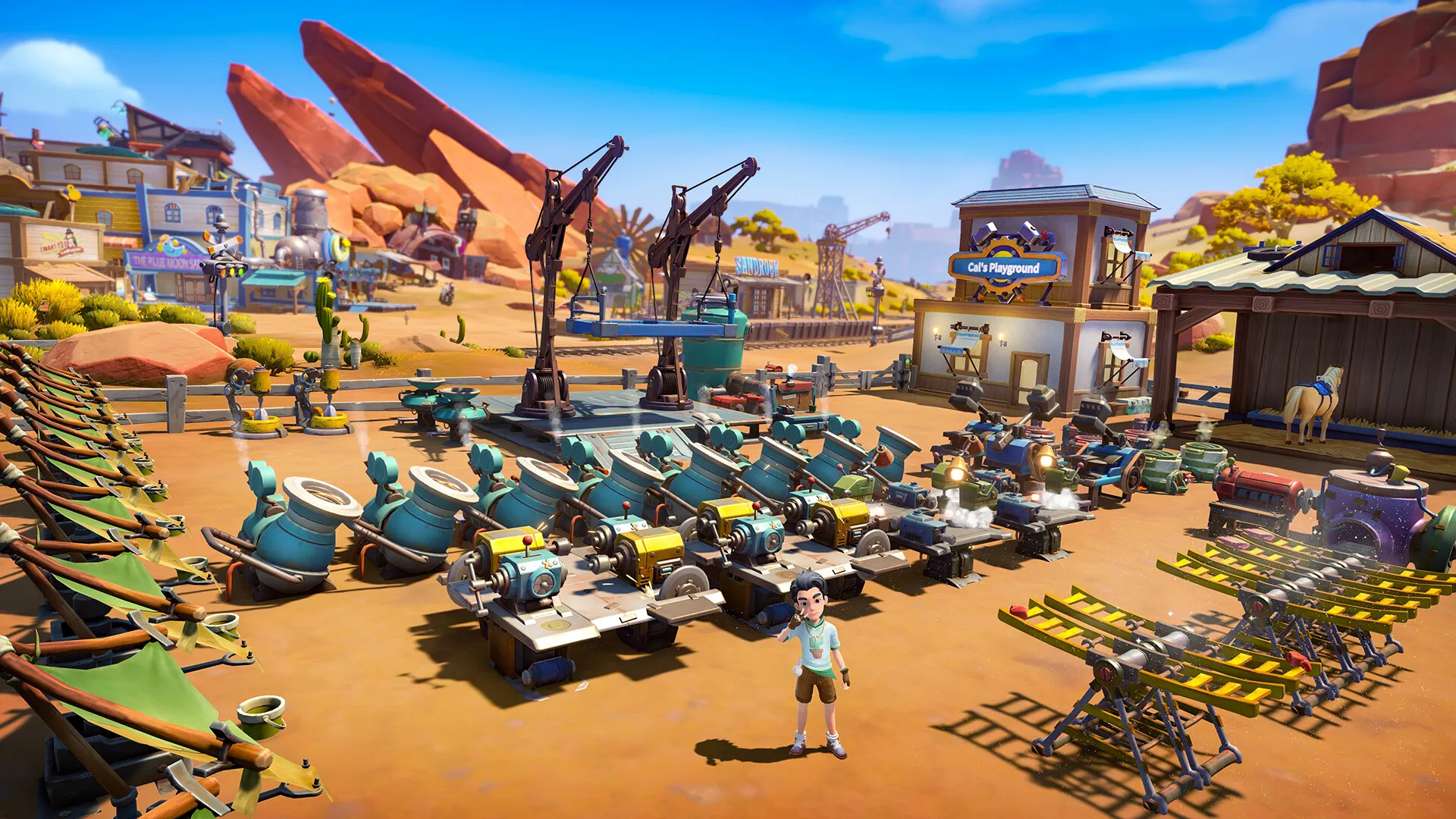
Use an intricate set of assembly stations to process materials, construct building structures, farm crops in harsh desert conditions, and transform Sandrock from a rugged outpost into a thriving hub, all without paying full retail store prices.
Expansive Open Desert World
Explore vast open deserts, delve into dangerous ancient ruins, unearth Old World relics, and battle grotesque mutants using dynamic melee and ranged combat systems.
Deep Storyline and Quirky Residents
Immerse yourself in a rich, fully voice-acted narrative featuring dozens of distinct characters, branching side quests, romance options, and memorable town events.
An Immersive Post-Apocalyptic Desert Lore and Builder Odyssey
Immerse yourself in a rich, critically acclaimed post-apocalyptic crafting RPG set in the rugged desert city-state of Sandrock. Step into the shoes of a newly appointed builder arriving in a struggling frontier town facing severe water shortages, tasked with harvesting resources, constructing massive structures, and restoring the community to its former glory while uncovering secrets of the Old World.
Playtime and Campaign Duration
Prepare for an expansive, deeply engaging building adventure where completing the main story campaign takes roughly 40 to 60 hours. When you factor in exploring every hazardous ruin, managing desert agriculture, befriending and romancing local residents, and expanding your workshop empire, your total playtime easily expands to 80 or over 120 hours.
Included Advanced Builder Mechanics & Desert Survival Systems
Water Management, Assembly Automation & Multiplayer Co-op (Fully Integrated)
My Time at Sandrock pairs its acclaimed post-apocalyptic building campaign alongside essential desert resource management, multiplayer cooperative support, and deep workshop automation systems.
Feature & Mechanic Highlights:
- Desert Water Management: Conserve and collect scarce water resources using dew collectors and moisture farms to keep your crops and machinery operating in the arid climate.
- Assembly Automation & Multi-Tier Building: Construct massive multi-tiered assembly stations, cranes, and automated factories to efficiently fulfill large-scale city commissions.
- Multiplayer Co-op Building: Team up with friends online to build, explore, and run a shared workshop in cooperative multiplayer mode.
- Expansive Character Relationships & Voice Acting: Engage with a fully voice-acted cast of quirky town residents, unlock deep personal questlines, and build romantic relationships.
Languages & Audio Support
Full Voiceover (Audio): English, Chinese (Simplified)
Subtitles & Interface: English, Spanish (Spain), French, German, Italian, Russian, Japanese, Simplified Chinese, Traditional Chinese, Korean, Portuguese (Brazil)
System Requirements
| Requirement |
Minimum Specs (1080p 30 FPS Low) |
Recommended Specs (1080p 60 FPS High) |
| OS |
Windows 10 64-bit |
Windows 10 64-bit |
| Processor |
Intel Core i3-2100 / AMD FX-6300 |
Intel Core i7-9700K / AMD Ryzen 7 2700X |
| Memory |
8 GB RAM |
16 GB RAM |
| Graphics |
Nvidia GeForce GTX 760 / AMD Radeon RX 570 (2GB VRAM) |
Nvidia GeForce GTX 1060 / AMD Radeon RX 580 (6GB VRAM) |
| DirectX |
Version 11 |
Version 11 |
| Storage |
20 GB available space |
20 GB available space (SSD recommended) |
Frequently Asked Questions (FAQ)
Where can I buy My Time at Sandrock cheap on PC?
You can purchase shared Steam account access directly from our digital store at a heavy discount. You get official game files, fast delivery, and full single-player crafting RPG access without paying full retail price.
How to play My Time at Sandrock in Steam Offline Mode?
Complete the download, launch the game once online to let Steam authenticate local binaries, exit the title, click "Steam" in the top-left menu, choose "Go Offline", and relaunch. You can now play entirely disconnected.
Will my save files be overwritten by other buyers?
No. Game saves are stored locally on your PC in your personal Steam user directory. As long as you stay in Offline Mode, your campaign progression remains completely isolated and secure.
Is this My Time at Sandrock Steam account Region Free?
Yes. This account access is 100% Region Free and functions worldwide without VPN services, geographic locks, or country-specific limitations.