Access & Setup Guide (Steam PC)
Step-by-Step Steam Account Activation:
01
Log Out: Open the official Steam desktop client on your PC and log out of your personal Steam profile.
02
Sign In: Enter the shared Steam username and password delivered to you immediately after purchase.
03
Verify Steam Guard: Contact the seller via order chat to receive your one-time Steam Guard security code immediately.
04
Download Game: Navigate to your Library tab, find My Time at Portia, and start the installation.
05
First Launch: Run the game once online to initialize engine binaries and configure display presets.
06
Enable Offline Mode: Switch Steam to Offline Mode (Steam menu > Go Offline) to build up Portia privately with zero interruptions.
What You Get by Buying My Time at Portia at a Cheap Price
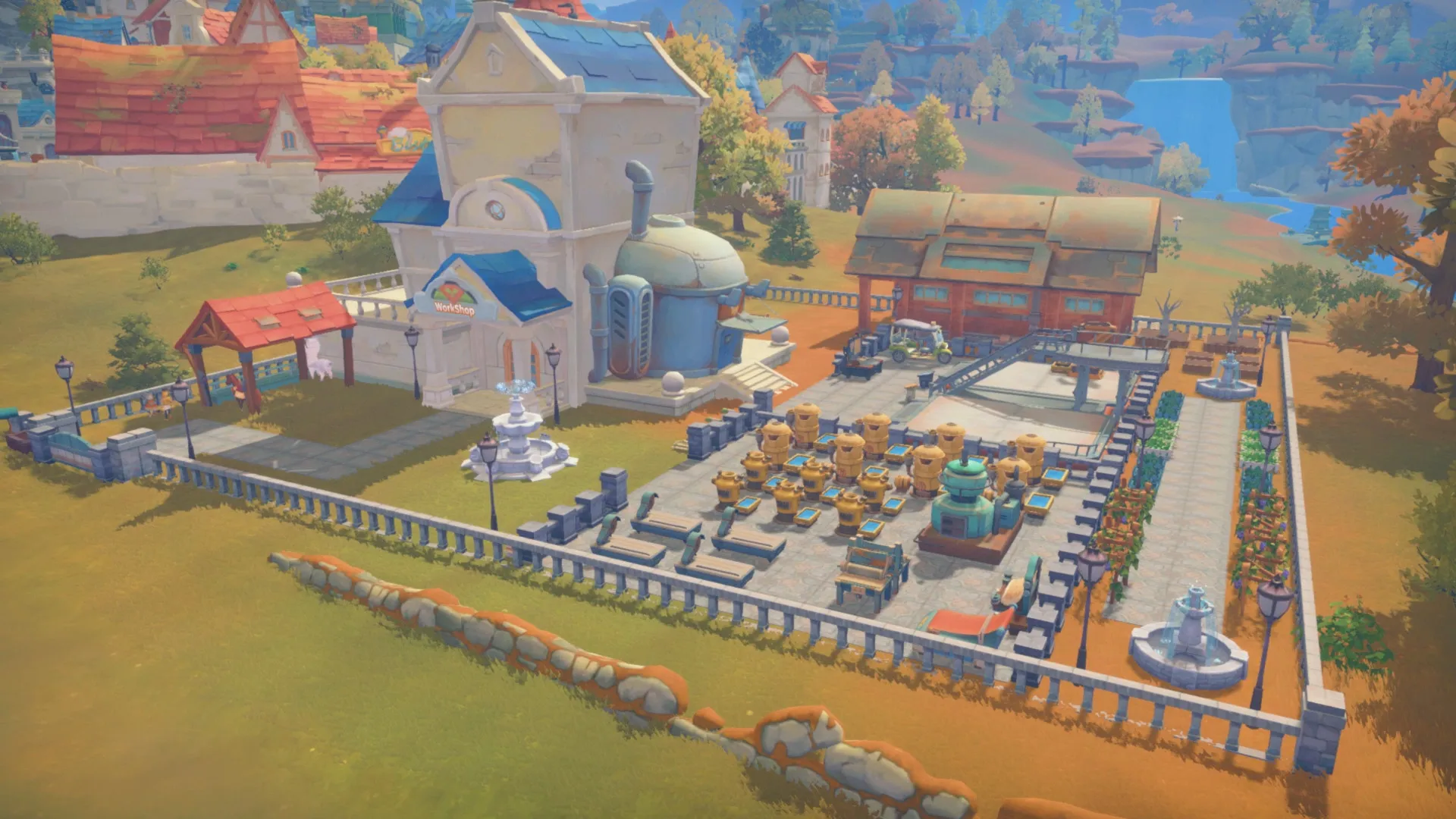
Build Your Ultimate Workshop
Gather resources, craft complex machinery, expand your homestead, and fulfill commissions to help rebuild the vibrant town of Portia, all without paying full retail store prices.
Explore Ruins and Battle Monsters
Delve deep into ancient relic ruins and dangerous dungeons filled with past-world technology, treasures, and aggressive creatures using swordplay and firearm combat.
Vibrant Town and Deep Relationships
Interact with over 50 unique villagers, participate in local festivals, ride horses, grow crops, raise animals, and find romance or marriage.
An Immersive Post-Apocalyptic Lore and Workshop Odyssey
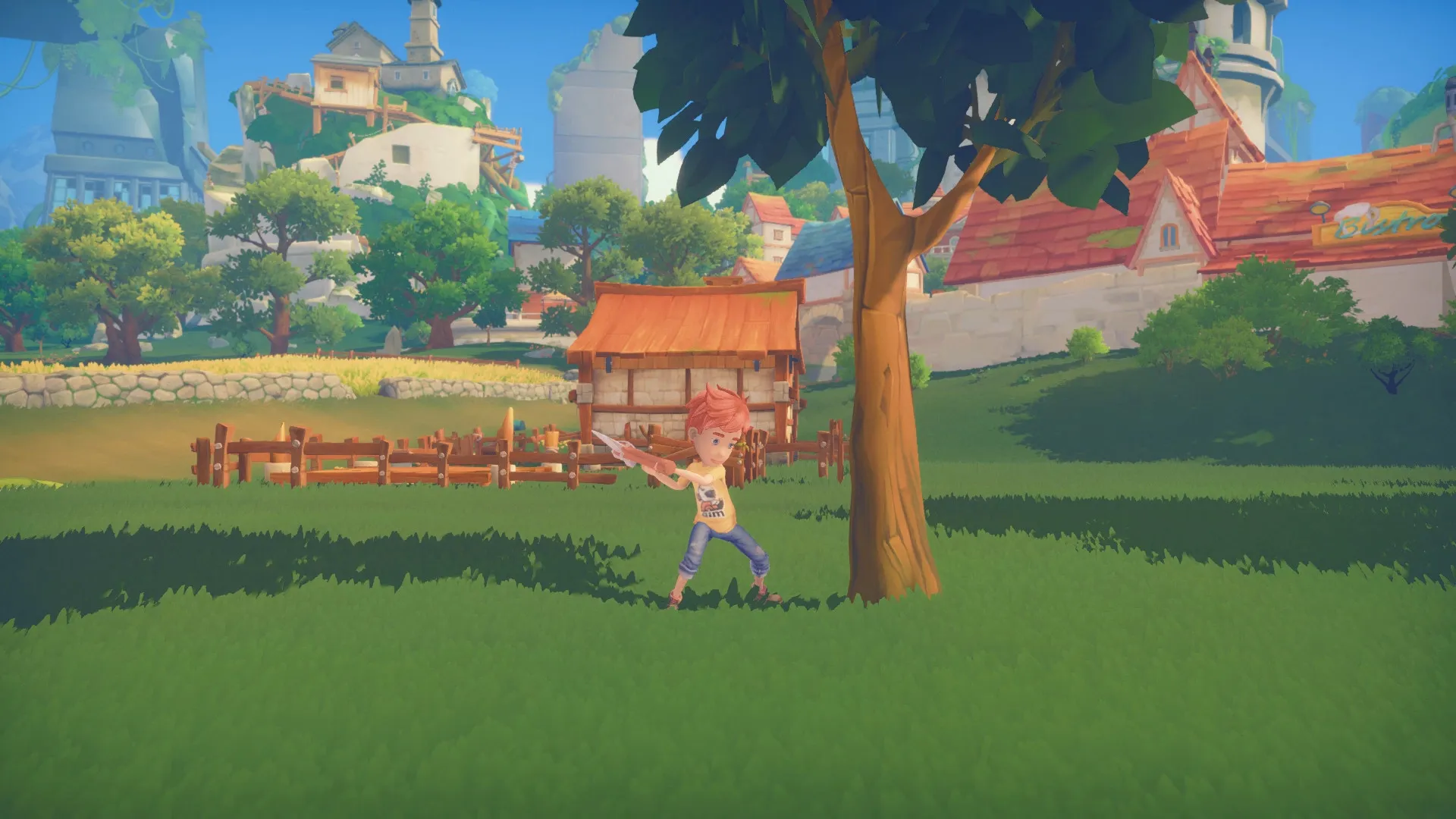
Immerse yourself in a charming, post-apocalyptic crafting RPG set in the vibrant town of Portia. Step into the shoes of a builder who inherits their father's abandoned workshop, gathering materials, crafting complex machinery, and fulfilling commissions to restore human civilization to its former glory while uncovering the deep secrets of the ancient past.
Playtime and Campaign Duration
Prepare for a sprawling, relaxing building adventure where completing the main story campaign takes roughly 40 to 60 hours. When you factor in upgrading your workshop to S-tier, exploring every hazardous ruin, befriending and marrying local residents, and completing all town commissions, your total playtime easily expands to 80 or over 120 hours.
Included Advanced Workshop Crafting & Relic Exploration Mechanics
Workshop Automation, Relic Dungeons & Town Social Systems (Fully Integrated)
My Time at Portia pairs its acclaimed crafting RPG campaign alongside deep workshop automation, ancient relic dungeon exploration, and vibrant town social systems.
Feature & Mechanic Highlights:
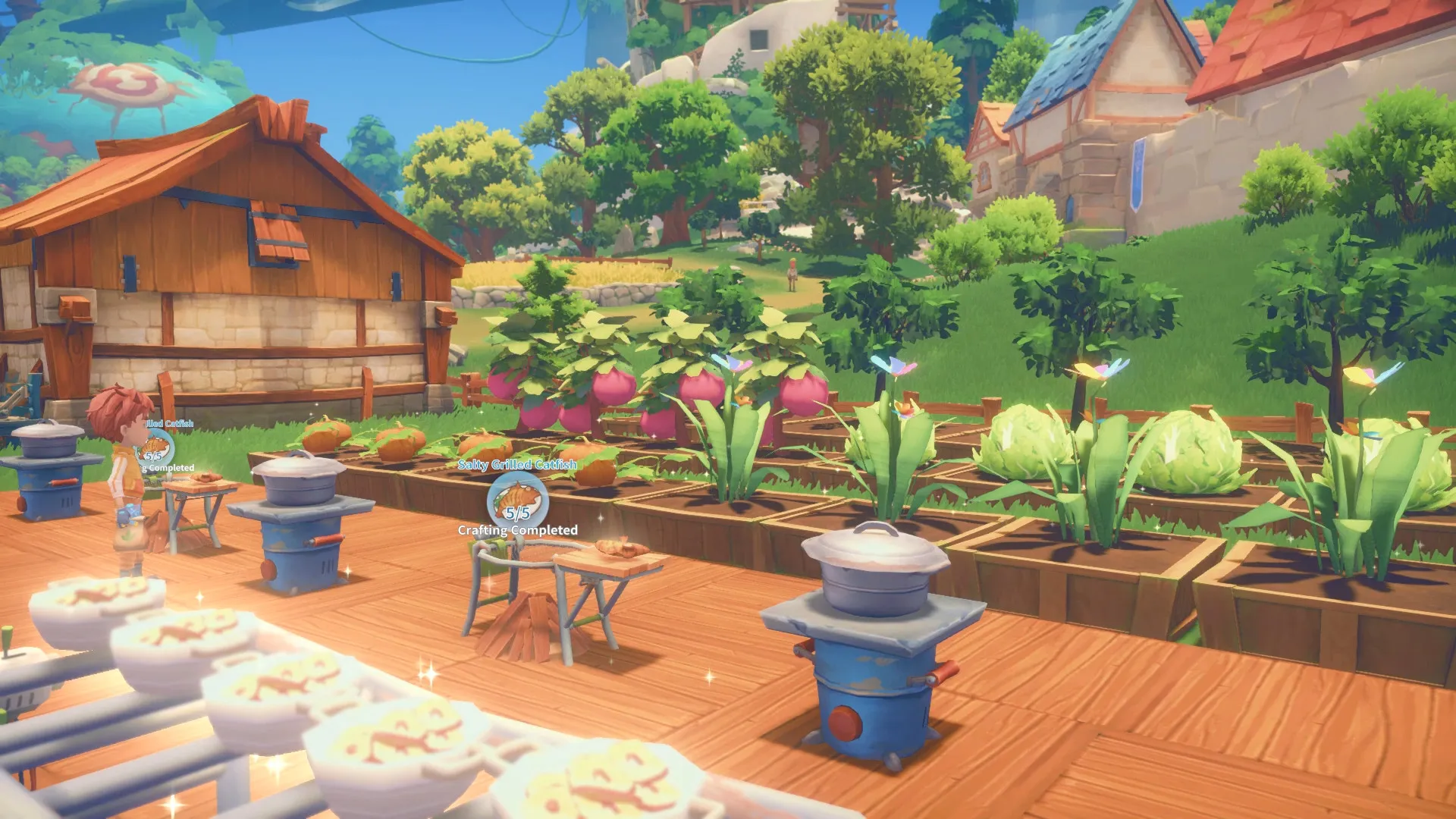
- Workshop Automation & Building: Construct massive assembly lines, craft intricate machinery, and expand your homestead to fulfill daily building commissions for the city of Portia.
- Relic Ruins & Combat Dungeons: Explore abandoned subterranean ruins and dangerous hazardous dungeons to unearth lost technologies, data discs, rare minerals, and battle mutated monsters.
- Dynamic Town Relationships & Festivals: Build meaningful bonds with over 50 eccentric townsfolk, attend seasonal festivals, and unlock romance, marriage, and family life.
- Farming, Riding & Ranching: Cultivate crops in planter boxes, raise farm animals, ride horses or llamas across the open plains, and fish in local waters.
Languages & Audio Support
Full Voiceover (Audio): English, Chinese (Simplified)
Subtitles & Interface: English, Spanish (Spain), French, German, Italian, Russian, Japanese, Simplified Chinese, Portuguese (Brazil)
System Requirements
| Requirement |
Minimum Specs (1080p 30 FPS Low) |
Recommended Specs (1080p 60 FPS High) |
| OS |
Windows 7 / 8 / 10 64-bit |
Windows 10 64-bit |
| Processor |
Intel Core i3 Processor or equivalent |
Intel Core i7 Processor or equivalent |
| Memory |
6 GB RAM |
16 GB RAM |
| Graphics |
ATI 5770 or NVIDIA GeForce GTX 460 (1GB VRAM) |
NVIDIA GeForce GTX 960 (4GB VRAM) |
| DirectX |
Version 11 |
Version 11 |
| Storage |
10 GB available space |
10 GB available space (SSD recommended) |
Frequently Asked Questions (FAQ)
Where can I buy My Time at Portia cheap on PC?
You can purchase shared Steam account access directly from our digital store at a heavy discount. You get official game files, fast delivery, and full single-player crafting RPG access without paying full retail price.
How to play My Time at Portia in Steam Offline Mode?
Complete the download, launch the game once online to let Steam authenticate local binaries, exit the title, click "Steam" in the top-left menu, choose "Go Offline", and relaunch. You can now play entirely disconnected.
Will my save files be overwritten by other buyers?
No. Game saves are stored locally on your PC in your personal Steam user directory. As long as you stay in Offline Mode, your campaign progression remains completely isolated and secure.
Is this My Time at Portia Steam account Region Free?
Yes. This account access is 100% Region Free and functions worldwide without VPN services, geographic locks, or country-specific limitations.