Access & Setup Guide (Steam PC)
Step-by-Step Steam Account Activation:
01
Log Out: Open the official Steam desktop client on your PC and log out of your personal Steam profile.
02
Sign In: Enter the shared Steam username and password delivered to you immediately after purchase.
03
Verify Steam Guard: Contact the seller via order chat to receive your one-time Steam Guard security code immediately.
04
Download Game: Navigate to your Library tab, find Middle-earth: Shadow of War - Definitive Edition, and start the installation.
05
First Launch: Run the game once online to initialize engine binaries and configure display presets.
06
Enable Offline Mode: Switch Steam to Offline Mode (Steam menu > Go Offline) to build your orc army privately with zero interruptions.
What You Get by Buying Middle-earth: Shadow of War Definitive Edition at a Cheap Price
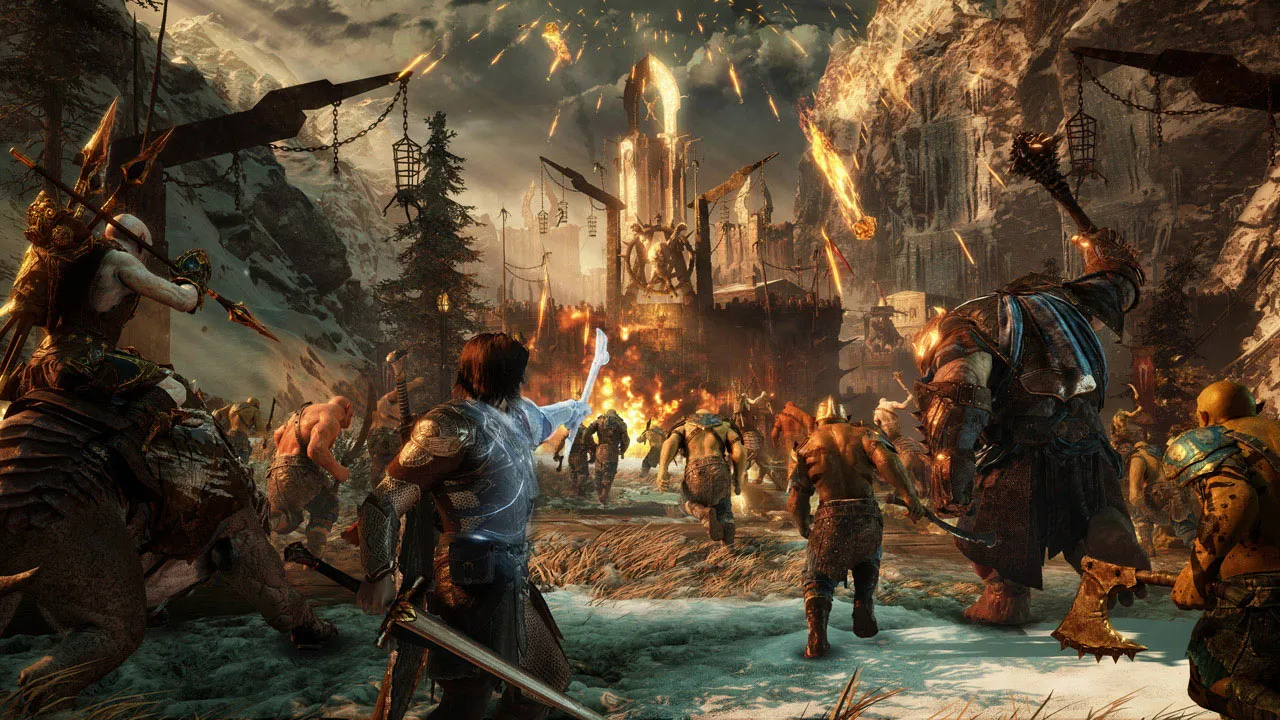
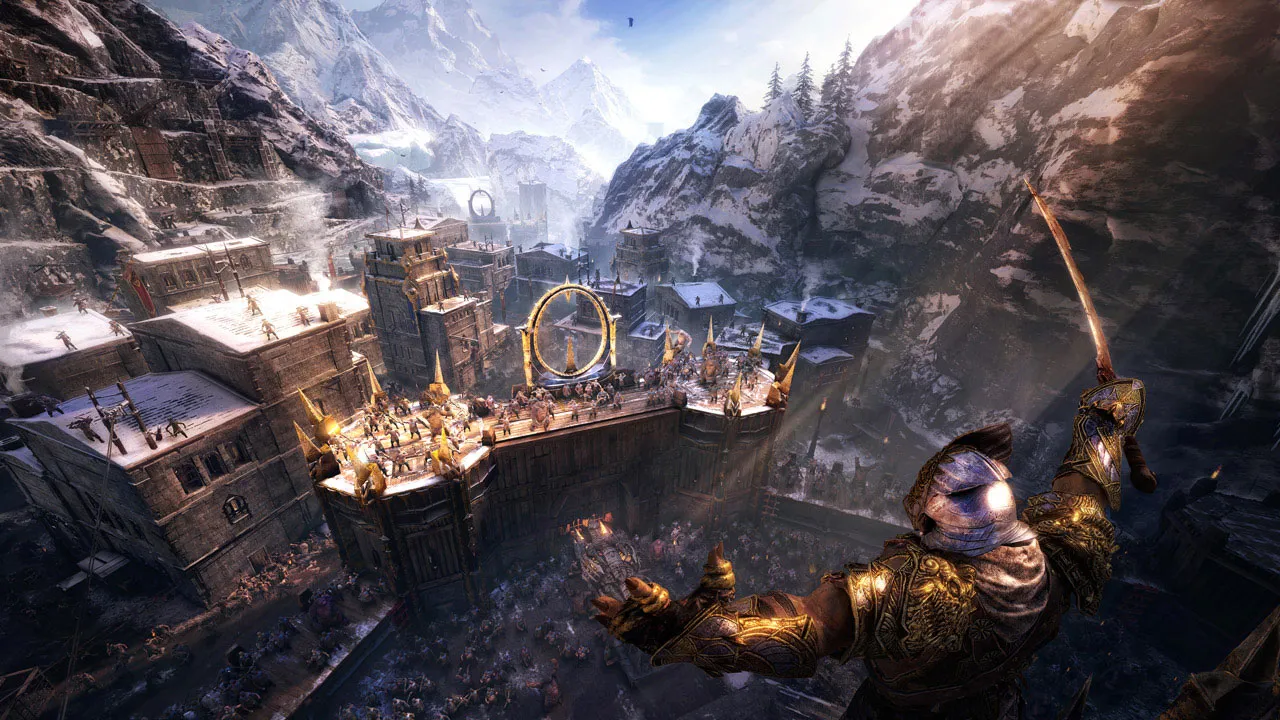
Massive Open-World Fortress Sieges
Experience the scale of epic warfare by leading massive assaults against heavily defended Dark Lord fortresses, strategizing troop placement and utilizing dynamic siege upgrades, all without paying full retail store prices.
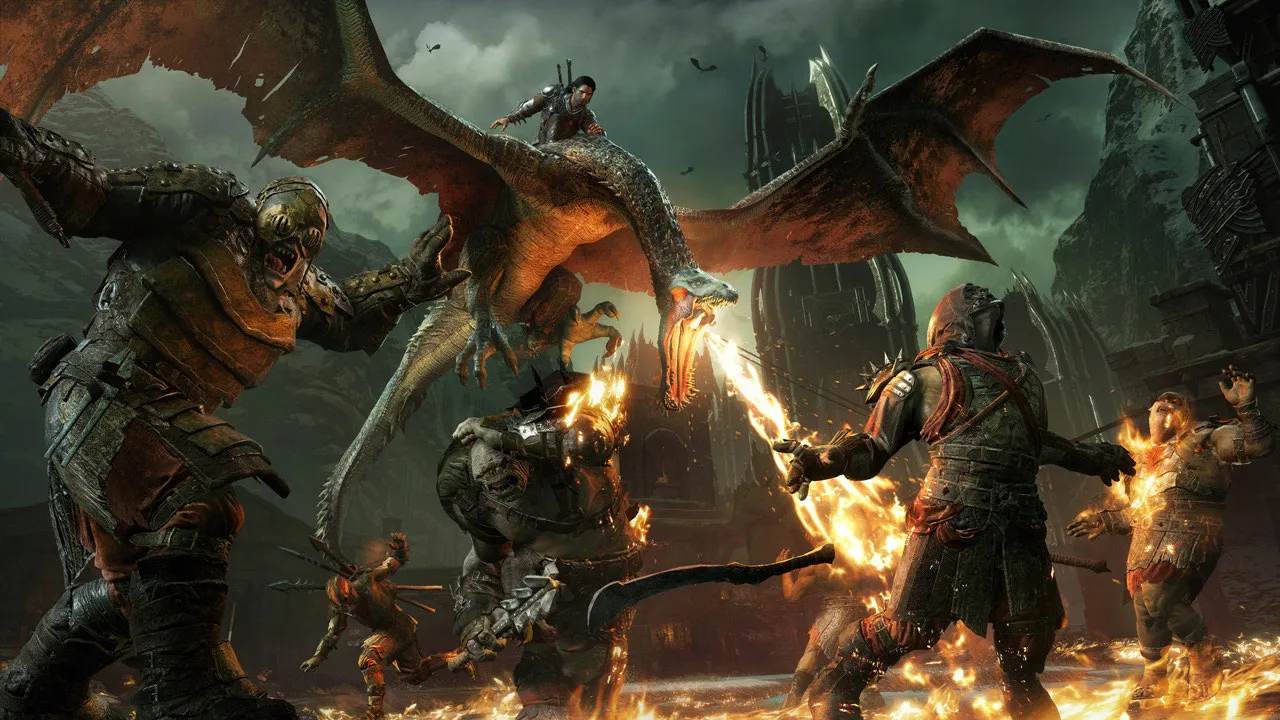
The Evolution of the Nemesis System
Build personal relationships and bitter rivalries with unique orc captains who remember your past encounters, betray you, or rise through the ranks based on your tactical choices.
Complete Definitive Edition Content
Includes the full core campaign alongside all major DLC expansions: Blade of Galadriel and Desolation of Mordor story expansions, plus powerful expansion tribes and gear.
An Immersive Ring of Power Lore and Middle-earth Odyssey
Immerse yourself in a colossal, critically acclaimed open-world dark fantasy epic continuing the journey of Talion and Celebrimbor. Forge a new Ring of Power, raise a loyal orc army from the depths of Mordor, and wage a massive war against Sauron's forces to conquer impenetrable fortresses and determine the fate of Middle-earth.
Playtime and Campaign Duration
Prepare for a massive, feature-rich open-world adventure where completing the main story campaign and shadow wars takes roughly 25 to 40 hours. When you factor in conquering every fortress, dominating all orc captains through the expanded Nemesis System, completing tribe missions, and diving into the "Blade of Galadriel" and "Desolation of Mordor" story expansions, your total playtime easily expands to 50 or over 80 hours.
Included Definitive Edition Content & Advanced Fortress Siege Mechanics
Blade of Galadriel DLC, Desolation of Mordor & Fortress Sieges (Fully Integrated)
Middle-earth: Shadow of War Definitive Edition pairs its massive open-world campaign alongside all major narrative expansions, advanced orc army management systems, and large-scale fortress siege warfare.
Definitive Edition Feature & Mechanic Highlights:
- Blade of Galadriel Story Expansion: Play as the elite Elven assassin Eltariel in a gripping campaign featuring unique combat abilities, light-infused gear, and new orc recruits.
- Desolation of Mordor Story Expansion: Step into the boots of Baranor in a roguelite desert campaign set in Lithlad, utilizing human mercenaries, grappling hooks, and permanent progression.
- Massive Fortress Sieges: Plan and execute large-scale military assaults against heavily fortified enemy strongholds, assigning assault leaders, siege beasts, and troop tactics.
- Expanded Nemesis System & Tribes: Interact with complex orc tribes—such as the Slaughter and Outlaw tribes—that introduce unique strongholds, missions, and legendary follower loyalties.
Languages & Audio Support
Full Voiceover (Audio): English, French, German, Italian, Spanish (Spain), Portuguese (Brazil)
Subtitles & Interface: English, Spanish (Spain), French, German, Italian, Polish, Russian, Japanese, Simplified Chinese, Portuguese (Brazil)
System Requirements
| Requirement |
Minimum Specs (1080p 30 FPS Low) |
Recommended Specs (1080p 60 FPS High) |
| OS |
Windows 7 SP1 64-bit |
Windows 10 64-bit |
| Processor |
AMD FX-4350 @ 4.2 GHz or Intel Core i5-2300 @ 2.80 GHz |
AMD FX-8350 @ 4.0 GHz or Intel Core i7-3770 @ 3.4 GHz |
| Memory |
6 GB RAM |
16 GB RAM |
| Graphics |
AMD Radeon HD 7870 or NVIDIA GeForce GTX 660 (2GB VRAM) |
AMD Radeon RX 480 or NVIDIA GeForce GTX 1060 (6GB VRAM) |
| DirectX |
Version 11 |
Version 11 |
| Storage |
105 GB available space |
105 GB available space (SSD recommended) |
Frequently Asked Questions (FAQ)
Where can I buy Middle-earth: Shadow of War cheap on PC?
You can purchase shared Steam account access directly from our digital store at a heavy discount. You get official game files, fast delivery, and full single-player open-world action RPG access without paying full retail price.
How to play Middle-earth: Shadow of War in Steam Offline Mode?
Complete the download, launch the game once online to let Steam authenticate local binaries, exit the title, click "Steam" in the top-left menu, choose "Go Offline", and relaunch. You can now play entirely disconnected.
Will my save files be overwritten by other buyers?
No. Game saves are stored locally on your PC in your personal Steam user directory. As long as you stay in Offline Mode, your campaign progression remains completely isolated and secure.
Is this Middle-earth: Shadow of War Steam account Region Free?
Yes. This account access is 100% Region Free and functions worldwide without VPN services, geographic locks, or country-specific limitations.