Access & Setup Guide (Steam PC)
Step-by-Step Steam Account Activation:
01
Log Out: Open the official Steam desktop client on your PC and log out of your personal Steam profile.
02
Sign In: Enter the shared Steam username and password delivered to you immediately after purchase.
03
Verify Steam Guard: Contact the seller via order chat to receive your one-time Steam Guard security code immediately.
04
Download Game: Navigate to your Library tab, find Medieval Dynasty, and start the installation.
05
First Launch: Run the game once online to initialize Unreal Engine shader compilation and configure display presets.
06
Enable Offline Mode: Switch Steam to Offline Mode (Steam menu > Go Offline) to build your dynasty privately without network interruptions.
What You Get by Buying Medieval Dynasty at a Cheap Price
The Complete Medieval Life Simulation & RPG Campaign
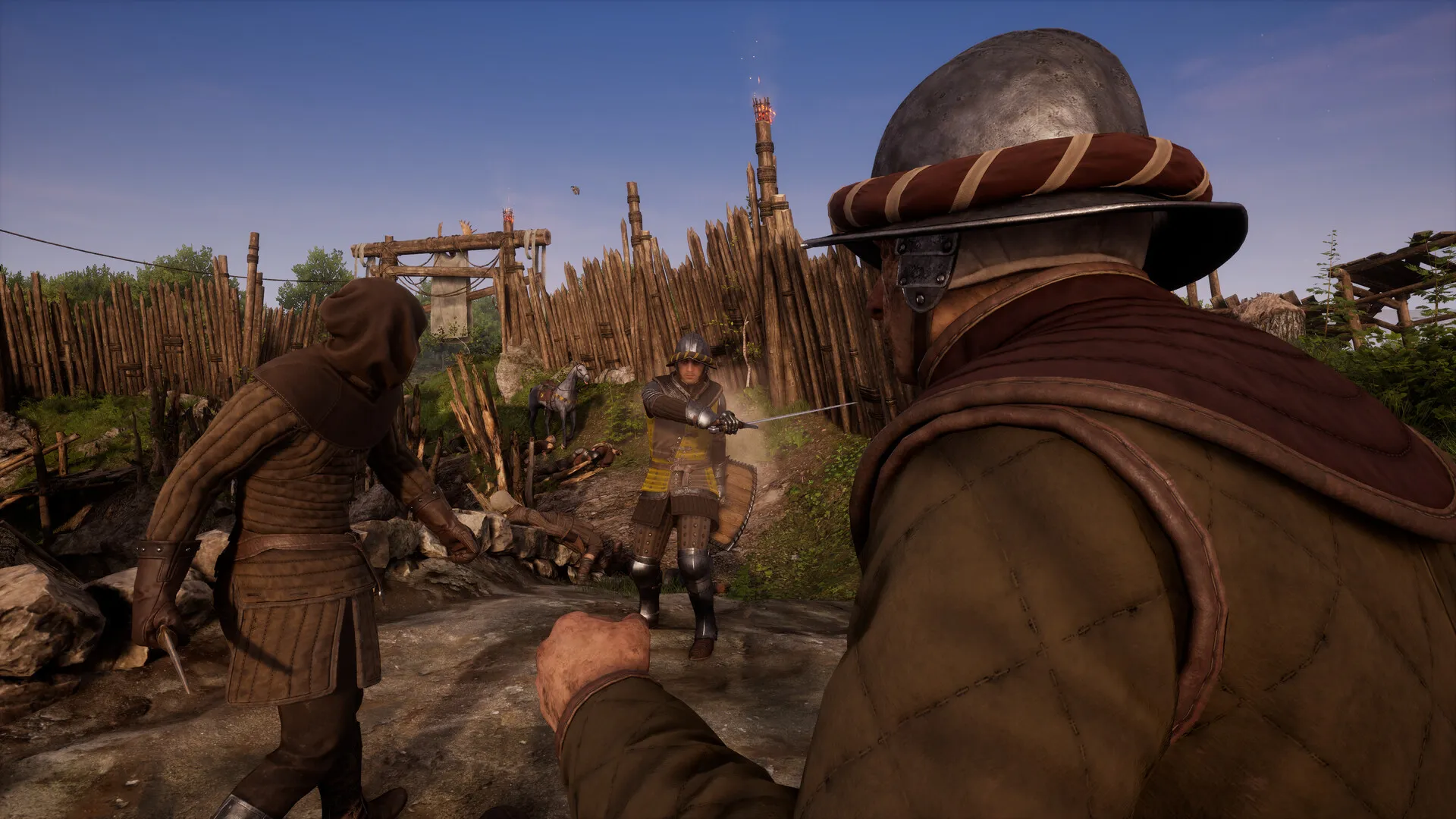
Escape from the ravages of war as a young, landless refugee named Racimir. Arrive in a peaceful European valley, acquire land permissions from the local Castellan, build a humble homestead, and work your way up to lord of a thriving medieval settlement without paying full retail store prices.
Town Management, Crafting & Production Chains
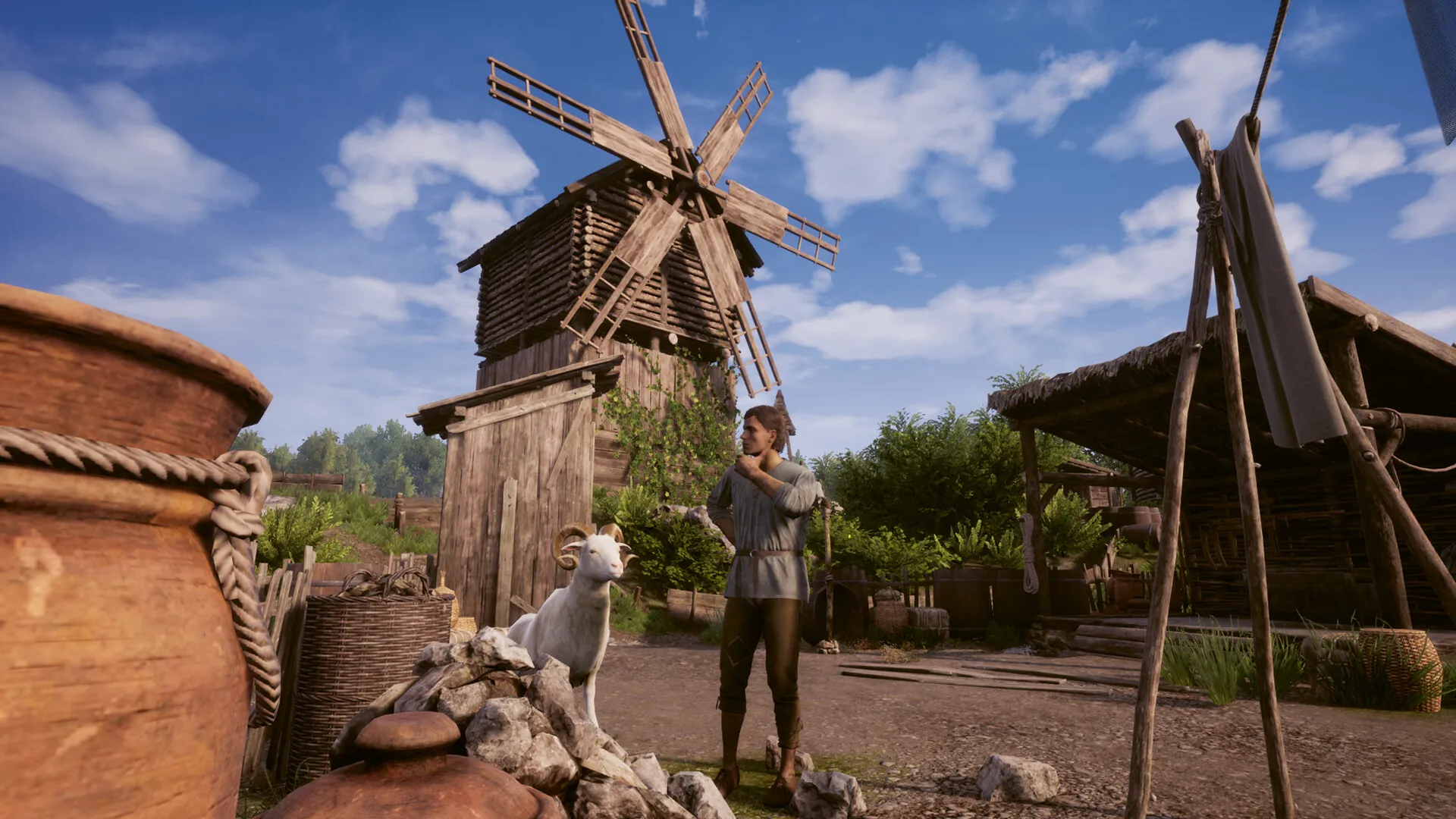
Expand your settlement from a single hut into a bustling town with over 60 different buildable structures, including smithies, taverns, resource sheds, barns, and windmills. Recruit wandering villagers, assign them jobs, manage food, firewood, and tax requirements, and establish complex economic production loops.
Dynasty System, Marriage & Generational Succession
Court a companion, marry, and raise an heir who will eventually inherit your kingdom. When your character grows old and passes away, seamlessly continue playing as your son to carry on the family name, expand your realm, and manage your descendants across decades.
Dynamic Four Seasons, Survival & PC Visuals
Experience a realistic seasonal cycle—from spring sowing and summer foraging to autumn harvest and harsh sub-zero winter survival where warm clothes and indoor heating are vital. Powered by Unreal Engine with 4K clarity, first- and third-person camera toggles, and full controller ergonomics.
An Immersive Open-World Lore and History
Immerse yourself in a fictionalized yet historically authentic medieval European countryside. Uncover regional stories by interacting with local villagers, completing quests for neighboring hamlets, and learning about the political tensions of a land recovering from civil unrest and feudal change.
Playtime and Campaign Duration
Prepare for an epic, slow-paced simulation journey where establishing a self-sustaining town and raising your first heir takes roughly 40 to 60 hours. If you play through generational succession, master all production skill trees, and expand your dynasty across multiple decades, your total playtime easily surpasses 100 to 150 hours.
Cooperative Multiplayer and Oxbow Map
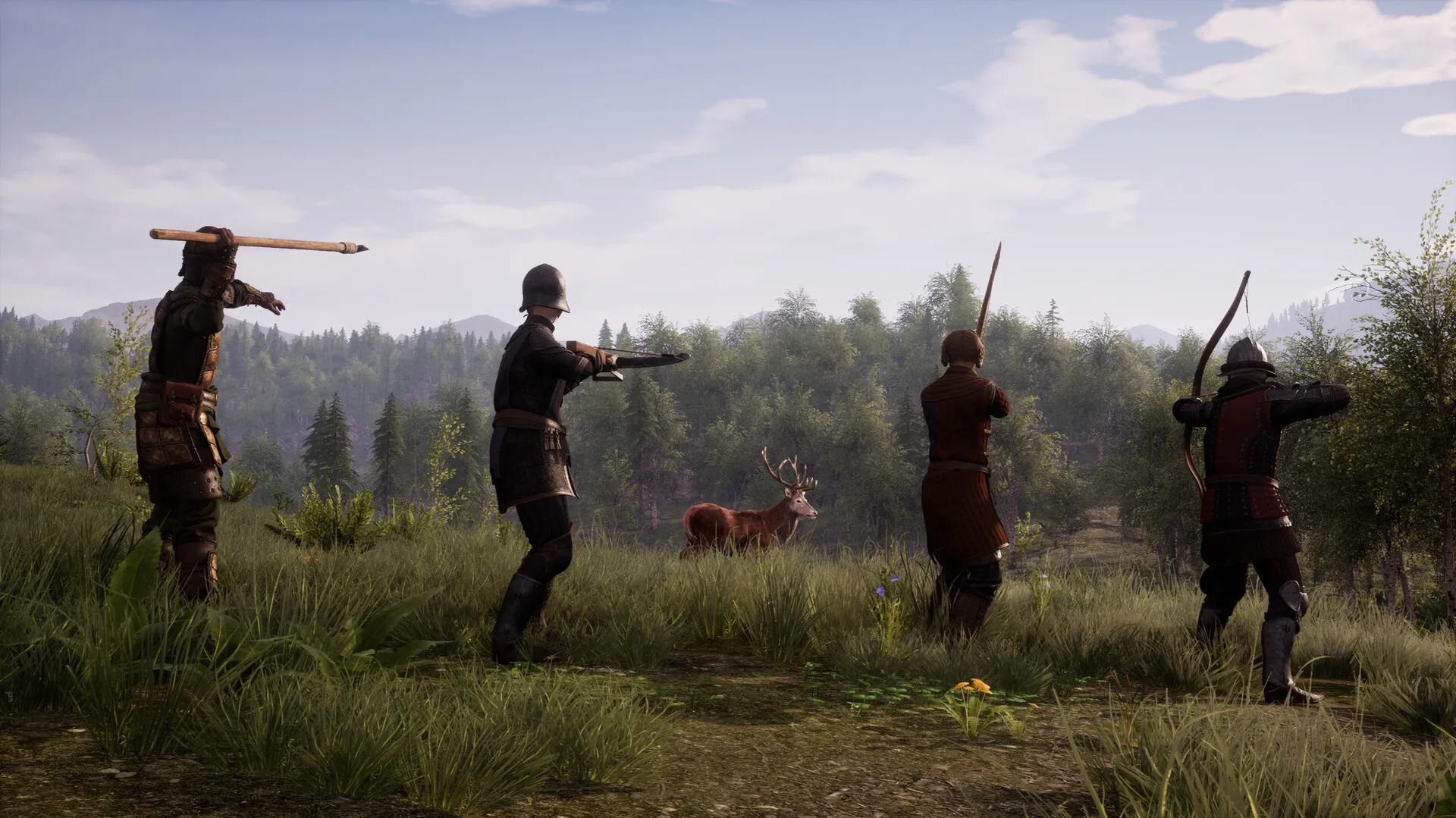
Share the hard work of medieval survival with friends using online co-op mode. Explore the brand-new Oxbow map featuring cooperative village building, new quests, custom character creation, and interactive village interactions together with up to 4 players.
A Masterpiece of Open-World Life Simulation
Combining survival mechanics, town management depth, and generational roleplaying, Medieval Dynasty offers an unmatched open-world sandbox experience for fans of historical strategy and simulation games.
Languages & Audio Support
Full Voiceover (Audio): English, Polish
Subtitles & Interface: English, Spanish (Spain & Latin America), French, German, Italian, Polish, Russian, Portuguese (Brazil), Japanese, Korean, Simplified & Traditional Chinese, Turkish, Czech, Ukrainian, Dutch, Swedish, Hungarian
System Requirements
| Requirement |
Minimum Specs (720p / 1080p Low 30 FPS) |
Recommended Specs (1080p 60 FPS High) |
| OS |
Windows 10 64-bit |
Windows 10 / 11 64-bit |
| Processor |
Intel Core i5-3570 / AMD FX-8320 (3 GHz) |
Intel Core i7-4790 / AMD Ryzen 5 1600 (3.6 GHz) |
| Memory |
8 GB RAM |
16 GB RAM |
| Graphics |
NVIDIA GeForce GTX 970 / AMD Radeon RX 480 (4GB VRAM) |
NVIDIA GeForce GTX 1060 (6GB) / AMD Radeon RX 580 (8GB) |
| DirectX |
Version 11 |
Version 12 |
| Storage |
10 GB available space |
10 GB available space (Fast SSD recommended) |
Frequently Asked Questions (FAQ)
Where can I buy Medieval Dynasty cheap on PC?
You can purchase shared Steam account access directly from our digital store at a heavy discount compared to retail prices. You receive official Steam game files, fast delivery, and full single-player offline story access without paying full price.
Can I play the entire story campaign in offline mode?
Yes. Medieval Dynasty was originally designed from the ground up as an immersive single-player medieval life simulator. The entire main questline, village building mechanics, character management, and family succession operate 100% offline.
Where are my village save files stored on PC?
Medieval Dynasty stores your settlement saves and character states locally in your personal Windows user directory (AppData\Local\Medieval_Dynasty\Saved\SaveGames). By playing strictly in Steam Offline Mode, your dynasty progress remains isolated, private, and unaffected by other buyers.
Is this Medieval Dynasty Steam account Region Free?
Yes, this digital account access is 100% Region Free. You can sign in, download the official files, and play from any country worldwide without requiring VPN software or regional IP workarounds.