Access & Setup Guide (Steam PC)
Step-by-Step Steam Account Activation:
01
Log Out: Open the official Steam desktop client on your PC and log out of your personal Steam profile.
02
Sign In: Enter the shared Steam username and password delivered to you immediately after purchase.
03
Verify Steam Guard: Contact the seller via order chat to receive your one-time Steam Guard security code immediately.
04
Download Game: Navigate to your Library tab, find Jurassic World Evolution 2, and start the installation.
05
First Launch: Run the game once online to initialize engine binaries and configure display presets.
06
Enable Offline Mode: Switch Steam to Offline Mode (Steam menu > Go Offline) to manage your park privately with zero interruptions.
What You Get by Buying Jurassic World Evolution 2 at a Cheap Price
An Original Jurassic Campaign
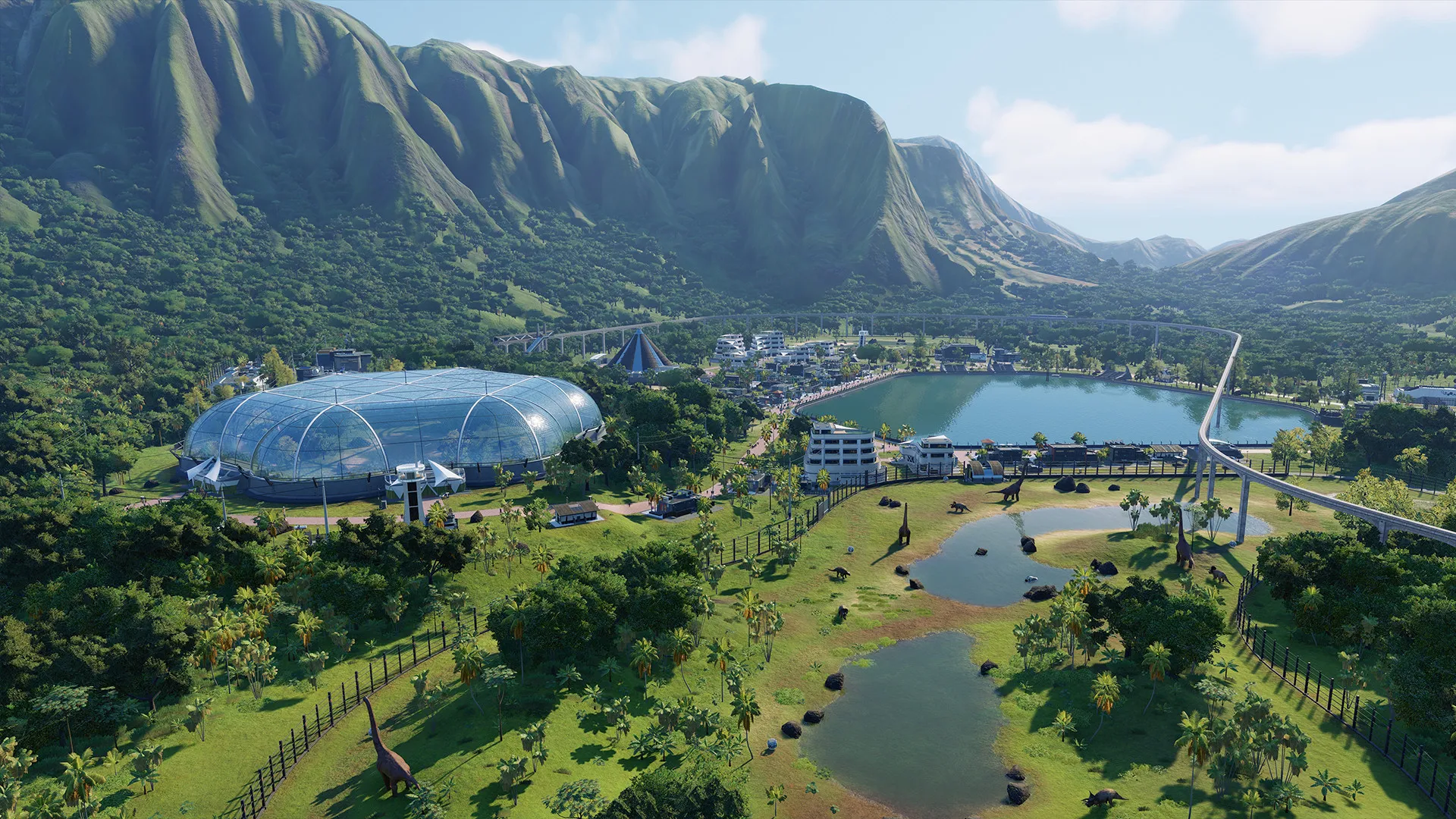
Immerse yourself in a compelling, narrative-driven campaign set after the earth-shattering events of Jurassic World: Fallen Kingdom, featuring iconic characters from the films and deep park management gameplay, all without paying full retail store prices.
Create Your Own Jurassic World
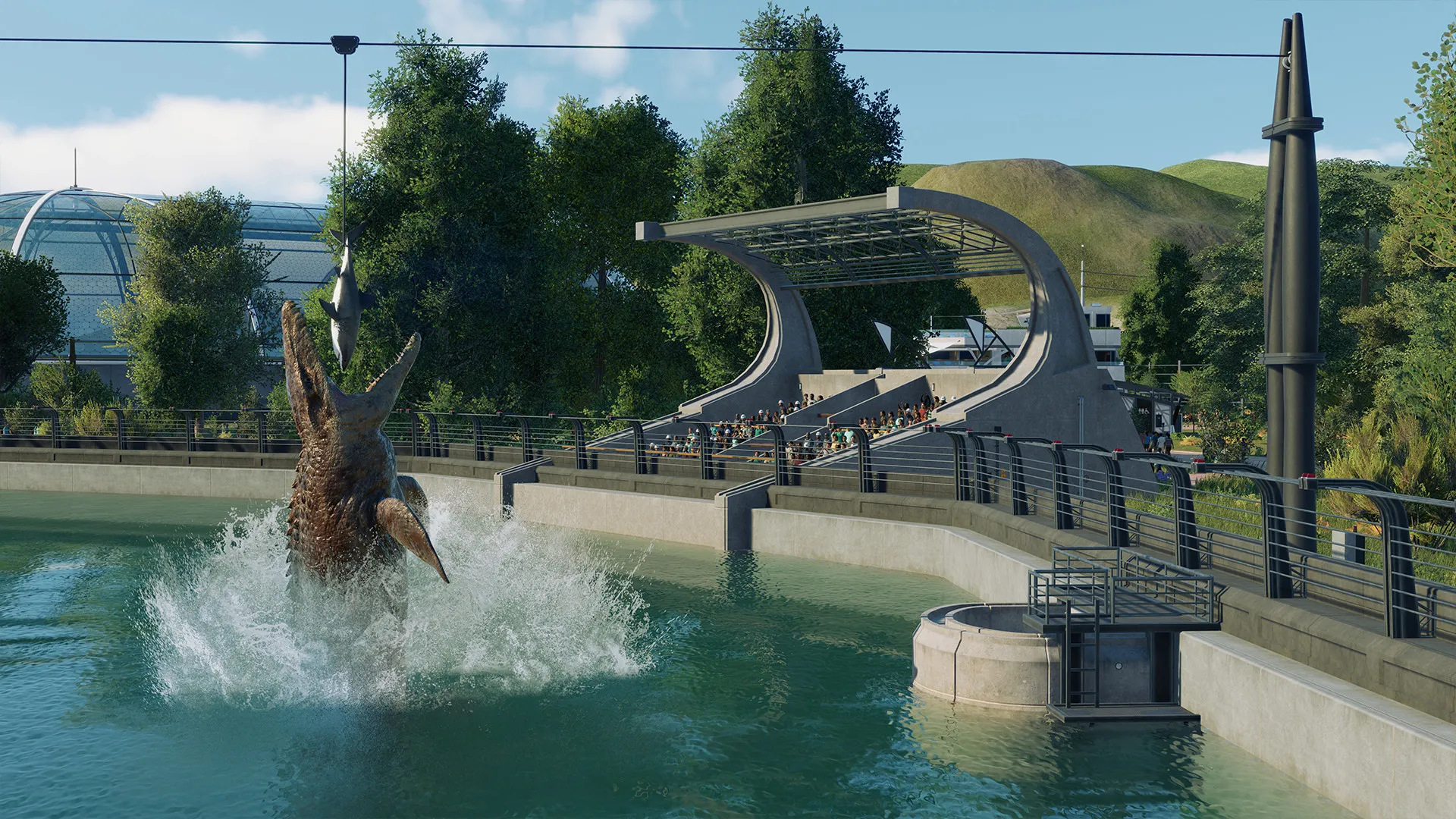
Take control with deeper management tools and creative options. Construct brand-new buildings, customize enclosures, and hire scientists to breed and care for over 75 stunning prehistoric species, including highly requested flying and marine reptiles.
Chaos Theory and Sandbox Modes
Play through 'what-if' scenarios from across iconic franchise eras in Chaos Theory mode, or unleash your imagination in Sandbox mode where you can build the ultimate dinosaur sanctuary without restrictions.
An Immersive Jurassic Park Lore and Dinosaur Management Odyssey
Immerse yourself in a critically acclaimed, visually stunning park management simulation set after the earth-shattering events of Jurassic World: Fallen Kingdom. Step into the shoes of a master park director managing prehistoric sanctuaries across diverse global locations, breeding breathtaking dinosaur species, and navigating chaotic dinosaur containment crises.
Playtime and Campaign Duration
Prepare for an epic, deeply engaging management journey where completing the narrative-driven campaign and Chaos Theory scenarios takes roughly 20 to 35 hours. When you factor in exploring major DLC expansions (like Dominion Biosyn and Cretaceous Predator), perfecting sandbox parks, and managing over 80 prehistoric species, your total playtime easily expands to 40 or over 80 hours.
Included Major DLC Expansions & Advanced Dinosaur Management Mechanics
Chaos Theory Mode, Prehistoric Species & Major DLC Expansions (Fully Integrated)
Jurassic World Evolution 2 pairs its acclaimed park management campaign alongside major franchise DLC expansions, thrilling Chaos Theory "what-if" scenarios, and over 80 stunning prehistoric species.
Expansion & Feature Highlights:
- Major DLC Expansions (Dominion Biosyn, Camp Cretaceous, Marine/Dominion Packs): Expand your parks with official movie tie-in campaigns, new species, and bio-engineering features.
- Chaos Theory Mode: Replay iconic "what-if" movie scenarios across legendary franchise eras with unpredictable twists, challenges, and park disasters.
- Over 80 Prehistoric Species: Breed and showcase highly detailed marine reptiles, flying pterosaurs, and iconic land dinosaurs exhibiting realistic territorial behaviors.
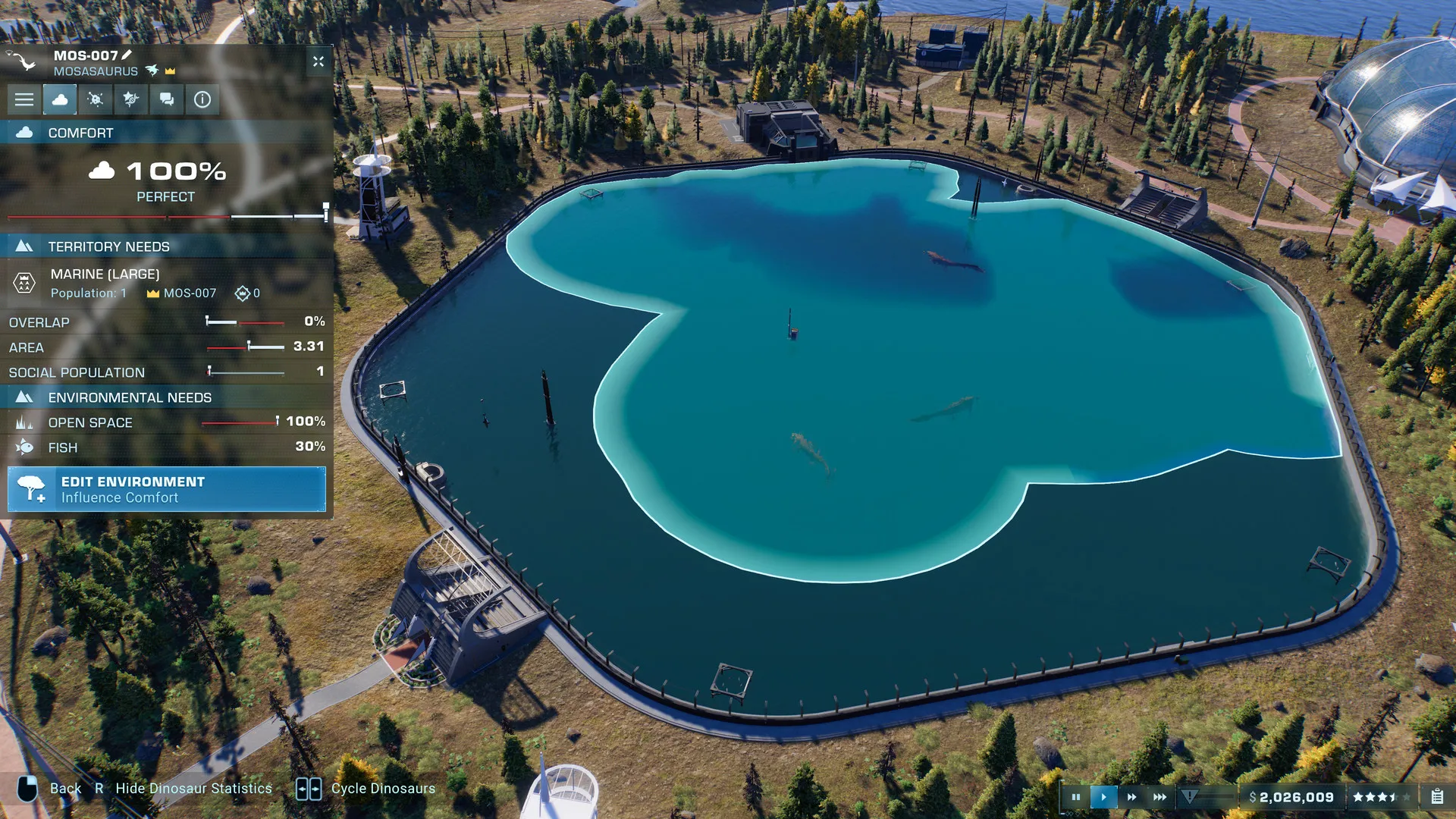
- Deep Park Management & Scientist System: Hire specialized scientists, customize guest facilities, manage enclosure environments, and respond dynamically to dinosaur breakouts.
Languages & Audio Support
Full Voiceover (Audio): English, French, German, Spanish (Spain), Italian
Subtitles & Interface: English, Spanish (Spain), French, German, Italian, Russian, Polish, Japanese, Simplified Chinese, Traditional Chinese, Korean, Portuguese (Brazil)
System Requirements
| Requirement |
Minimum Specs (1080p 30 FPS Low) |
Recommended Specs (1080p 60 FPS High) |
| OS |
Windows 10 64-bit (update 1809 or higher) |
Windows 10 64-bit (update 1809 or higher) |
| Processor |
Intel i5-4590 / AMD FX-8370 |
Intel i7-5770K / AMD Ryzen 5 1500X |
| Memory |
8 GB RAM |
12 GB RAM |
| Graphics |
NVIDIA GeForce GTX 1050 Ti / AMD RX 470 (4GB VRAM) |
NVIDIA GeForce GTX 1070 / AMD RX 5700 (8GB VRAM) |
| DirectX |
Version 12 |
Version 12 |
| Storage |
14 GB available space |
14 GB available space (SSD recommended) |
Frequently Asked Questions (FAQ)
Where can I buy Jurassic World Evolution 2 cheap on PC?
You can purchase shared Steam account access directly from our digital store at a heavy discount. You get official game files, fast delivery, and full single-player management simulation access without paying full retail price.
How to play Jurassic World Evolution 2 in Steam Offline Mode?
Complete the download, launch the game once online to let Steam authenticate local binaries, exit the title, click "Steam" in the top-left menu, choose "Go Offline", and relaunch. You can now play entirely disconnected.
Will my save files be overwritten by other buyers?
No. Game saves are stored locally on your PC in your personal Steam user directory. As long as you stay in Offline Mode, your campaign progression remains completely isolated and secure.
Is this Jurassic World Evolution 2 Steam account Region Free?
Yes. This account access is 100% Region Free and functions worldwide without VPN services, geographic locks, or country-specific limitations.