Access & Setup Guide (Steam PC)
Step-by-Step Steam Account Activation:
01
Log Out: Open the official Steam desktop client on your PC and log out of your personal Steam profile.
02
Sign In: Enter the shared Steam username and password delivered to you immediately after purchase.
03
Verify Steam Guard: Contact the seller via order chat to receive your one-time Steam Guard security code immediately.
04
Download Game: Navigate to your Library tab, find HROT, and start the installation.
05
First Launch: Run the game once online to initialize engine binaries and configure display presets.
06
Enable Offline Mode: Switch Steam to Offline Mode (Steam menu > Go Offline) to explore the eerie Soviet province privately with zero interruptions.
What You Get by Buying HROT at a Cheap Price
Surreal 1986 Soviet Retro FPS Setting
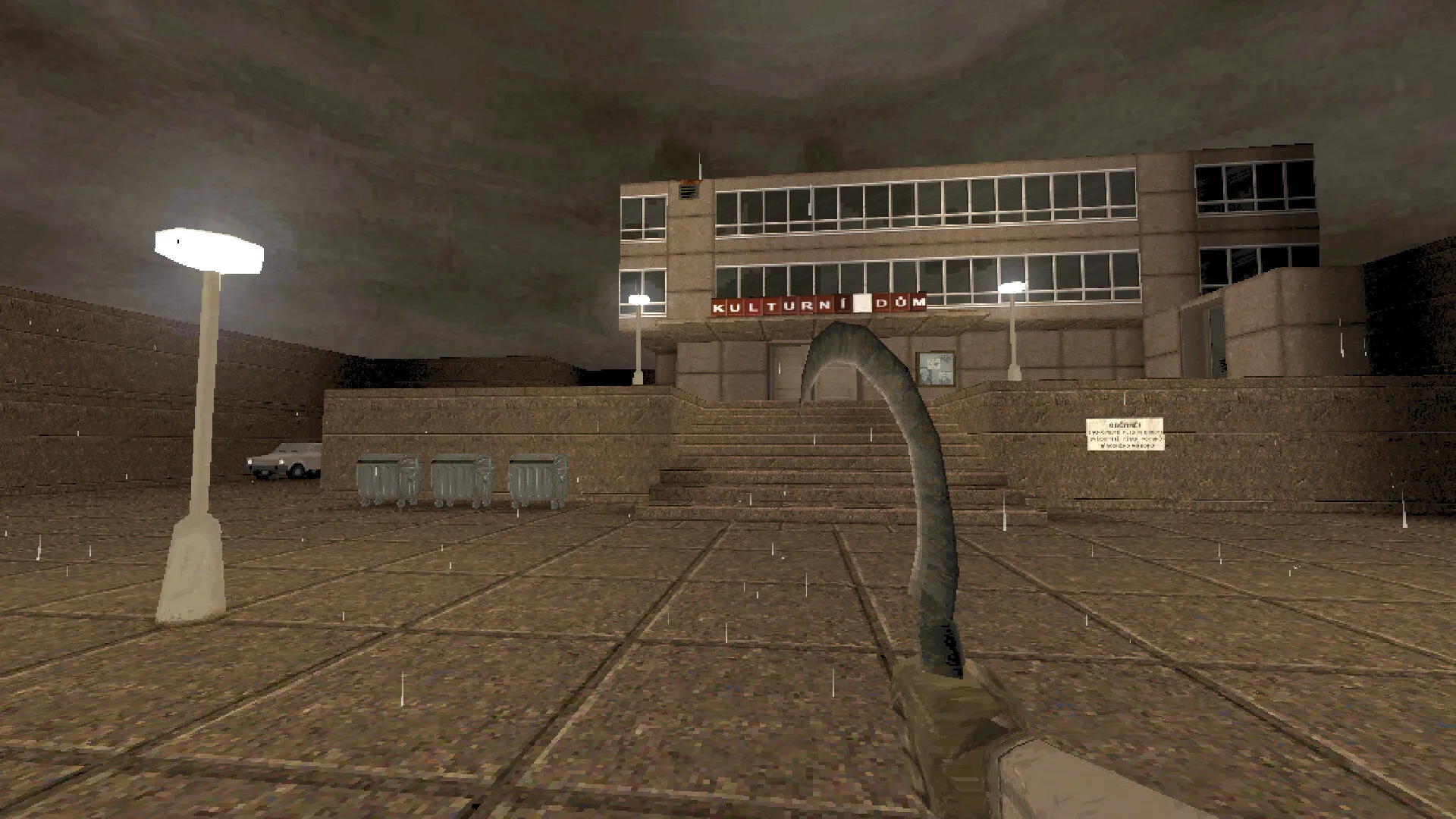
Immerse yourself in a dark, atmospheric first-person shooter set in an alternate 1986 Soviet Union province following a mysterious catastrophe, all without paying full retail store prices.
Classic 90s Aesthetic & Unique Arsenal
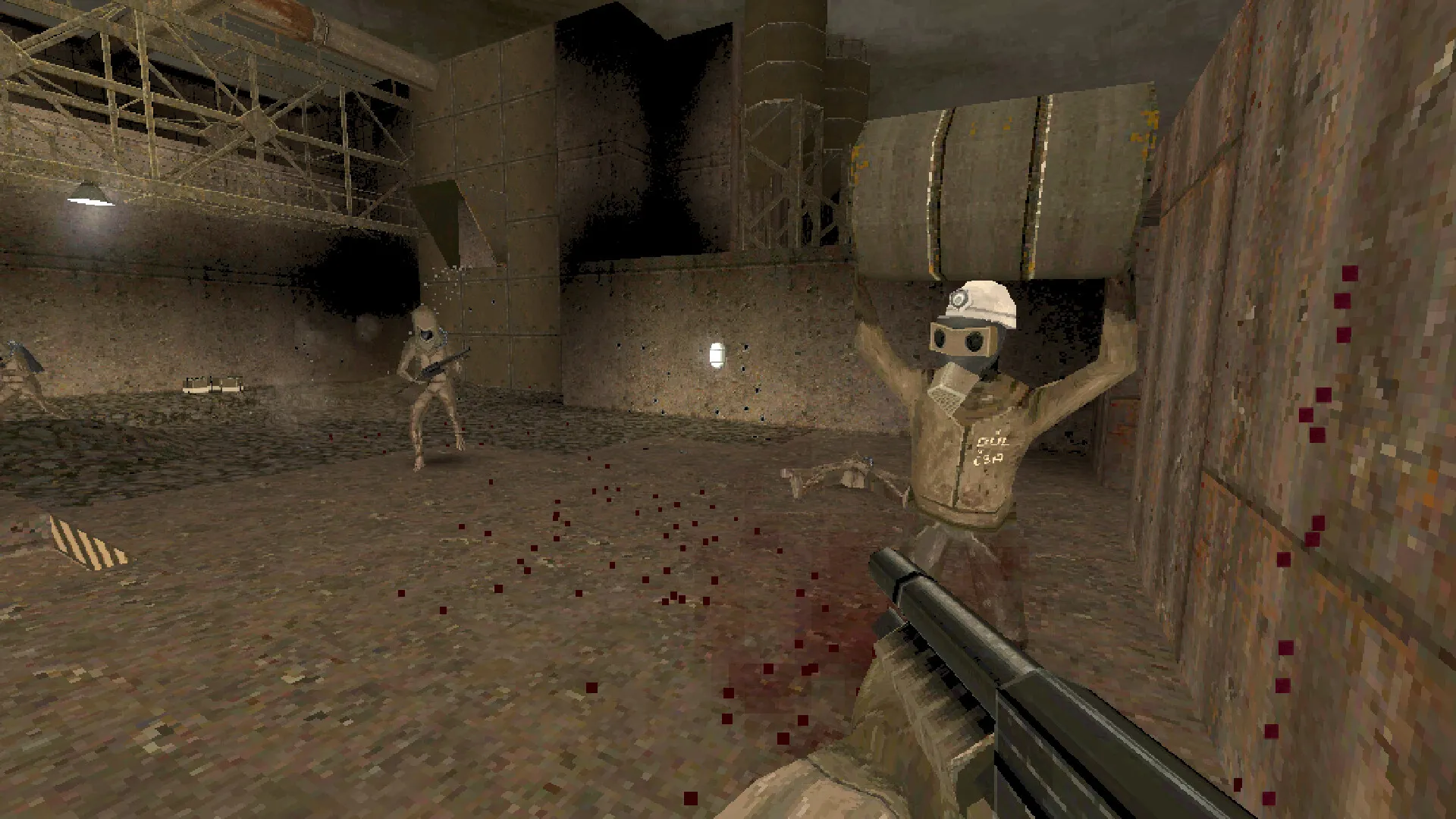
Wield vintage firearms, improvised explosives, and bizarre tools against mutated soldiers, strange cultists, and mechanical horrors across brown-shaded retro levels.
Atmospheric Exploration & Chapters
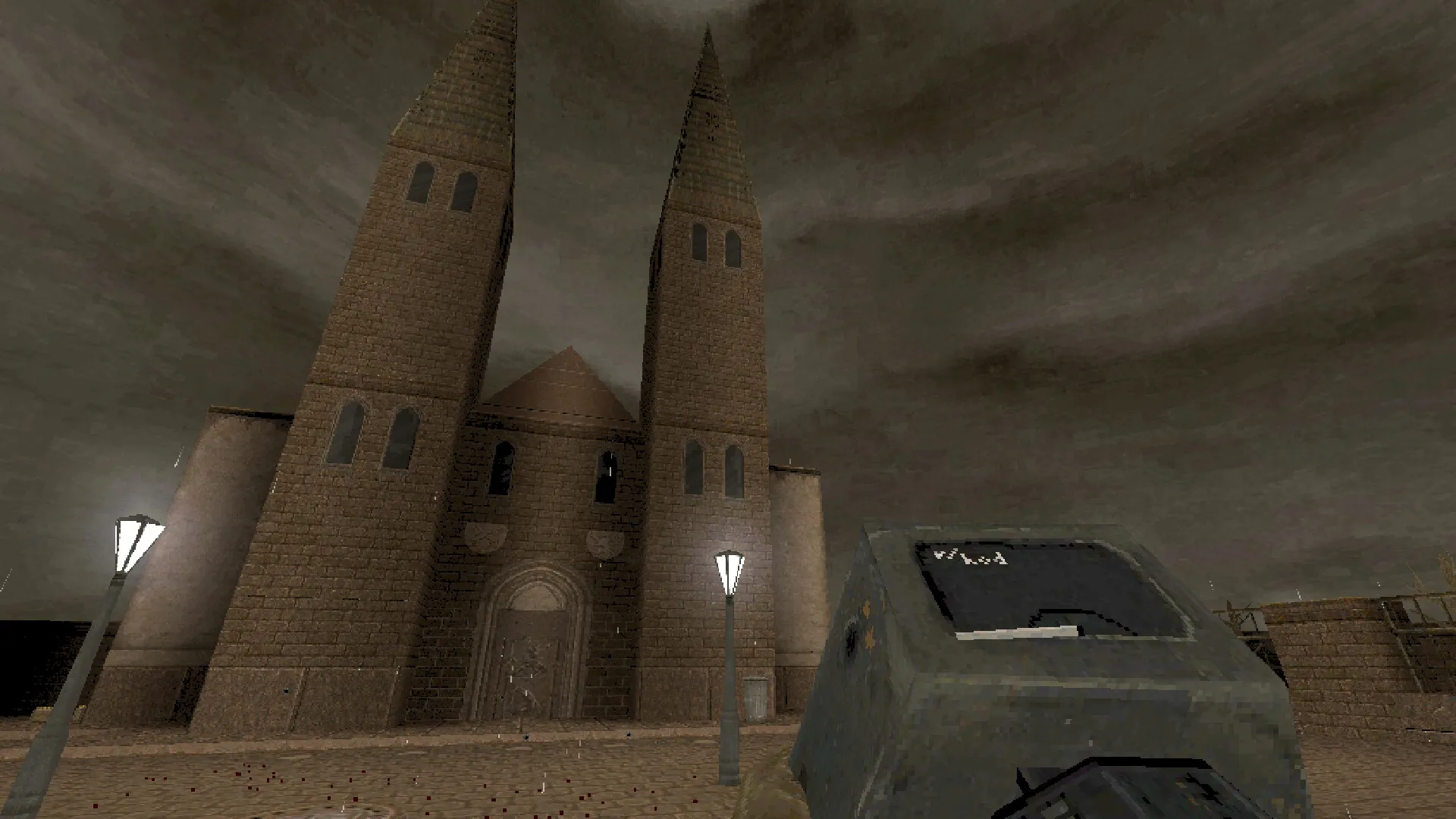
Navigate tunnels, factories, and rural outposts packed with hidden secrets, eerie environmental storytelling, and classic arcade action.
An Immersive Soviet Wasteland Lore and Retro Shooter Masterwork Odyssey
Immerse yourself in a critically acclaimed, uniquely atmospheric indie retro FPS masterwork crafted by Spytihněv. Step into the brutalist concrete boots of a lone survivor navigating the desolate, industrialized provinces of an alternate 1986 Soviet Union, where every vintage pistol fired, subterranean tunnel explored, and bizarre biomechanical horror obliterated unravels a grim post-catastrophe mystery.
Playtime and Campaign Duration
Prepare for a gritty, atmospheric crusade where completing the three main campaign chapters takes roughly 7 to 10 hours. When you factor in hunting down every hidden secret switch, mastering survival difficulties, and exploring community custom maps, your total playtime easily expands to 15 or over 25 hours.
Included Soviet Systems & Advanced Retro FPS Mechanics
Soviet Retro FPS, Vintage Arsenal & Atmospheric Exploration (Fully Integrated)
HROT pairs its acclaimed retro-inspired campaign alongside a distinctive brown-shaded 90s aesthetic, eerie environmental storytelling, and a gritty arsenal tailored for survival.
Feature & Mechanic Highlights:
- Surreal Alternate 1986 Setting: Explore brutalist architecture, industrial complexes, and dreary Soviet countryside touched by mysterious technological horrors.
- Vintage & Improvised Arsenal: Wield period-authentic firearms, sickles, and bizarre experimental explosives to clear out mutated soldiers and mechanical aberrations.
- Authentic Retro Presentation: Experience genuine 90s PC shooter fidelity characterized by low-poly models, limited color palettes, and heavy atmospheric immersion.
- Chapter-Based Campaign: Progress through meticulously structured episodes filled with secret areas, switch-hunting puzzles, and classic fast-paced action.
Languages & Audio Support
Full Voiceover (Audio): Czech / Russian (Stylized)
Subtitles & Interface: English, Czech, Russian, Simplified Chinese, German, French, Spanish (Spain)
System Requirements
| Requirement |
Minimum Specs (1080p 30 FPS Low) |
Recommended Specs (1080p 60 FPS High) |
| OS |
Windows 7 / 8 / 10 64-bit |
Windows 10 64-bit |
| Processor |
Dual Core CPU |
Quad Core CPU |
| Memory |
1 GB RAM |
2 GB RAM |
| Graphics |
DirectX 11 compatible graphics card (512MB) |
DirectX 11 compatible graphics card (1GB) |
| DirectX |
Version 11 |
Version 11 |
| Storage |
1 GB available space |
1 GB available space (SSD recommended) |
Frequently Asked Questions (FAQ)
Where can I buy HROT cheap on PC?
You can purchase shared Steam account access directly from our digital store at a heavy discount. You get official game files, fast delivery, and full single-player retro FPS access without paying full retail price.
How to play HROT in Steam Offline Mode?
Complete the download, launch the game once online to let Steam authenticate local binaries, exit the title, click "Steam" in the top-left menu, choose "Go Offline", and relaunch. You can now play entirely disconnected.
Will my save files be overwritten by other buyers?
No. Game saves are stored locally on your PC in your personal Steam user directory. As long as you stay in Offline Mode, your campaign progression remains completely isolated and secure.
Is this HROT Steam account Region Free?
Yes. This account access is 100% Region Free and functions worldwide without VPN services, geographic locks, or country-specific limitations.