Access & Setup Guide (Steam PC)
Step-by-Step Steam Account Activation:
01
Log Out: Open the official Steam desktop client on your PC and log out of your personal Steam profile.
02
Sign In: Enter the shared Steam username and password delivered to you immediately after purchase.
03
Verify Steam Guard: Contact the seller via order chat to receive your one-time Steam Guard security code immediately.
04
Download Game: Navigate to your Library tab, find Guacamelee! 2, and start the installation.
05
First Launch: Run the game once online to initialize engine binaries and configure display presets.
06
Enable Offline Mode: Switch Steam to Offline Mode (Steam menu > Go Offline) to explore the Mexiverse privately with zero interruptions.
What You Get by Buying Guacamelee! 2 at a Cheap Price
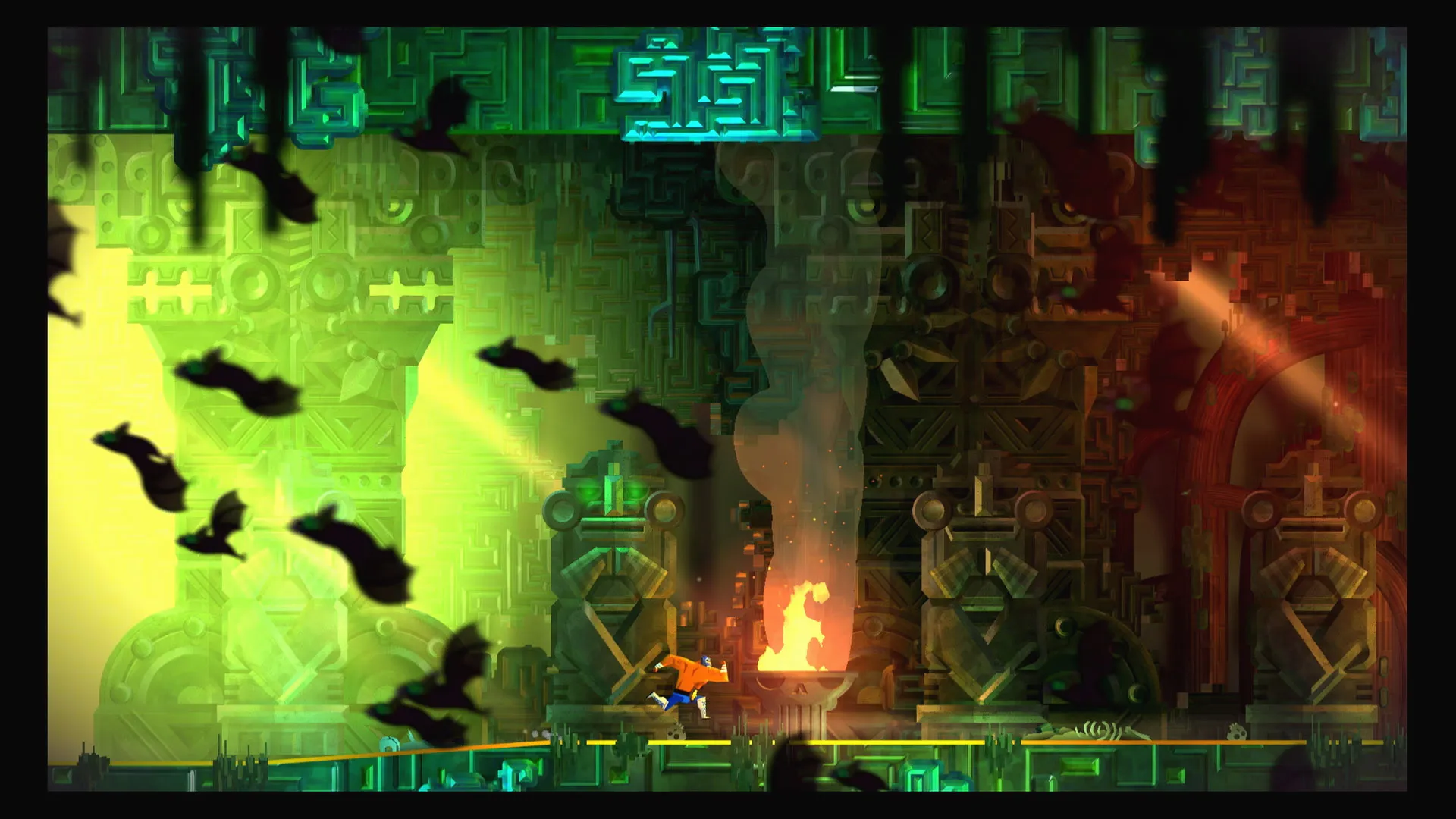
Vibrant Luchador Metroidvania Adventure
Return to the stunning Mexican-inspired world of Juan Aguacate, combining fierce wrestling brawls with platforming traversal and dimension-swapping mechanics, all without paying full retail store prices.
New Abilities & Chicken Transformations
Expand your combat repertoire with crushing new wrestling moves, dynamic upgrades, and a heavily expanded suite of unique abilities for the iconic chicken form.
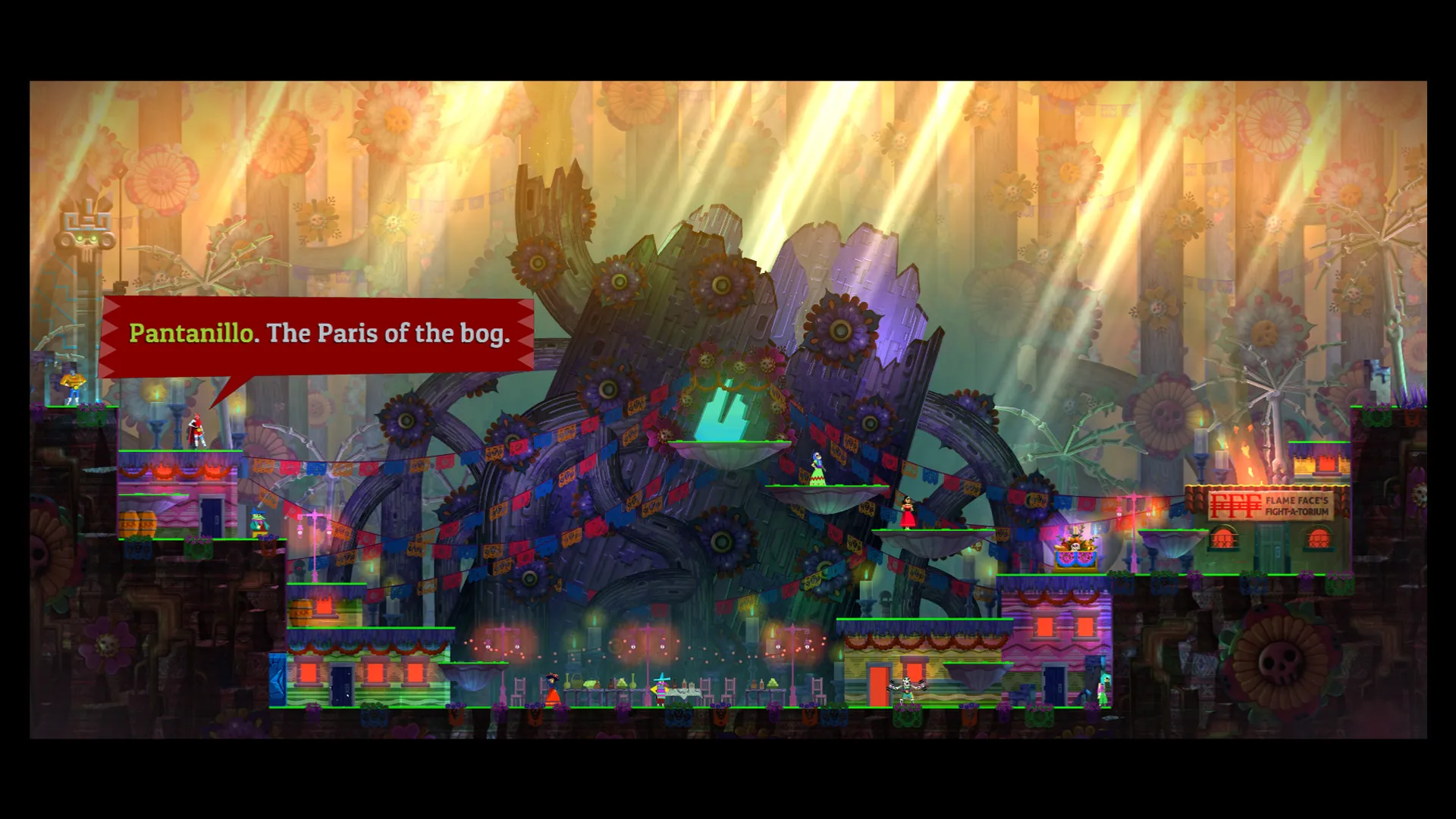
Humorous Story & Gorgeous Art Style
Enjoy a witty, lighthearted narrative filled with colorful characters, pop-culture jokes, and beautifully hand-drawn visual presentation.
An Immersive Mexiverse Lore and Action-Platformer Masterwork Odyssey
Immerse yourself in a critically acclaimed, brilliantly humorous metroidvania masterwork crafted by DrinkBox Studios. Step back into the wrestling boots of retired hero Juan Aguacate across a sprawling, vibrant Mexiverse split between the World of the Living and the Dead, where every bone-crunching grapple, dimension-shift platforming puzzle, and feathered chicken transformation saves time and space from total ruin.
Playtime and Campaign Duration
Prepare for an exuberant, laugh-out-loud adventure where completing the main action-platforming campaign takes roughly 9 to 12 hours. When you factor in tracking down every hidden health upgrade, completing challenging Uria trainer trials, and exploring 100% of the map in 4-player drop-in co-op, your total playtime easily expands to 15 or over 25 hours.
Included Mexiverse Systems & Advanced Luchador Combat Mechanics
Vibrant Metroidvania, Chicken Transformations & Humorous Story (Fully Integrated)
Guacamelee! 2 pairs its acclaimed metroidvania campaign alongside lightning-fast wrestling combat, deeply expanded chicken-class platforming abilities, and a hilarious pop-culture-infused storyline.
Feature & Mechanic Highlights:
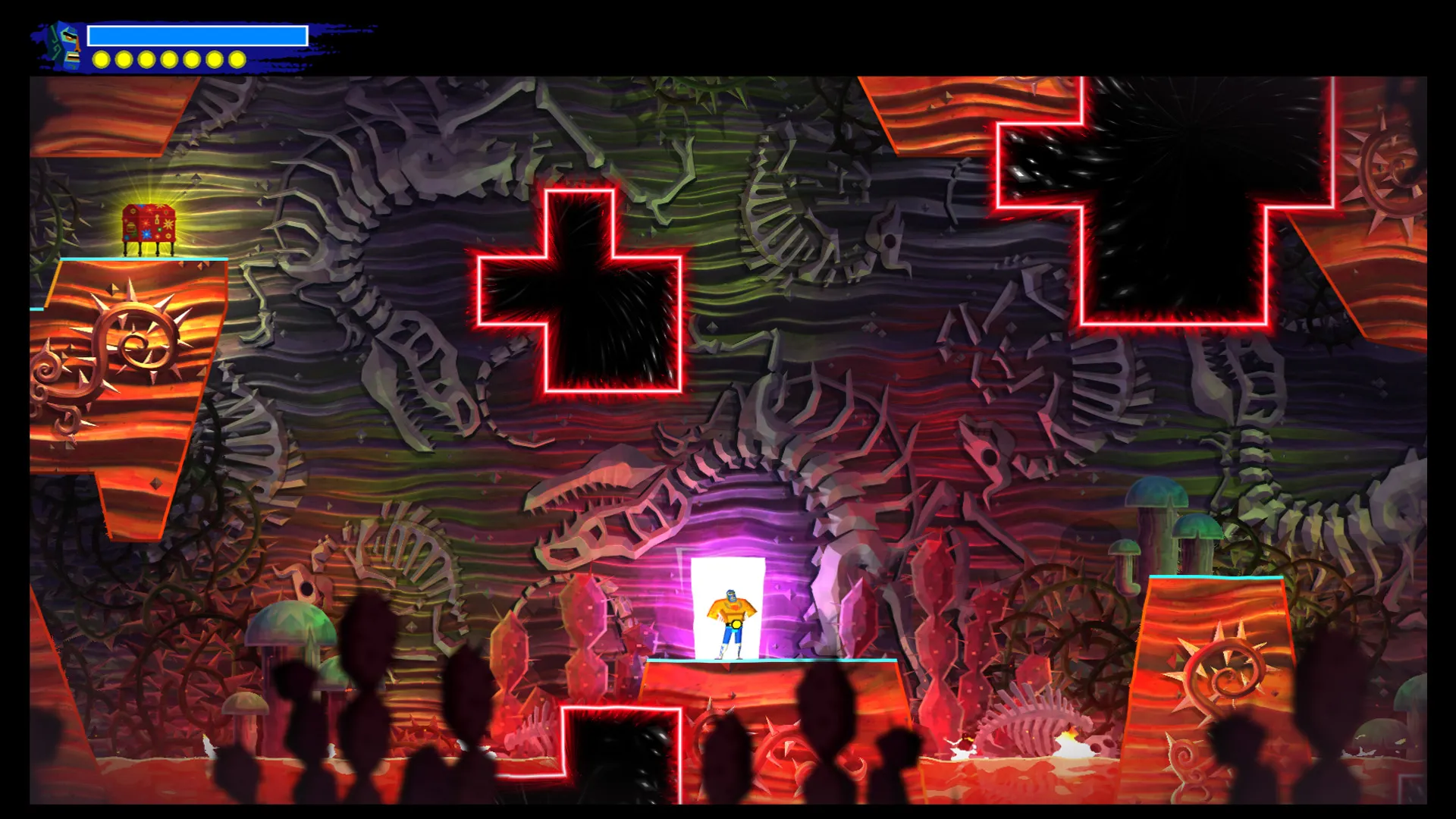
- Vibrant Luchador Adventure: Seamlessly flip between the World of the Living and the Dead in real-time to solve complex platforming challenges and outmaneuver foes.
- Expanded Chicken Combat: Unlock dedicated chicken powers, combos, and aerial moves that turn your humble poultry form into an absolute engine of destruction.
- 4-Player Drop-In Co-op: Share the chaotic brawling fun with up to four friends locally through the entire campaign from start to finish.
- Witty Narrative & Art: Delight in gorgeous hand-drawn visuals packed with clever visual gags, internet memes, and memorable eccentric characters.
Languages & Audio Support
Full Voiceover (Audio): English, Spanish
Subtitles & Interface: English, Spanish (Spain), French, German, Italian, Portuguese (Brazil), Russian, Simplified Chinese, Traditional Chinese, Japanese, Korean
System Requirements
| Requirement |
Minimum Specs (1080p 30 FPS Low) |
Recommended Specs (1080p 60 FPS High) |
| OS |
Windows 7 64-bit |
Windows 10 64-bit |
| Processor |
2 GHz+ CPU |
Quad Core 2.5 GHz+ CPU |
| Memory |
4 GB RAM |
8 GB RAM |
| Graphics |
NVIDIA GeForce 450 / AMD Radeon HD 5770 (1GB) |
NVIDIA GeForce GTX 660 / AMD Radeon HD 7850 (2GB) |
| DirectX |
Version 11 |
Version 11 |
| Storage |
2 GB available space |
2 GB available space (SSD recommended) |
Frequently Asked Questions (FAQ)
Where can I buy Guacamelee! 2 cheap on PC?
You can purchase shared Steam account access directly from our digital store at a heavy discount. You get official game files, fast delivery, and full single-player metroidvania action access without paying full retail price.
How to play Guacamelee! 2 in Steam Offline Mode?
Complete the download, launch the game once online to let Steam authenticate local binaries, exit the title, click "Steam" in the top-left menu, choose "Go Offline", and relaunch. You can now play entirely disconnected.
Will my save files be overwritten by other buyers?
No. Game saves are stored locally on your PC in your personal Steam user directory. As long as you stay in Offline Mode, your campaign progression remains completely isolated and secure.
Is this Guacamelee! 2 Steam account Region Free?
Yes. This account access is 100% Region Free and functions worldwide without VPN services, geographic locks, or country-specific limitations.