Access & Setup Guide (Steam PC)
Step-by-Step Steam Account Activation:
01
Log Out: Open the official Steam desktop client on your PC and log out of your personal Steam profile.
02
Sign In: Enter the shared Steam username and password delivered to you immediately after purchase.
03
Verify Steam Guard: Contact the seller via order chat to receive your one-time Steam Guard security code immediately.
04
Download Game: Navigate to your Library tab, find Final Fantasy XV, and start the installation.
05
First Launch: Run the game once online to initialize engine binaries and configure display presets.
06
Enable Offline Mode: Switch Steam to Offline Mode (Steam menu > Go Offline) to embark on your royal road trip privately with zero interruptions.
What You Get by Buying Final Fantasy XV at a Cheap Price
An Epic Open-World Fantasy Road Trip
Embark on a journey with Prince Noctis, Gladiolus, Ignis, and Prompto across an expansive open world. Drive the Regalia, camp under the stars, and bond with your close friends while reclaiming your homeland, all without paying full retail store prices.
Action-Packed Real-Time Combat & Armiger
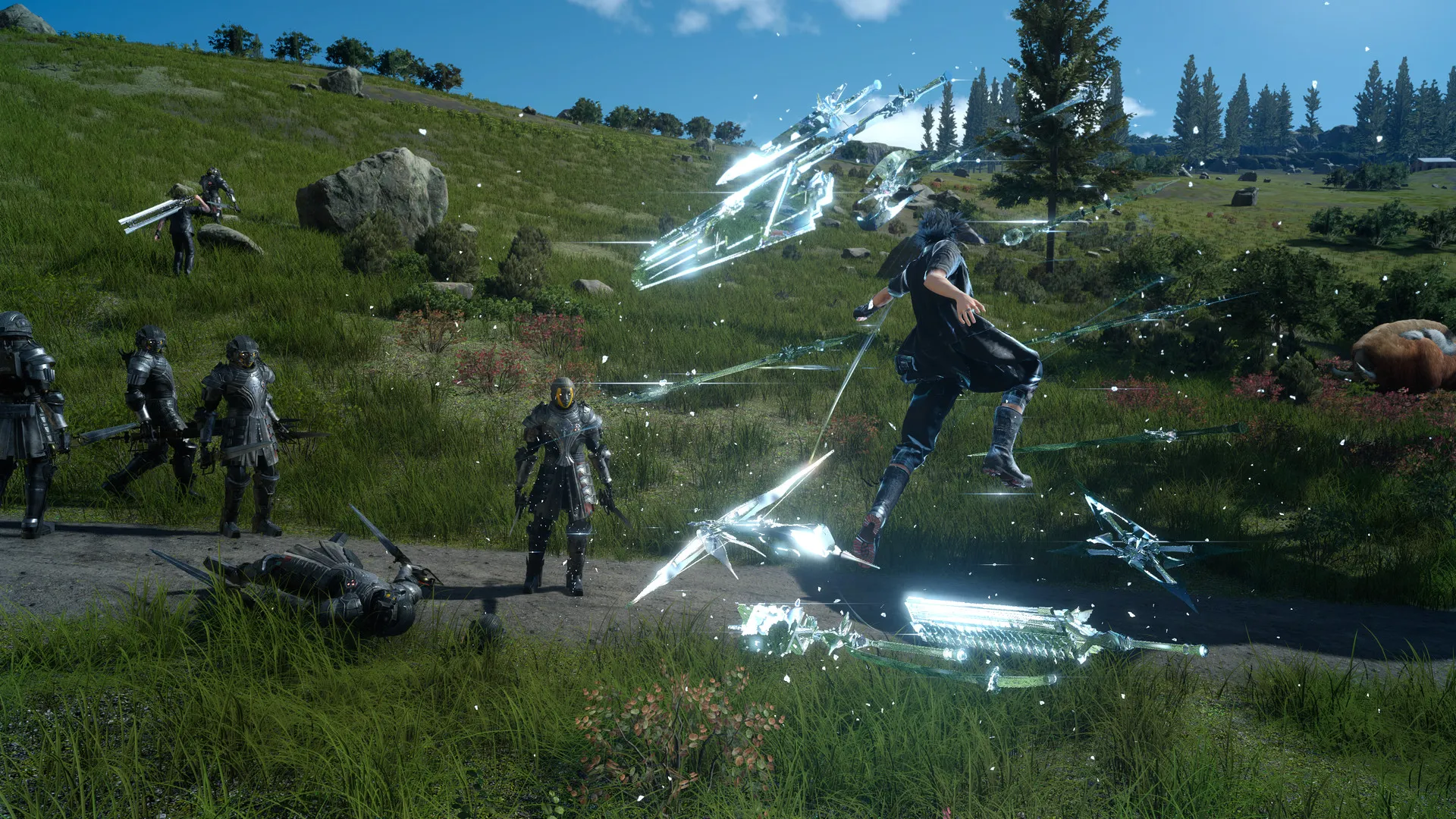
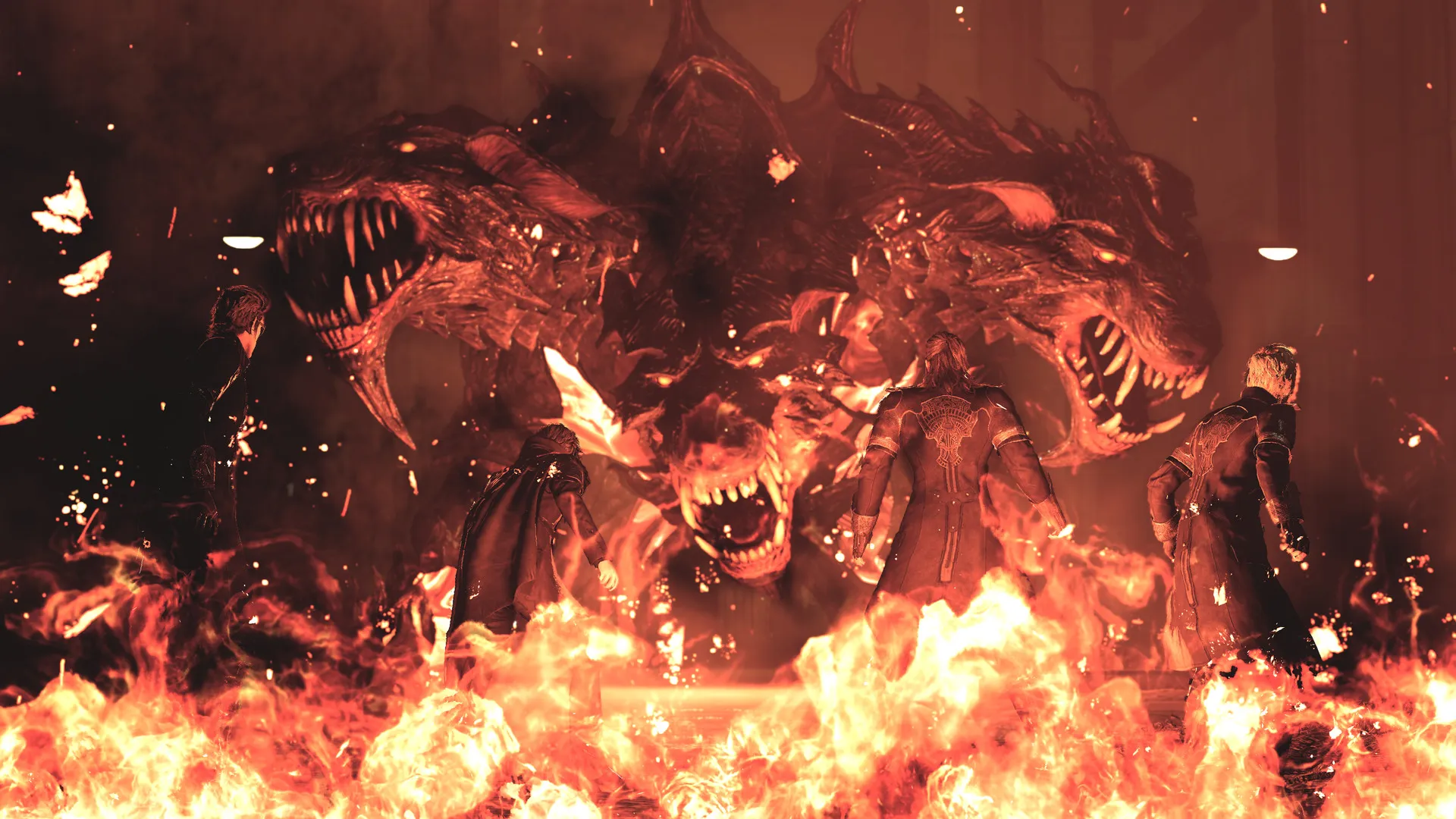
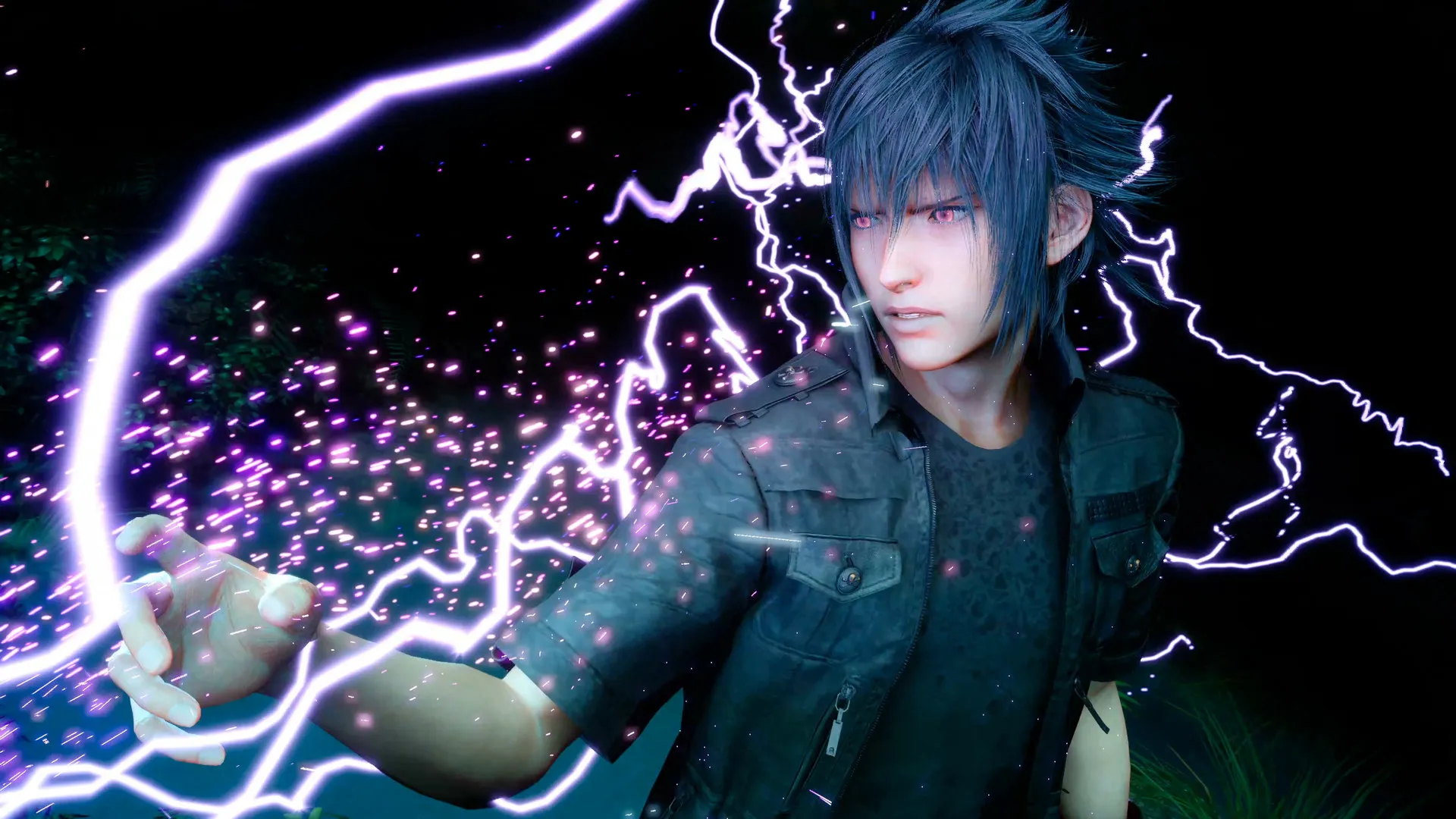
Engage in fast-paced, action-oriented combat utilizing warp-strikes, magical spells, team-up combos, and royal weaponry to take down towering beasts and imperial forces.
Includes Windows Edition Content & DLCs
Enjoy the definitive PC release packed with high-resolution texture options, native 4K support, first-person camera mode, and all major character story expansions (Episode Gladiolus, Episode Prompto, Episode Ignis, and Multiplayer Expansion Comrades story elements).
A Heartfelt Brotherhood Lore and Imperial Tragedy
Immerse yourself in a poignant tale of destiny, duty, and unbreakable friendship set in the war-torn realm of Eos. Uncover the rich mythological background of the Astrals, the plague of the Starscourge, and the prophetic burden carried by the True King.
Playtime and Campaign Duration
Prepare for an expansive fantasy adventure where completing the main story chapters takes roughly 25 to 35 hours. When you factor in completing all character episodic DLCs, hunting optional royal arms, exploring labyrinth dungeons, and driving the Regalia-D across Eos, your total playtime easily expands to 60 or over 100 hours.
Included Character Episodes & Advanced Features
Episode Add-ons & Regalia Off-Road (Fully Integrated)
Final Fantasy XV Windows Edition bundles all major post-launch updates and character-focused story chapters directly into the core experience.
Expansion & Feature Highlights:
- Character Episodes: Play dedicated campaigns exploring Gladiolus' trial, Prompto's past in the snowy north, and Ignis' alternate tactical sacrifice.
- Regalia Off-Road Mode: Transform your royal vehicle into an all-terrain monster truck to freely explore unpaved wilderness trails and remote regions.
- First-Person Camera Mode: Experience the entire open-world journey and high-speed combat directly through Noctis' eyes for added immersion.
- Mod Support & Extras: Access comprehensive Steam Workshop modding tools to customize character models, weapons, and gameplay rules.
Languages & Audio Support
Full Voiceover (Audio): English, Japanese, French, German
Subtitles & Interface: English, Spanish (Spain & Latin America), French, German, Italian, Portuguese (Brazil), Russian, Japanese, Simplified & Traditional Chinese, Korean
System Requirements
| Requirement |
Minimum Specs (1080p 30 FPS Low) |
Recommended Specs (1080p 30 FPS High) |
| OS |
Windows 7 / 8.1 / 10 64-bit |
Windows 10 64-bit |
| Processor |
Intel Core i5-2500 (3.3GHz) / AMD FX-6100 (3.3GHz) |
Intel Core i7-3770 (3.4GHz) / AMD FX-8350 (4.0GHz) |
| Memory |
8 GB RAM |
16 GB RAM |
| Graphics |
NVIDIA GeForce GTX 760 (2GB VRAM) / AMD Radeon R9 280 |
NVIDIA GeForce GTX 1060 (6GB VRAM) / AMD Radeon RX 480 |
| DirectX |
Version 11 |
Version 11 |
| Storage |
100 GB available space |
100 GB available space (SSD recommended) |
Frequently Asked Questions (FAQ)
Where can I buy Final Fantasy XV cheap on PC?
You can purchase shared Steam account access directly from our digital store at a heavy discount. You get official game files, fast delivery, and full single-player story access without paying full retail price.
How to play Final Fantasy XV in Steam Offline Mode?
Complete the download, launch the game once online to let Steam authenticate local binaries, exit the title, click "Steam" in the top-left menu, choose "Go Offline", and relaunch. You can now play entirely disconnected.
Will my save files be overwritten by other buyers?
No. Game saves are stored locally on your PC in your personal Steam user directory. As long as you stay in Offline Mode, your story progression remains completely isolated and secure.
Is this Final Fantasy XV Steam account Region Free?
Yes. This account access is 100% Region Free and functions worldwide without VPN services, geographic locks, or country-specific limitations.