Access & Setup Guide (Steam PC)
Step-by-Step Steam Account Activation:
01
Log Out: Open the official Steam desktop client on your PC and log out of your personal Steam profile.
02
Sign In: Enter the shared Steam username and password delivered to you immediately after purchase.
03
Verify Steam Guard: Contact the seller via order chat to receive your one-time Steam Guard security code immediately.
04
Download Game: Navigate to your Library tab, find Final Fantasy VII Remake Intergrade, and start the installation.
05
First Launch: Run the game once online to initialize engine binaries and configure display presets.
06
Enable Offline Mode: Switch Steam to Offline Mode (Steam menu > Go Offline) to explore Midgar privately with zero interruptions.
What You Get by Buying Final Fantasy VII Remake Intergrade at a Cheap Price
Breathtaking Reimagining of a Legendary RPG
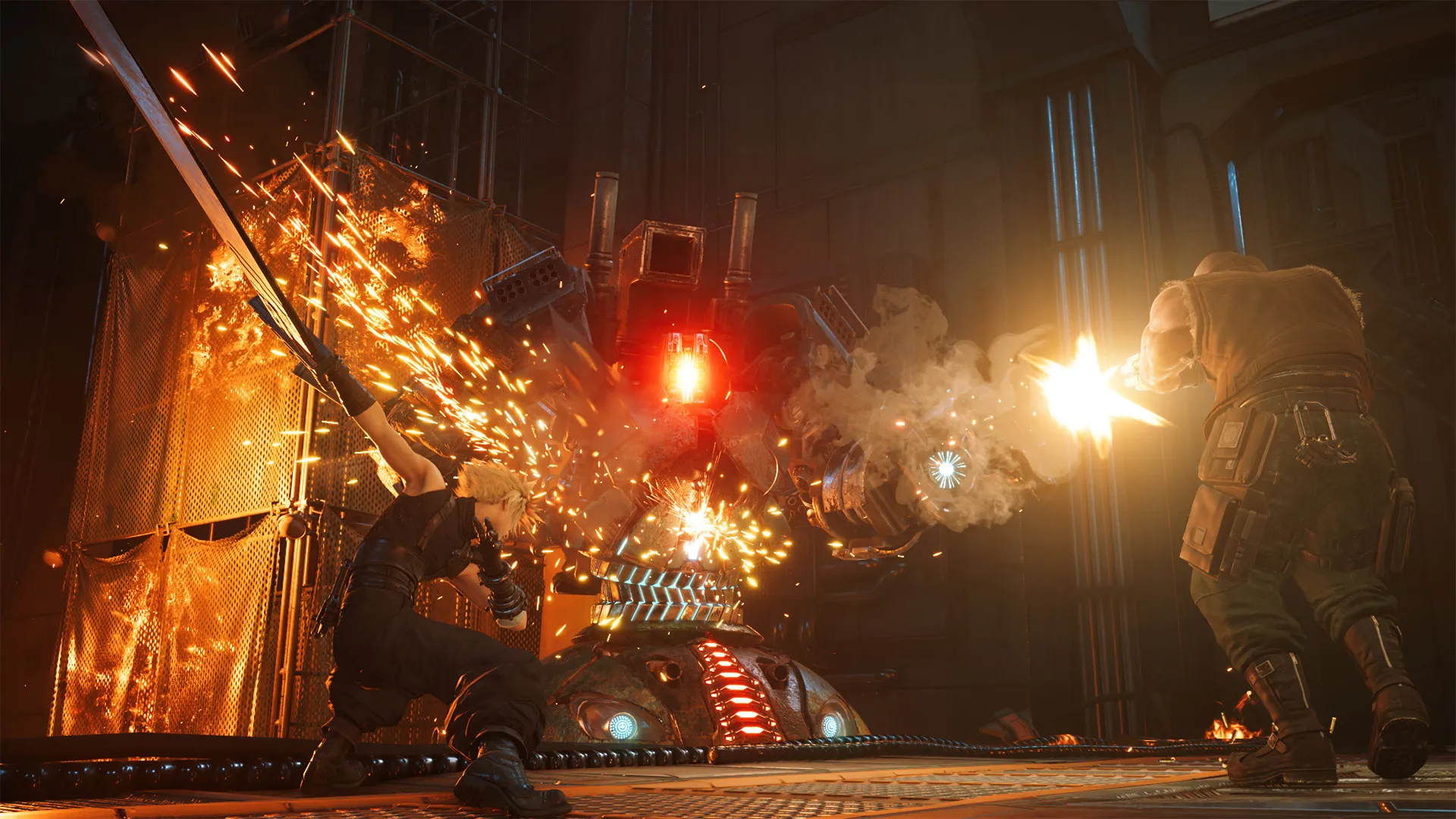
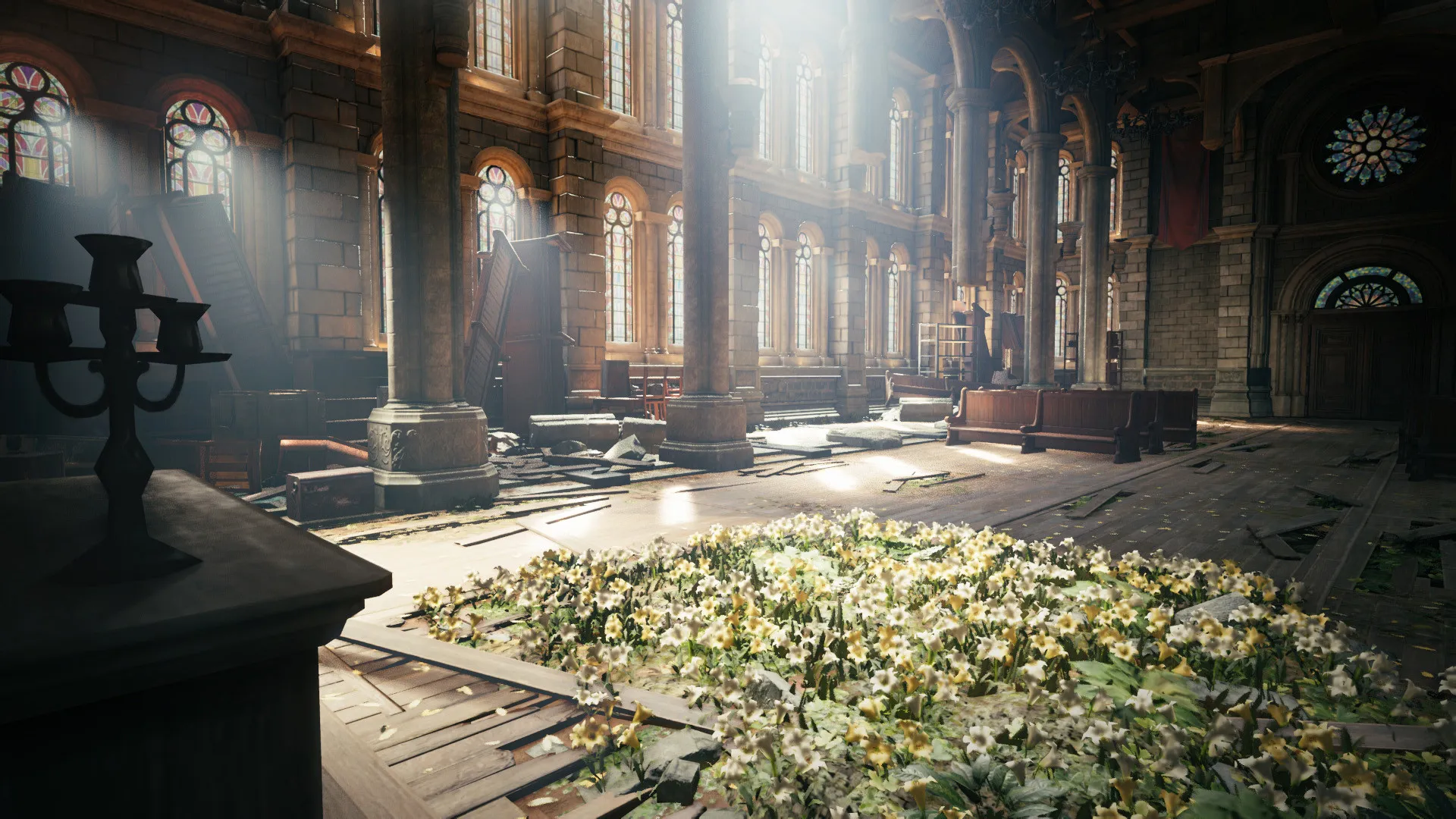
Dive into the stunning recreation of the world and story that redefined the RPG genre, featuring cutting-edge graphics, high-fidelity character models, and a cinematic orchestration score without paying full retail store prices.
Includes FF7R Episode INTERmission (Yuffie DLC)
Experience a brand-new episode featuring ninja operative Yuffie Kisaragi as she infiltrates Midgar and steals the ultimate materia from the corrupt Shinra Electric Power Company.
Action-Packed Hybrid Real-Time Combat
Combine high-octane real-time action mechanics with strategic, tactical command-based menu decisions to unleash devastating special attacks, spells, and limit breaks.
An Epic Sci-Fi Fantasy Lore and Eco-Terrorist Struggle
Immerse yourself in a richly expanded dystopian narrative following Cloud Strife, an ex-soldier turned mercenary who joins the eco-terrorist group Avalanche. Uncover the sinister corporate secrets behind the extraction of Mako energy and the dark fate awaiting the towering metropolis of Midgar.
Playtime and Campaign Duration
Prepare for an epic cinematic RPG journey where completing the main story campaign of the base game takes roughly 35 to 40 hours. When you factor in finishing Yuffie's INTERmission episode, completing all side quests, tackling the VR simulator challenges, and replaying on Hard mode, your total playtime easily expands to 60 or over 90 hours.
Included DLC Expansions & Advanced Gameplay Systems
INTERmission DLC & Materia Synergy (Fully Integrated)
Final Fantasy VII Remake Intergrade packages the complete enhanced next-gen base game alongside Yuffie's standalone narrative chapter and performance optimizations.
Expansion & Feature Highlights:
- FF7R Episode INTERmission: Play as Yuffie alongside her partner Sonon Kusakabe, utilizing unique ninja shuriken combos and cooperative synergy attacks in Midgar's Sector 7 slums.
- Materia & Weapon Upgrades: Customize elemental spells, summons, and passive abilities while upgrading weapon cores at workbench mechanics to fit your playstyle.
- Enhanced Graphics & Performance: Enjoy dedicated options for graphical fidelity at 4K resolution or smooth 60 frames-per-second gameplay alongside lightning-fast load times.
- Fort Condor Mini-Game: Master a strategic tactical board game side activity set within Yuffie's episode to earn rare rewards and defeat local champions.
Languages & Audio Support
Full Voiceover (Audio): English, Japanese, French, German
Subtitles & Interface: English, Spanish (Spain & Latin America), French, German, Italian, Portuguese (Brazil), Japanese, Simplified & Traditional Chinese
System Requirements
| Requirement |
Minimum Specs (1080p 30 FPS Low) |
Recommended Specs (1080p 60 FPS High) |
| OS |
Windows 10 64-bit (v2004 or later) |
Windows 10 / 11 64-bit (v2004 or later) |
| Processor |
Intel Core i5-3330 / AMD FX-8350 |
Intel Core i7-3770 / AMD Ryzen 3 3100 |
| Memory |
8 GB RAM |
16 GB RAM |
| Graphics |
GeForce GTX 780 / Radeon RX 480 (3GB VRAM) |
GeForce GTX 1080 / Radeon RX 5700 (8GB VRAM) |
| DirectX |
Version 12 |
Version 12 |
| Storage |
100 GB available space |
100 GB available space (SSD recommended) |
Frequently Asked Questions (FAQ)
Where can I buy Final Fantasy VII Remake Intergrade cheap on PC?
You can purchase shared Steam account access directly from our digital store at a heavy discount. You get official game files, fast delivery, and full single-player story access without paying full retail price.
How to play Final Fantasy VII Remake Intergrade in Steam Offline Mode?
Complete the download, launch the game once online to let Steam authenticate local binaries, exit the title, click "Steam" in the top-left menu, choose "Go Offline", and relaunch. You can now play entirely disconnected.
Will my save files be overwritten by other buyers?
No. Game saves are stored locally on your PC in your personal Steam user directory. As long as you stay in Offline Mode, your story progression remains completely isolated and secure.
Is this Final Fantasy VII Remake Intergrade Steam account Region Free?
Yes. This account access is 100% Region Free and functions worldwide without VPN services, geographic locks, or country-specific limitations.