Access & Setup Guide (Steam PC)
Step-by-Step Steam Account Activation:
01
Log Out: Open the official Steam desktop client on your PC and log out of your personal Steam profile.
02
Sign In: Enter the shared Steam username and password delivered to you immediately after purchase.
03
Verify Steam Guard: Contact the seller via order chat to receive your one-time Steam Guard security code immediately.
04
Download Game: Navigate to your Library tab, find Everspace 2, and start the installation.
05
First Launch: Run the game once online to initialize engine binaries and configure display presets.
06
Enable Offline Mode: Switch Steam to Offline Mode (Steam menu > Go Offline) to pilot starships privately with zero interruptions.
What You Get by Buying Everspace 2 at a Cheap Price
Fast-Paced Sci-Fi Space Action
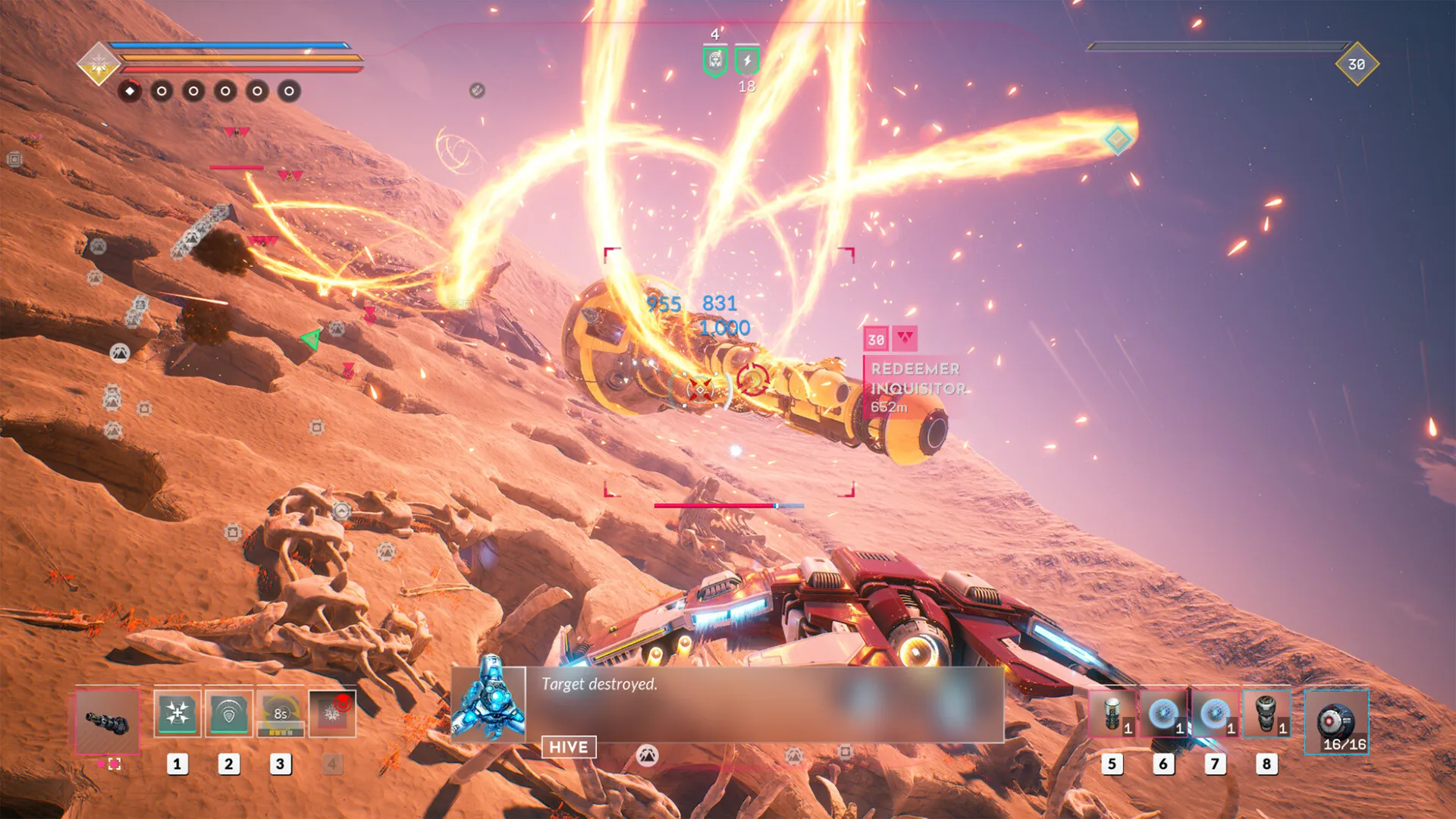
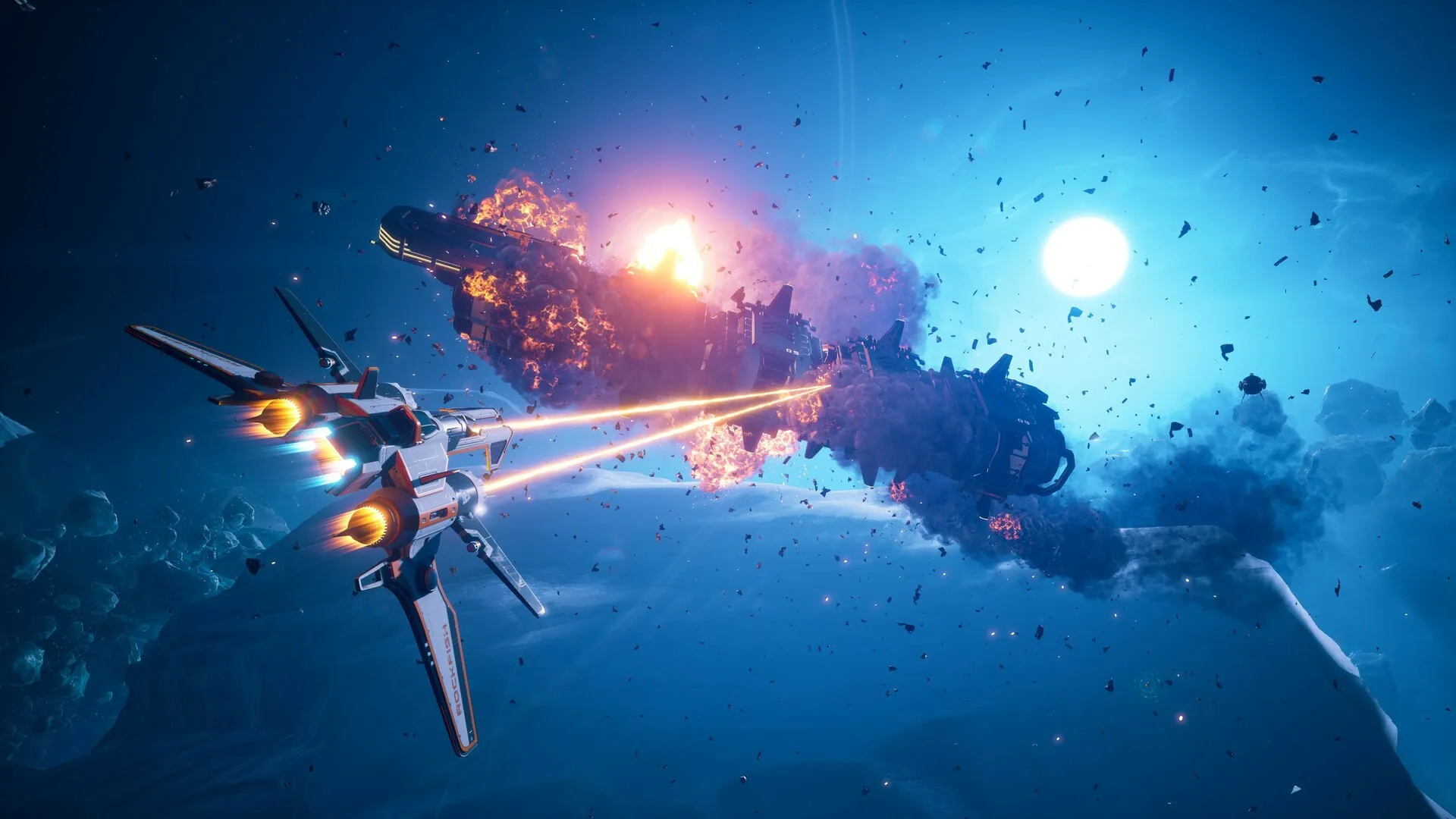
Engage in visceral spaceship dogfights, blast through outlaw clusters, solve ancient puzzles, and conquer high-risk environments, all without paying full retail store prices.
Loot-Driven Open-World Exploration
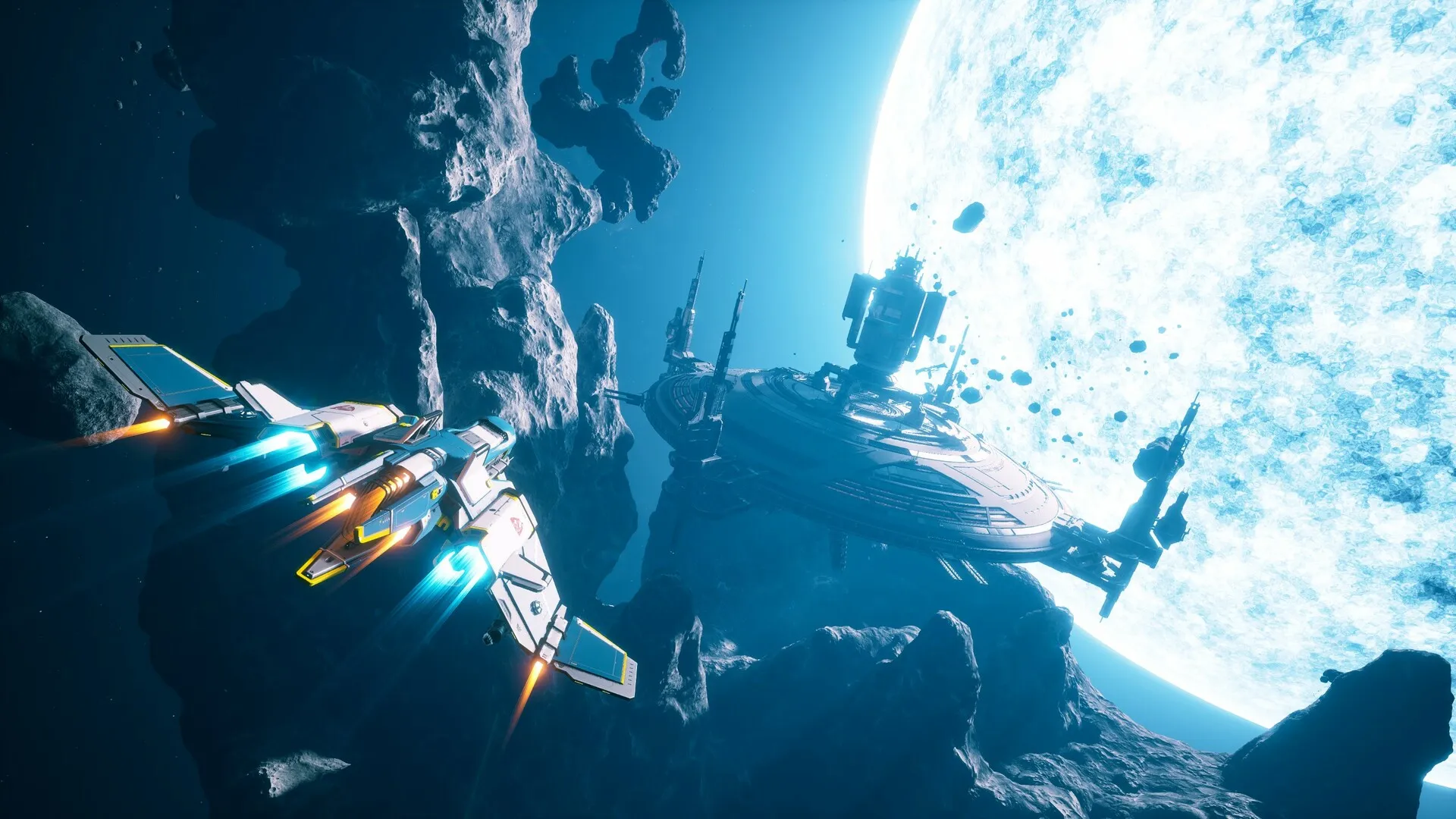
Explore hand-crafted star systems, hunt down rare gear modifications, upgrade modular ships, and customize your loadout to match your preferred combat style.
Engaging RPG Campaign
Unravel a thrilling sci-fi story full of memorable characters, side quests, and secrets hidden in the farthest reaches of space.
An Immersive Cluster Lore and Pilot Odyssey
Immerse yourself in a captivating space-faring narrative following Adam Roslin, a clone pilot seeking his place in a chaotic universe. Journey across vibrant star systems, forge alliances with eccentric specialists, and uncover corporate and criminal conspiracies.
Playtime and Campaign Duration
Prepare for an expansive space action-RPG adventure where completing the main campaign takes roughly 25 to 35 hours. When you factor in hunting down legendary loot drops, completing side missions, exploring hidden stellar locations, and maxing out multiple ship classes, your total playtime easily expands to 60 or over 100 hours.
Included Features & Advanced Space-RPG Mechanics
Modular Ship Classes, Diablo-Style Loot & Hyperdrive Navigation (Fully Integrated)
Everspace 2 pairs its high-octane space combat alongside deep action-RPG loot mechanics, customizable ship classes, and seamless planetary system navigation.
Feature & Mechanic Highlights:
- Diverse Ship Classes: Pilot agile fighters, heavy gunships, and versatile scout vessels, each featuring distinct ultimate abilities and passive perks.
- Action-RPG Loot System: Hunt for randomized weapons, armor components, and tier upgrades with unique perks, set bonuses, and elemental damage types.
- Hand-Crafted Star Systems: Traverse meticulously designed space sectors filled with mining stations, asteroid fields, ancient alien ruins, and hidden hazards.
- Crafting & Specialization: Recruit station specialists to unlock powerful crafting recipes, resource refinement, and specialized ship modifications.
Languages & Audio Support
Full Voiceover (Audio): English, German
Subtitles & Interface: English, Spanish (Spain & Latin America), French, German, Italian, Polish, Russian, Japanese, Simplified & Traditional Chinese, Korean, Brazilian Portuguese
System Requirements
| Requirement |
Minimum Specs (1080p 30 FPS Low) |
Recommended Specs (1080p 60 FPS High) |
| OS |
Windows 10 64-bit |
Windows 10 / 11 64-bit |
| Processor |
Intel Core i5-8400 or AMD Ryzen 3 3300X |
Intel Core i7-8700K or AMD Ryzen 7 3700X |
| Memory |
16 GB RAM |
16 GB RAM |
| Graphics |
NVIDIA GeForce GTX 1060 (6GB) or AMD Radeon RX 580 (8GB) |
NVIDIA GeForce RTX 2060 (6GB) or AMD Radeon RX 5700 XT (8GB) |
| DirectX |
Version 12 |
Version 12 |
| Storage |
50 GB available space |
50 GB available space (SSD required) |
Frequently Asked Questions (FAQ)
Where can I buy Everspace 2 cheap on PC?
You can purchase shared Steam account access directly from our digital store at a heavy discount. You get official game files, fast delivery, and full single-player space action RPG access without paying full retail price.
How to play Everspace 2 in Steam Offline Mode?
Complete the download, launch the game once online to let Steam authenticate local binaries, exit the title, click "Steam" in the top-left menu, choose "Go Offline", and relaunch. You can now play entirely disconnected.
Will my save files be overwritten by other buyers?
No. Game saves are stored locally on your PC in your personal Steam user directory. As long as you stay in Offline Mode, your pilot progression remains completely isolated and secure.
Is this Everspace 2 Steam account Region Free?
Yes. This account access is 100% Region Free and functions worldwide without VPN services, geographic locks, or country-specific limitations.